
JOKER BATMAN
by Dark behelit
Maniacal laughter seems to echo from this twisted portrait where Batman's dark cowl merges with the Joker's ghastly grin. Dark behelit's nightmarish vision explodes in vivid neon chaos—electric greens and hot pinks clash against deep blacks, while blood-red accents highlight the villain's signature smile. The composition blurs the line between Gotham's greatest hero and his most dangerous foe in disturbing harmony.
View on MakerWorldRequired Filaments8
Bambu Lab Basic Black
Bambu Lab Basic Indigo Purple
Bambu Lab Basic Jade White
Bambu Lab Basic Magenta
Bambu Lab BambuLab Green
Bambu Lab Basic Red
Bambu Lab Basic Yellow
Bambu Lab Matte Ash Gray
Why filament details may vary
Filament details (brand, color, and TD value) may not exactly match the designer's original specification. In some cases, the designer didn't specify exact filaments and we've matched the closest options we could find. Always check the original listing for full details.
Some filament links are affiliate links — we may earn a small commission at no extra cost to you. Learn more
Sign up to track your filament inventory and check your matches.
Create accountYou Might Also Like
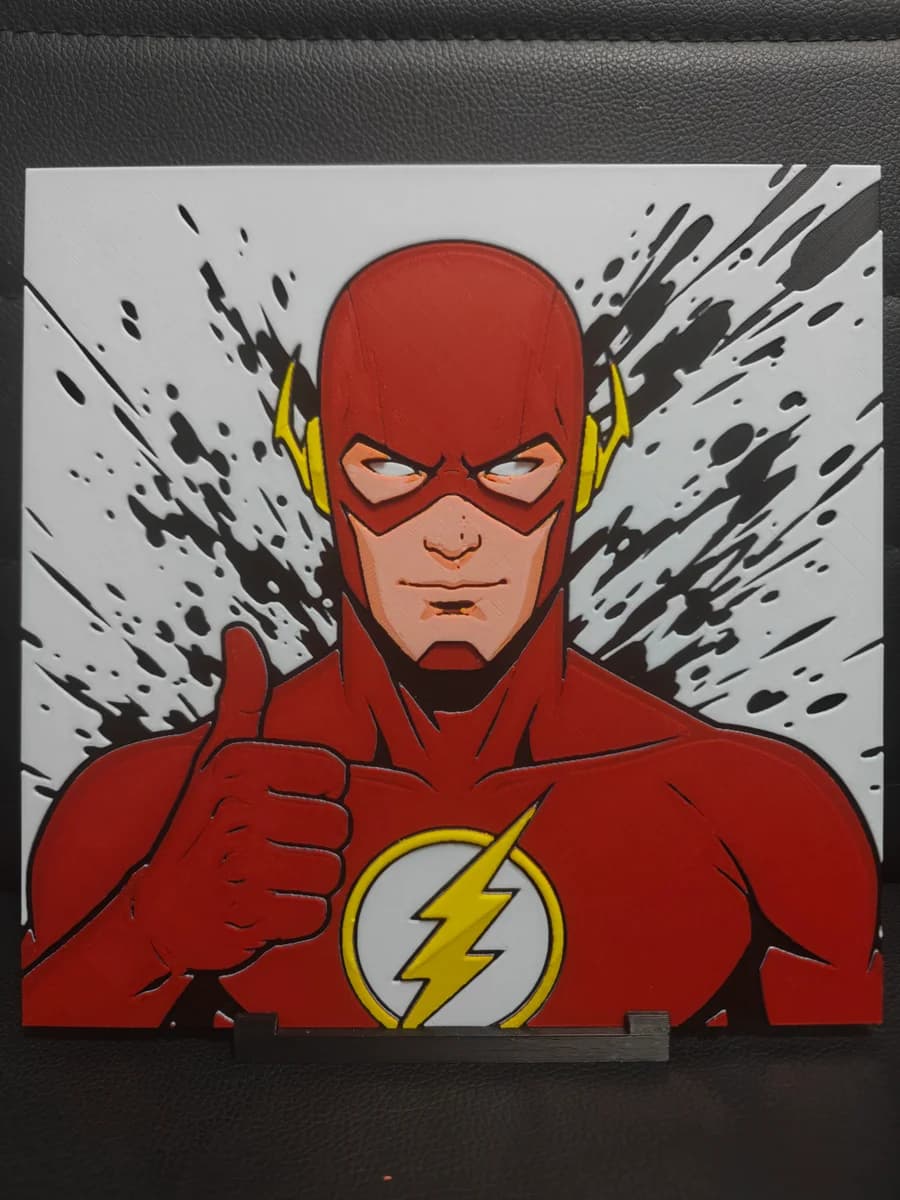
The Flash
by TheHueforgeLady
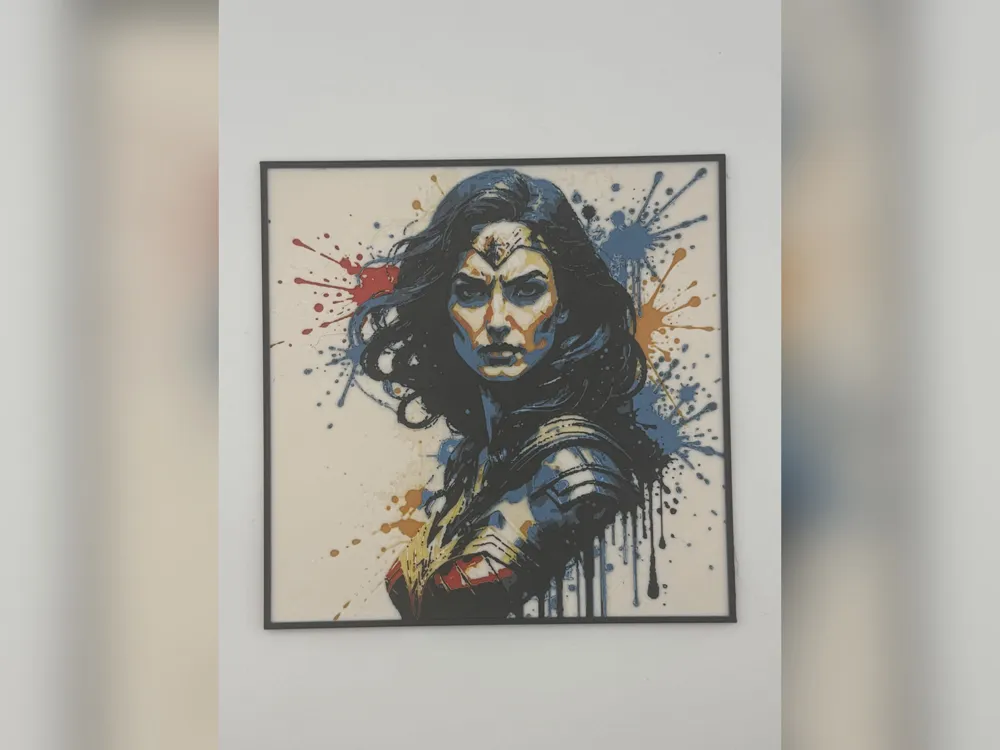
Wonder Woman Colour Splash HueForge Print
by iPrintStuffau
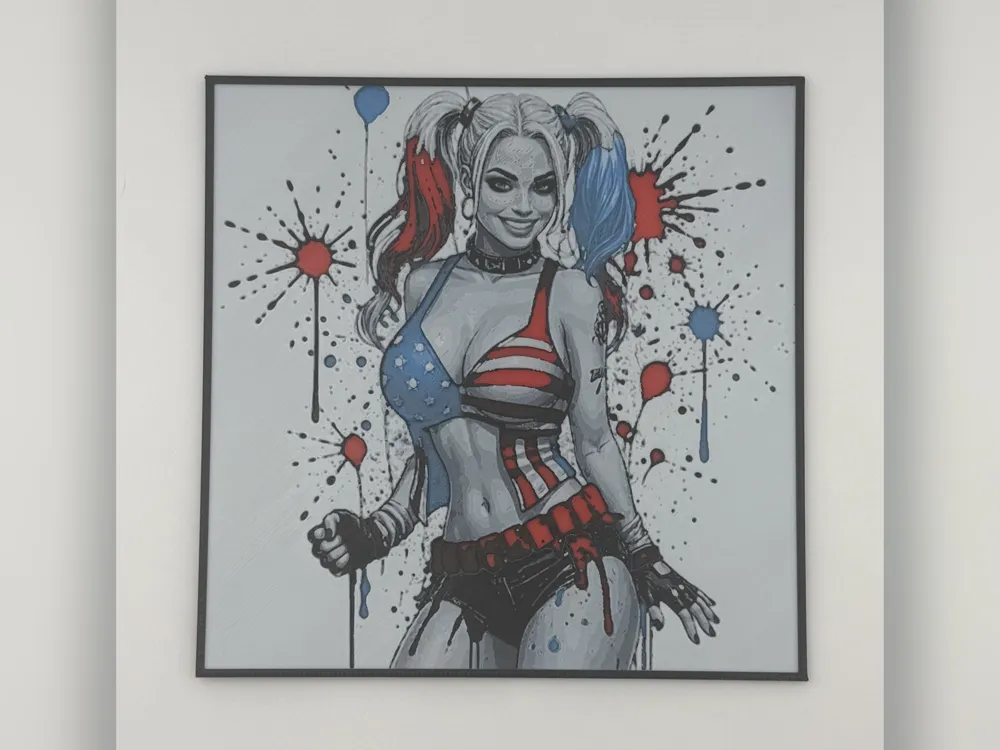
Harley Quinn Square Bikini HueForge Print
by iPrintStuffau
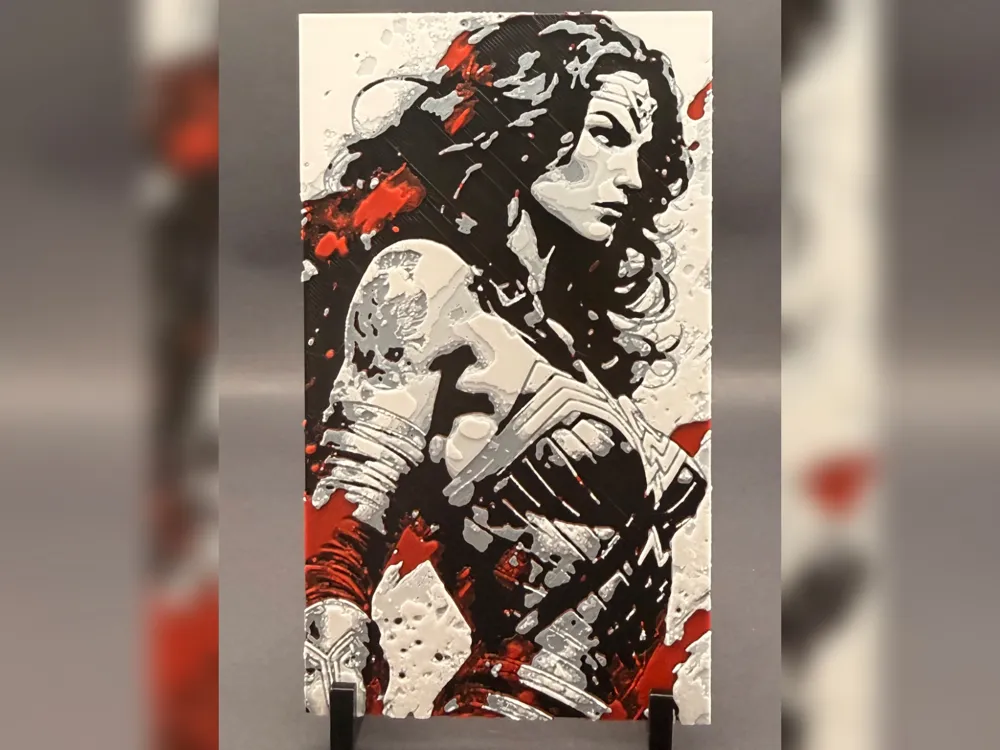
Wonder Woman: Amazon Warrior HueForge Print
by iPrintStuffau
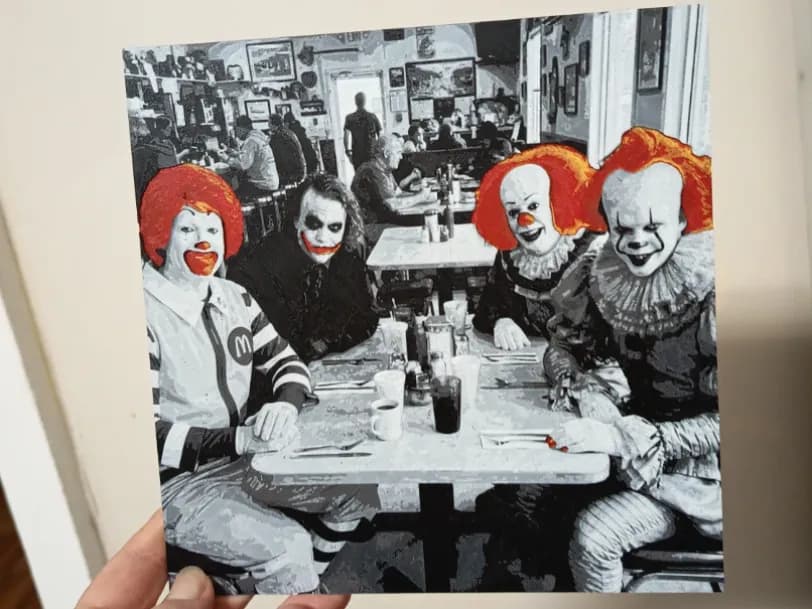
Fun Slasher Clown Hueforge
by 3DNesy
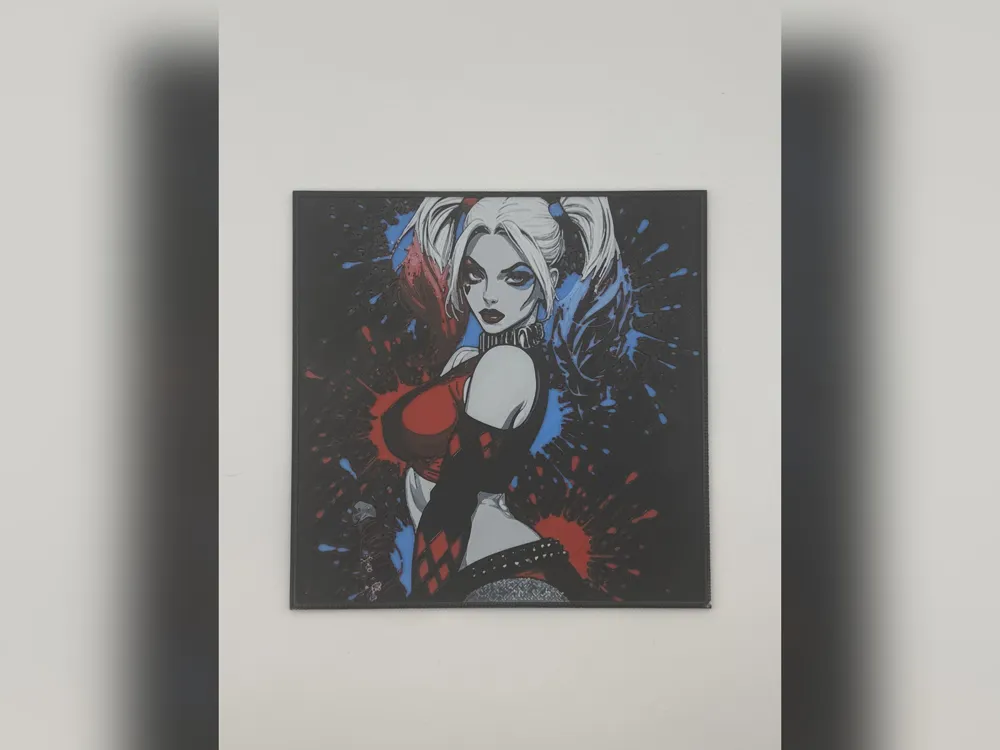
Harley Quinn Paint Splash HueForge Print
by iPrintStuffau
Recent Articles
View all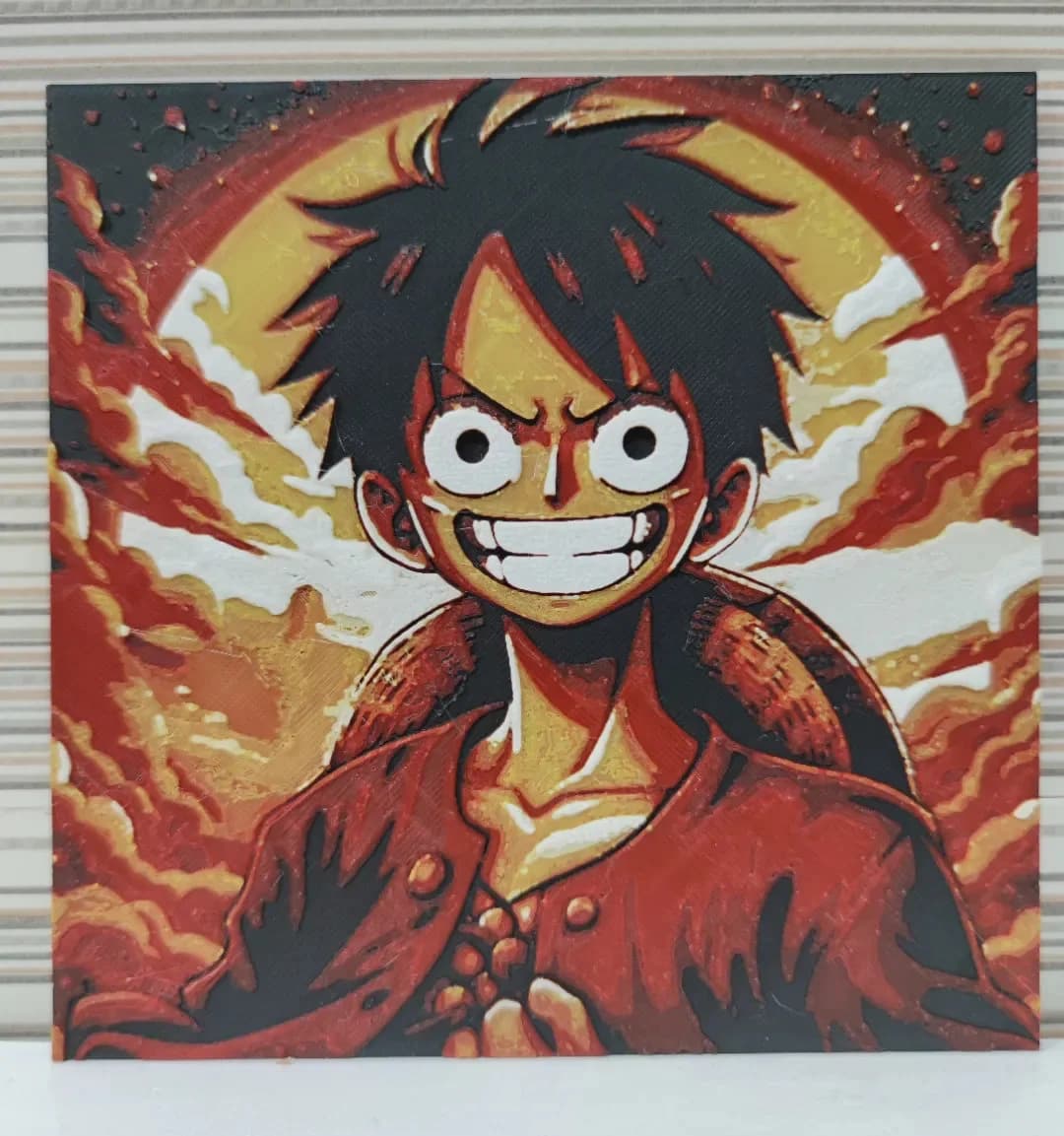
Best Anime 3D Prints for HueForge: From Shōnen Classics to the Modern Wave
The best anime 3D prints to make as HueForge filament paintings — One Piece, Naruto, Dragon Ball, Demon Slayer, Jujutsu Kaisen, Frieren, Gundam, and anime bookmarks, each linked in the HuePick catalog.
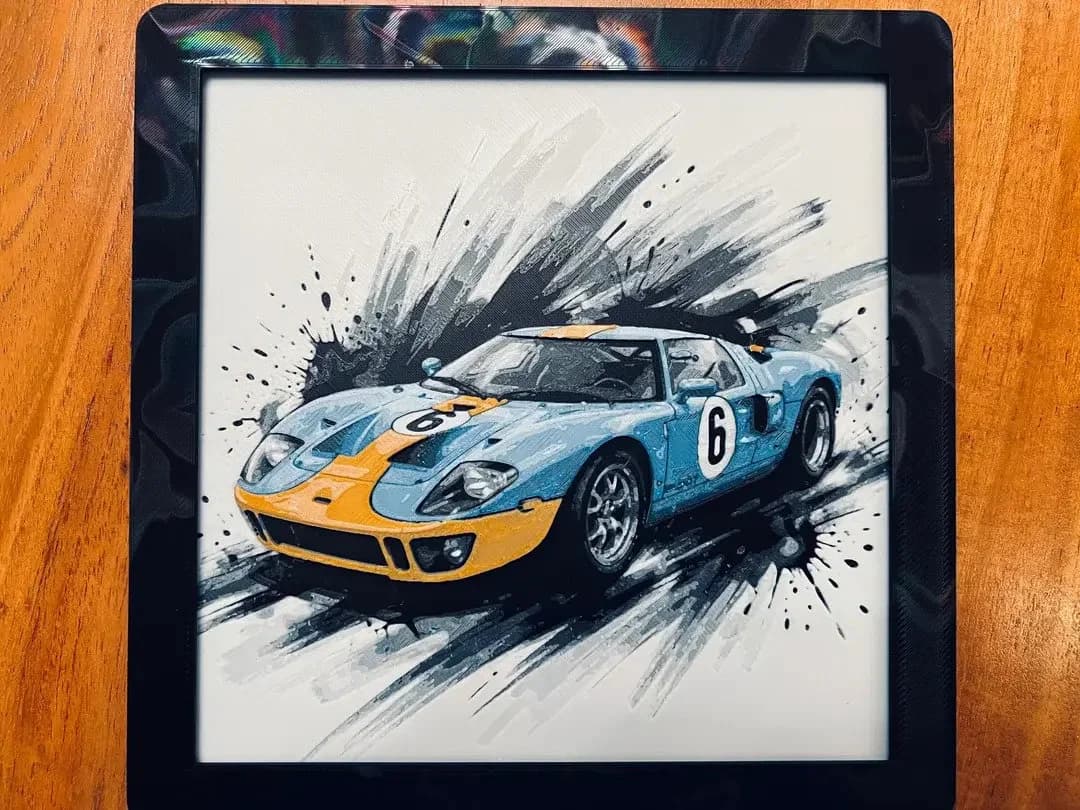
Best Car 3D Prints for HueForge: From Japanese Icons to Movie Cars
The best car 3D prints to make as HueForge filament paintings — JDM legends, supercars, American muscle, F1 and rally posters, and movie icons like the DeLorean, each linked in the HuePick catalog.
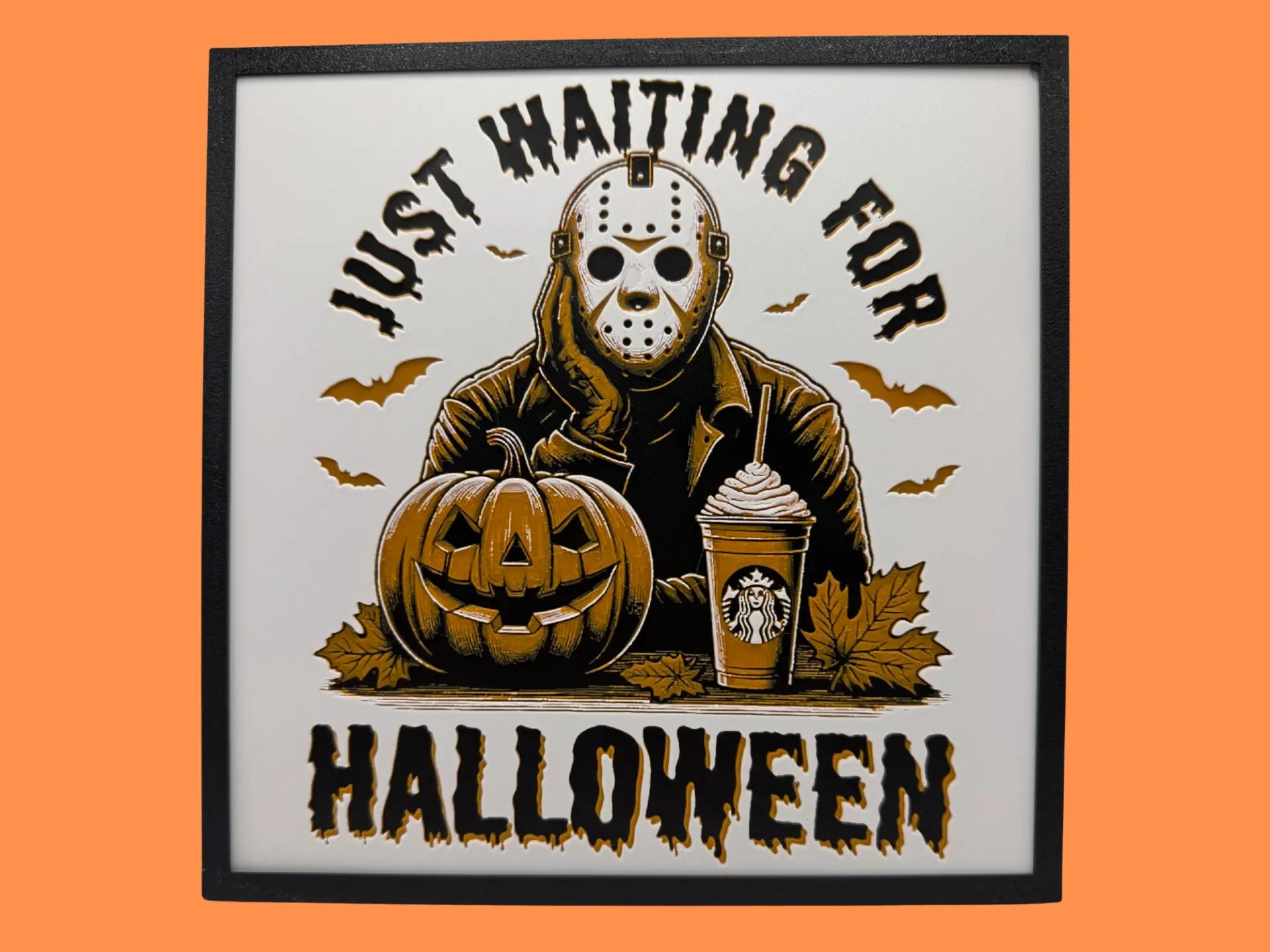
Best Halloween & Horror 3D Prints for HueForge: Slashers, Skulls & Spooky Wall Art
The Halloween 3D prints worth making as HueForge filament paintings — horror movie posters, Ghostface and Pennywise, skulls, pumpkins, spooky Pokemon, and bookmarks, grouped by theme.