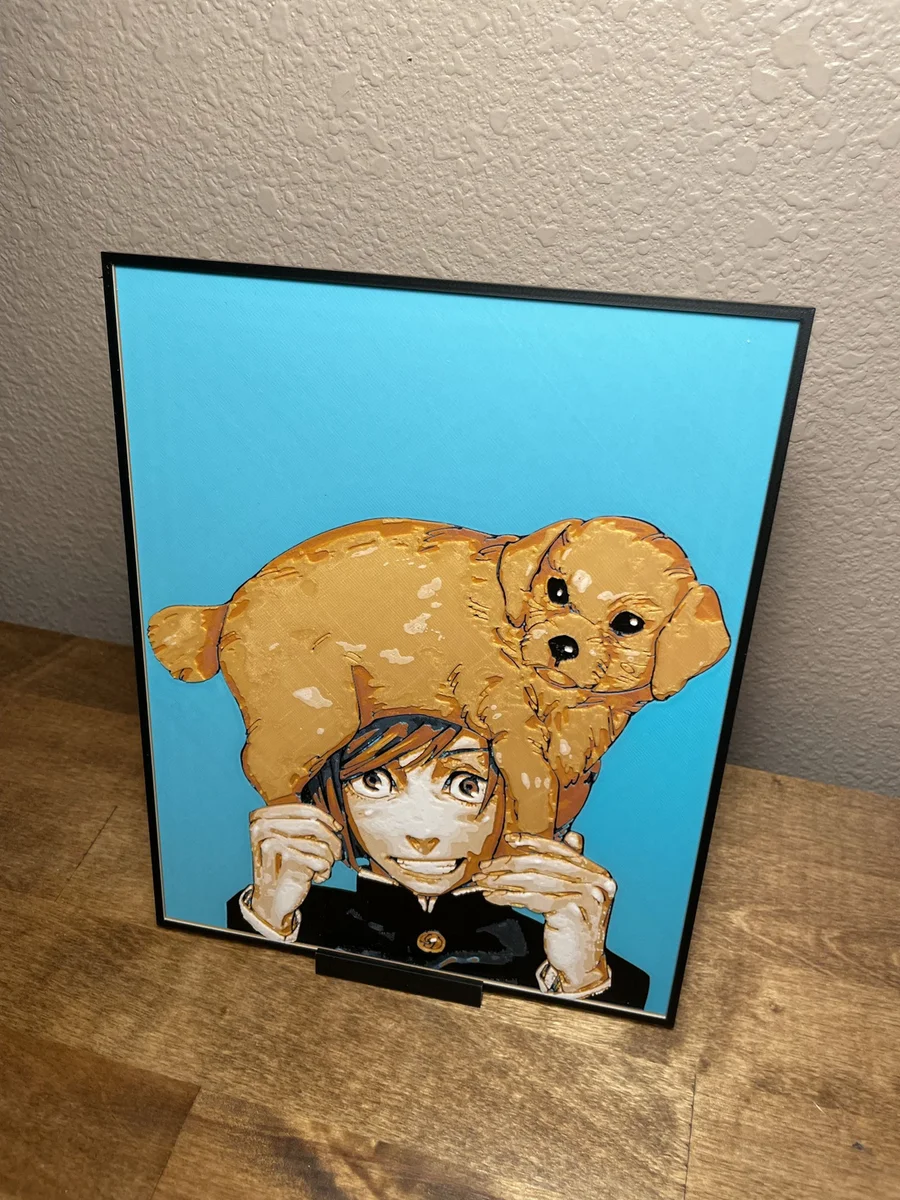
Kugisaki with pup
Golden warmth radiates from this charming scene where Kugisaki cradles an adorable pup atop her head like a living hat. The young sorcerer's gentle smile and bright eyes convey pure joy against the crisp turquoise backdrop. Cloudy Nostalgia captures both characters in rich amber and honey tones, creating a delightful contrast with Kugisaki's dark uniform and establishing an irresistibly heartwarming composition.
View on PatreonRequired Filaments8
Bambu Lab Basic Black
Bambu Lab Basic Blue Gray
Bambu Lab Basic Turquoise
Bambu Lab Matte Terracotta
Bambu Lab Basic Pumpkin Orange
Bambu Lab Basic Sunflower Yellow
Bambu Lab Basic Gold
Bambu Lab Basic Jade White
Why filament details may vary
Filament details (brand, color, and TD value) may not exactly match the designer's original specification. In some cases, the designer didn't specify exact filaments and we've matched the closest options we could find. Always check the original listing for full details.
Some filament links are affiliate links — we may earn a small commission at no extra cost to you. Learn more
Sign up to track your filament inventory and check your matches.
Create accountYou Might Also Like
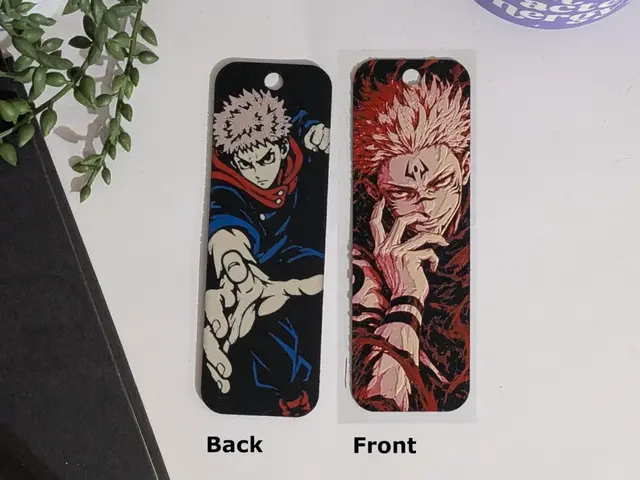
Yuji - Sukuna Double Sided Bookmark
by CommandersVault
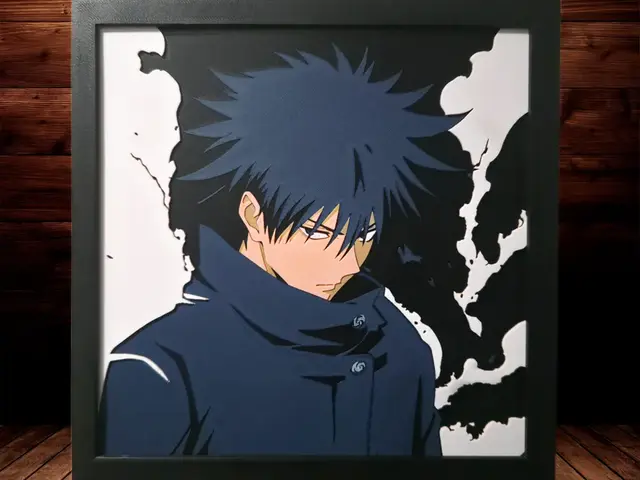
Megumi Fushiguru - Jujutsu Kaisen - 4 Colours
by Side Quest Hues
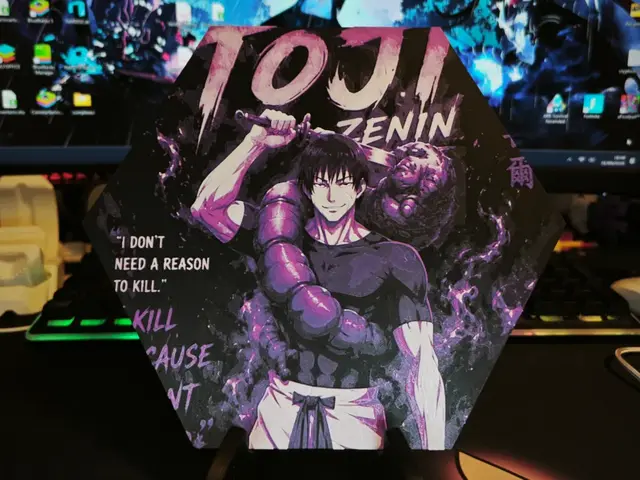
Hueforge Toji (Jujutsu Kaisen) honeycomb mode
by JGz3DMaker
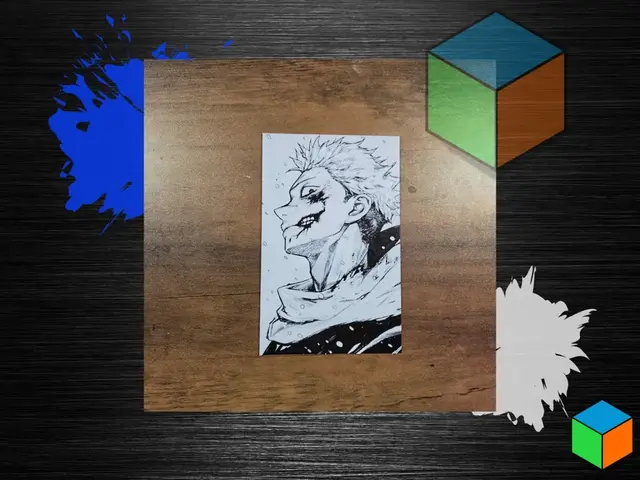
Yuji — Scarred Smile | Jujutsu Kaisen HueForge
by 3D Prints By Vic
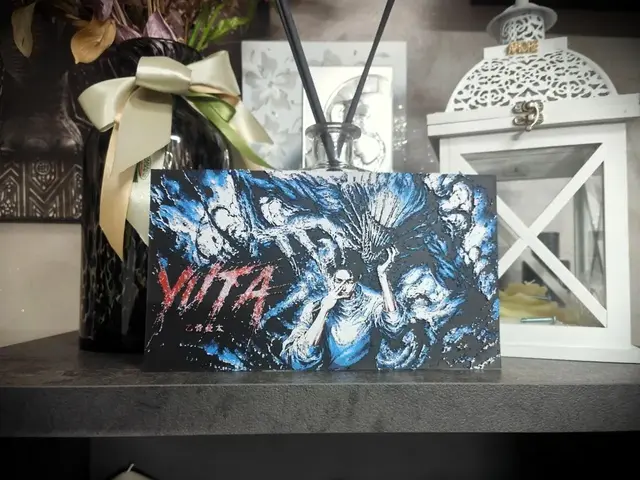
Yuta Okkotsu e Rika Orimoto FanArt Hueforge
by S1M0N389

Sukuna
by Garuda3D
Recent Articles
View all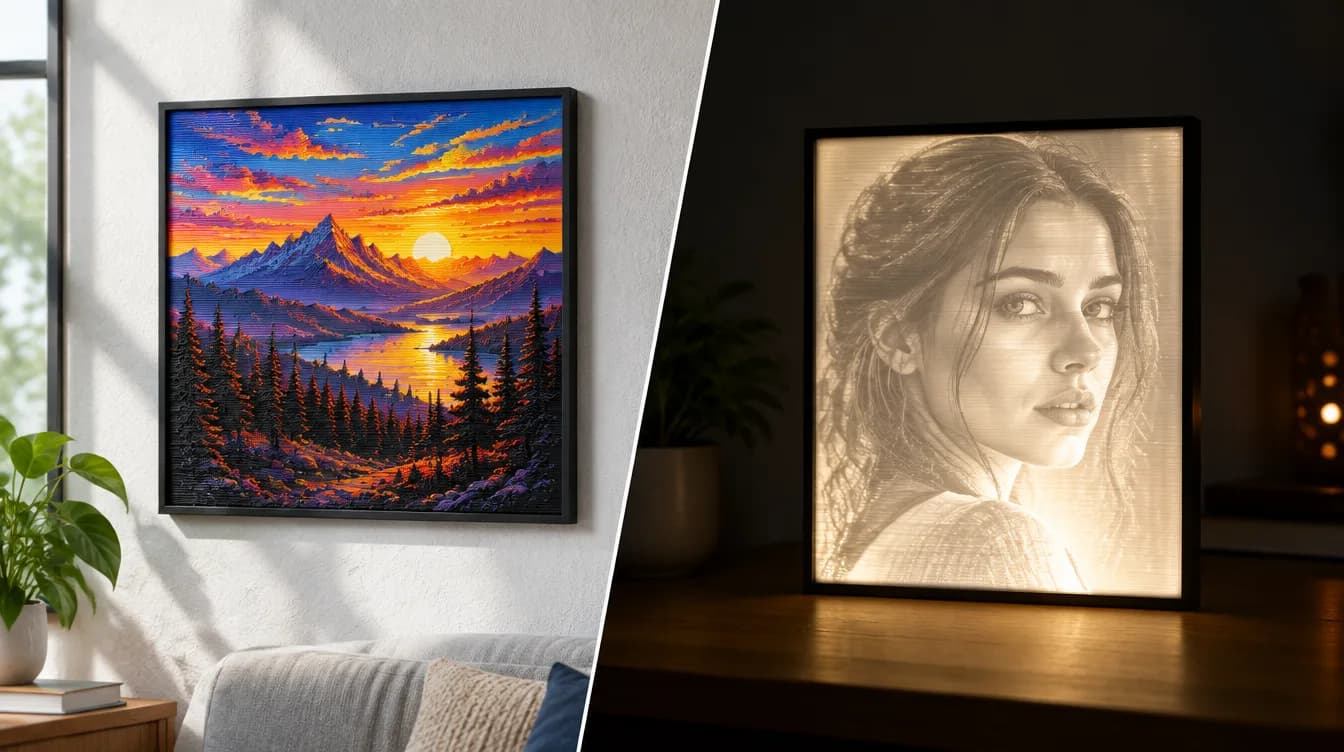
HueForge vs Lithophane: What's the Difference (and Which Should You Print)?
HueForge vs lithophane, explained: how each turns a photo into a print, the real differences in color, lighting, difficulty and cost, and when to choose one over the other.
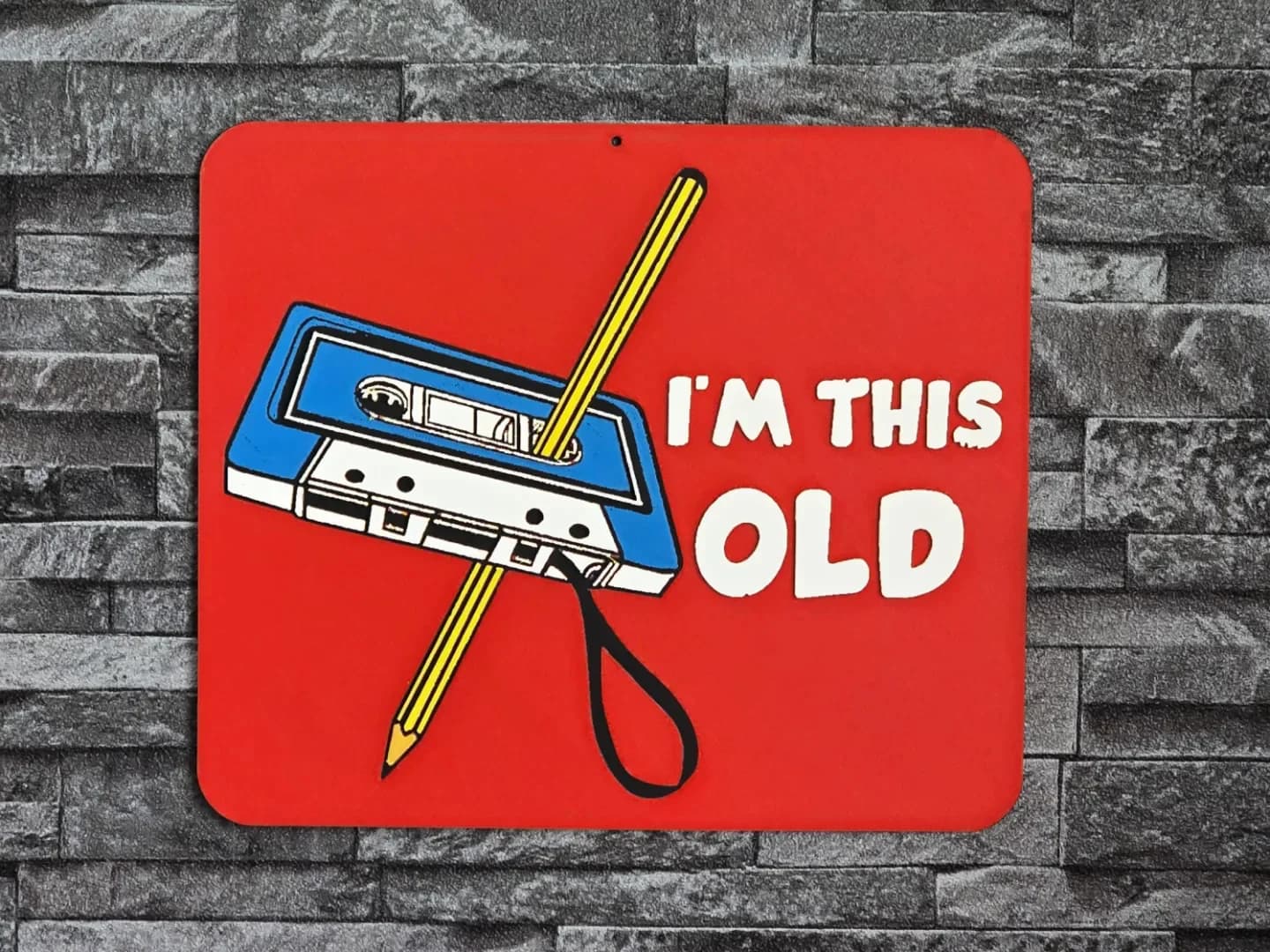
Best 3D Printed Gifts for Everyone on Your List — Made with HueForge
The best 3D printed gifts for everyone on your list, made with HueForge — custom pet and portrait art, ornaments and gift tags, bookmarks, and fandom prints matched to the recipient, plus how to turn gift requests into income.
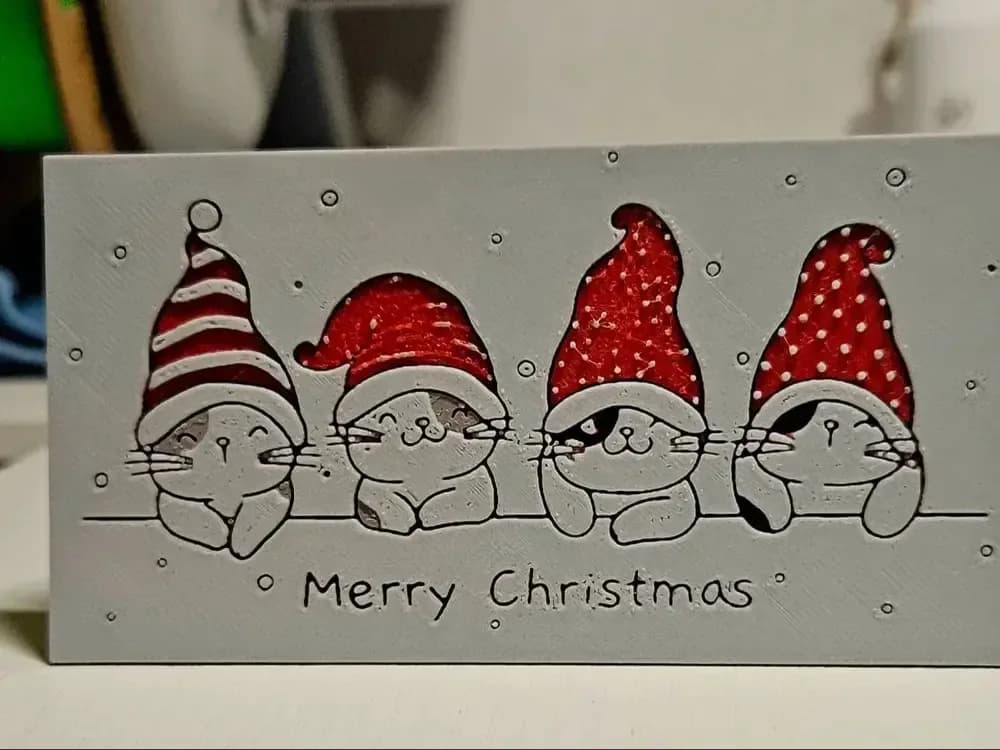
Best Christmas 3D Prints for HueForge: Ornaments, Santa & Holiday Movie Posters
The Christmas 3D prints worth making as HueForge filament paintings — tree ornaments, Santa and snowmen, holiday movie posters, festive fandom crossovers, and gift tags, grouped by theme.