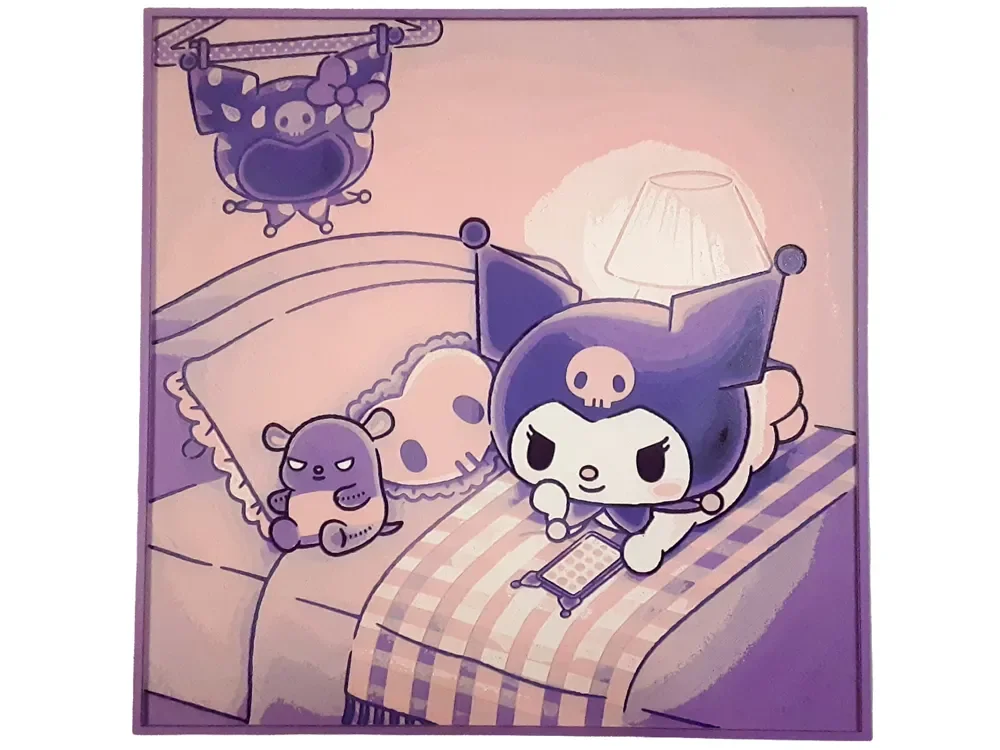
Kuromi Bedroom Hueforge Sanrio Cute Kawaii
Kuromi's mischievous charm fills this adorable bedroom scene, where Sanrio's beloved white rabbit relaxes in cozy purple-toned surroundings. The kawaii composition features soft pink and lavender hues that create a dreamy atmosphere, with Kuromi nestled among plush pillows and her signature skull accessories scattered throughout. Delicate gradients transition from warm peachy tones to deeper purples, capturing the whimsical essence of this popular character's personal space with endearing detail.
View on MakerWorldRequired Filaments5
Bambu Lab Basic Indigo Purple
Bambu Lab Purple
Bambu Lab Matte Lilac Purple
Bambu Lab Matte Sakura Pink
Why filament details may vary
Filament details (brand, color, and TD value) may not exactly match the designer's original specification. In some cases, the designer didn't specify exact filaments and we've matched the closest options we could find. Always check the original listing for full details.
Some filament links are affiliate links — we may earn a small commission at no extra cost to you. Learn more
Sign up to track your filament inventory and check your matches.
Create accountYou Might Also Like
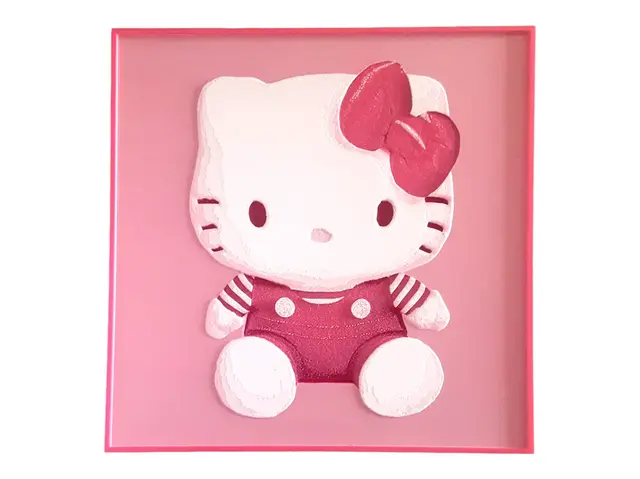
Hello Kitty Plush 2D Wall Art Sanrio Decor
by Elsie Moonshadow

How to Instantly Feel Better Hueforge Motivational
by Elsie Moonshadow
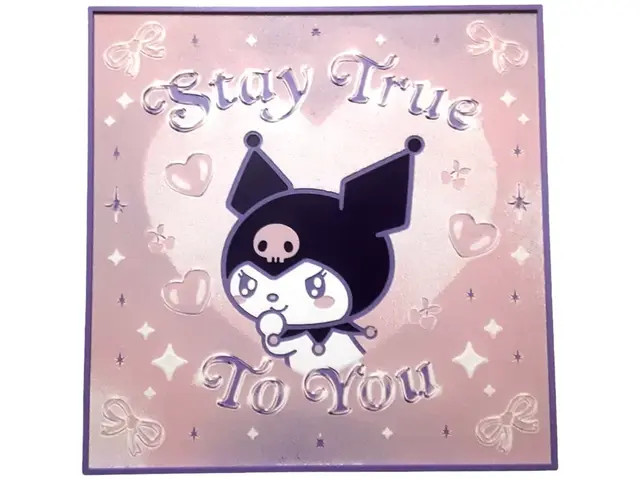
Kuromi Stay True Hueforge Motivational Poster
by Elsie Moonshadow
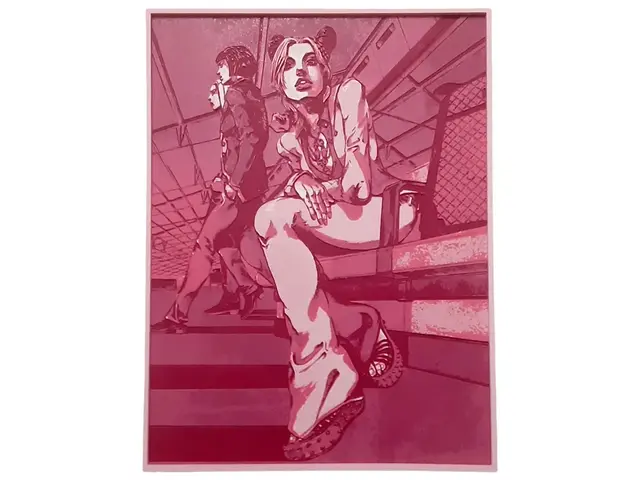
Jolyne Cujoh Hueforge Jojo JJBA Gucci Anime Manga
by Elsie Moonshadow
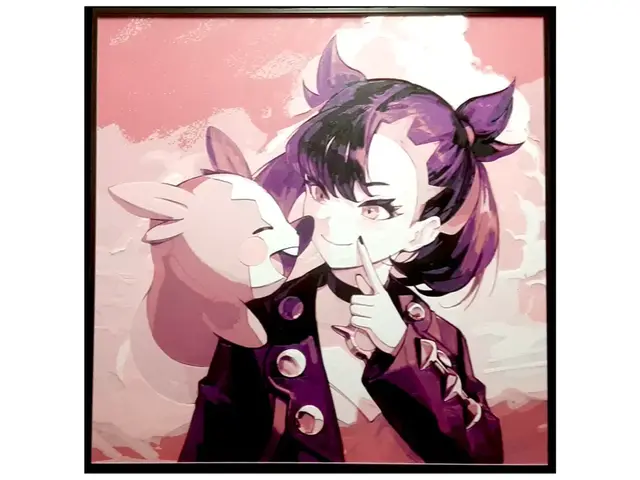
Marnie Morpeko Hueforge Pokemon Sword Shield Dark
by Elsie Moonshadow
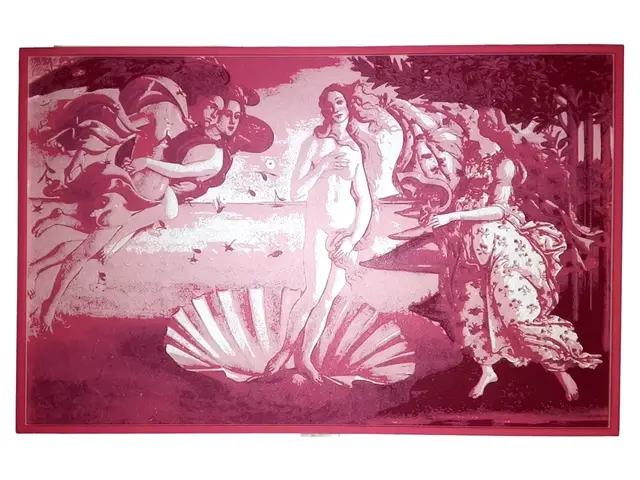
Birth of Venus by Sandro Botticelli Hueforge Pink
by Elsie Moonshadow
Recent Articles
View all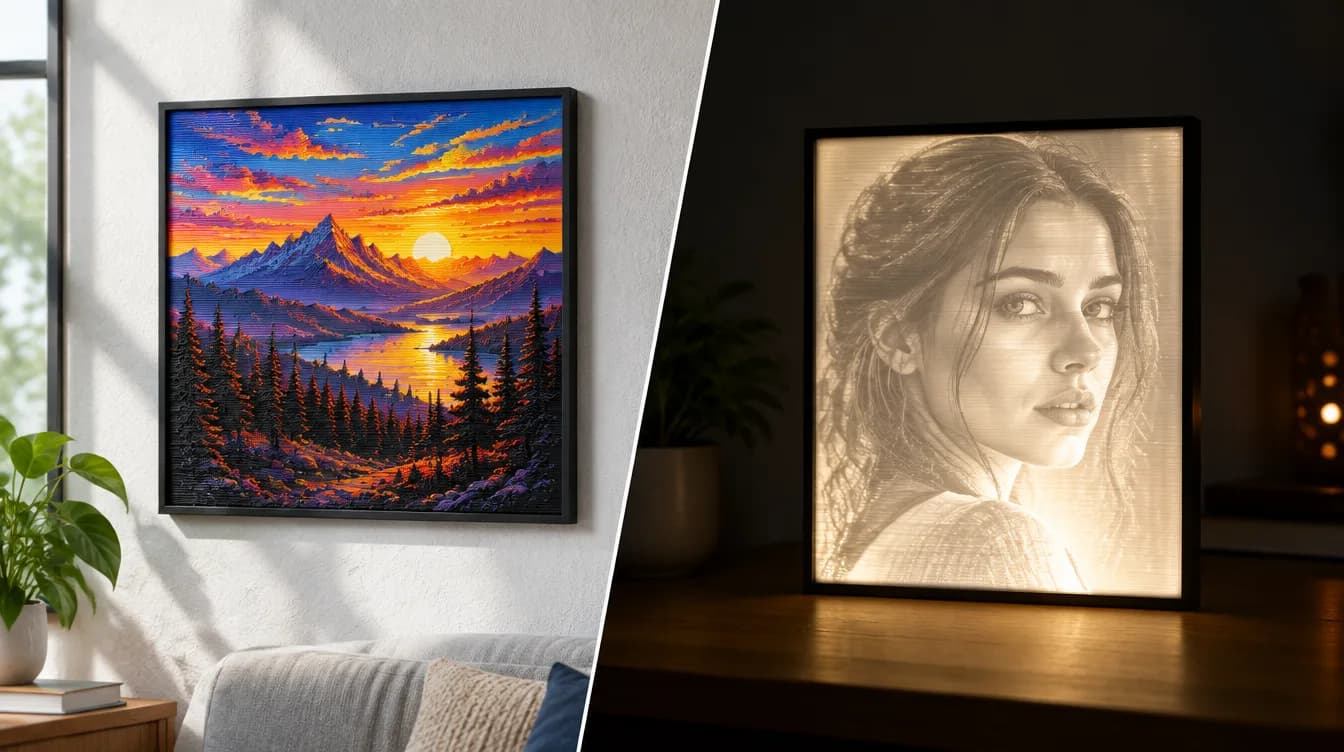
HueForge vs Lithophane: What's the Difference (and Which Should You Print)?
HueForge vs lithophane, explained: how each turns a photo into a print, the real differences in color, lighting, difficulty and cost, and when to choose one over the other.
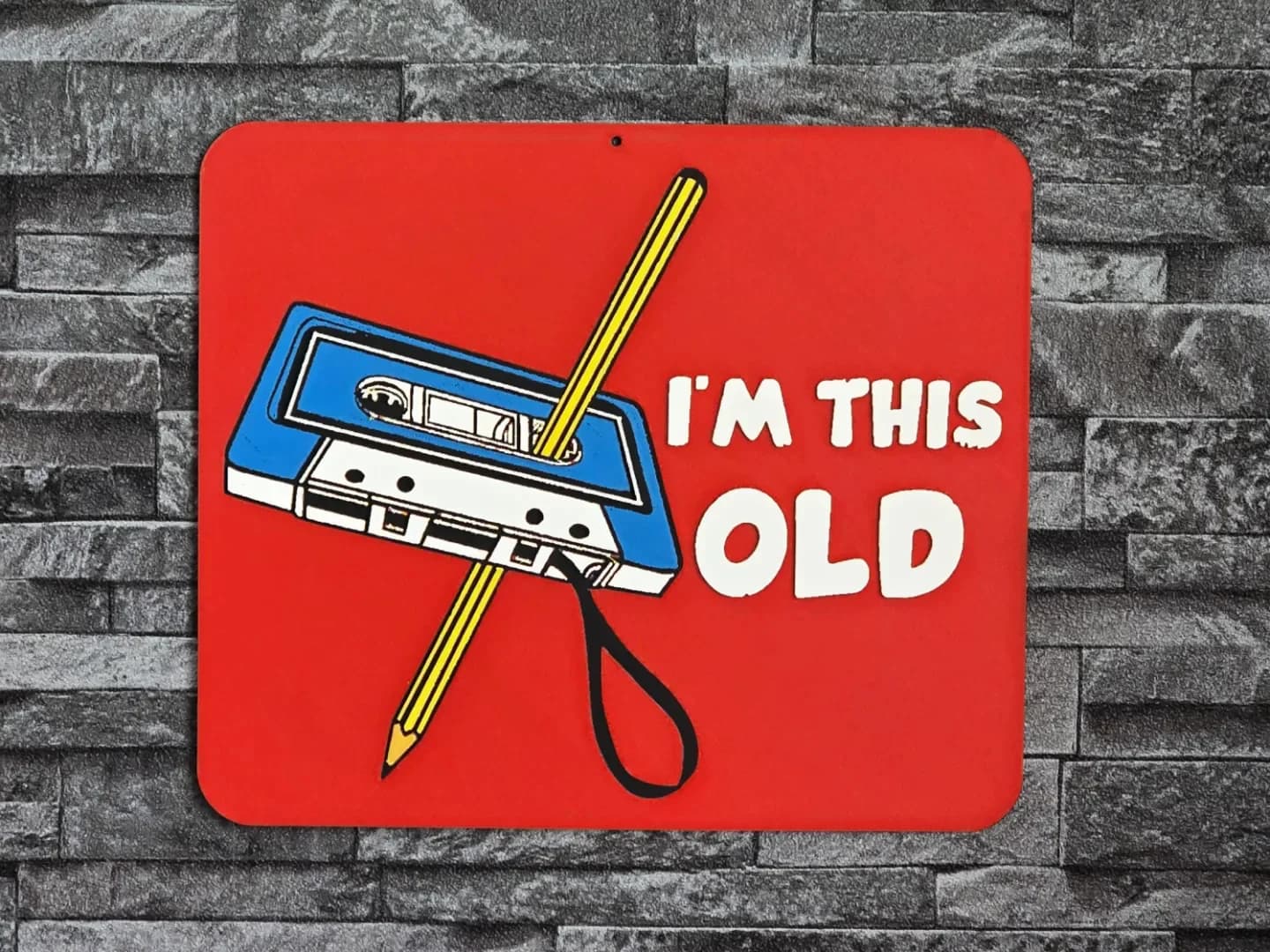
Best 3D Printed Gifts for Everyone on Your List — Made with HueForge
The best 3D printed gifts for everyone on your list, made with HueForge — custom pet and portrait art, ornaments and gift tags, bookmarks, and fandom prints matched to the recipient, plus how to turn gift requests into income.
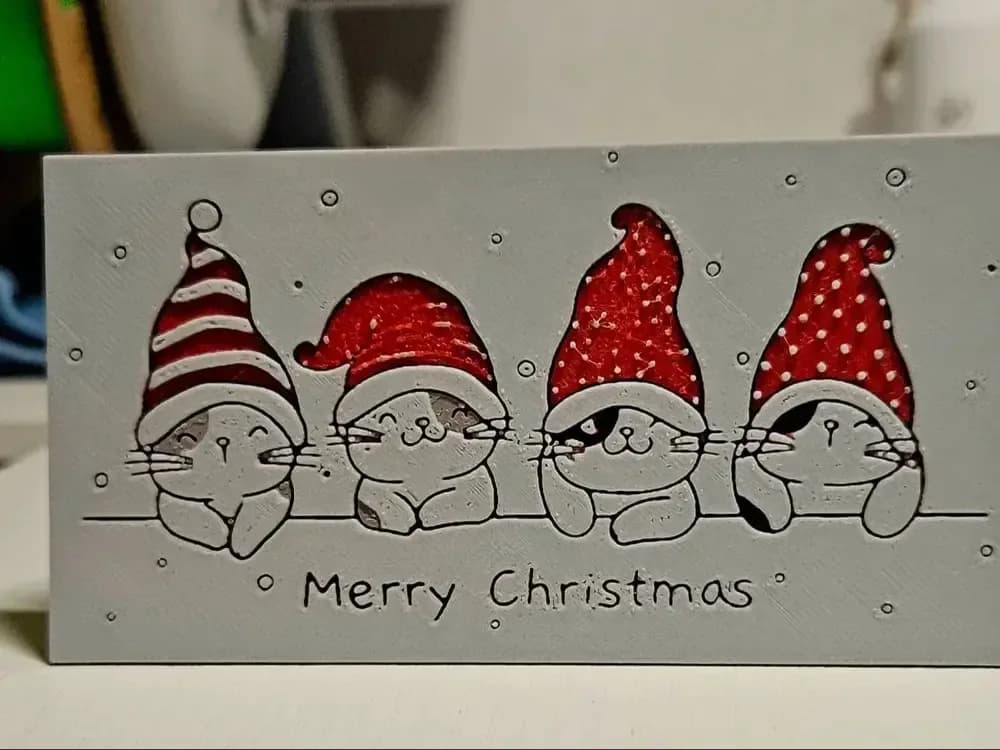
Best Christmas 3D Prints for HueForge: Ornaments, Santa & Holiday Movie Posters
The Christmas 3D prints worth making as HueForge filament paintings — tree ornaments, Santa and snowmen, holiday movie posters, festive fandom crossovers, and gift tags, grouped by theme.