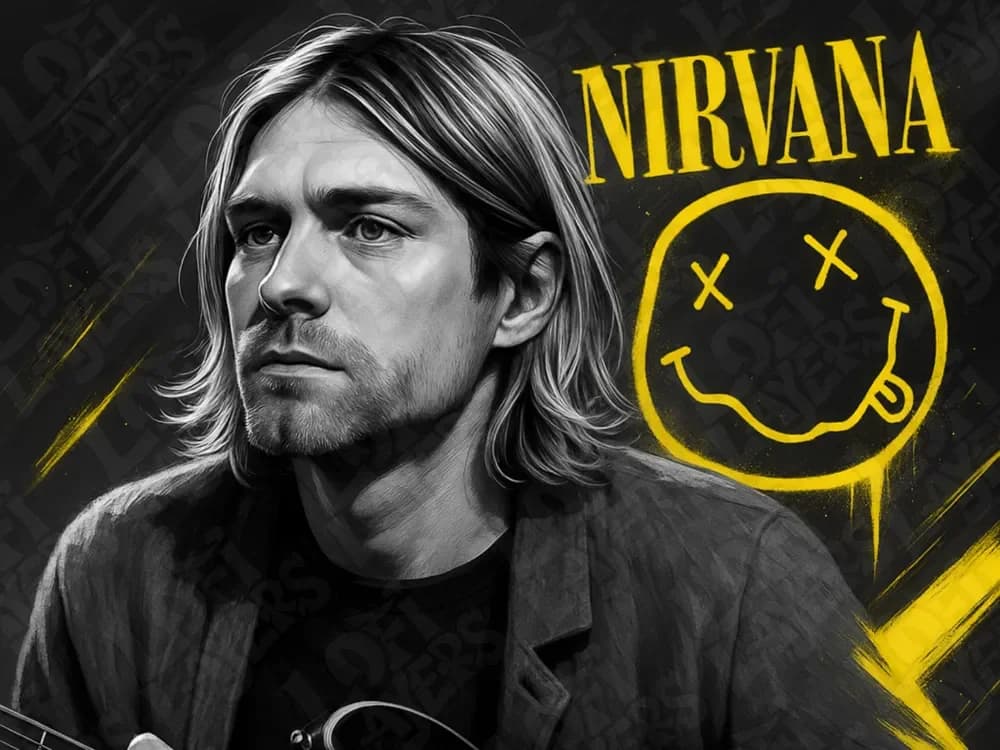
Kurt Cobain Hueforge
by LoFi Layers
The grunge icon's contemplative gaze captures the raw intensity that defined a generation's soundtrack. LoFi Layers masterfully renders Kurt Cobain in striking monochromatic detail, his signature blonde locks and weathered features emerging from deep shadows. Bold yellow accents frame the composition alongside Nirvana's iconic smiley face logo, creating a powerful tribute that balances artistic reverence with the band's rebellious spirit and enduring cultural impact.
View on MakerWorldRequired Filaments4
Bambu Lab Basic Black
Bambu Lab Basic Blue Gray
Bambu Lab Basic Jade White
Bambu Lab Basic Yellow
Why filament details may vary
Filament details (brand, color, and TD value) may not exactly match the designer's original specification. In some cases, the designer didn't specify exact filaments and we've matched the closest options we could find. Always check the original listing for full details.
Some filament links are affiliate links — we may earn a small commission at no extra cost to you. Learn more
Sign up to track your filament inventory and check your matches.
Create accountYou Might Also Like
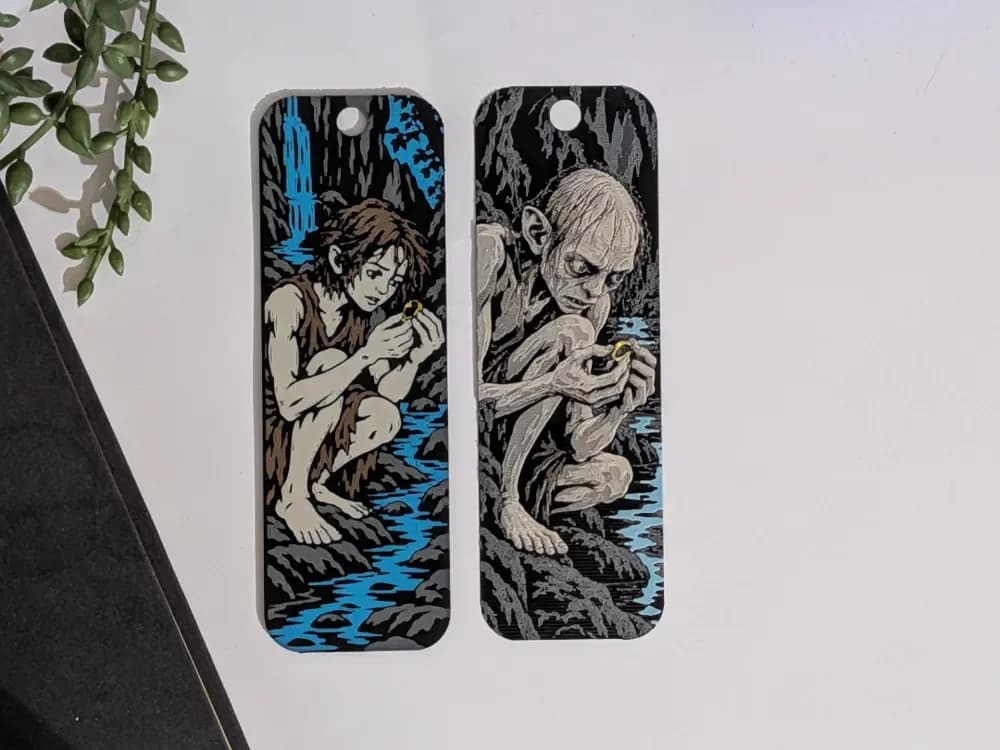
Smeagol - Gollum
by CommandersVault
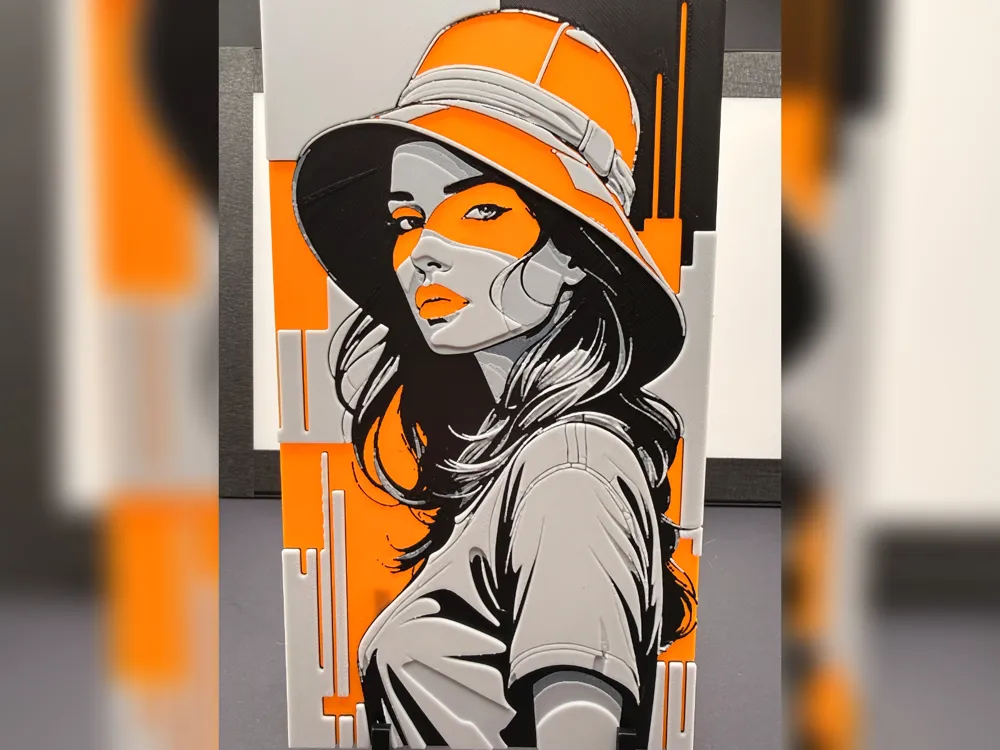
Orange Pop Art Woman hueforge Portrait
by iPrintStuffau
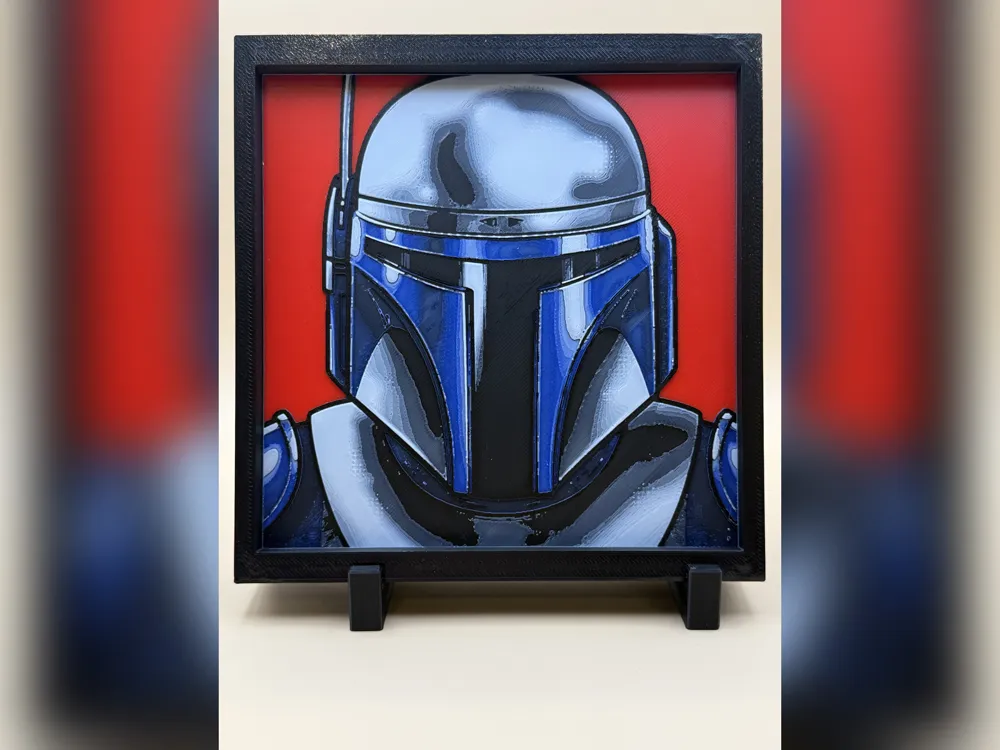
Mandalorian Helmet HueForge Print
by iPrintStuffau
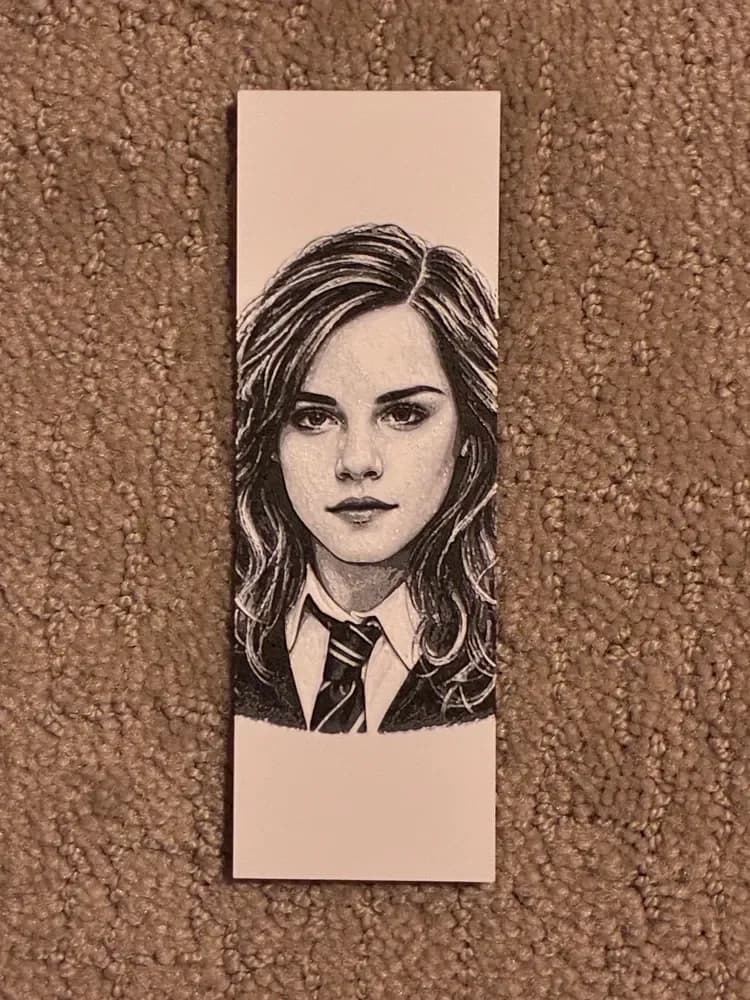
Hermione Granger Bookmark
by The SkyLab 3D
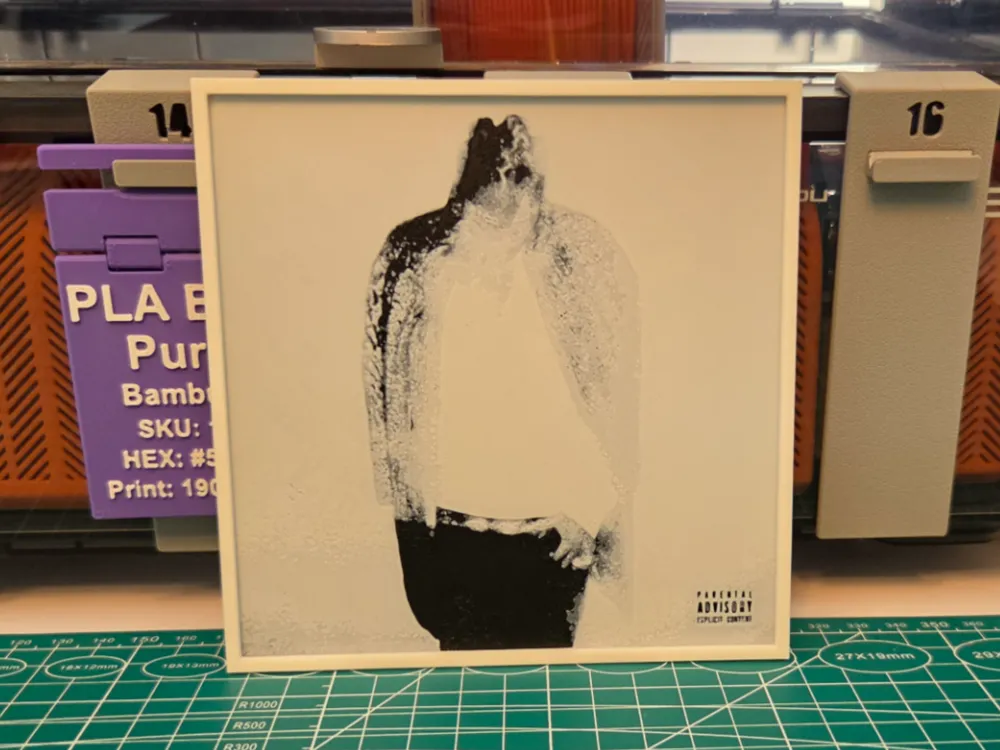
Future "HNDRXX" Album - Hueforge Art
by Lumpy3D
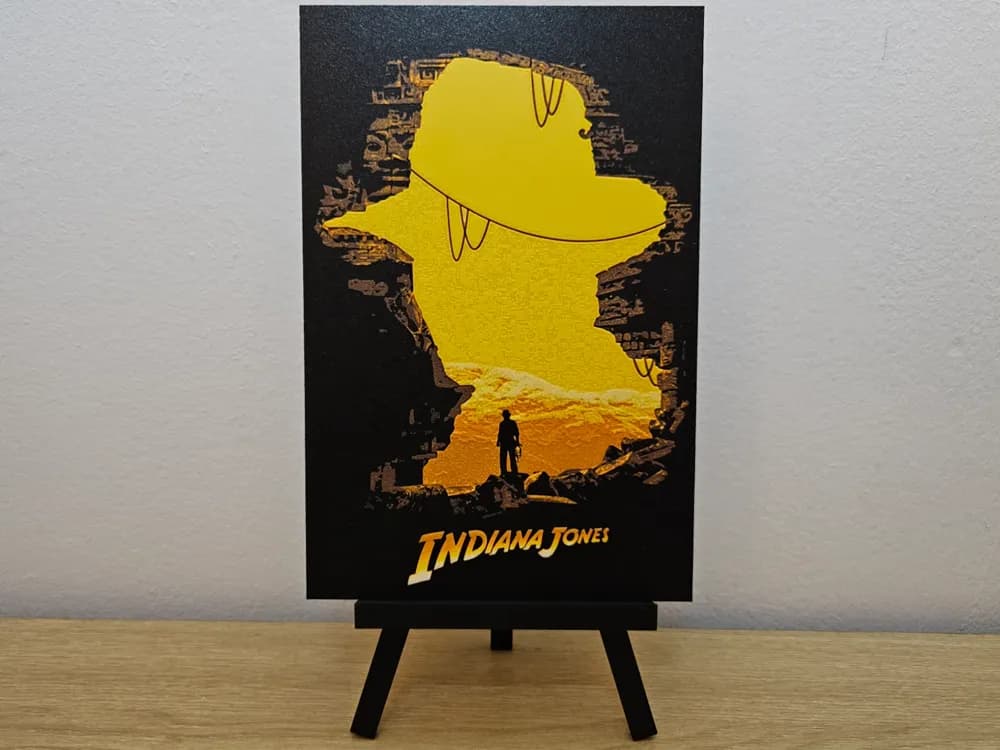
Indiana Jones Hueforge
by Opao
Recent Articles
View all
Best Anime 3D Prints for HueForge: From Shōnen Classics to the Modern Wave
The best anime 3D prints to make as HueForge filament paintings — One Piece, Naruto, Dragon Ball, Demon Slayer, Jujutsu Kaisen, Frieren, Gundam, and anime bookmarks, each linked in the HuePick catalog.
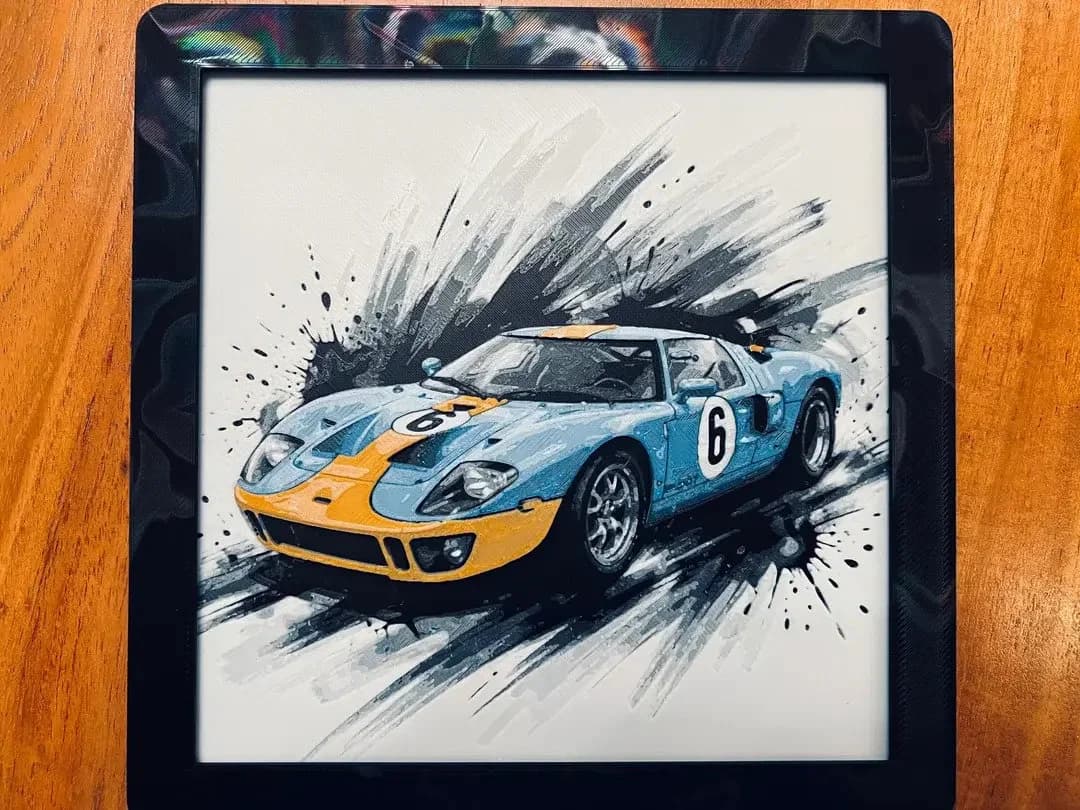
Best Car 3D Prints for HueForge: From Japanese Icons to Movie Cars
The best car 3D prints to make as HueForge filament paintings — JDM legends, supercars, American muscle, F1 and rally posters, and movie icons like the DeLorean, each linked in the HuePick catalog.
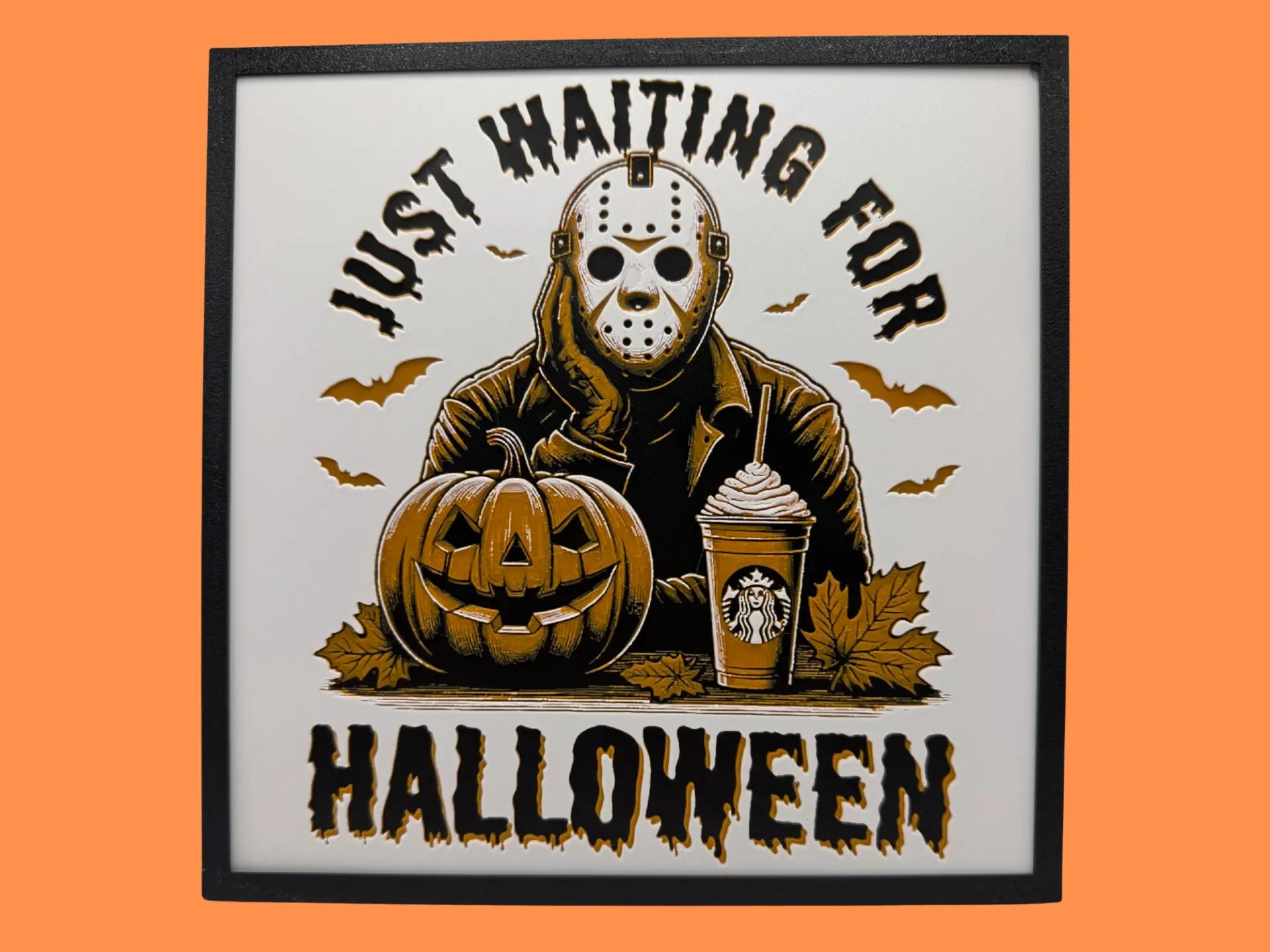
Best Halloween & Horror 3D Prints for HueForge: Slashers, Skulls & Spooky Wall Art
The Halloween 3D prints worth making as HueForge filament paintings — horror movie posters, Ghostface and Pennywise, skulls, pumpkins, spooky Pokemon, and bookmarks, grouped by theme.