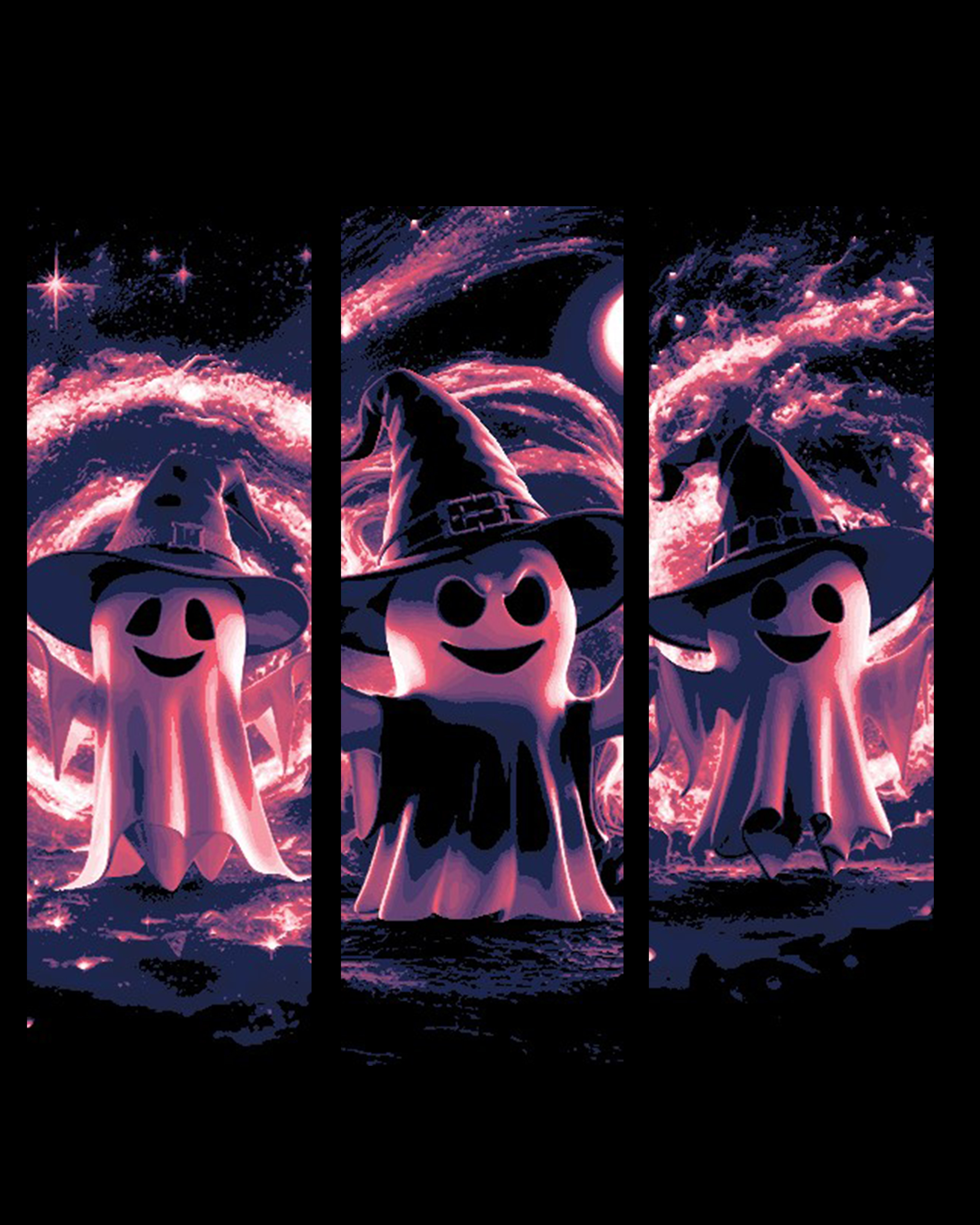
Magical Ghost spreading Halloween spirit, hat and all - Set of bookmarks
by BooneCo3d
Mischievous ghost witches radiate Halloween magic across this triptych-style HueForge piece by BooneCo3d. Three ghostly figures, each wearing a crooked witch hat, glow against a cosmic backdrop of deep navy and smoldering pink-red energy. Their playfully sinister smiles and swirling celestial atmosphere strike a perfect balance between spooky and charming — a Halloween spirit captured in stunning, luminous detail.
View on ThangsRequired Filaments4
Bambu Lab Basic Black
Bambu Lab Matte Dark Blue
Bambu Lab Basic Pink
Bambu Lab Basic Jade White
Why filament details may vary
Filament details (brand, color, and TD value) may not exactly match the designer's original specification. In some cases, the designer didn't specify exact filaments and we've matched the closest options we could find. Always check the original listing for full details.
Some filament links are affiliate links — we may earn a small commission at no extra cost to you. Learn more
Sign up to track your filament inventory and check your matches.
Create accountYou Might Also Like
Warewolf / Dark Legends Collection
by TheHueforgeLady
Werewolf / Dark Legends Collection
by TheHueforgeLady
From plastic threads to threads of terror (Hueforge)
by FYTY112
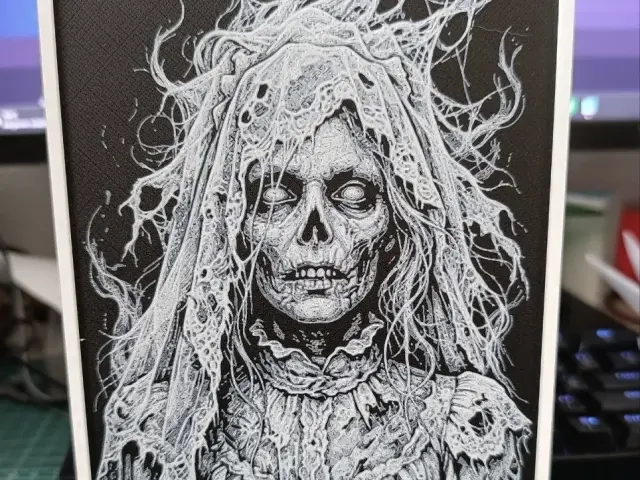
The Spectral Bride
by FYTY112
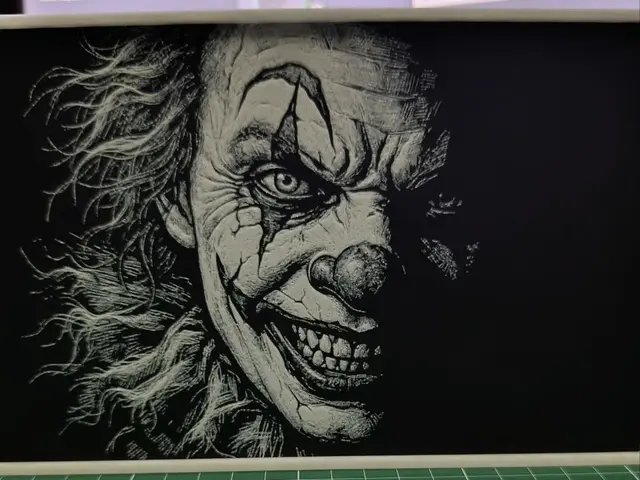
HueForge: Creepy Clown (Pennywise Style)
by FYTY112
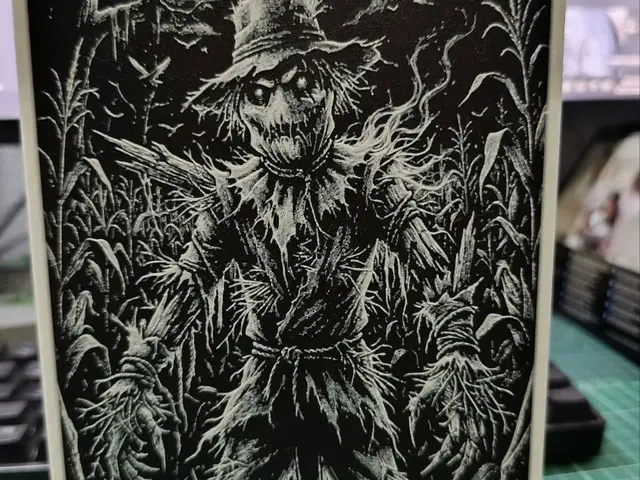
The Cursed Scarecrow - HueForge
by FYTY112
Recent Articles
View all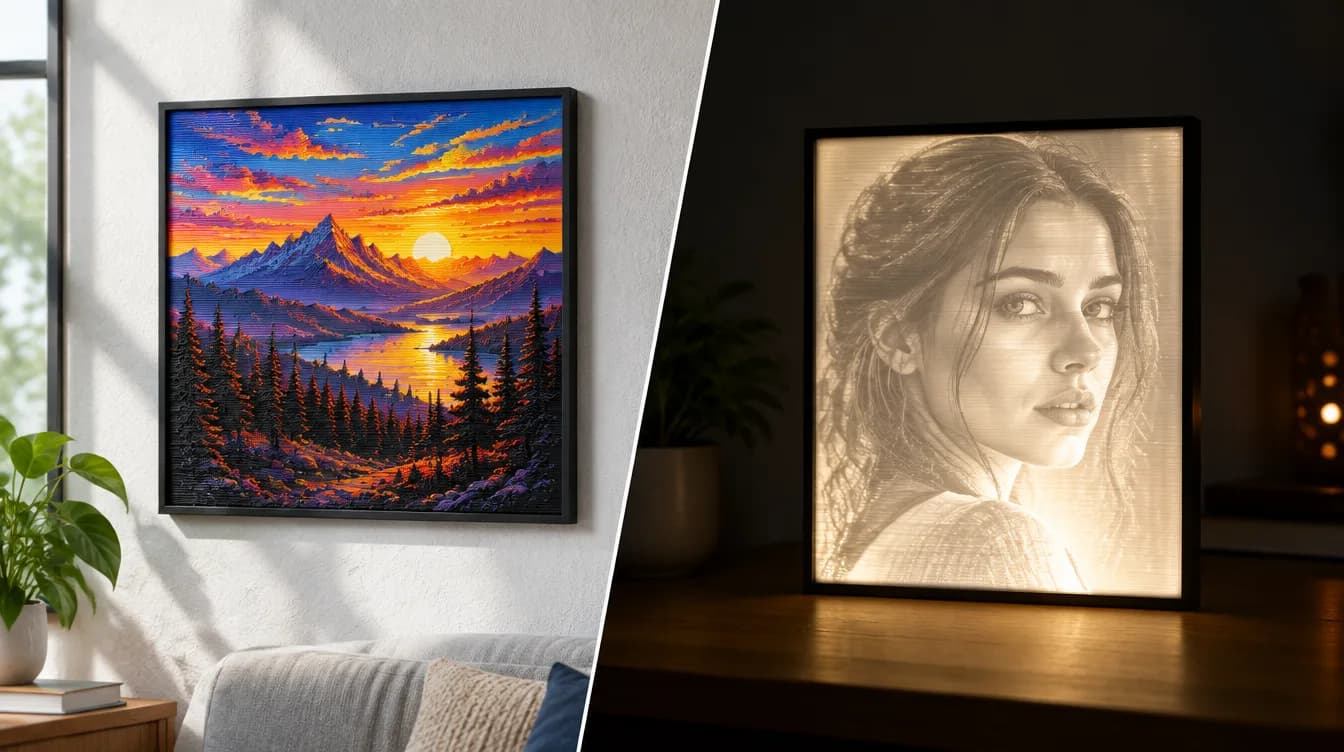
HueForge vs Lithophane: What's the Difference (and Which Should You Print)?
HueForge vs lithophane, explained: how each turns a photo into a print, the real differences in color, lighting, difficulty and cost, and when to choose one over the other.
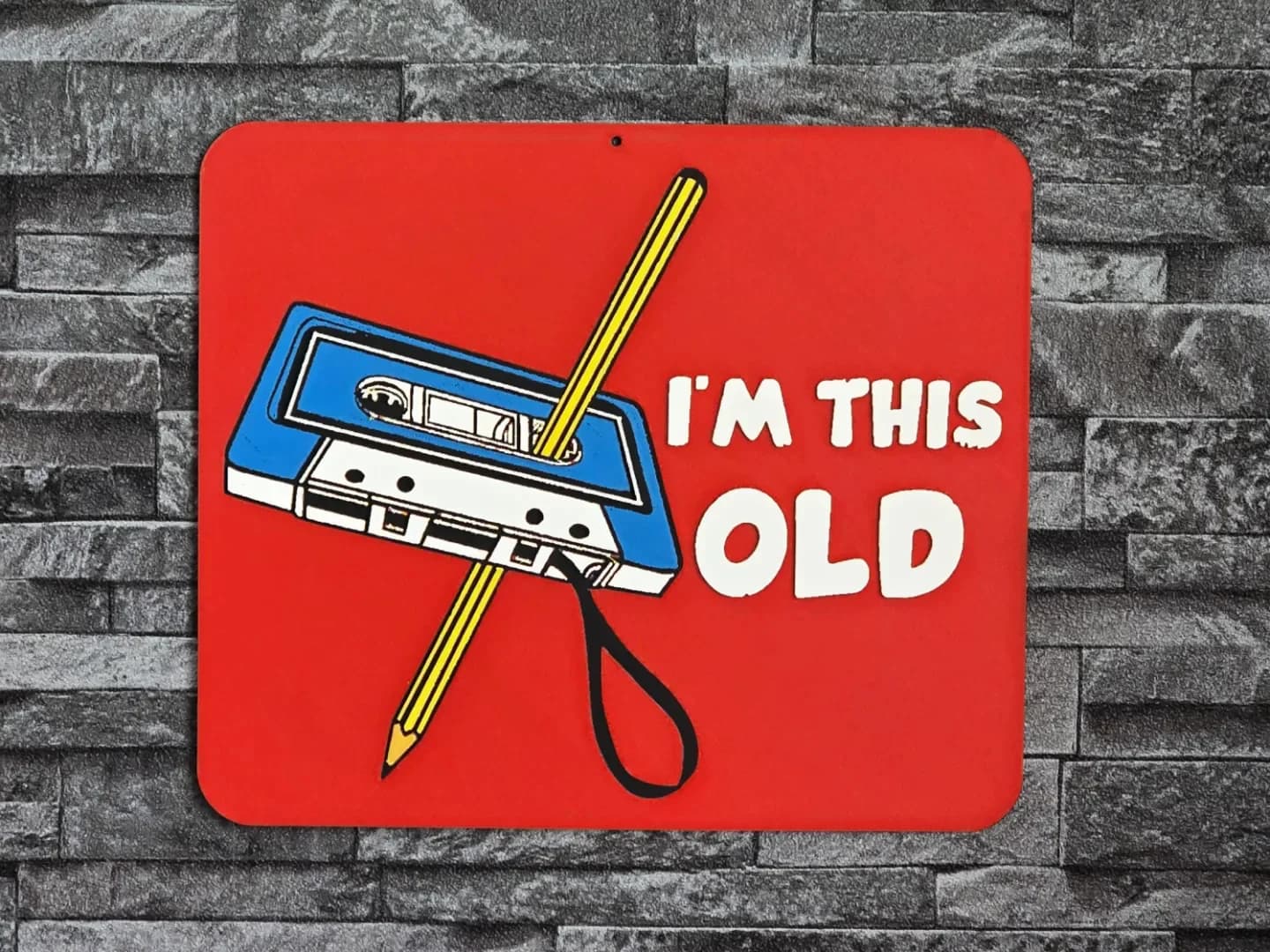
Best 3D Printed Gifts for Everyone on Your List — Made with HueForge
The best 3D printed gifts for everyone on your list, made with HueForge — custom pet and portrait art, ornaments and gift tags, bookmarks, and fandom prints matched to the recipient, plus how to turn gift requests into income.
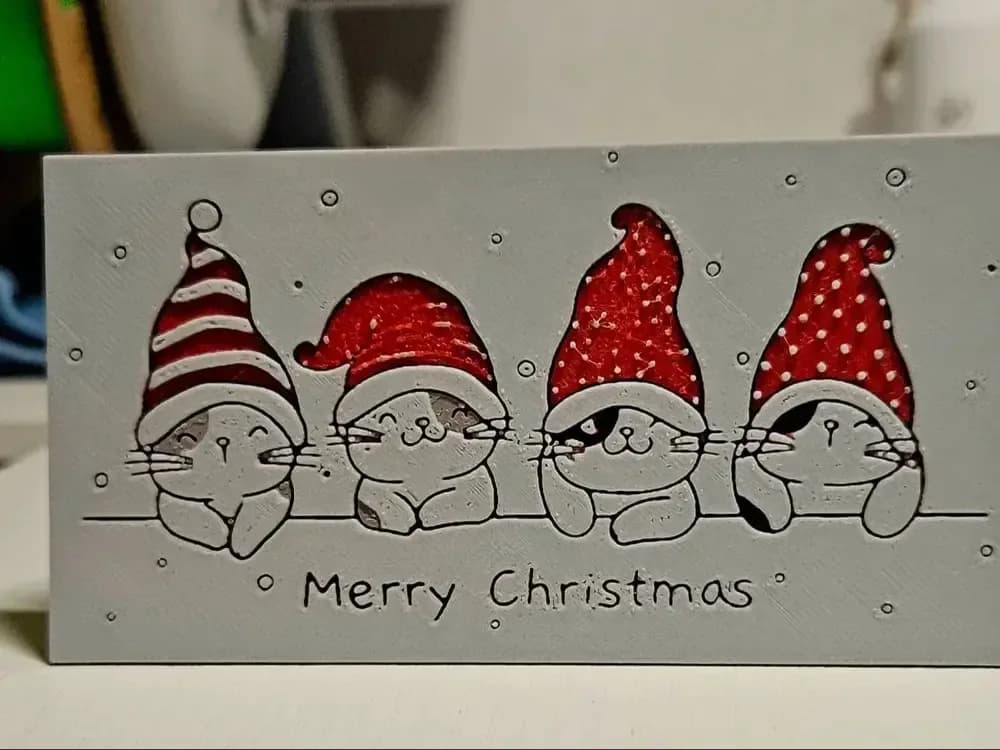
Best Christmas 3D Prints for HueForge: Ornaments, Santa & Holiday Movie Posters
The Christmas 3D prints worth making as HueForge filament paintings — tree ornaments, Santa and snowmen, holiday movie posters, festive fandom crossovers, and gift tags, grouped by theme.