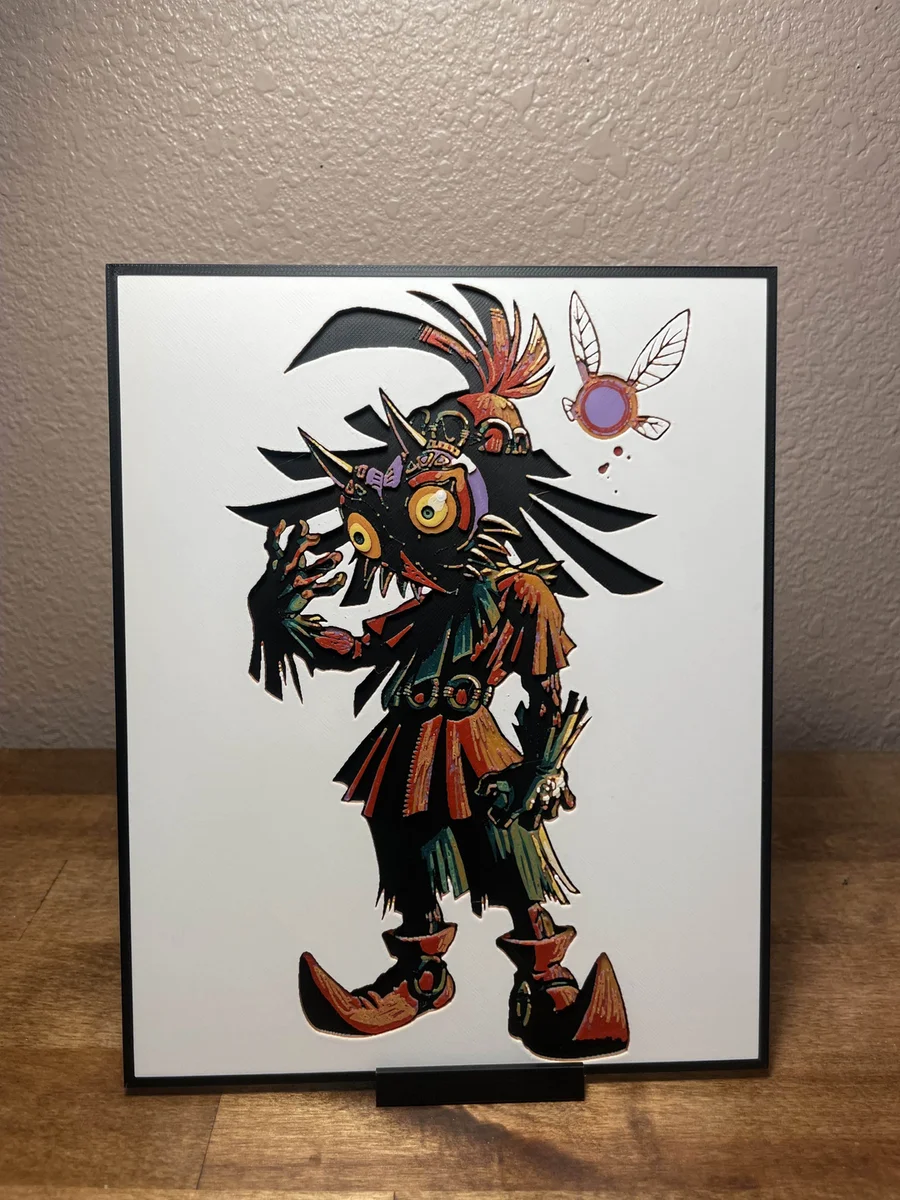
Majora's Mask
The haunting skull kid emerges from shadow in this masterful tribute to Nintendo's dark fairy tale, wielding ancient powers beneath Termina's cursed moon. Rich burgundies and forest greens dance across the figure's tattered clothing, while golden accents highlight the mystical mask's piercing gaze. This striking piece captures Cloudy Nostalgia's interpretation of the legendary antagonist, with intricate feathers and tribal details rendered in deep earth tones against a clean backdrop, perfectly embodying the game's ominous atmosphere.
View on PatreonRequired Filaments8
Bambu Lab Basic Black
Bambu Lab Basic Bright Green
Bambu Lab Basic Orange
Bambu Lab Basic Mistletoe Green
Bambu Lab Basic Sunflower Yellow
Bambu Lab Basic Red
Bambu Lab Matte Ivory White
Bambu Lab Basic Purple
Why filament details may vary
Filament details (brand, color, and TD value) may not exactly match the designer's original specification. In some cases, the designer didn't specify exact filaments and we've matched the closest options we could find. Always check the original listing for full details.
Some filament links are affiliate links — we may earn a small commission at no extra cost to you. Learn more
Sign up to track your filament inventory and check your matches.
Create accountYou Might Also Like
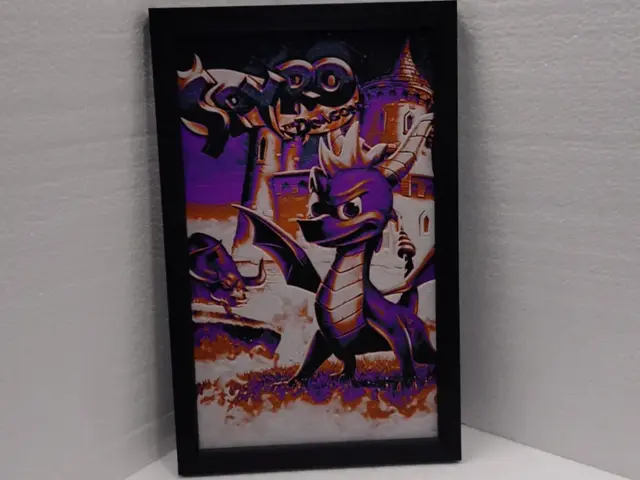
Spyro the Dragon
by Asgar3D
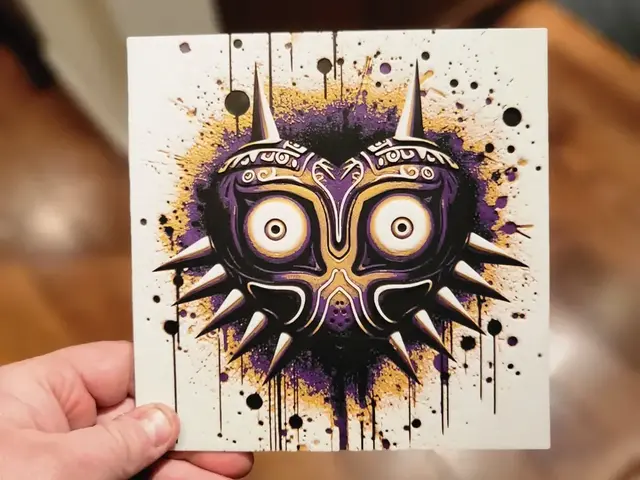
Graffiti Majoras Mask Hueforge
by 3Ree Printing
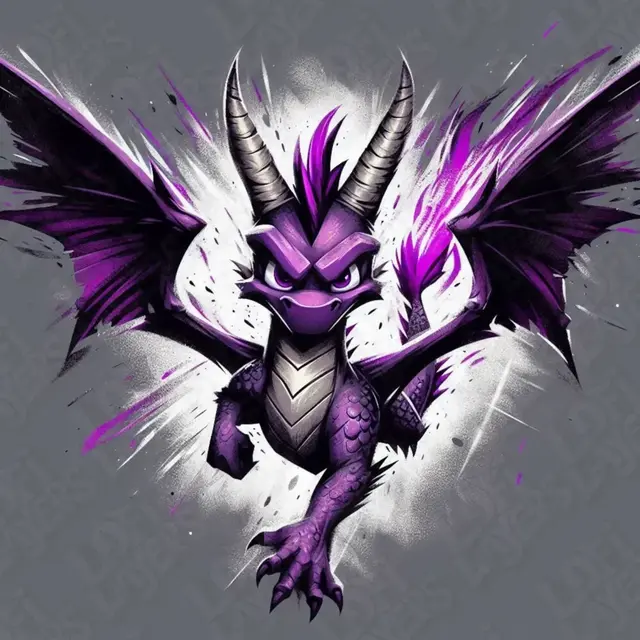
Spyro Hueforge
by LoFi Layers
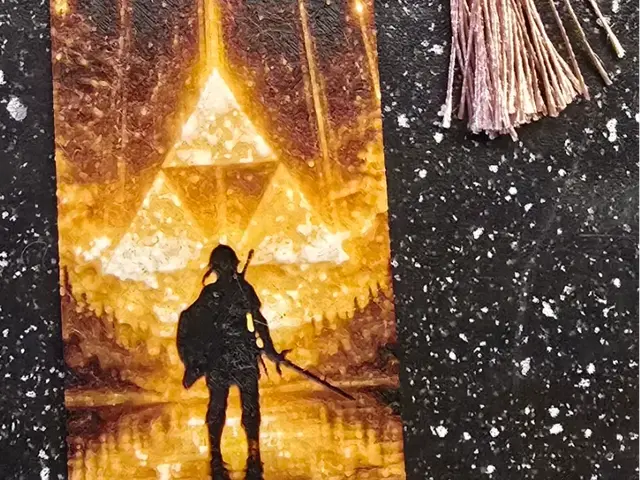
Zelda Bookmark
by 3D-Mentiel
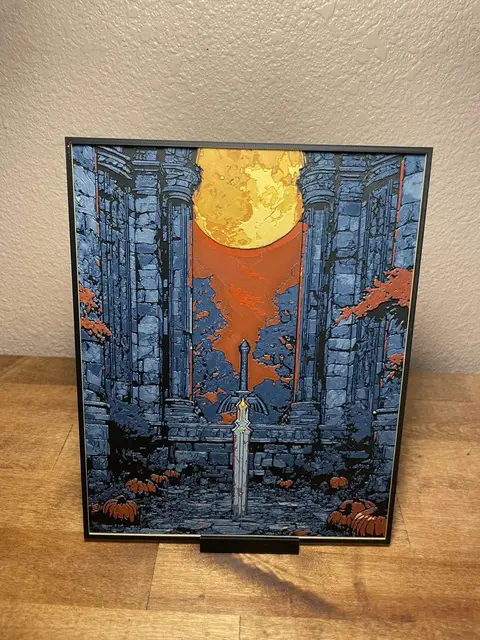
Blood Moon Master Sword
by Cloudy Nostalgia
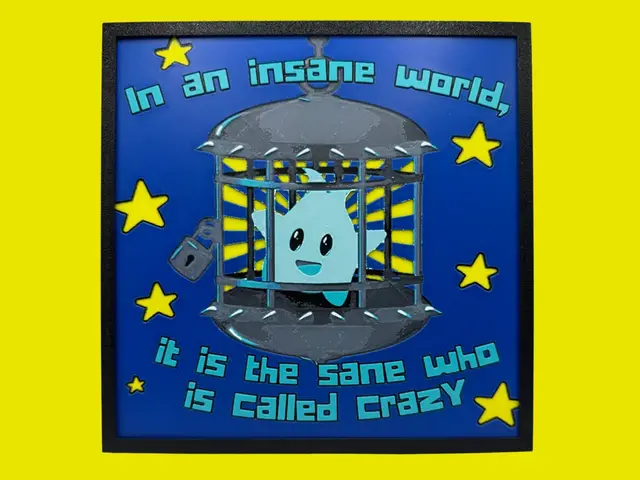
Lumalee - Super Mario
by Canadian Gamer
Recent Articles
View all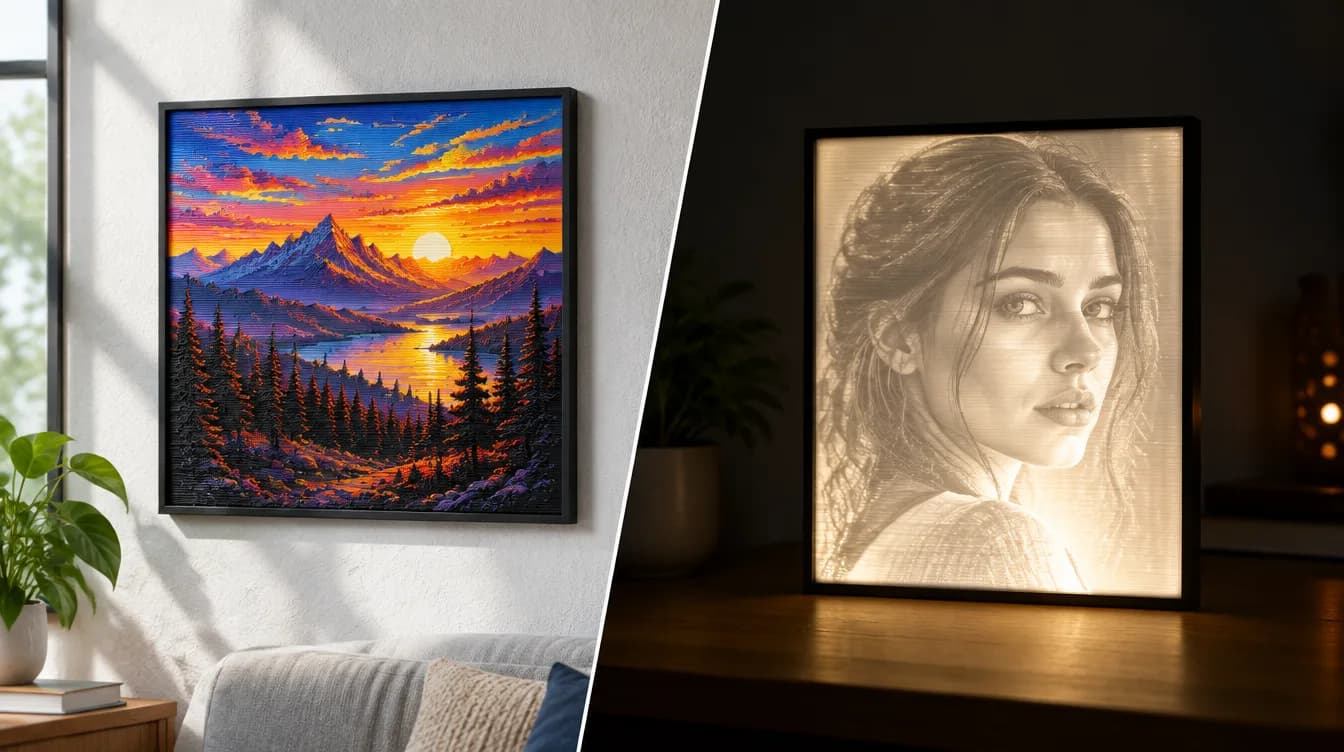
HueForge vs Lithophane: What's the Difference (and Which Should You Print)?
HueForge vs lithophane, explained: how each turns a photo into a print, the real differences in color, lighting, difficulty and cost, and when to choose one over the other.
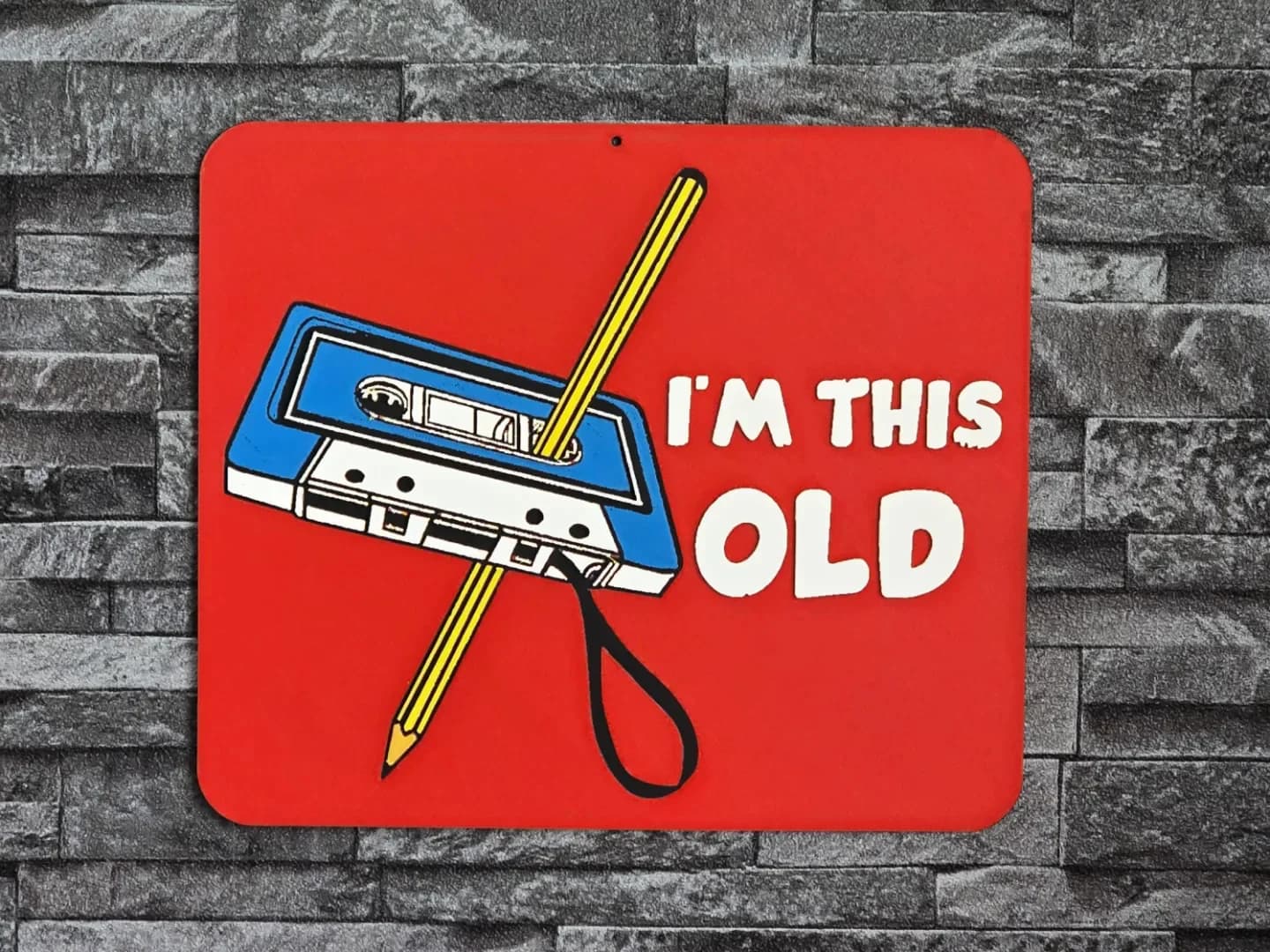
Best 3D Printed Gifts for Everyone on Your List — Made with HueForge
The best 3D printed gifts for everyone on your list, made with HueForge — custom pet and portrait art, ornaments and gift tags, bookmarks, and fandom prints matched to the recipient, plus how to turn gift requests into income.
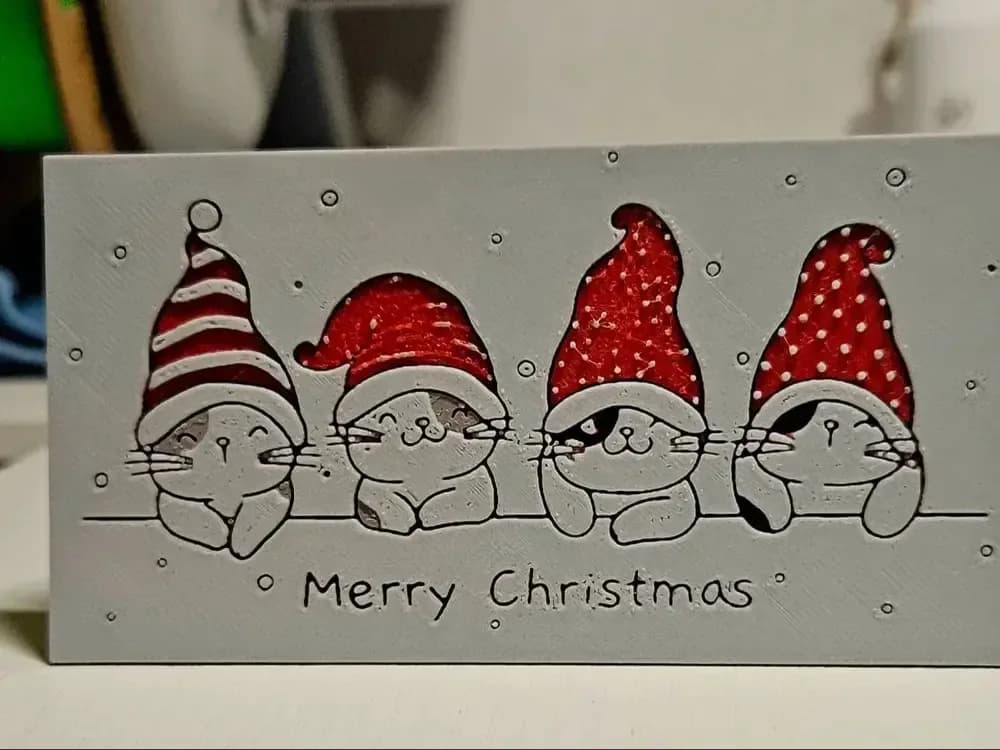
Best Christmas 3D Prints for HueForge: Ornaments, Santa & Holiday Movie Posters
The Christmas 3D prints worth making as HueForge filament paintings — tree ornaments, Santa and snowmen, holiday movie posters, festive fandom crossovers, and gift tags, grouped by theme.