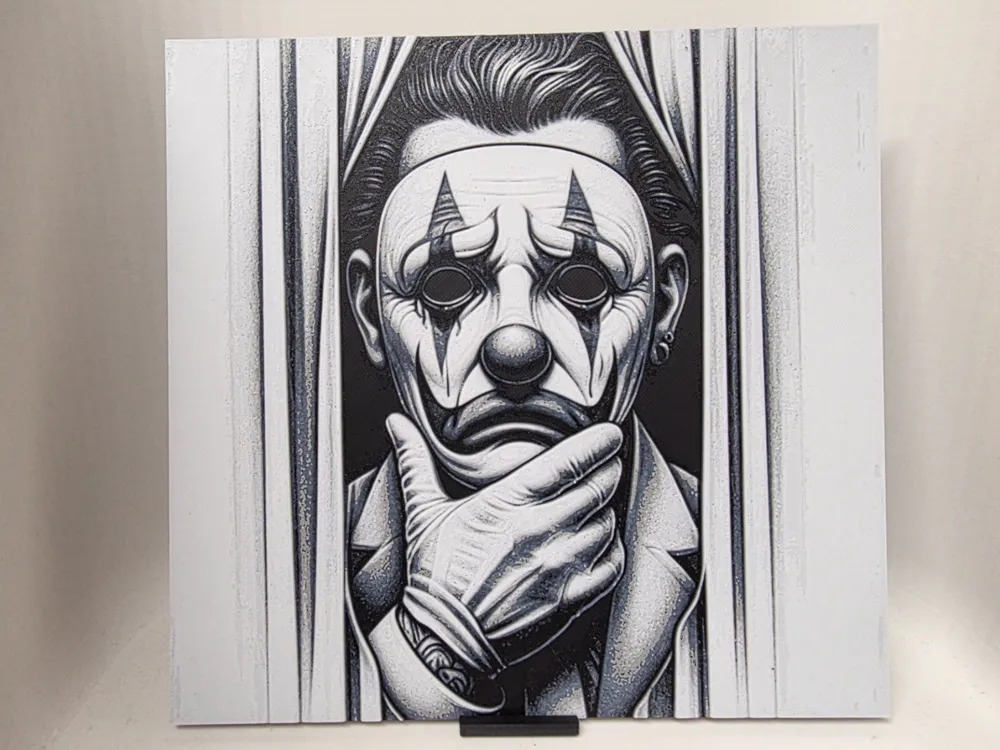
Man Hueforge
by Morganja
A monochromatic HueForge print depicting a solemn clown figure peering through vertical curtains. The subject wears white face paint with dark triangular eye markings and holds a gloved hand to their mouth in a contemplative pose. The composition is rendered entirely in black, white, and grey tones with strong graphic contrast and fine cross-hatching detail.
View on MakerWorldRequired Filaments4
Bambu Lab Basic Black
Bambu Lab Basic Blue Gray
Bambu Lab Basic Jade White
Bambu Lab Basic Gray
Why filament details may vary
Filament details (brand, color, and TD value) may not exactly match the designer's original specification. In some cases, the designer didn't specify exact filaments and we've matched the closest options we could find. Always check the original listing for full details.
Some filament links are affiliate links — we may earn a small commission at no extra cost to you. Learn more
Sign up to track your filament inventory and check your matches.
Create accountYou Might Also Like
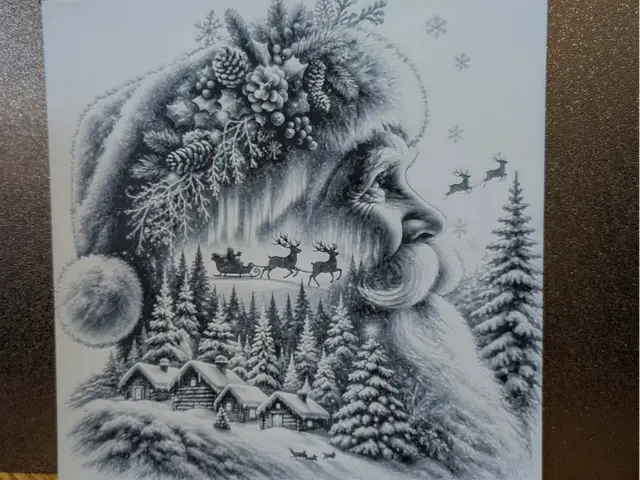
Father Christmas double exposure - hueforge
by 3dGlow
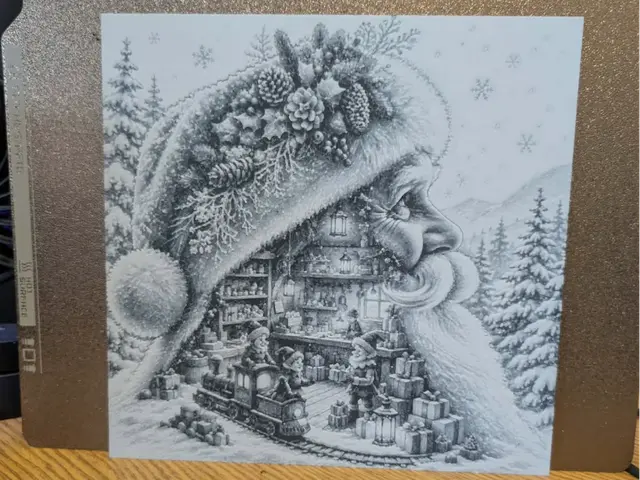
Santa's workshop - Double exposure - Hueforge
by 3dGlow
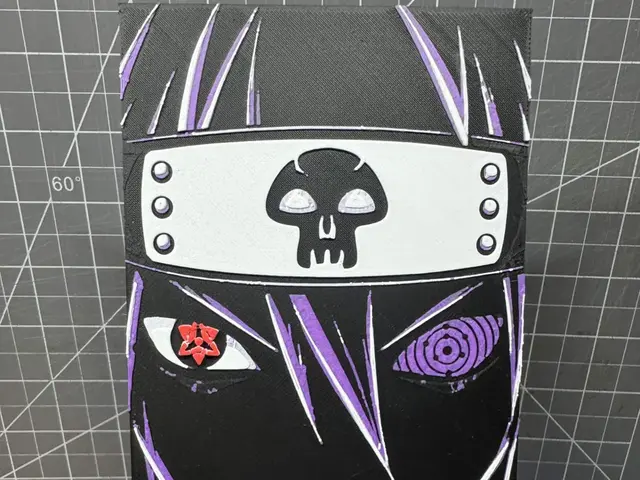
Hueforge of Sasuke Uchiha Outlined Art
by SBC Creations
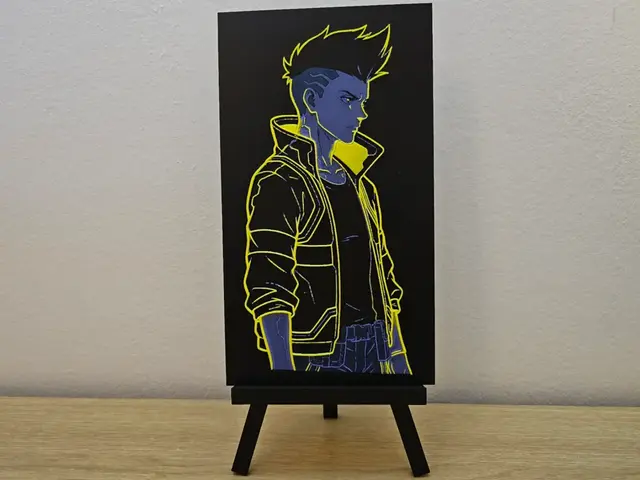
David Martinez Edgerunners HueForge
by Opao
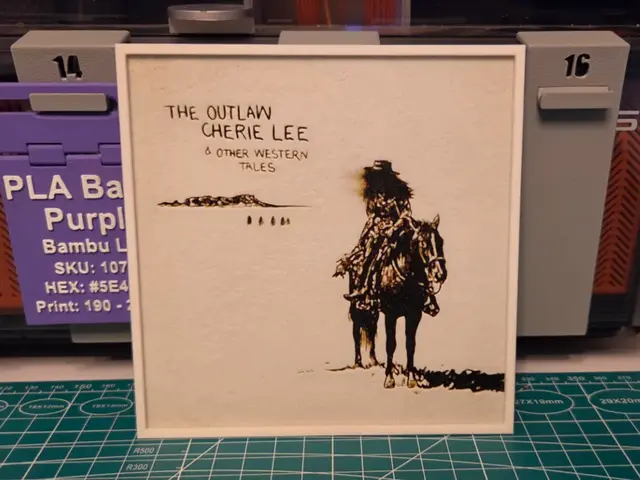
Shaboozey "The Outlaw Cherie Lee" Album - Hueforge
by Lumpy3D

Phenomaman - Dispatch
by Canadian Gamer
Recent Articles
View all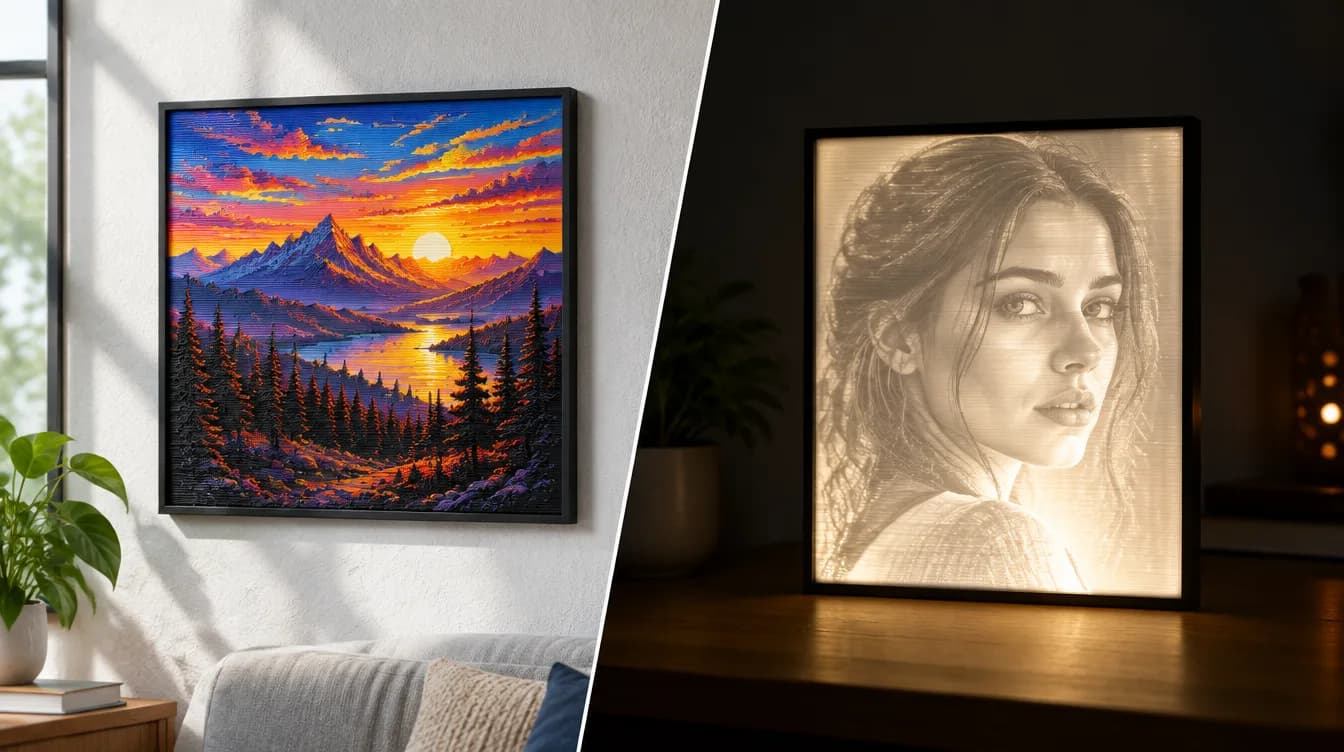
HueForge vs Lithophane: What's the Difference (and Which Should You Print)?
HueForge vs lithophane, explained: how each turns a photo into a print, the real differences in color, lighting, difficulty and cost, and when to choose one over the other.
Best 3D Printed Gifts for Everyone on Your List — Made with HueForge
The best 3D printed gifts for everyone on your list, made with HueForge — custom pet and portrait art, ornaments and gift tags, bookmarks, and fandom prints matched to the recipient, plus how to turn gift requests into income.
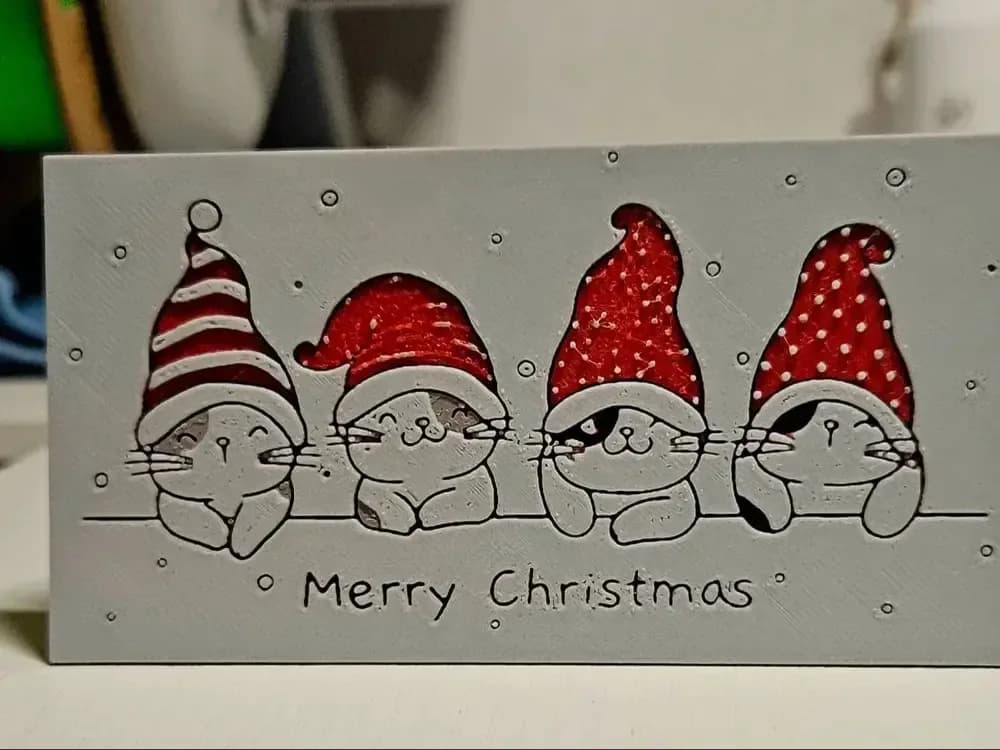
Best Christmas 3D Prints for HueForge: Ornaments, Santa & Holiday Movie Posters
The Christmas 3D prints worth making as HueForge filament paintings — tree ornaments, Santa and snowmen, holiday movie posters, festive fandom crossovers, and gift tags, grouped by theme.