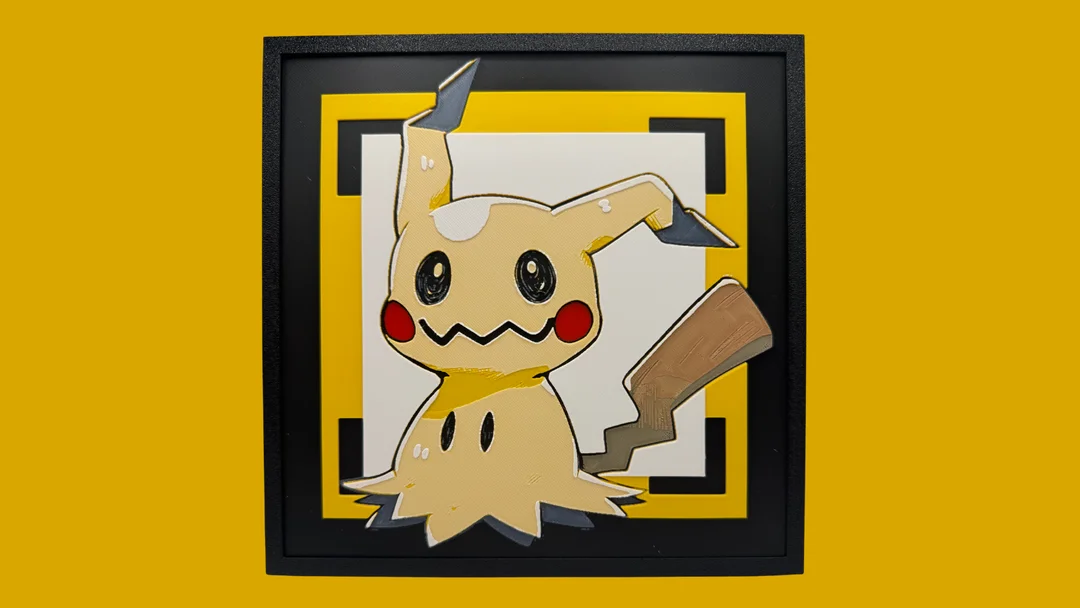
Mimikyu - Pokemon Hueforge
Mimikyu's signature disguise comes to life in this charming HueForge creation by Canadian Gamer. The beloved Ghost-type Pokémon peers out with its wobbly hand-drawn eyes and rosy cheeks, rendered in warm cream and golden yellows against a crisp white background. The black QR-code-inspired border adds a modern geometric contrast, while subtle shadowing gives Mimikyu's tattered Pikachu costume wonderful depth and personality.
View on PatreonRequired Filaments6
Bambu Lab Basic Red
Bambu Lab Basic Black
Bambu Lab Basic Blue Gray
Bambu Lab Matte Caramel
Bambu Lab Basic Sunflower Yellow
Bambu Lab Matte Ivory White
Why filament details may vary
Filament details (brand, color, and TD value) may not exactly match the designer's original specification. In some cases, the designer didn't specify exact filaments and we've matched the closest options we could find. Always check the original listing for full details.
Some filament links are affiliate links — we may earn a small commission at no extra cost to you. Learn more
Sign up to track your filament inventory and check your matches.
Create accountYou Might Also Like
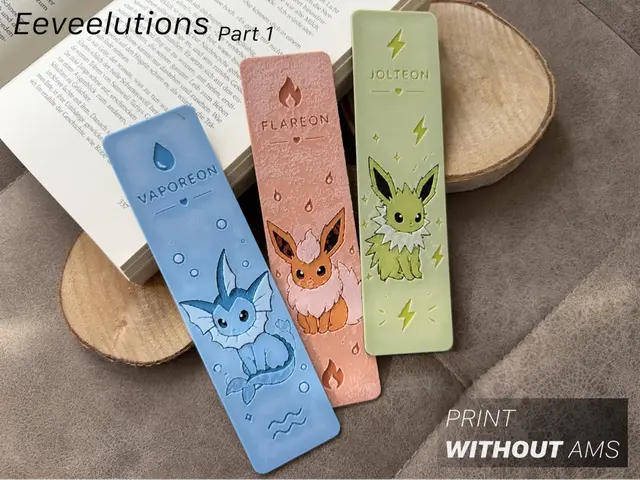
Eeveelutions Part 1 – Water Fire & Electric
by Loupes
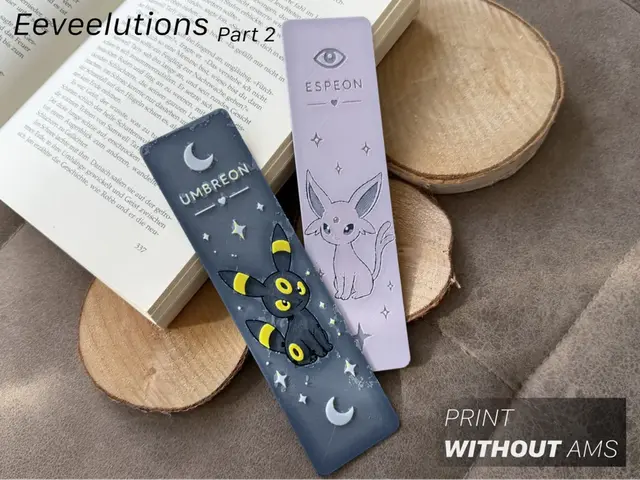
Eeveelutions Part 2 | Psychic & Dark
by Loupes
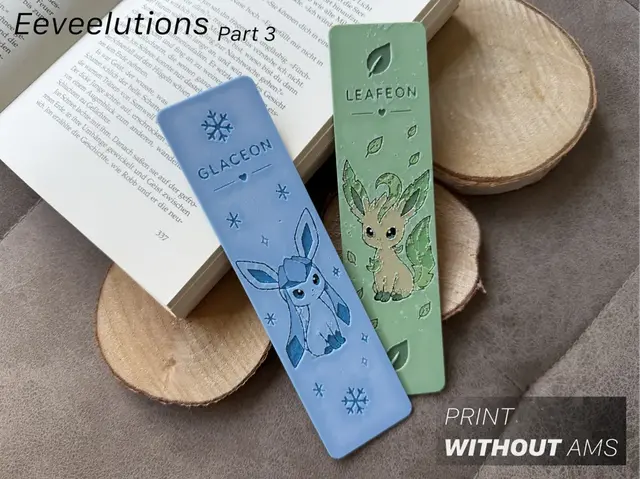
Eeveelutions Part 3 - Ice & Grass
by Loupes
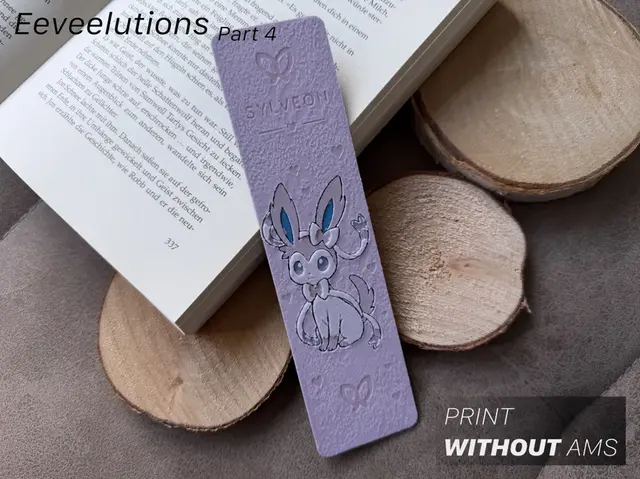
Eeveelutions Part 4 - Fairy
by Loupes
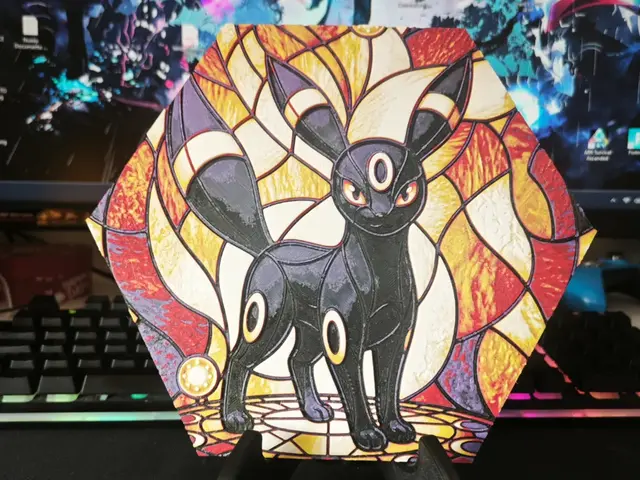
Hueforge Umbreon Pokemon honeycomb mode
by JGz3DMaker
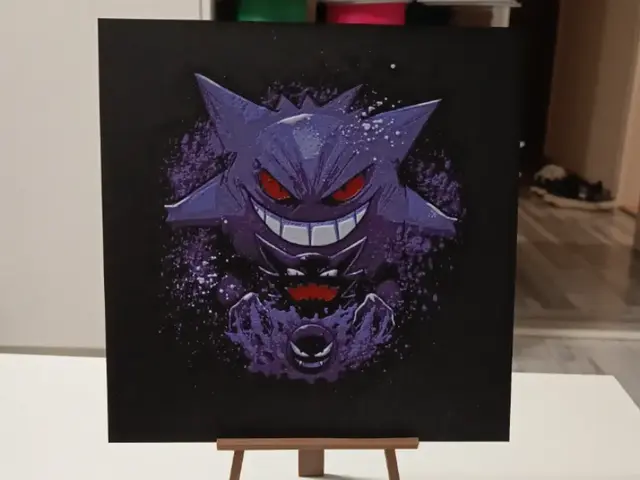
Pokemon Gengar Hueforge
by 3DNesy
Recent Articles
View all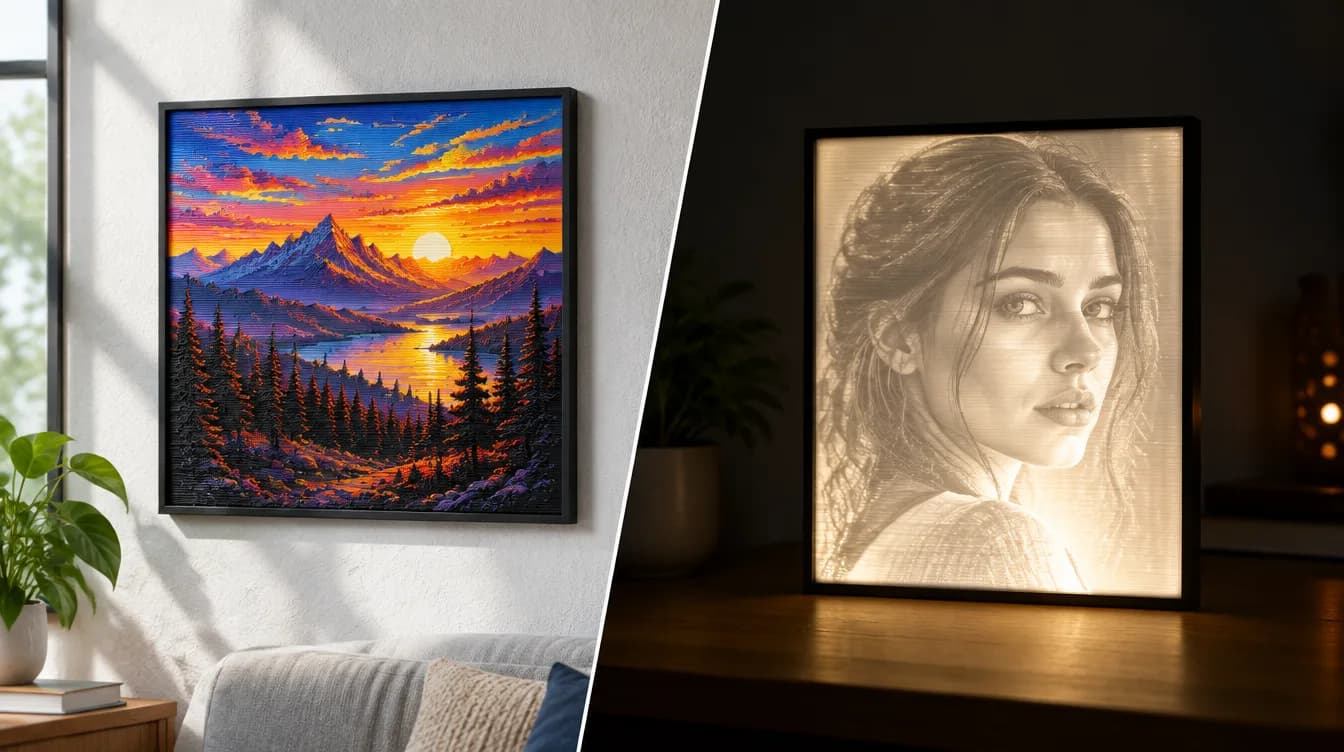
HueForge vs Lithophane: What's the Difference (and Which Should You Print)?
HueForge vs lithophane, explained: how each turns a photo into a print, the real differences in color, lighting, difficulty and cost, and when to choose one over the other.
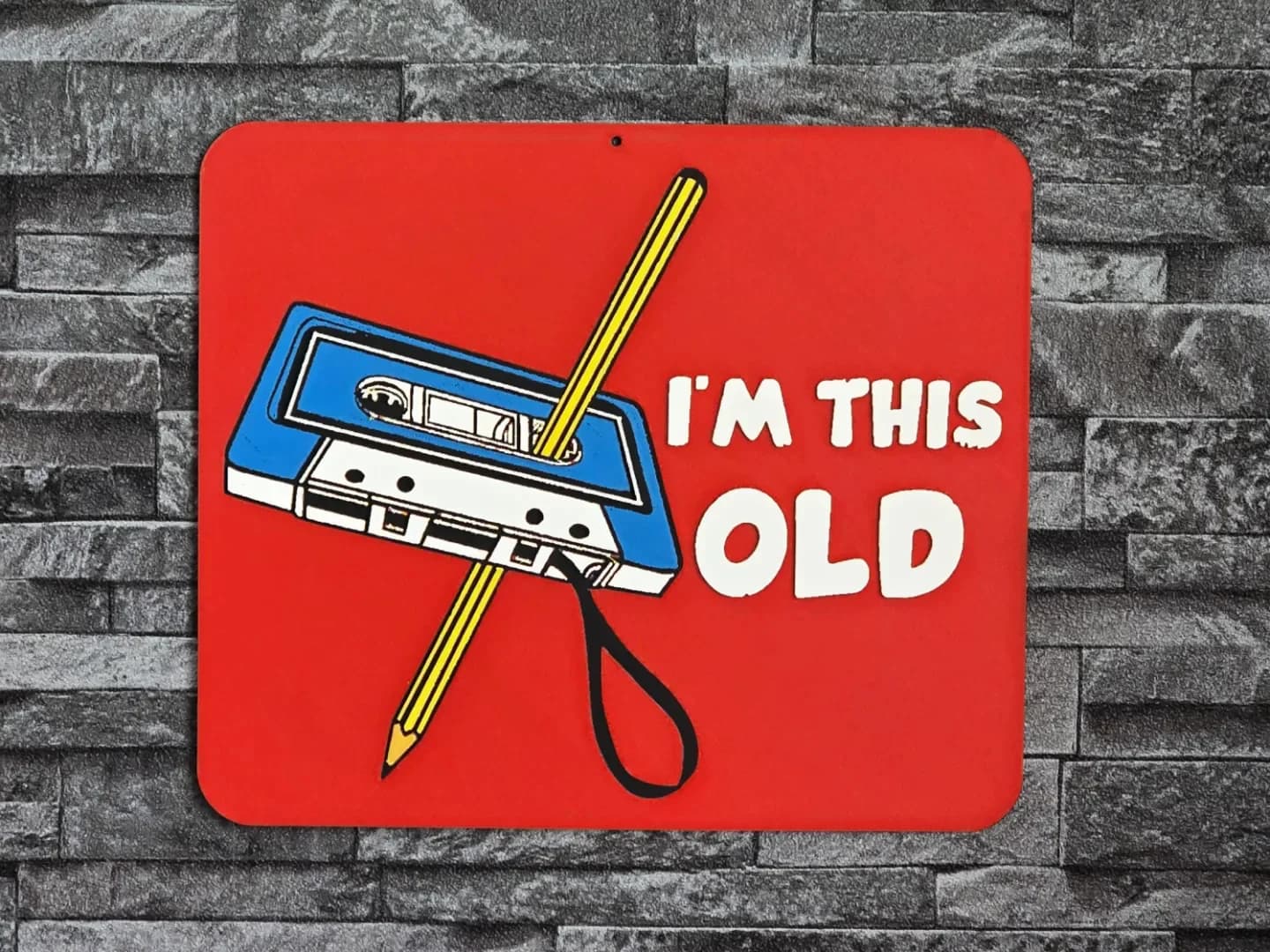
Best 3D Printed Gifts for Everyone on Your List — Made with HueForge
The best 3D printed gifts for everyone on your list, made with HueForge — custom pet and portrait art, ornaments and gift tags, bookmarks, and fandom prints matched to the recipient, plus how to turn gift requests into income.
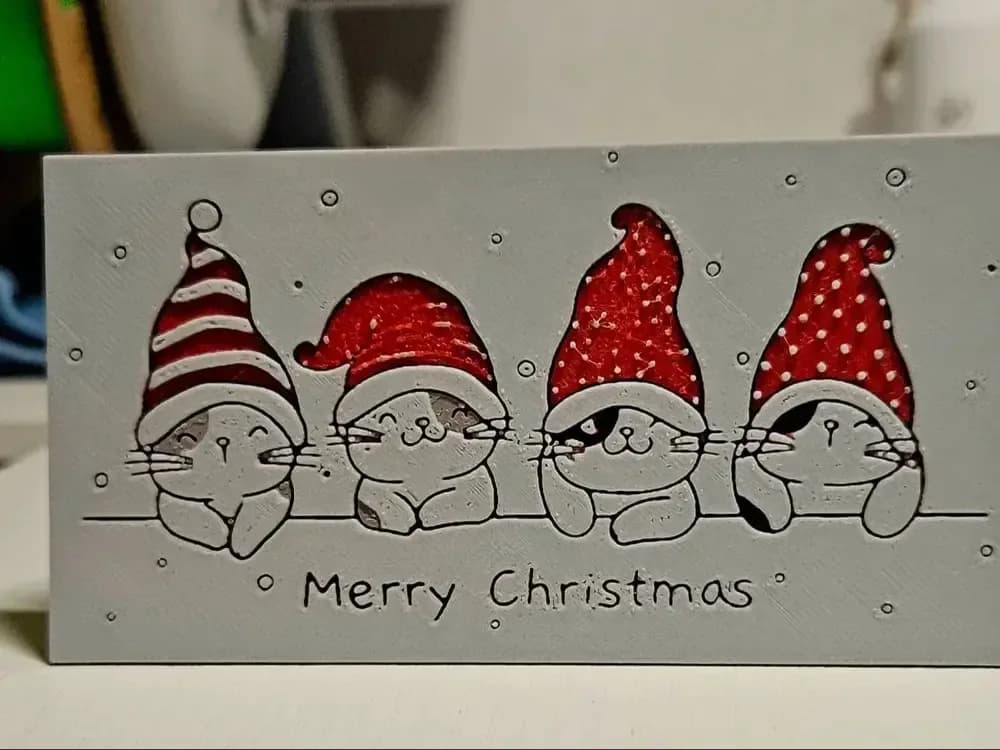
Best Christmas 3D Prints for HueForge: Ornaments, Santa & Holiday Movie Posters
The Christmas 3D prints worth making as HueForge filament paintings — tree ornaments, Santa and snowmen, holiday movie posters, festive fandom crossovers, and gift tags, grouped by theme.