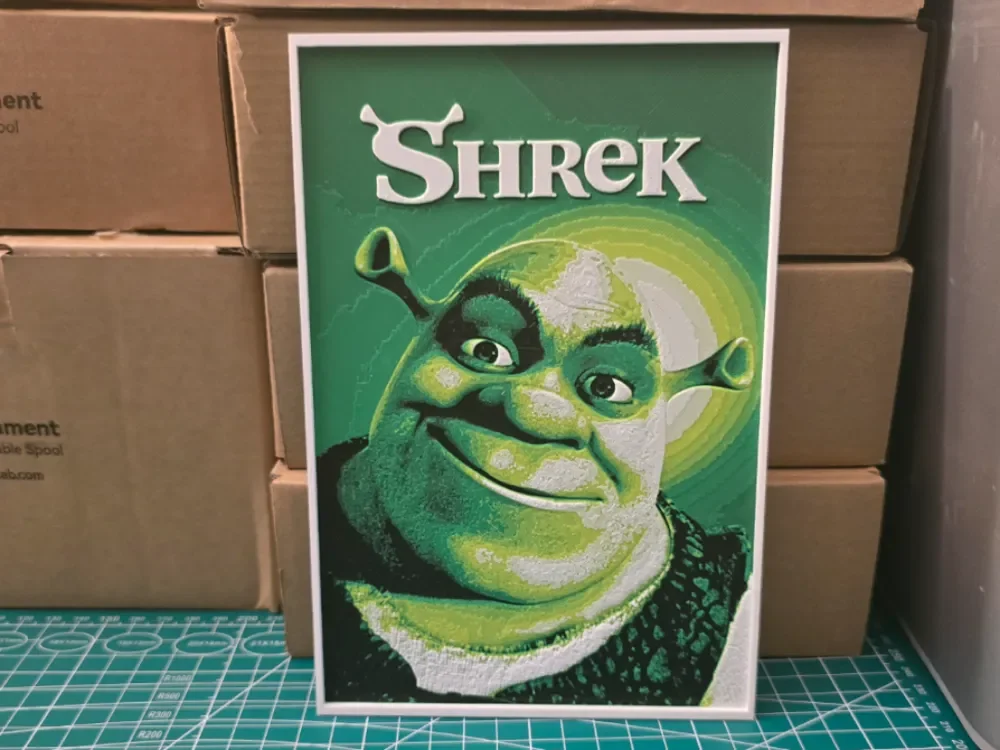
Shrek Movie Poster - Hueforge Art
by Lumpy3D
The beloved ogre's mischievous grin emerges from layers of vibrant greens in this striking tribute to DreamWorks' animated classic. Lumpy3D masterfully captures Shrek's distinctive features through carefully orchestrated color transitions, from deep forest tones in his textured vest to the luminous lime hues of his iconic face. The composition radiates warmth and humor, with expertly placed highlights bringing dimensionality to those expressive eyes and that unforgettable smirk that charmed audiences worldwide.
View on MakerWorldRequired Filaments4
Bambu Lab Basic Black
Bambu Lab BambuLab Green
Bambu Lab Basic Jade White
Bambu Lab Basic Yellow
Why filament details may vary
Filament details (brand, color, and TD value) may not exactly match the designer's original specification. In some cases, the designer didn't specify exact filaments and we've matched the closest options we could find. Always check the original listing for full details.
Some filament links are affiliate links — we may earn a small commission at no extra cost to you. Learn more
Sign up to track your filament inventory and check your matches.
Create accountYou Might Also Like
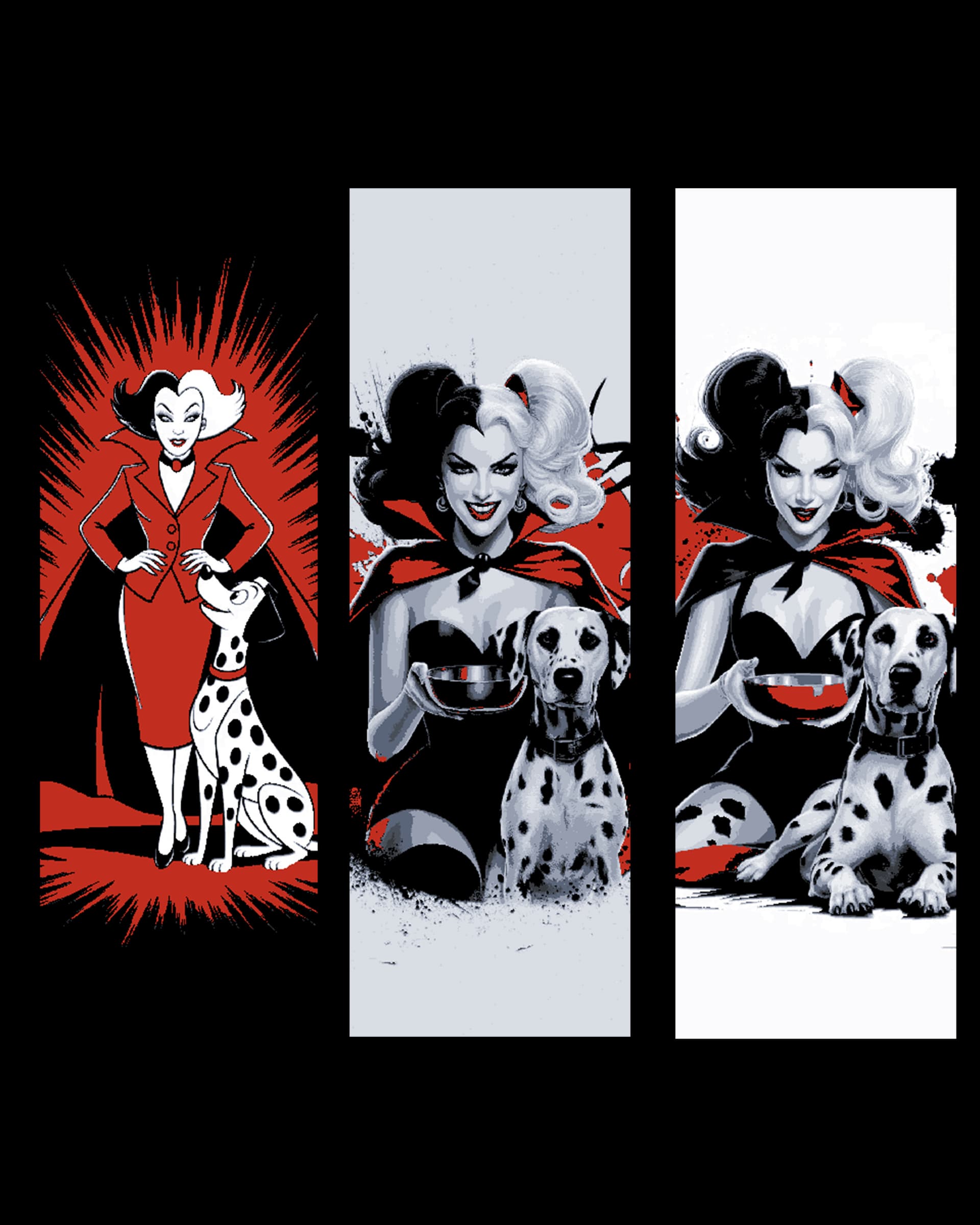
Fan art set of Bookmarks - The evil smile of the dog-napping Curella de Vil
by BooneCo3d

The Grinch Bookmark - 4 Colours
by Sarge
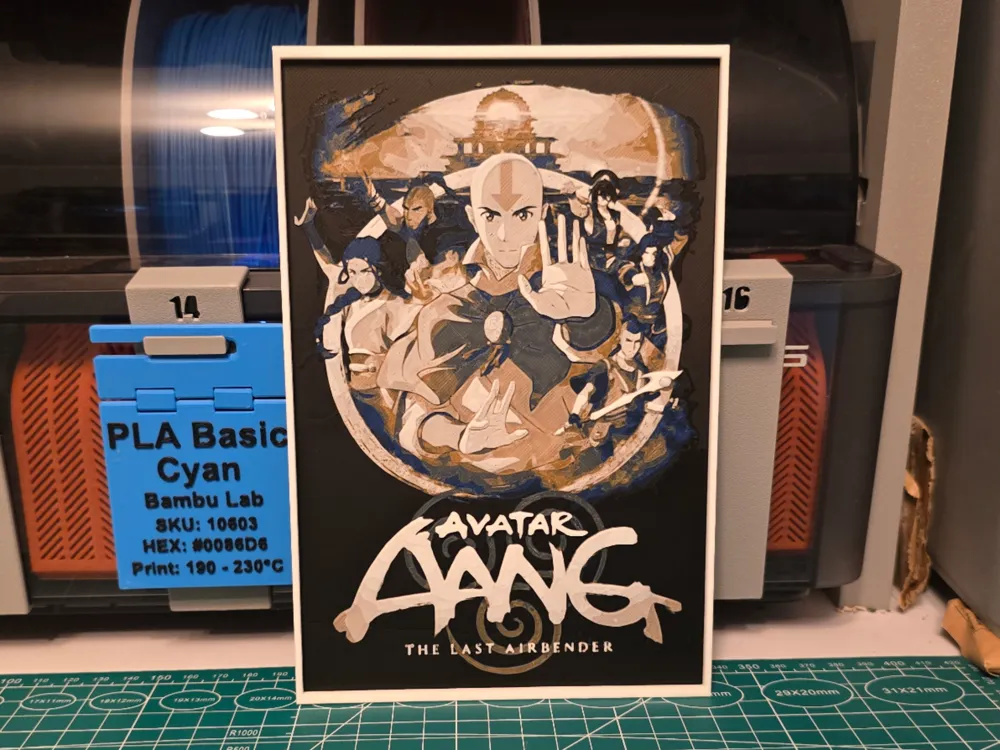
Avatar Aang: The Last Airbender Movie - Hueforge
by Lumpy3D
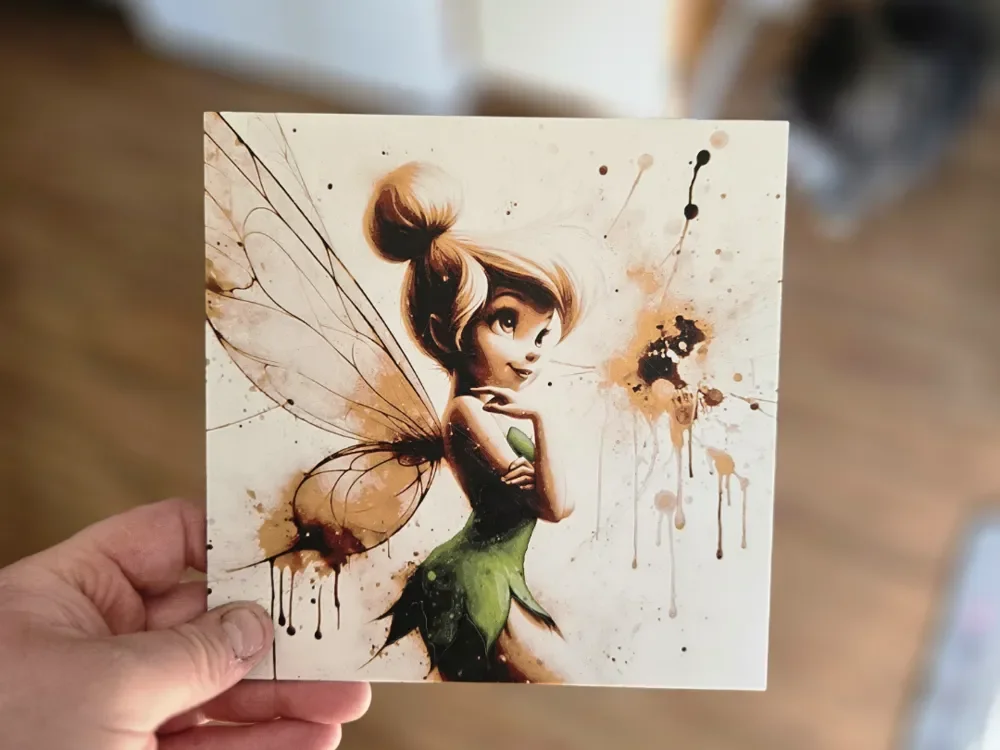
Graffiti Tinkerbell Hueforge
by 3Ree Printing

Graffiti Shrek Hueforge
by 3Ree Printing
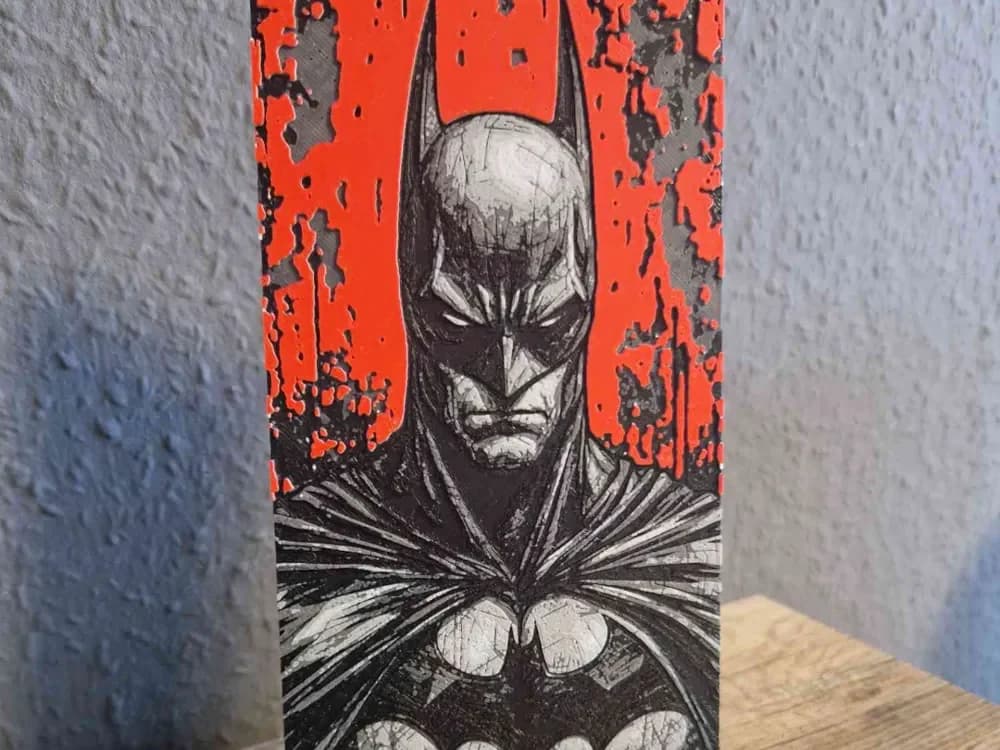
Batman Colour Pop Portrait
by Schuettdesign
Recent Articles
View all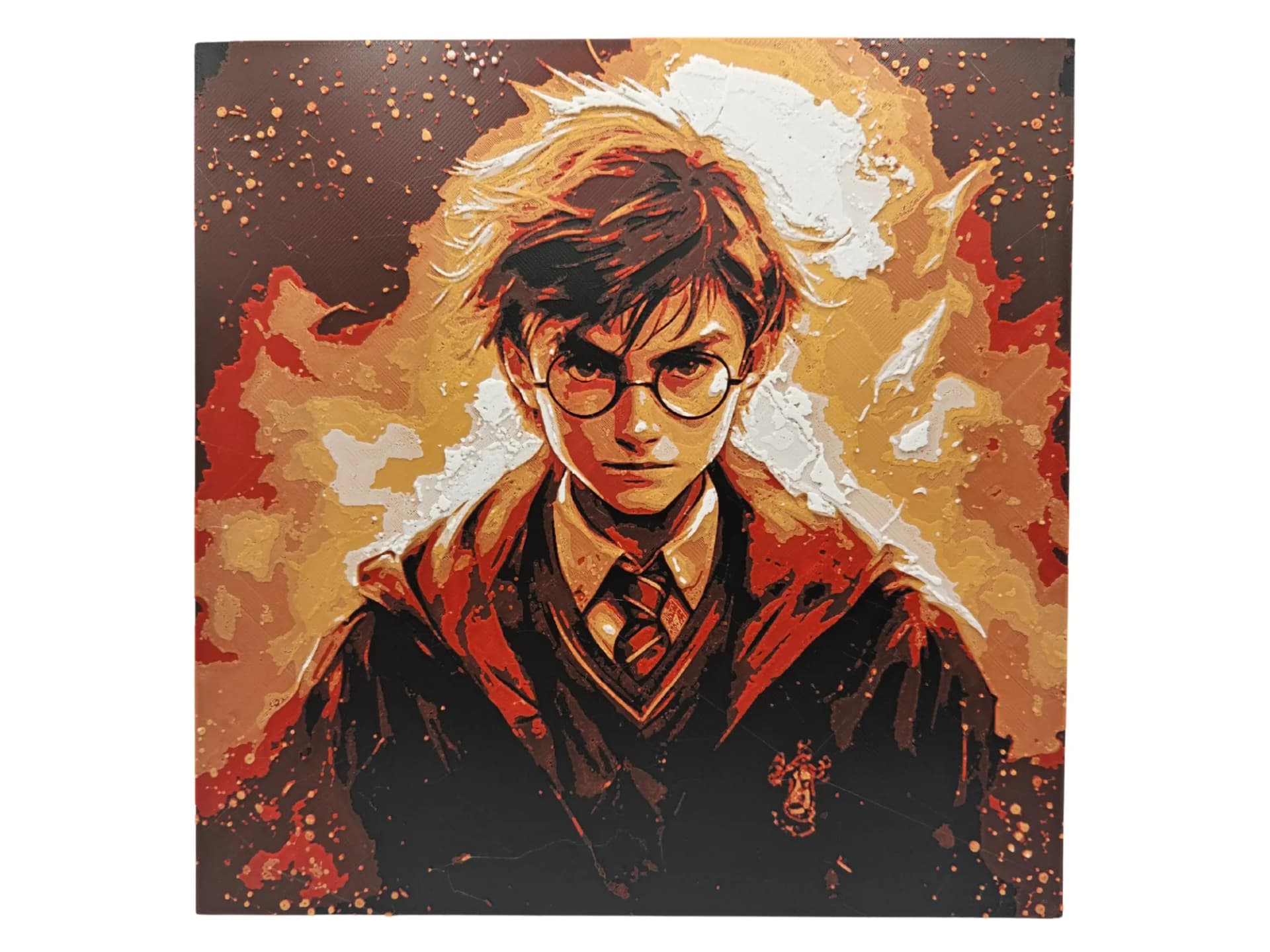
Best Harry Potter 3D Prints for HueForge: Hogwarts, Patronuses & the Deathly Hallows
The Harry Potter 3D prints worth making as HueForge filament paintings — Hogwarts and house crests, the Deathly Hallows, patronuses, and bookmarks, with the catalog's take on each.
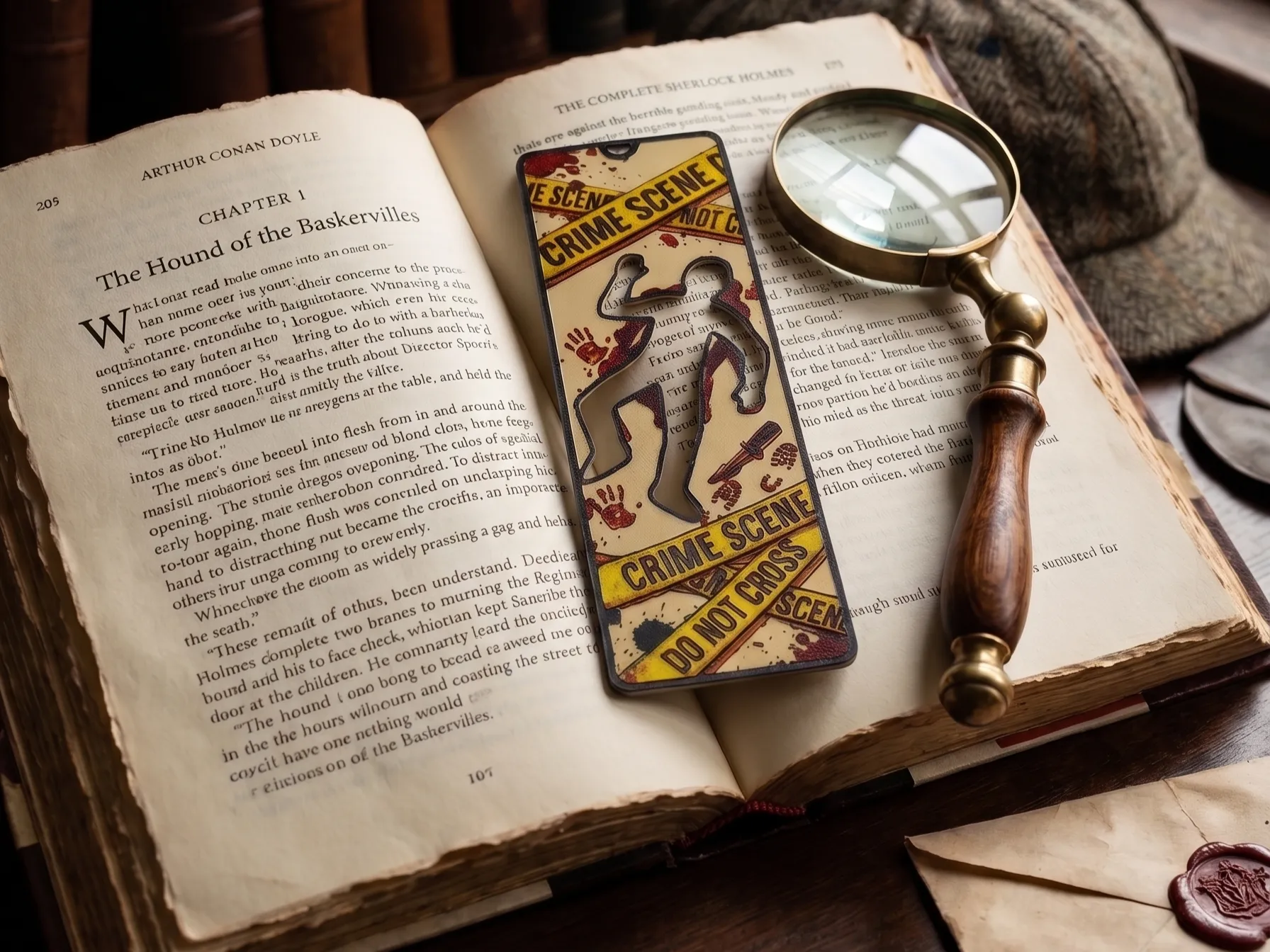
Best 3D Printed Bookmarks for HueForge: Fandom, Dragons, Animals & More
The 3D printed bookmarks worth printing as HueForge filament paintings — fandom, dragon, animal, floral, and gothic designs, and why they make the ideal first print.
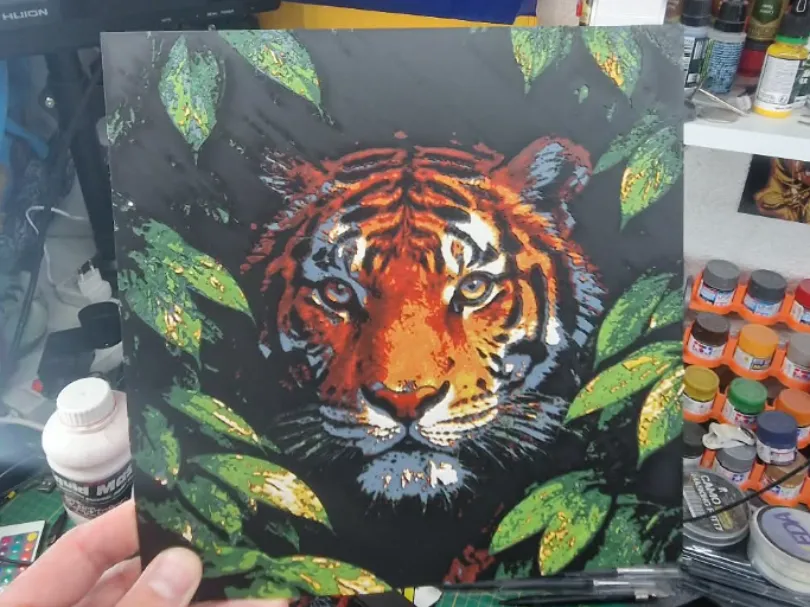
Best 3D Printed Animals for HueForge: Cats, Dogs, Birds & Wildlife
The 3D printed animals worth printing as HueForge filament paintings — cats, dogs, birds, wildlife, and ocean life, with the position the catalog takes on each.