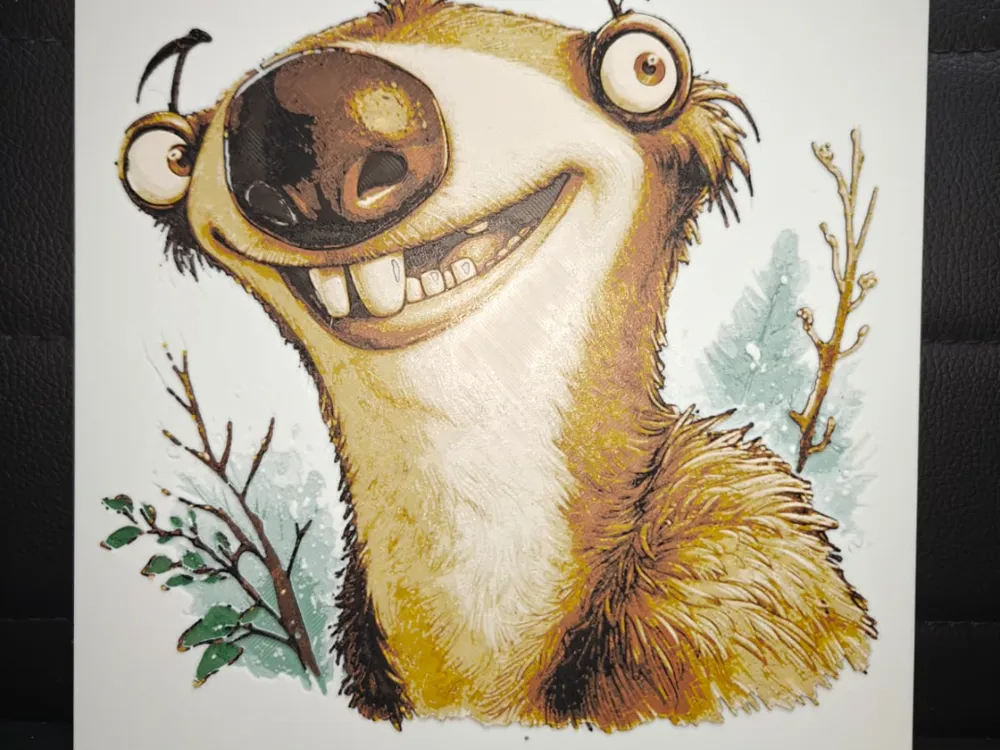
Sid the Sloth Ice Age
Everyone's favorite prehistoric sloth grins with infectious enthusiasm in this charming interpretation of Sid from Ice Age. TheHueforgeLady captures his endearing goofiness through warm golden-brown fur tones contrasted against his pale cream snout and belly. His mismatched eyes sparkle with mischief while delicate background branches hint at his ice age world, creating a delightfully whimsical piece.
View on MakerWorldRequired Filaments5
Bambu Lab Basic Mistletoe Green
Bambu Lab Basic Jade White
Bambu Lab Basic Brown
Bambu Lab Basic Yellow
Why filament details may vary
Filament details (brand, color, and TD value) may not exactly match the designer's original specification. In some cases, the designer didn't specify exact filaments and we've matched the closest options we could find. Always check the original listing for full details.
Some filament links are affiliate links — we may earn a small commission at no extra cost to you. Learn more
Sign up to track your filament inventory and check your matches.
Create accountYou Might Also Like
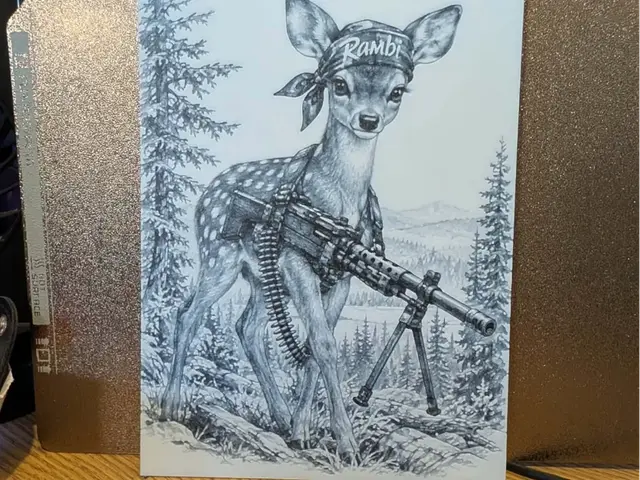
Bambi revenge - hueforge
by 3dGlow
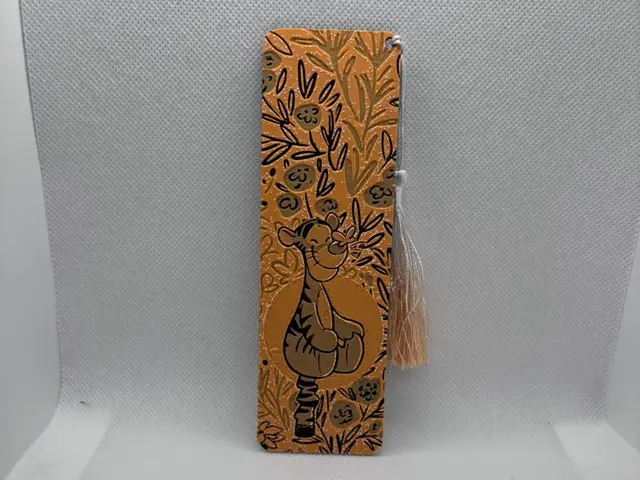
Tigger from winnie the pooh
by EDesign
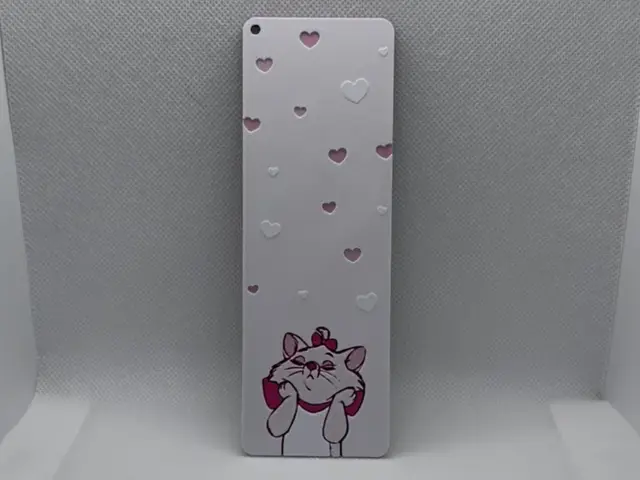
Marie from Aristocats Bookmark
by EDesign
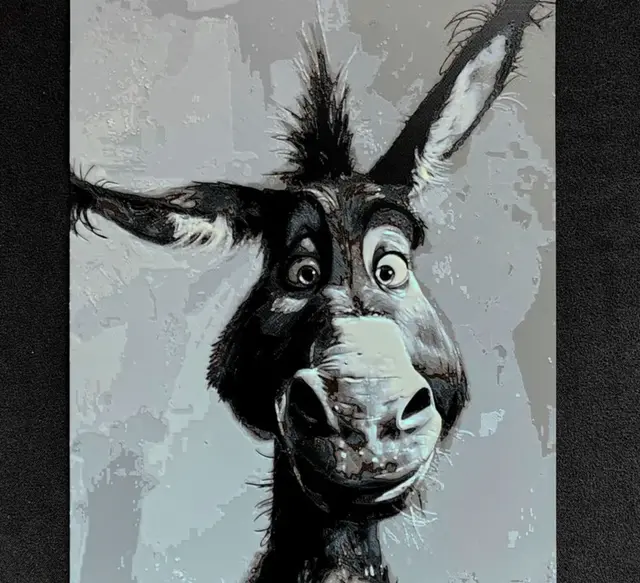
Donkey HueForge
by fD.667
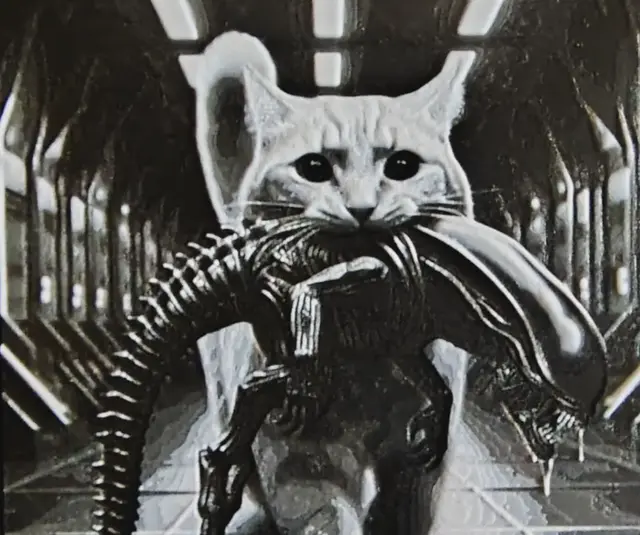
Cat hunter HueForge
by fD.667
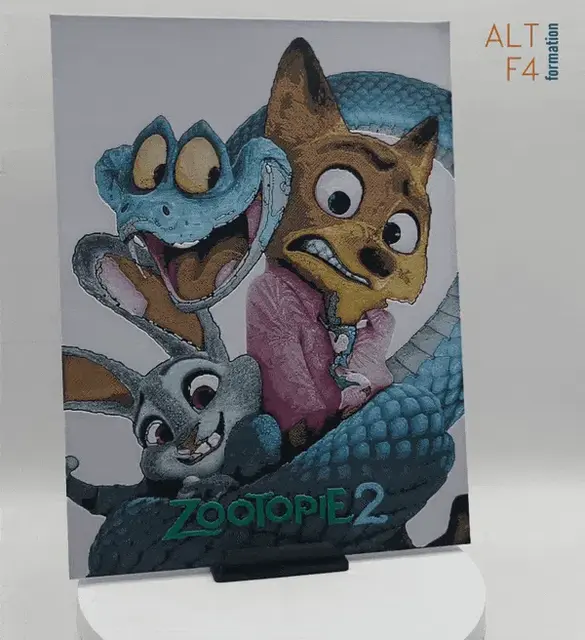
Zootopia 2 - hueforge
by Altf4-Formation
Recent Articles
View all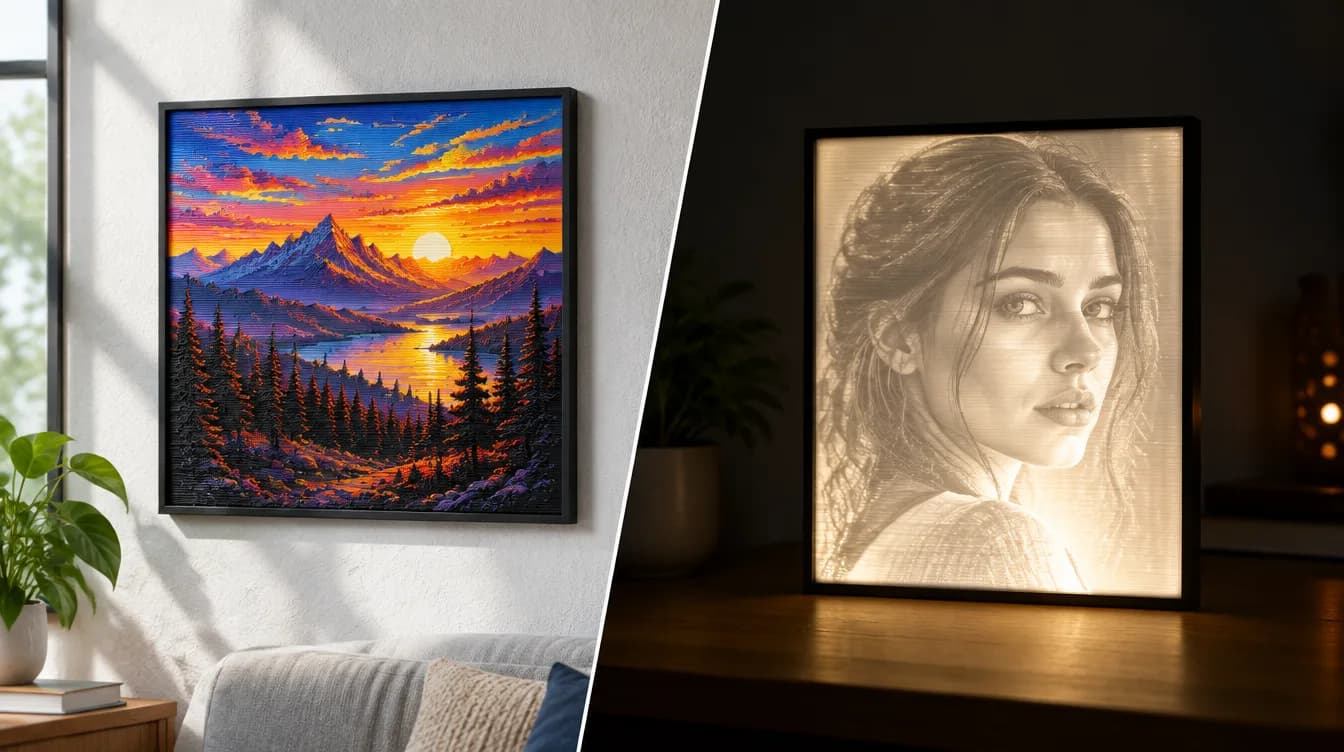
HueForge vs Lithophane: What's the Difference (and Which Should You Print)?
HueForge vs lithophane, explained: how each turns a photo into a print, the real differences in color, lighting, difficulty and cost, and when to choose one over the other.
Best 3D Printed Gifts for Everyone on Your List — Made with HueForge
The best 3D printed gifts for everyone on your list, made with HueForge — custom pet and portrait art, ornaments and gift tags, bookmarks, and fandom prints matched to the recipient, plus how to turn gift requests into income.
Best Christmas 3D Prints for HueForge: Ornaments, Santa & Holiday Movie Posters
The Christmas 3D prints worth making as HueForge filament paintings — tree ornaments, Santa and snowmen, holiday movie posters, festive fandom crossovers, and gift tags, grouped by theme.