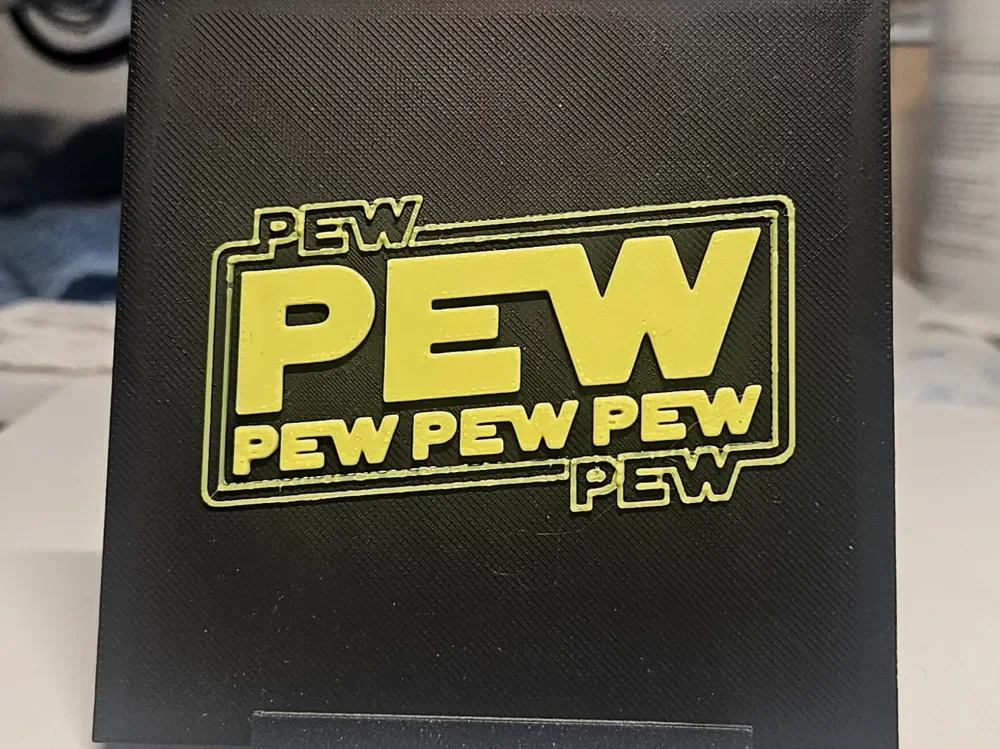
Star Wars Pew pew pew pew
Bold yellow lettering bursts from a jet-black background in this playful Star Wars-inspired tribute by Mano's 3d_Art. Styled unmistakably after the iconic franchise logo, the word "PEW" dominates the composition in oversized type, surrounded by its smaller, repeating echoes — a cheeky nod to blaster fire sound effects. The high-contrast two-tone palette makes every layer of this multi-depth print pop with personality.
View on MakerWorldRequired Filaments2
Bambu Lab Basic Yellow
Why filament details may vary
Filament details (brand, color, and TD value) may not exactly match the designer's original specification. In some cases, the designer didn't specify exact filaments and we've matched the closest options we could find. Always check the original listing for full details.
Some filament links are affiliate links — we may earn a small commission at no extra cost to you. Learn more
Sign up to track your filament inventory and check your matches.
Create accountYou Might Also Like
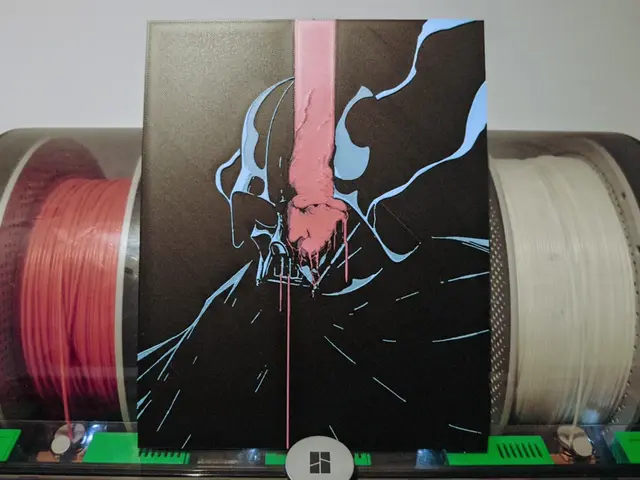
Darth Vader Hueforge - Star Wars
by Razel
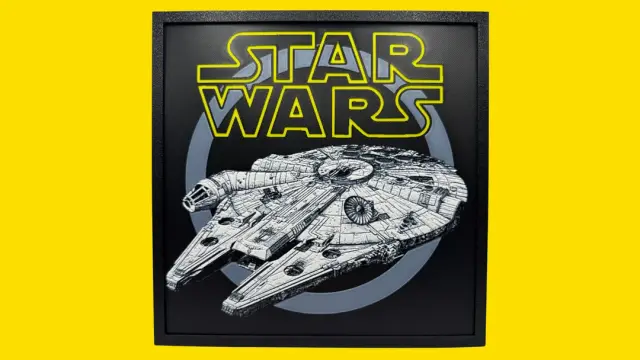
Millennium Falcon - Star Wars Hueforge
by Canadian Gamer
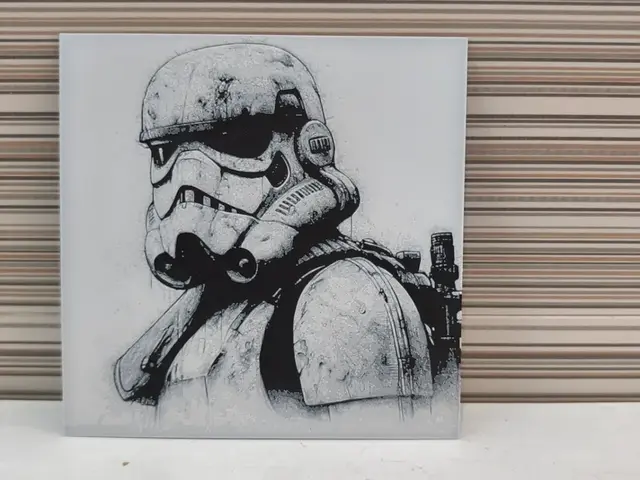
Stormtrooper HueForge – Imperial Wall Patrol
by Litolunar
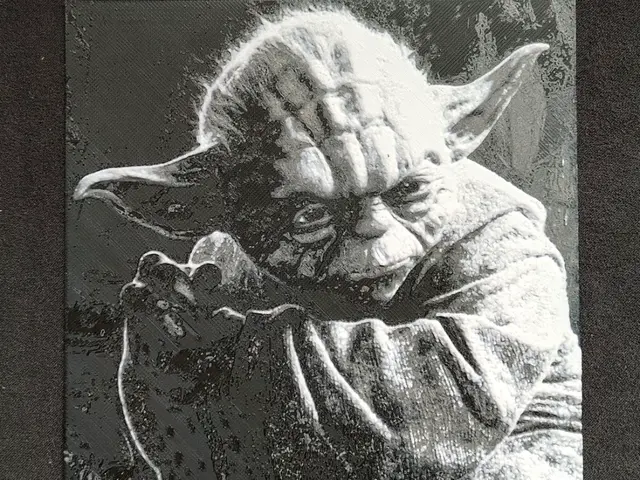
Yoda HueForge
by fD.667
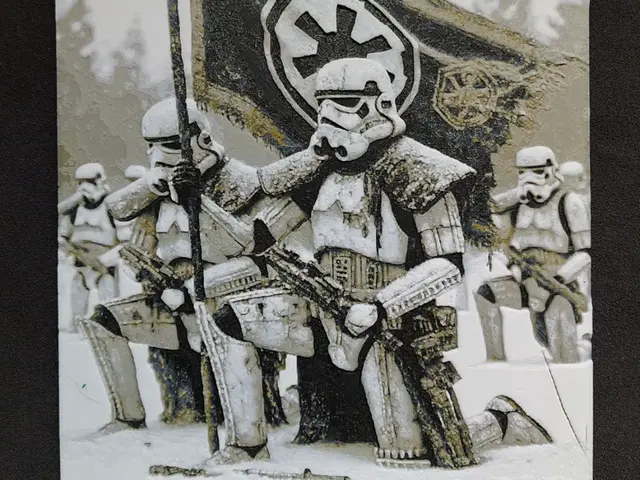
Imperial StormTroopers HueForge
by fD.667
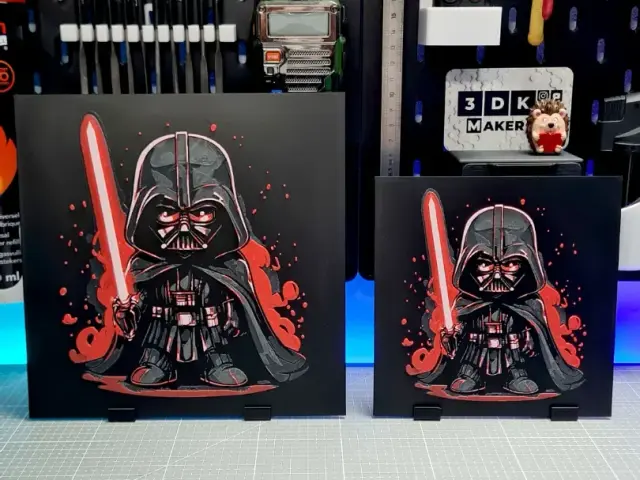
Darth Vader Chibi - Hueforge - 4 Colors
by Montoya Maker
Recent Articles
View all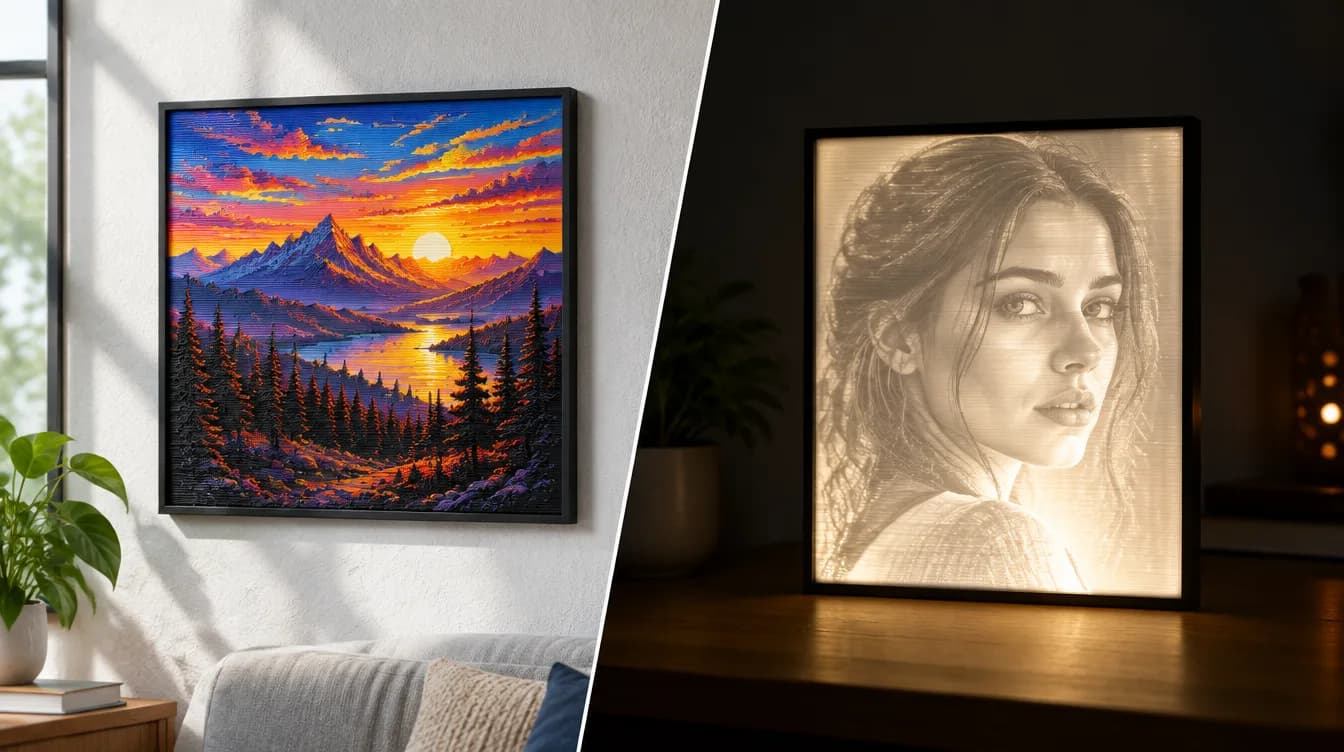
HueForge vs Lithophane: What's the Difference (and Which Should You Print)?
HueForge vs lithophane, explained: how each turns a photo into a print, the real differences in color, lighting, difficulty and cost, and when to choose one over the other.
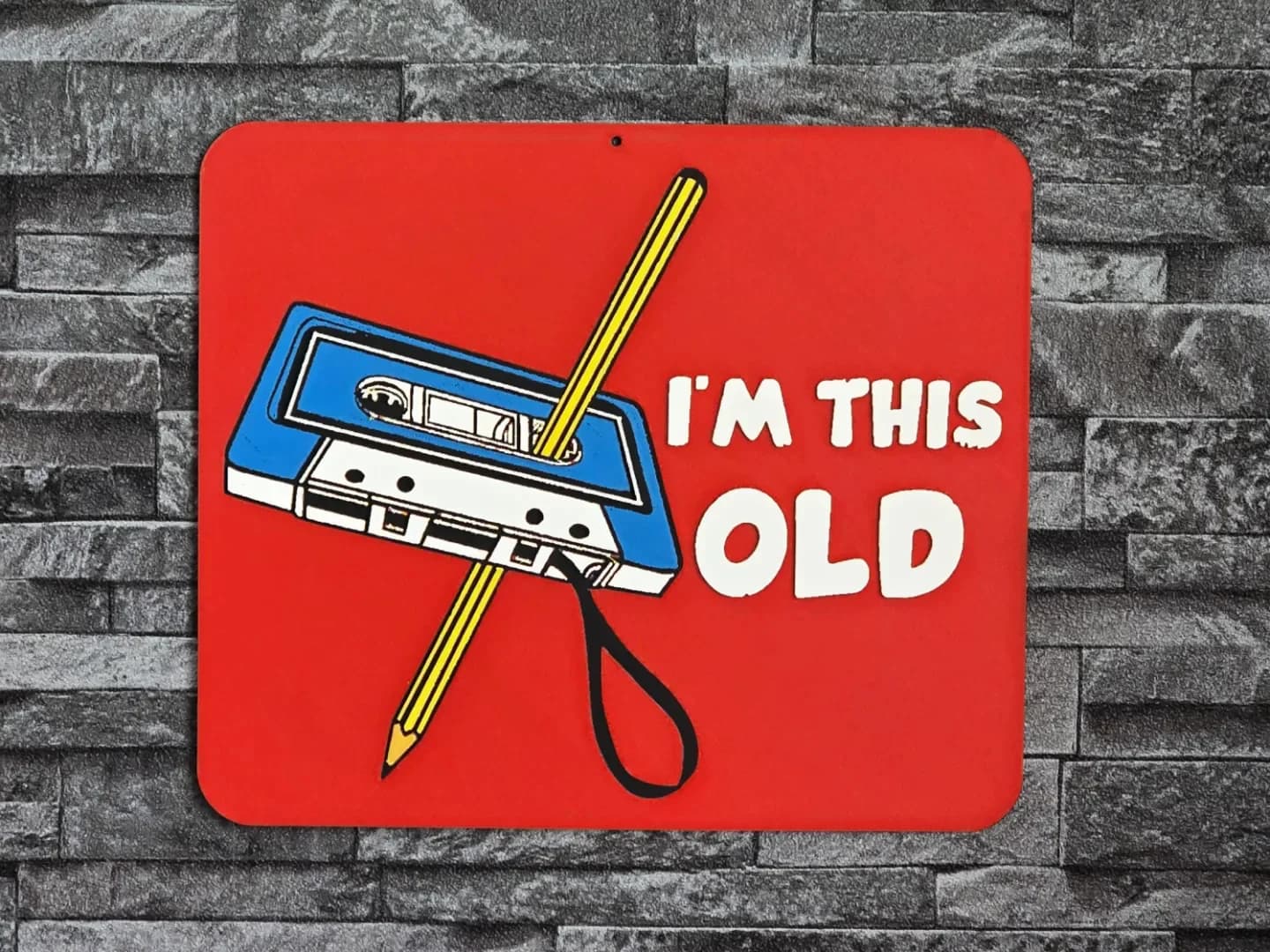
Best 3D Printed Gifts for Everyone on Your List — Made with HueForge
The best 3D printed gifts for everyone on your list, made with HueForge — custom pet and portrait art, ornaments and gift tags, bookmarks, and fandom prints matched to the recipient, plus how to turn gift requests into income.
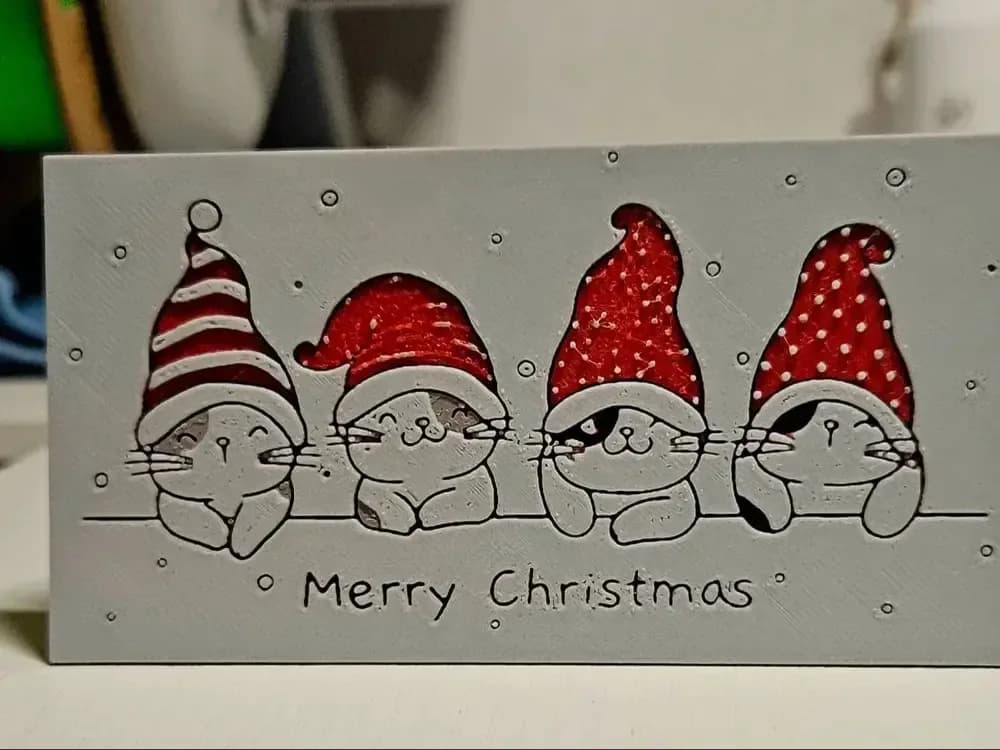
Best Christmas 3D Prints for HueForge: Ornaments, Santa & Holiday Movie Posters
The Christmas 3D prints worth making as HueForge filament paintings — tree ornaments, Santa and snowmen, holiday movie posters, festive fandom crossovers, and gift tags, grouped by theme.