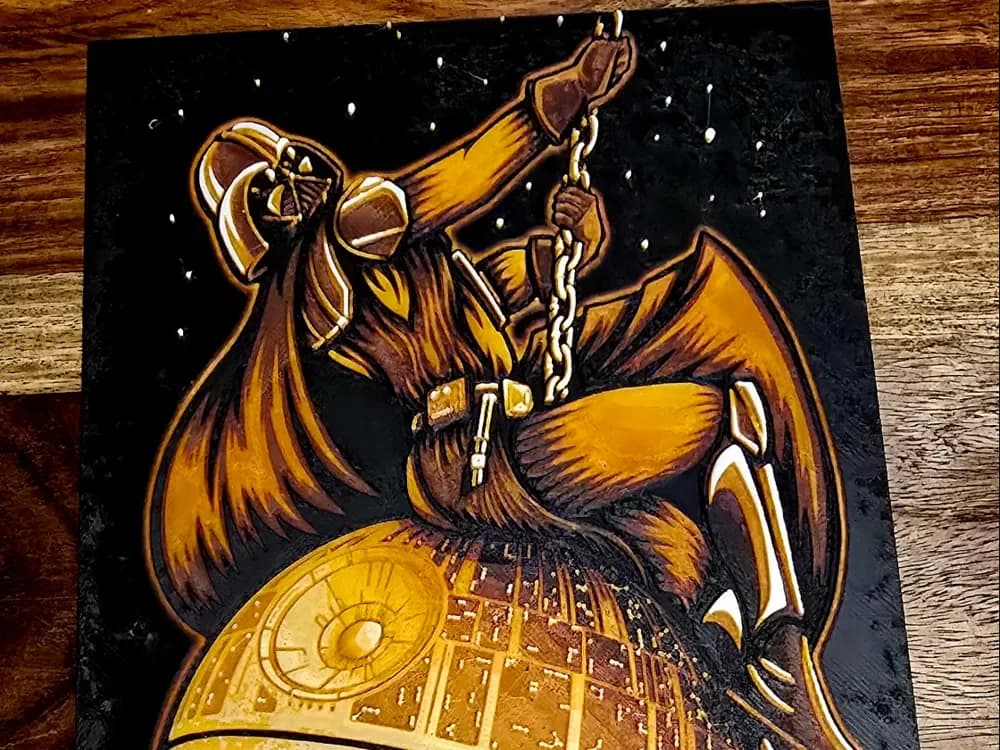
Wrecking Star Wars
by 3D-Mentiel
A menacing fusion of iconic villainy emerges from this dramatic interpretation, where Darth Vader's imposing silhouette dominates against a star-speckled void. The Sith Lord's cape billows dramatically as he wields his crimson lightsaber above the Death Star's intricate surface details. Rich amber and bronze tones illuminate his armor and flowing robes, while the mechanical moon's geometric patterns gleam with golden highlights, creating a powerful composition that captures the Empire's devastating might.
View on MakerWorldRequired Filaments5
Bambu Lab Basic Black
Bambu Lab Basic Jade White
Bambu Lab Basic Orange
Bambu Lab Basic Red
Bambu Lab Basic Sunflower Yellow
Why filament details may vary
Filament details (brand, color, and TD value) may not exactly match the designer's original specification. In some cases, the designer didn't specify exact filaments and we've matched the closest options we could find. Always check the original listing for full details.
Some filament links are affiliate links — we may earn a small commission at no extra cost to you. Learn more
Sign up to track your filament inventory and check your matches.
Create accountYou Might Also Like
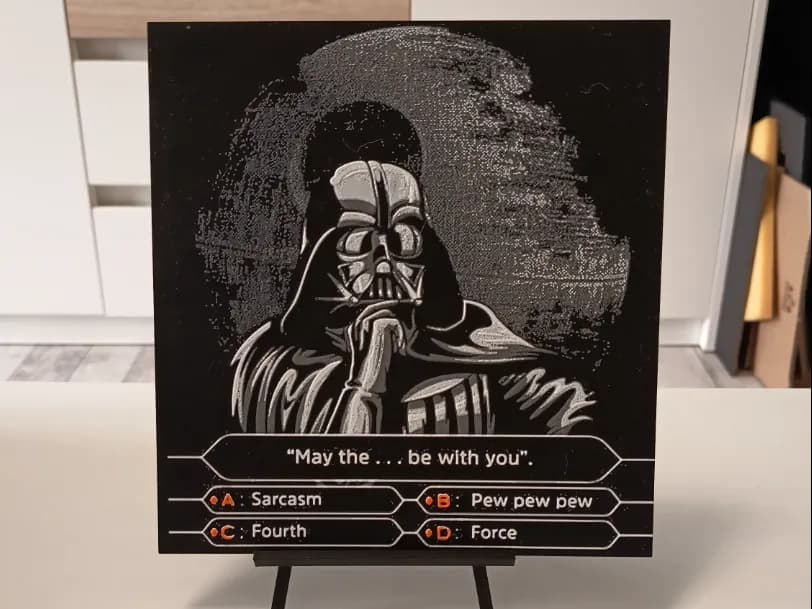
Darth Vader Quiz Hueforge
by 3DNesy
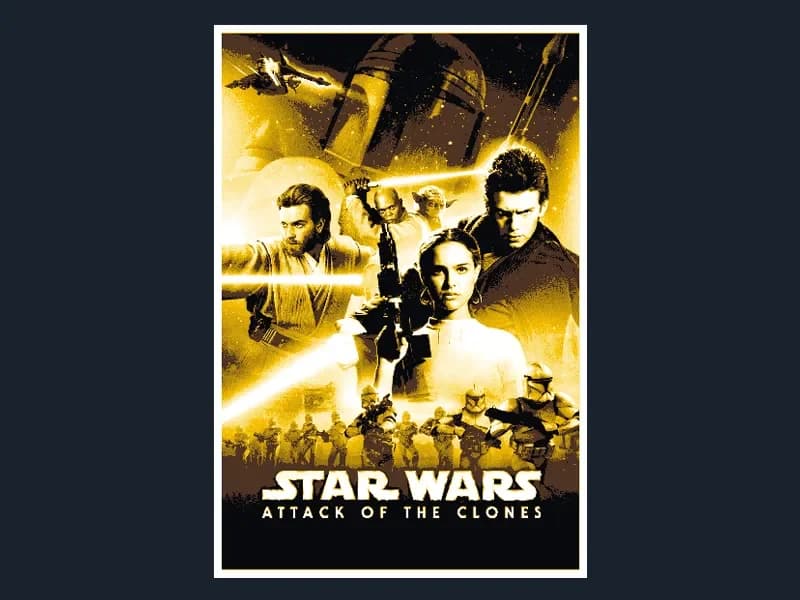
Star Wars Episode II - Attack of the Clones
by HugheCraft
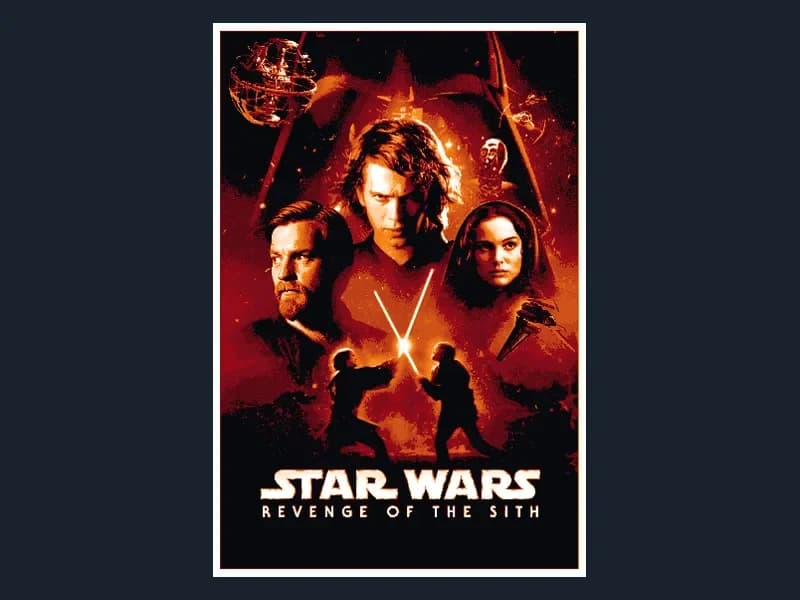
Star Wars Episode III - Revenge of the Sith
by HugheCraft
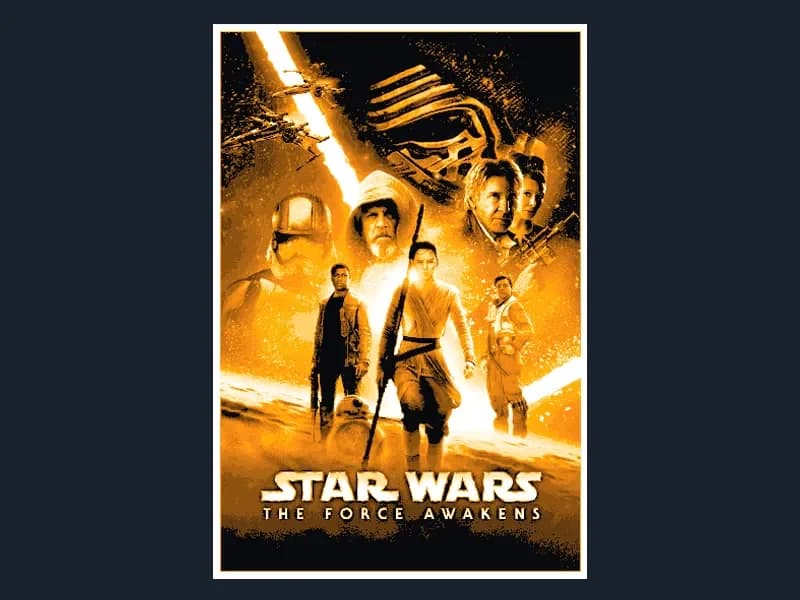
Star Wars The Force Awakens (Hueforge)
by HugheCraft
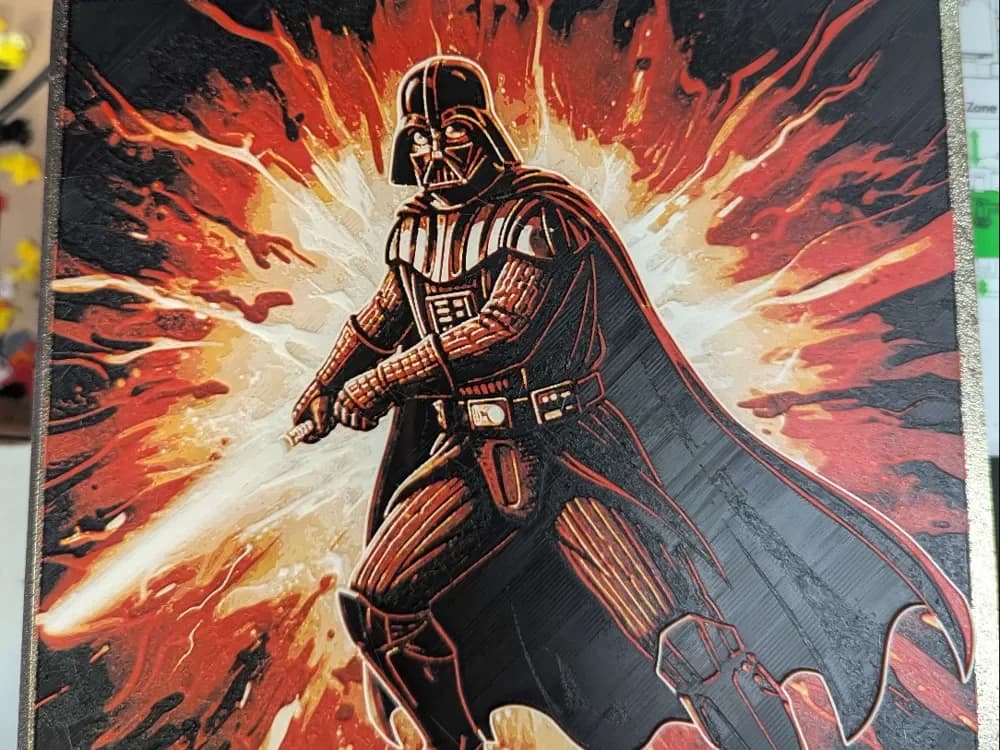
Hueforge darkvador v3 Darth Vader
by ZombiePaint3D
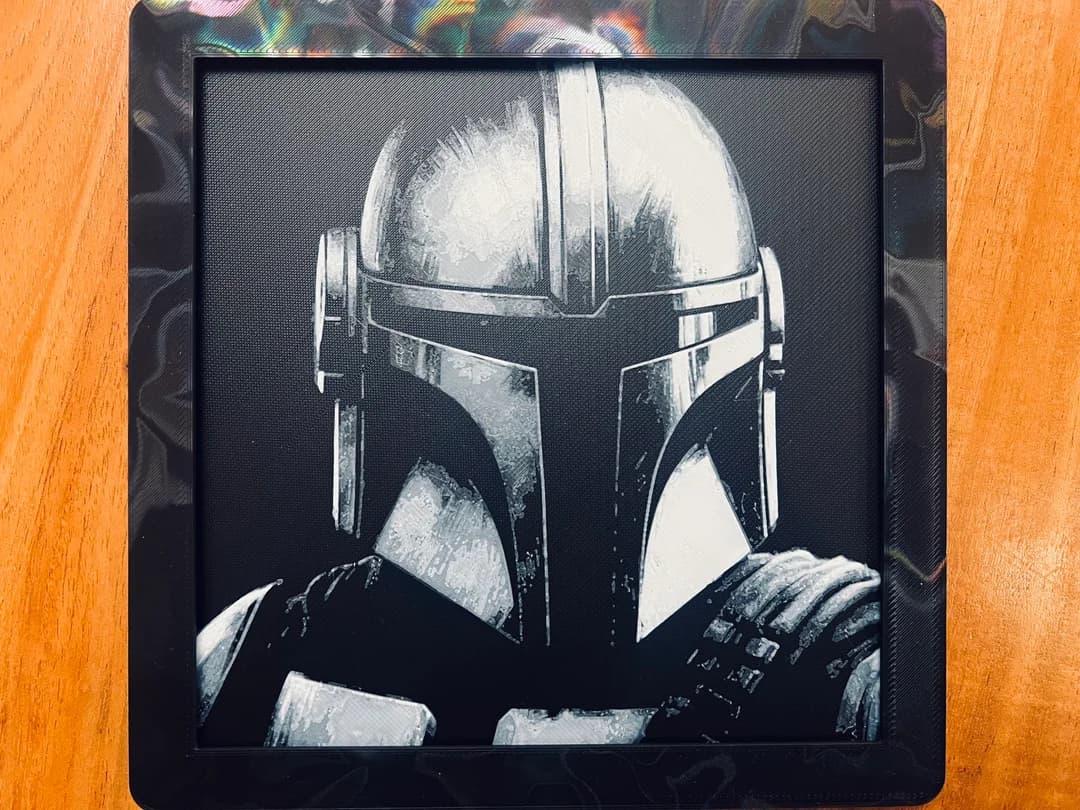
Mandalorian Close Up(Black and White)
by JustBe 3D Printing
Recent Articles
View all
Best Car 3D Prints for HueForge: From Japanese Icons to Movie Cars
The best car 3D prints to make as HueForge filament paintings — JDM legends, supercars, American muscle, F1 and rally posters, and movie icons like the DeLorean, each linked in the HuePick catalog.
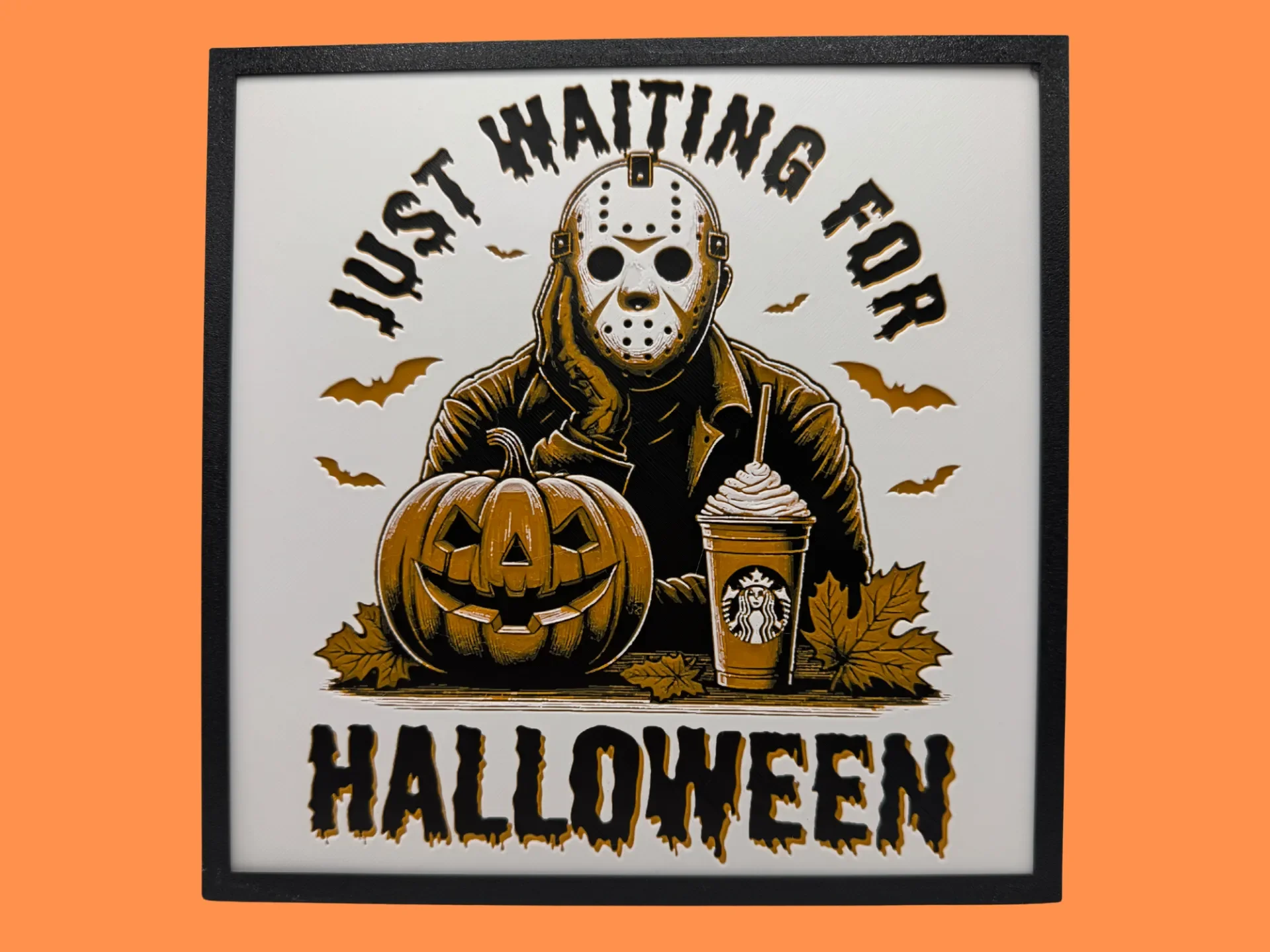
Best Halloween & Horror 3D Prints for HueForge: Slashers, Skulls & Spooky Wall Art
The Halloween 3D prints worth making as HueForge filament paintings — horror movie posters, Ghostface and Pennywise, skulls, pumpkins, spooky Pokemon, and bookmarks, grouped by theme.
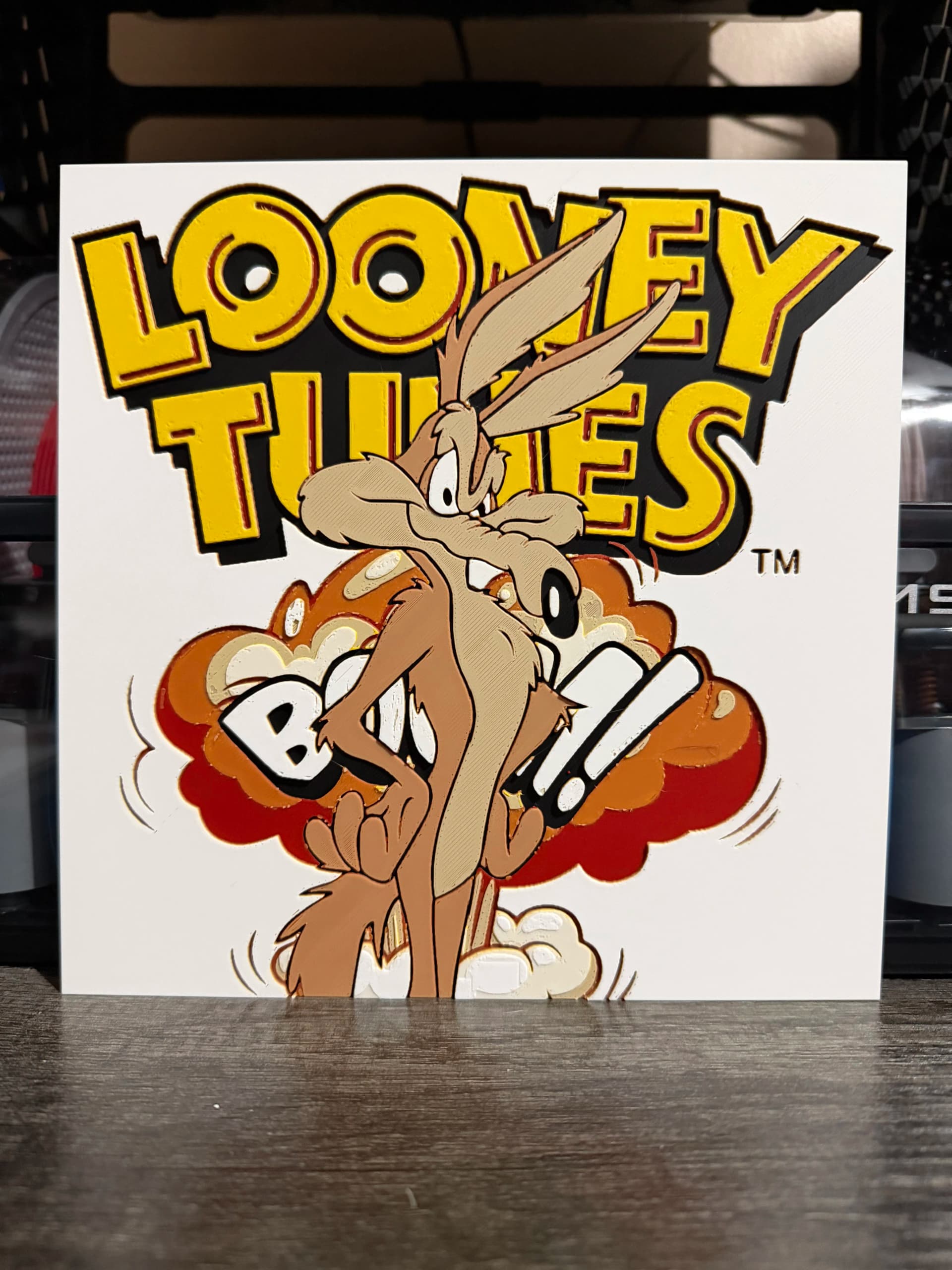
Best Classic Saturday Morning Cartoon STL Files for HueForge
The best classic Saturday morning cartoon STL files for HueForge — Scooby-Doo, Looney Tunes, Transformers, He-Man, TMNT and more, as bold filament wall art.