Is HueForge Free? Cost, Licenses, and the Best Alternatives
Is HueForge free? No — it's paid, from about $24. Here's the license breakdown, whether there's a free trial, and the best free HueForge alternatives worth trying.
Quick Answer
HueForge is not free — it's paid software from Horn & Rhode LLC, starting around $24 for a one-time Personal license, with annual commercial tiers and a one-time Lifetime Professional option. There's no free tier or trial. If you want a free route, browser-based tools like MakerWorld's Chroma Canvas, PrintPal, Kromacut, and Filapaint do filament-painting style conversion at no cost, with trade-offs.
If you're sold on the look but not sure you want to pay for software before making a single print, here's the straight answer on what HueForge costs, whether there's a free way in, and whether the alternatives get you there.
For the record: HuePick is a free community catalog with no stake in which software you use, so none of this is a sales pitch — it's just the honest breakdown.
Is HueForge Free?
No. HueForge is paid software from Horn & Rhode LLC, and it's licensed by intended use rather than sold as a single flat product. As of mid-2026 a one-time Personal license runs around $24 (it's occasionally discounted from $30), and the commercial options are priced above that.
The tiers break down like this:
- Personal (one-time): unlimited personal use with two years of updates. You may not sell prints or models — you can give them away, but only under a non-commercial license.
- Limited Commercial (annual): everything in Personal, plus you may sell prints (not digital files). Reverts to personal use if you don't renew.
- Professional (annual): the above, plus you may sell digital files.
- Lifetime Professional (one-time): full commercial rights permanently, with two years of updates included.
All full-release versions have the same features — there are no commercial-only tools; the commercial tiers are about rights, not capabilities. Note that sales are final (no refunds once downloaded), so pick the tier that matches how you'll actually use it. Prices and tiers change, so check the official product page for the current numbers.
Is There a Free Trial or Free Download?
There's no free tier or trial — HueForge is paid up front. That means any result promising a "free download" or a cracked copy of HueForge is not the real thing, and those hueforge free download search results tend to lead somewhere you don't want your computer to go. If you're going to run HueForge, get it from the official store; if you want free, use a genuinely free alternative (below) rather than a pirated copy.
What Are the Best Free HueForge Alternatives?
Several free tools do the same core job — turning an image into a layered, filament-painting-style print — with different trade-offs from HueForge's polish and filament database.
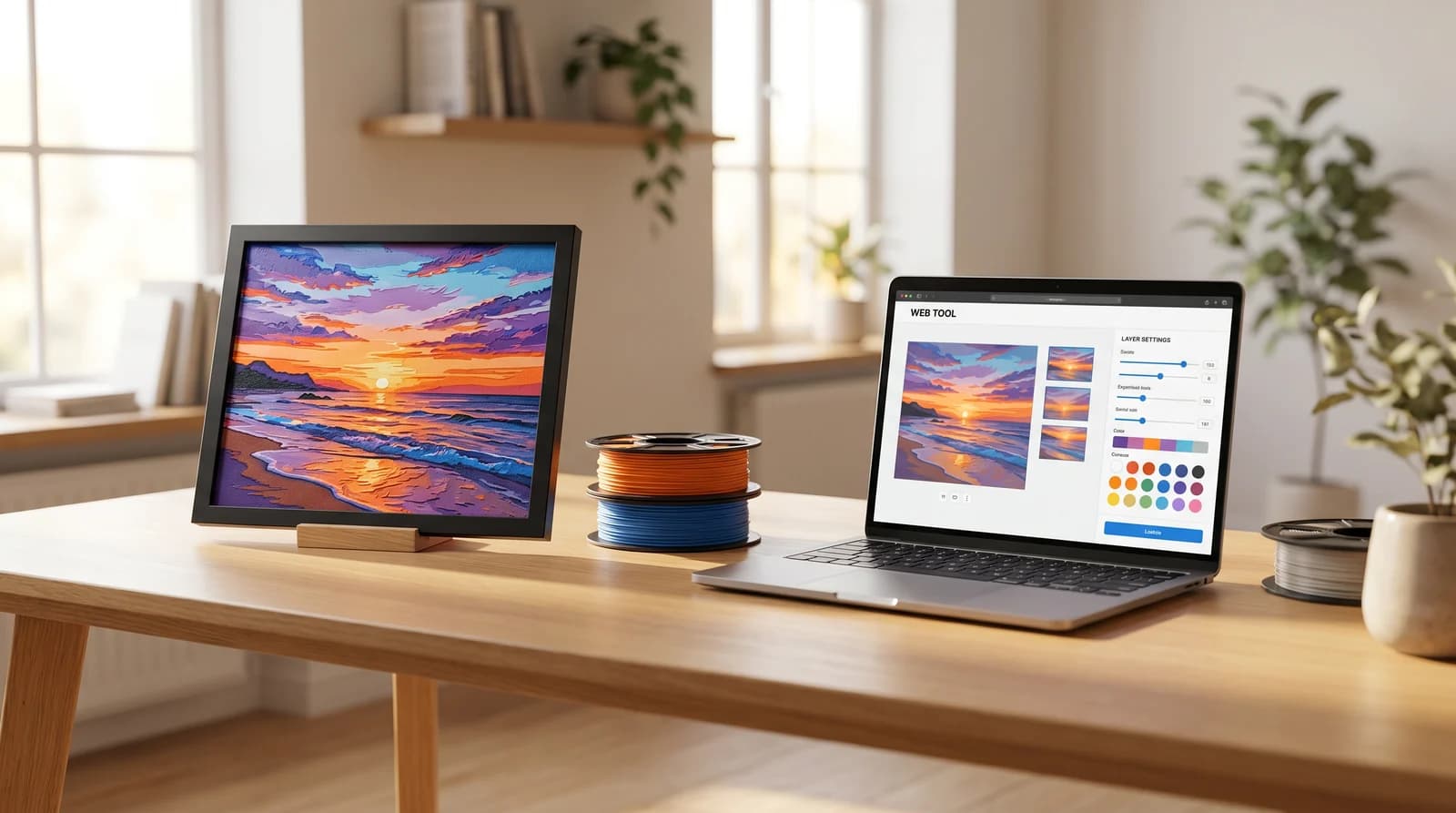
- Chroma Canvas (MakerWorld Maker Lab) — Bambu Lab's free, browser-based filament-painting generator built right into MakerWorld. Upload an image, pick a color scheme, and it produces a HueForge-style layered print optimized for easy slicing. It's the most frictionless free option, and it's on the same platform you're likely downloading models from.
- PrintPal Filament Painter — a free, browser-based painter with image analysis, multi-layer color mapping, a live preview, and OBJ export. Nothing to install, and processing happens locally in your browser.
- Kromacut — open-source and free. It computes layer stacks from your actual filaments using physically accurate optical blending, with a calibration wizard and an auto-paint mode. The most capable of the free options if you're comfortable with a more technical tool.
- Filapaint (cxwl.org) — a free online tool that converts an uploaded image into a filament-painting-style print by varying layer thickness for shading.
There's also VoxelPrime, a low-cost paid alternative (around $5) if you want something more full-featured than the free tools without HueForge's price.
A free tool can absolutely get you started and make good prints. Where paid HueForge tends to earn its price is the depth of its filament/TD database, the quality and accuracy of the live preview, and the polish of the overall workflow — the things that save you failed prints once you're doing this a lot.
Is HueForge Worth It?
That depends on how much you'll use it. For someone printing filament art regularly — and especially anyone selling prints, where the commercial license and reliable results matter — the price is small against the filament and time a muddy failed print costs, and the accurate TD database and preview genuinely reduce those failures. For a one-off curiosity, a free tool is the sensible first step, and you can always upgrade once you know you'll keep at it.
Rather than a blanket verdict, the honest framing is: try a free alternative first if you're unsure, and move to HueForge when the tool itself becomes the thing slowing you down.
Where to Go From Here
If you decide to go with it, How to Use HueForge walks through the software step by step, and What Is HueForge? covers the background on how filament painting works. When you're ready to print, the model catalog has pieces that come configured with recommended colors.