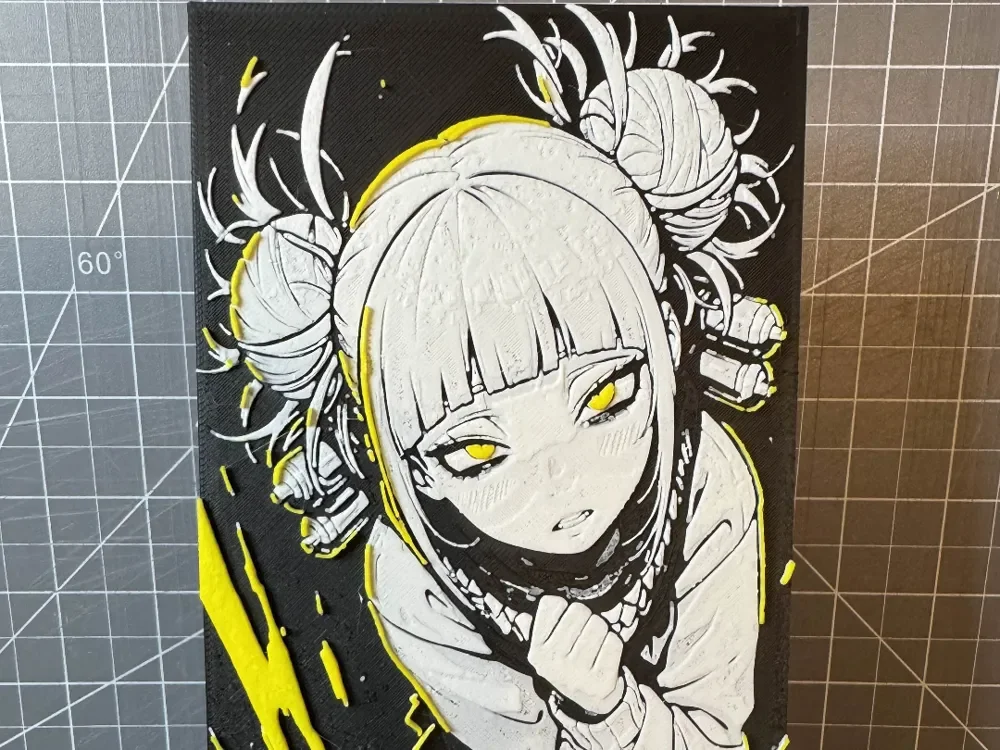
4x8 Hueforge of Himiko Toga my hero academia
Toga's mischievous grin radiates menace against a dramatic black backdrop, her signature twin buns and wild blonde hair creating dynamic silhouettes. This striking anime portrait captures the My Hero Academia villain's unsettling charm through bold yellow accents that illuminate her predatory smile and gleaming eyes. The monochromatic palette with strategic pops of color emphasizes her dangerous allure and unpredictable nature.
View on MakerWorldRequired Filaments3
Why filament details may vary
Filament details (brand, color, and TD value) may not exactly match the designer's original specification. In some cases, the designer didn't specify exact filaments and we've matched the closest options we could find. Always check the original listing for full details.
Some filament links are affiliate links — we may earn a small commission at no extra cost to you. Learn more
Sign up to track your filament inventory and check your matches.
Create accountYou Might Also Like
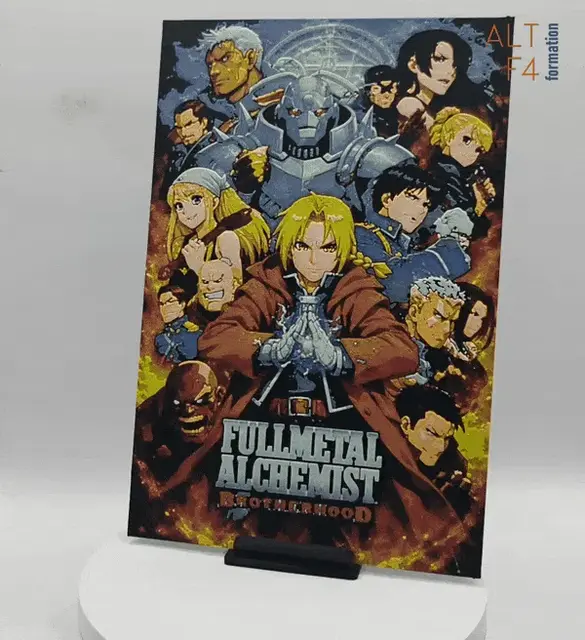
Full Metal Alchemist - Brotherhood
by Altf4-Formation
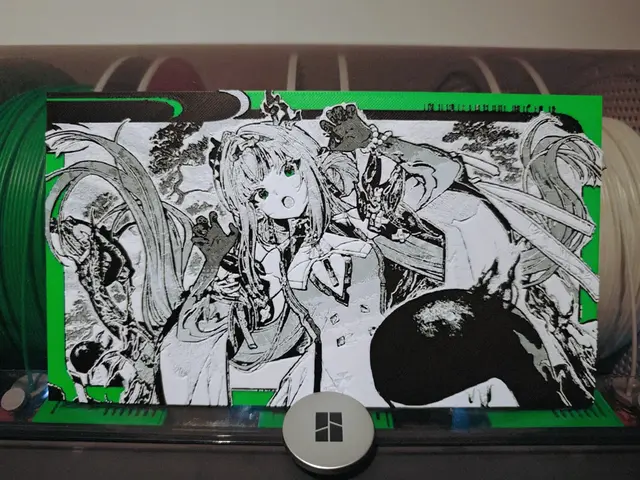
Si (祀) - Arknights Endfield
by Razel
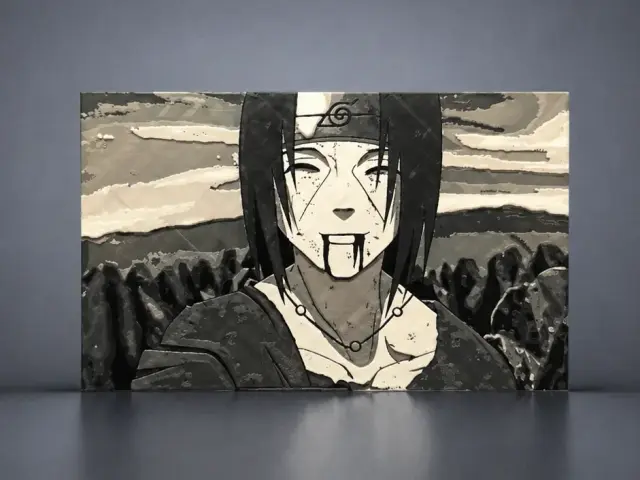
Itachi's Last Smile
by Aleksandr
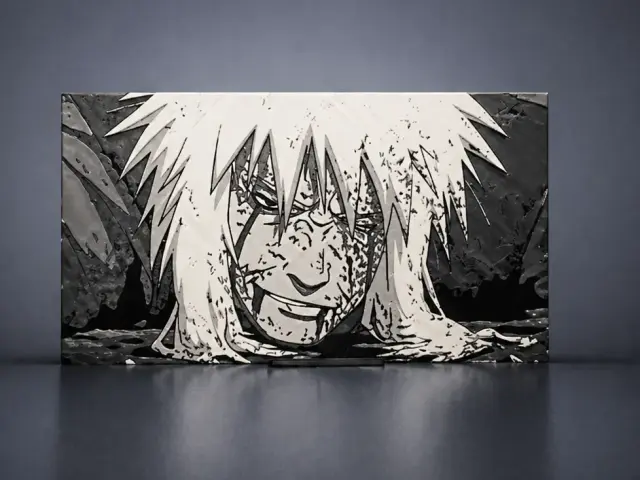
Jiraiya's last smile
by Aleksandr
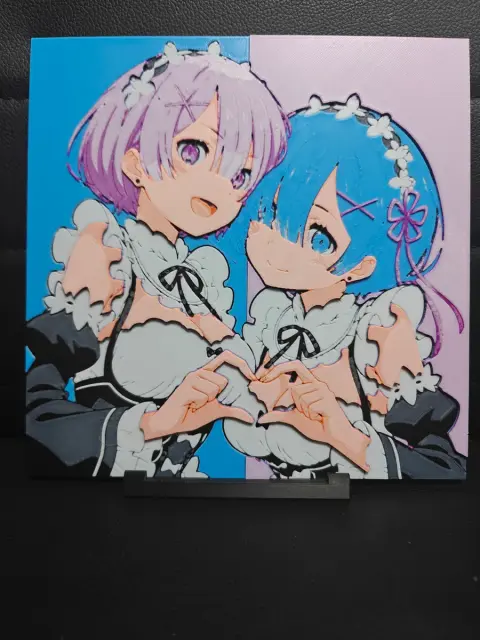
Ram & Rem Re:Zero
by TheHueforgeLady
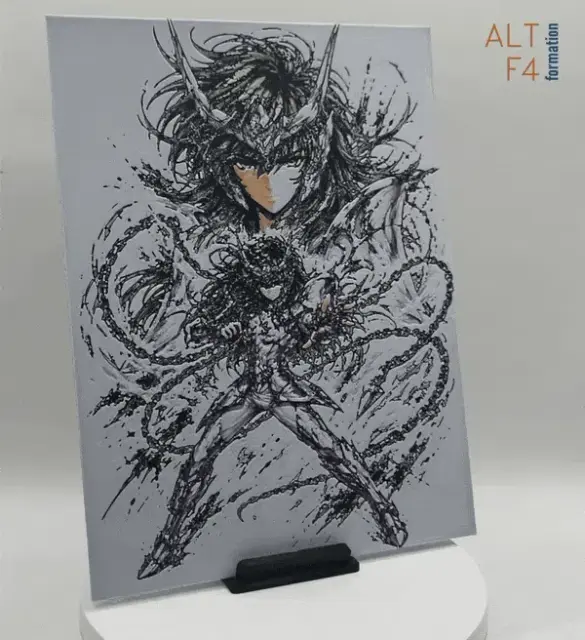
Shun - Saint seiya
by Altf4-Formation
Recent Articles
View all
Best 3D Printed Gifts for Everyone on Your List — Made with HueForge
The best 3D printed gifts for everyone on your list, made with HueForge — custom pet and portrait art, ornaments and gift tags, bookmarks, and fandom prints matched to the recipient, plus how to turn gift requests into income.

Best Christmas 3D Prints for HueForge: Ornaments, Santa & Holiday Movie Posters
The Christmas 3D prints worth making as HueForge filament paintings — tree ornaments, Santa and snowmen, holiday movie posters, festive fandom crossovers, and gift tags, grouped by theme.
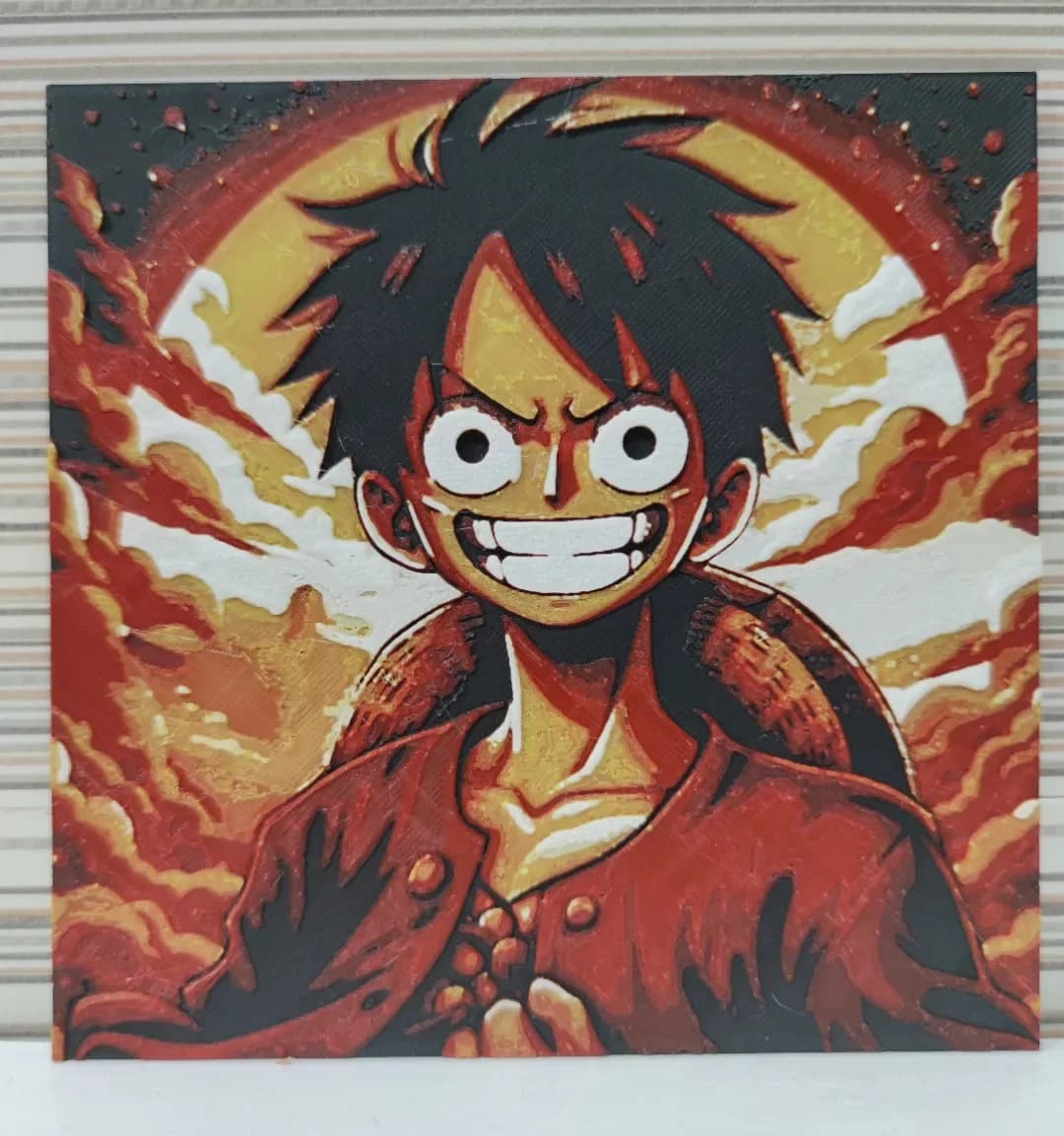
Best Anime 3D Prints for HueForge: From Shōnen Classics to the Modern Wave
The best anime 3D prints to make as HueForge filament paintings — One Piece, Naruto, Dragon Ball, Demon Slayer, Jujutsu Kaisen, Frieren, Gundam, and anime bookmarks, each linked in the HuePick catalog.