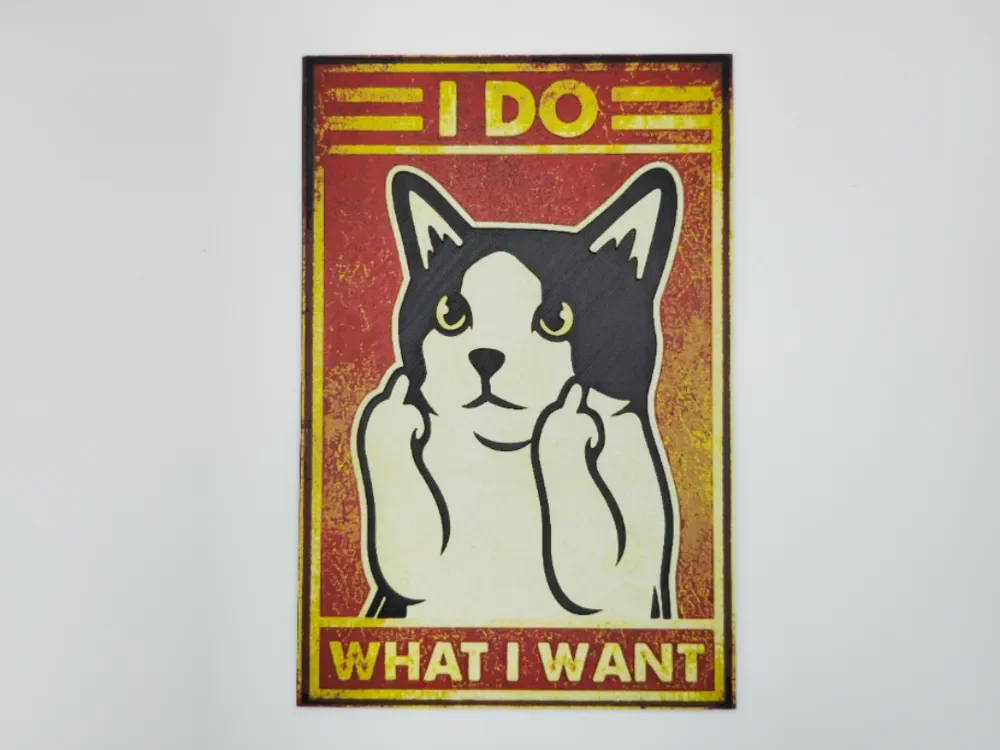
Cat, I do what I want
by Kactus Fpv
A defiant feline strikes the classic "I do what I want" pose, extending both middle fingers in a bold display of independence. The cat's black and white markings create striking contrast against warm amber and crimson background tones that evoke vintage propaganda poster aesthetics. Yellow banner text frames this rebellious declaration, while weathered texturing adds authentic aged appeal to this cheeky celebration of feline attitude.
View on MakerWorldRequired Filaments5
Bambu Lab Basic Black
Bambu Lab Basic Jade White
Bambu Lab Basic Red
Bambu Lab Basic Yellow
Generic Black
Why filament details may vary
Filament details (brand, color, and TD value) may not exactly match the designer's original specification. In some cases, the designer didn't specify exact filaments and we've matched the closest options we could find. Always check the original listing for full details.
Some filament links are affiliate links — we may earn a small commission at no extra cost to you. Learn more
Sign up to track your filament inventory and check your matches.
Create accountYou Might Also Like
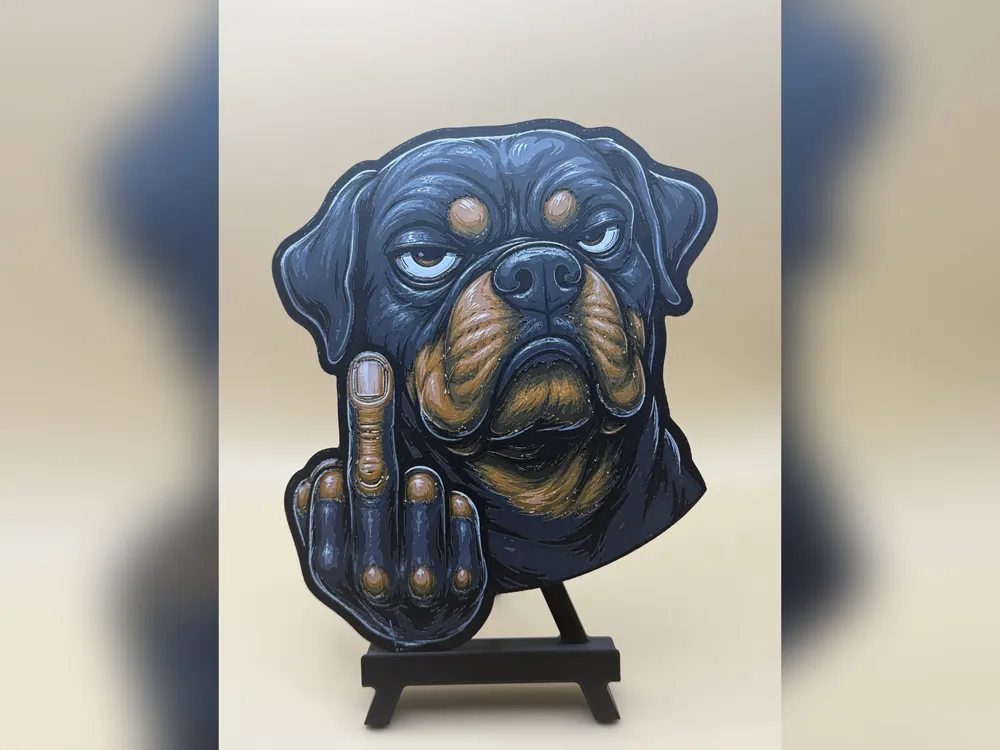
Rottweiler Attitude HueForge Print
by iPrintStuffau
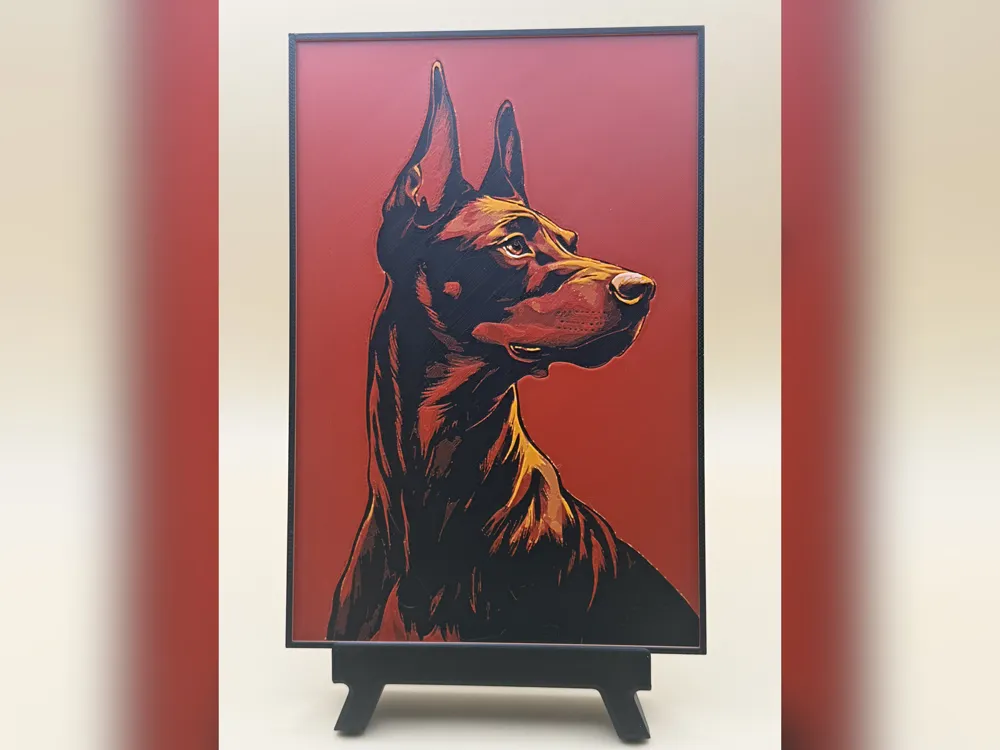
Doberman Portrait HueForge Print
by iPrintStuffau

Two opposites can attract - Black and white Cat Love - Art
by BooneCo3d

From nothing to art - creation of a wolf - Wall art
by BooneCo3d
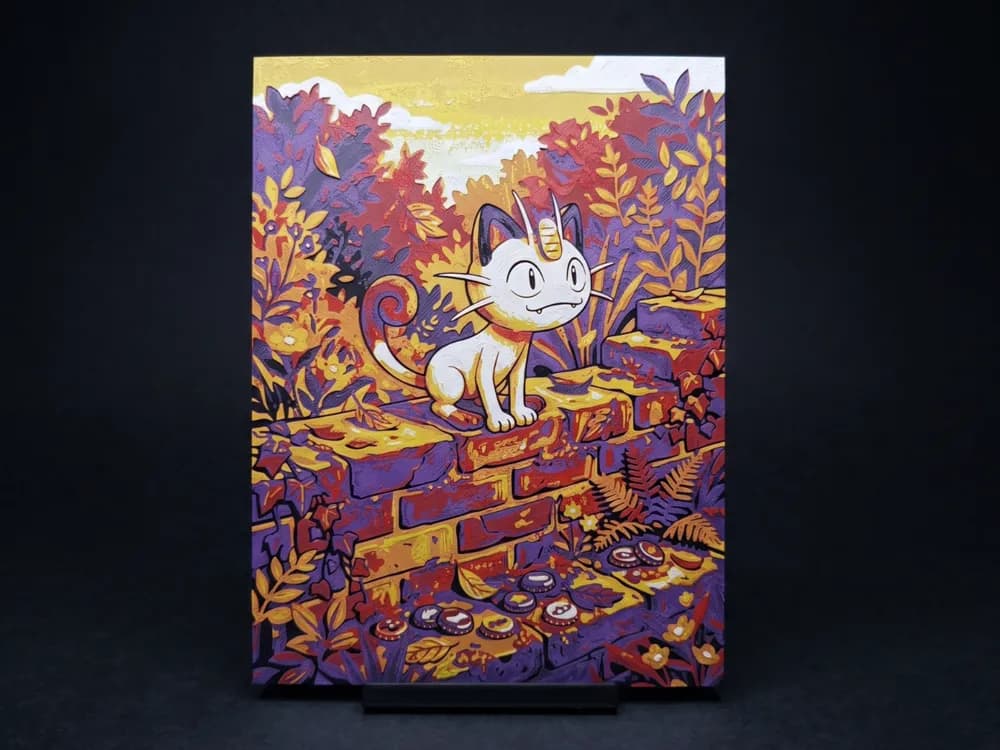
Meowth - Hueforge Wall Art
by Led
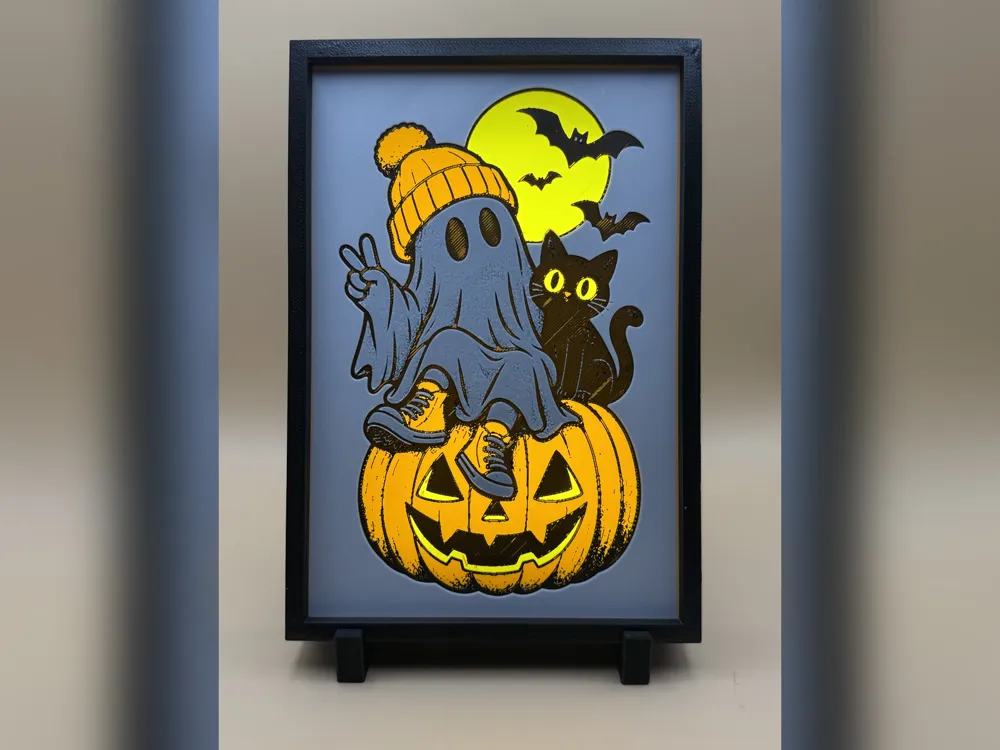
Spooky Pals Halloween Hueforge Print
by iPrintStuffau
Recent Articles
View all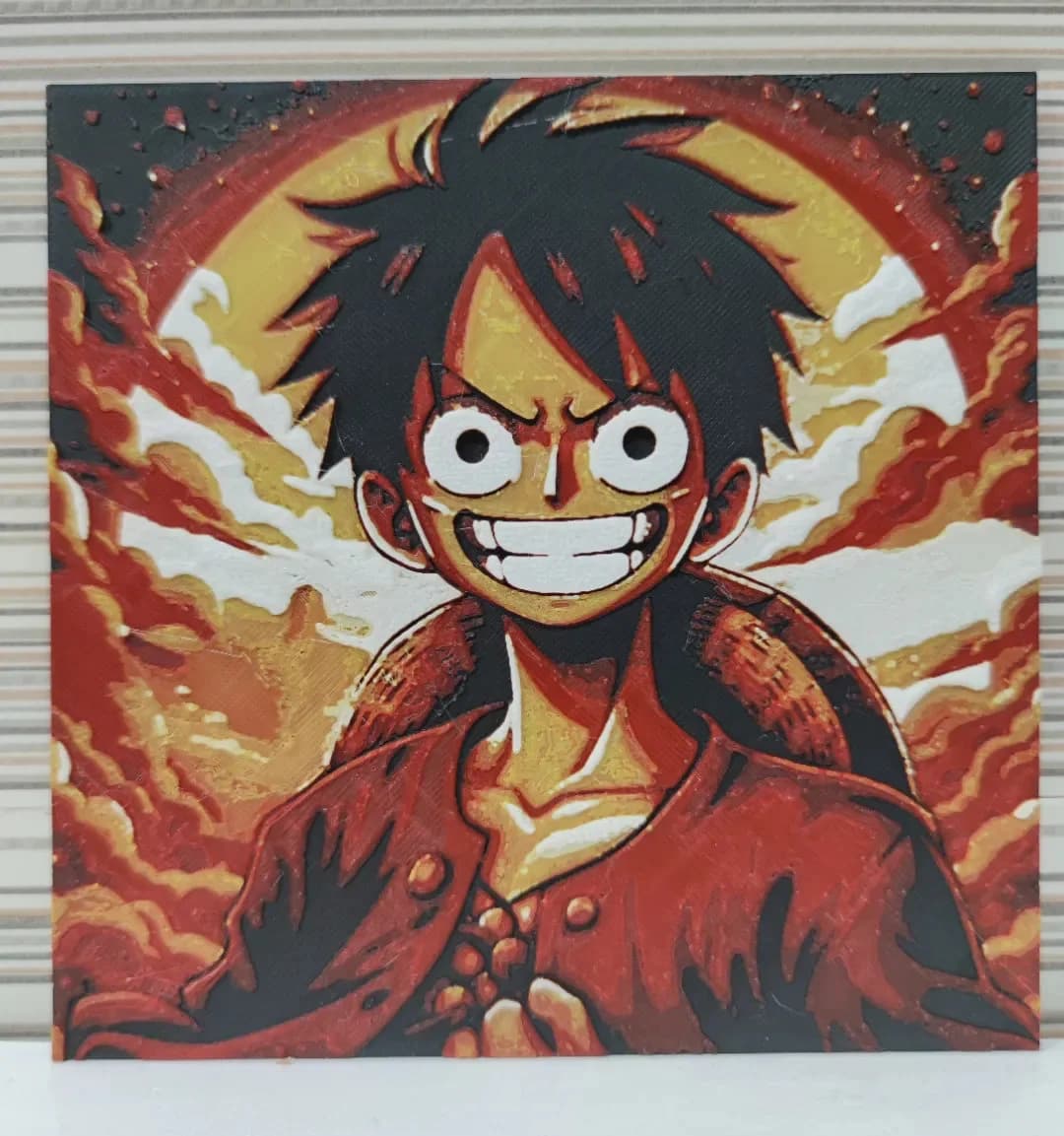
Best Anime 3D Prints for HueForge: From Shōnen Classics to the Modern Wave
The best anime 3D prints to make as HueForge filament paintings — One Piece, Naruto, Dragon Ball, Demon Slayer, Jujutsu Kaisen, Frieren, Gundam, and anime bookmarks, each linked in the HuePick catalog.
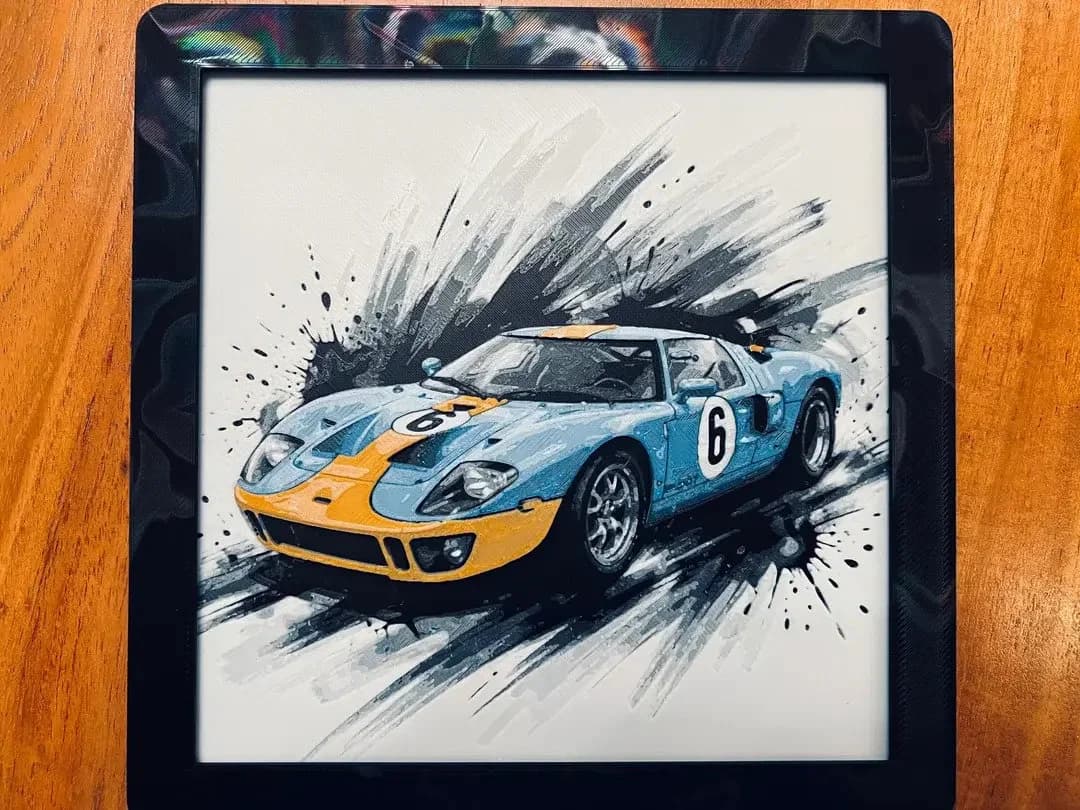
Best Car 3D Prints for HueForge: From Japanese Icons to Movie Cars
The best car 3D prints to make as HueForge filament paintings — JDM legends, supercars, American muscle, F1 and rally posters, and movie icons like the DeLorean, each linked in the HuePick catalog.
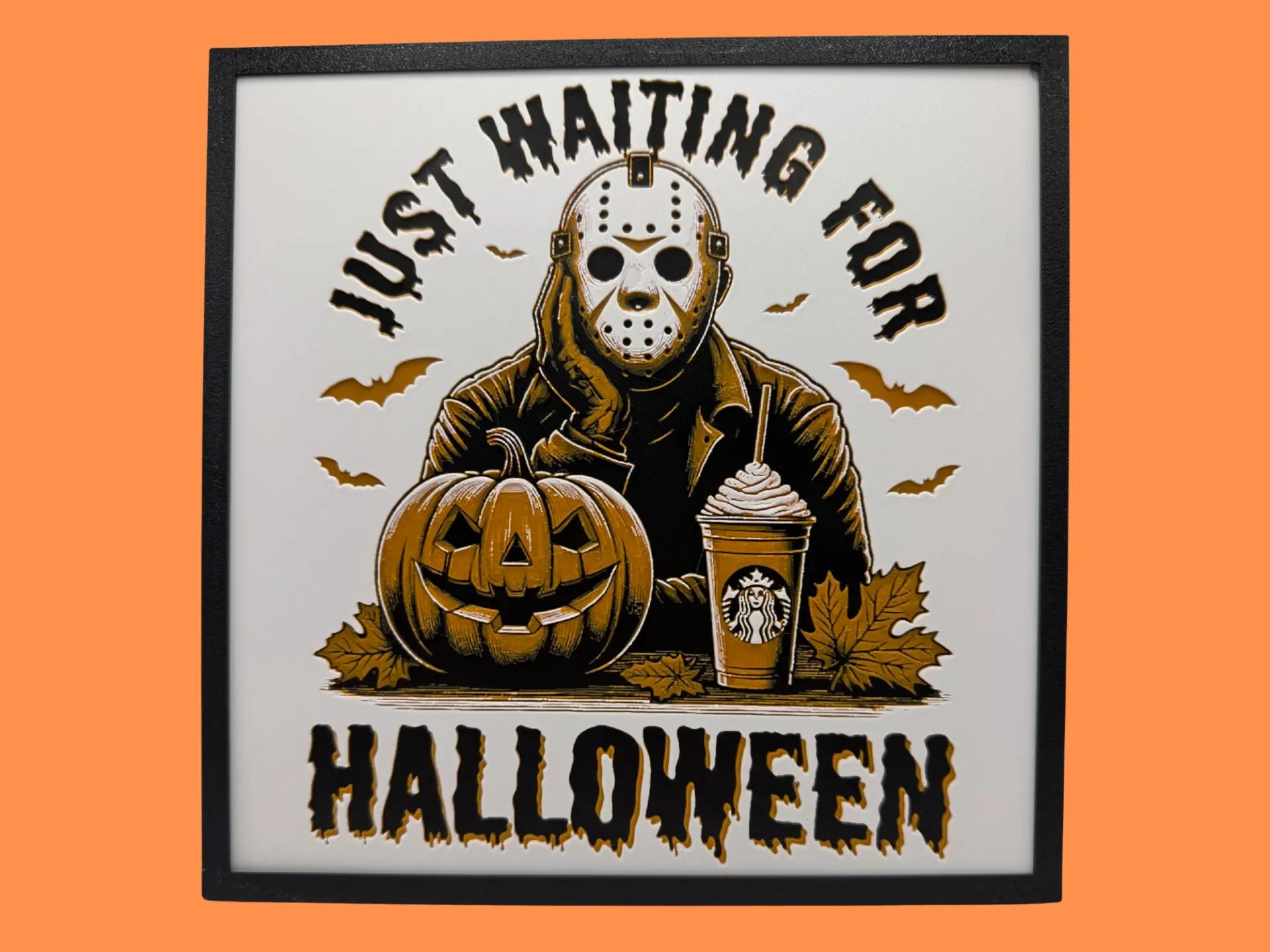
Best Halloween & Horror 3D Prints for HueForge: Slashers, Skulls & Spooky Wall Art
The Halloween 3D prints worth making as HueForge filament paintings — horror movie posters, Ghostface and Pennywise, skulls, pumpkins, spooky Pokemon, and bookmarks, grouped by theme.