Best Harry Potter 3D Prints for HueForge: Hogwarts, Patronuses & the Deathly Hallows
The Harry Potter 3D prints worth making as HueForge filament paintings — Hogwarts and house crests, the Deathly Hallows, patronuses, and bookmarks, with the catalog's take on each.
Quick Answer
The strongest Harry Potter STL files for HueForge are the graphic ones: house crests and the Deathly Hallows symbol, the backlit silver patronuses, and the Hogwarts castle silhouette. Full character busts are the weaker pick as flat art. The catalog runs shallower here than the big fandoms, so this is a tighter list built around the designs that actually earn the technique.
Harry Potter is one of the most-requested fandoms that the catalog hadn't covered yet — and it's a better HueForge subject than most people expect, because so much of the wizarding world is built out of emblems, symbols, and glowing light. House crests, the Deathly Hallows triangle, a silver patronus, the Hogwarts silhouette against a dusk sky: these are graphic, high-contrast subjects that filament painting handles well. This roundup is a tighter list than the Pokemon or Fantasy ones, because the catalog runs shallower here — so rather than pad it, the picks below focus on the designs that genuinely earn the technique.
Nothing here is for sale; this is a discovery list, not a shop. Each model card links to its source page on MakerWorld, Patreon, or wherever the designer published it. From there you download the file and print it yourself on your AMS or multi-material setup. The browse → click through → download → print workflow is the whole shape of using HuePick.
On the file format: most of these models ship as .3mf files with the HueForge layer plan baked in; a few are .hfp project files or bare STL geometry. We use "STL files" throughout as the maker-search shorthand the way most printers do — the actual format is listed on each model's source page.
If HueForge itself is the unfamiliar piece, start with the HueForge Printing for Beginners walkthrough — it covers what the software does and what changes about the slicer setup. Already comfortable? Keep reading.
Start with this: the graphic, emblem-based designs are the strongest Harry Potter HueForge prints, and the backlit patronuses are the showpieces. Full-face character busts — a photoreal Harry or Dumbledore — are the weakest pick as flat art, because a small painted face asks for tonal precision the format struggles to hold. The sections below lead with the designs that play to HueForge's strengths.
Hogwarts Castle & House Crests
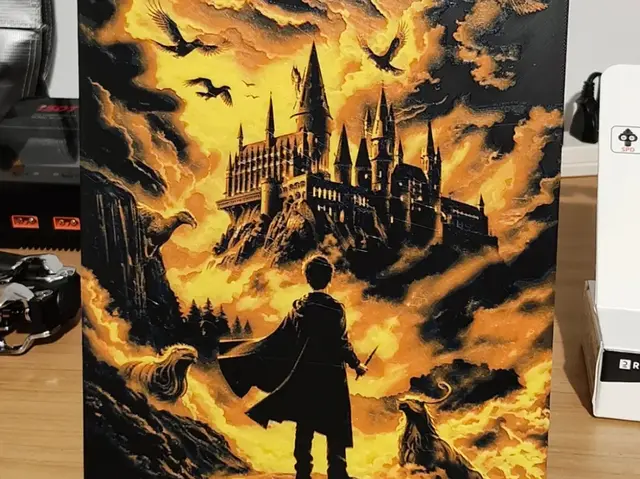
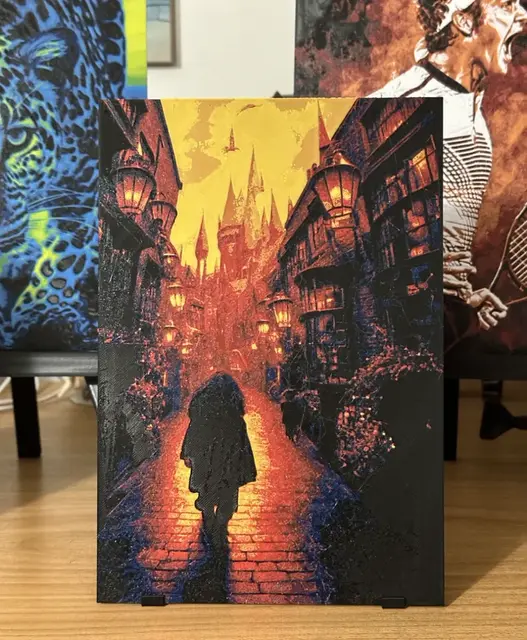
This is the strongest section, and the place to start. The Hogwarts castle silhouette is tailor-made for HueForge — a layered scene of towers against a sky, which is exactly the kind of multi-depth composition that rewards a 5- or 6-color palette and a backlight. A castle at dusk with lit windows is one of the most impressive prints in the whole roundup.
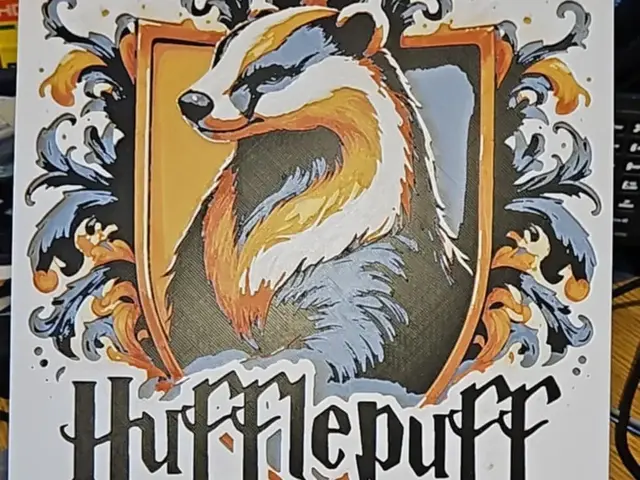
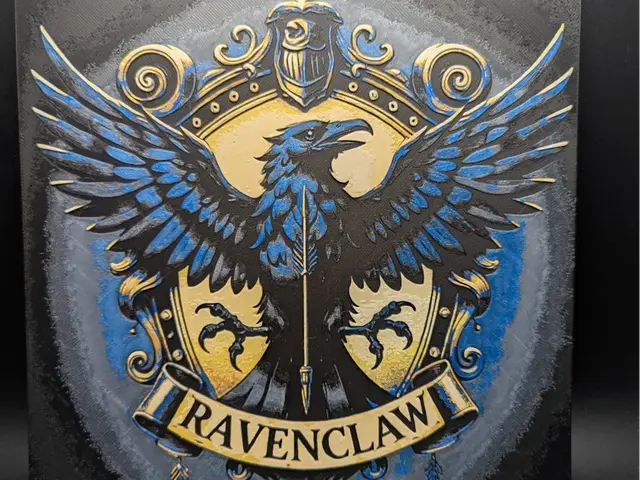
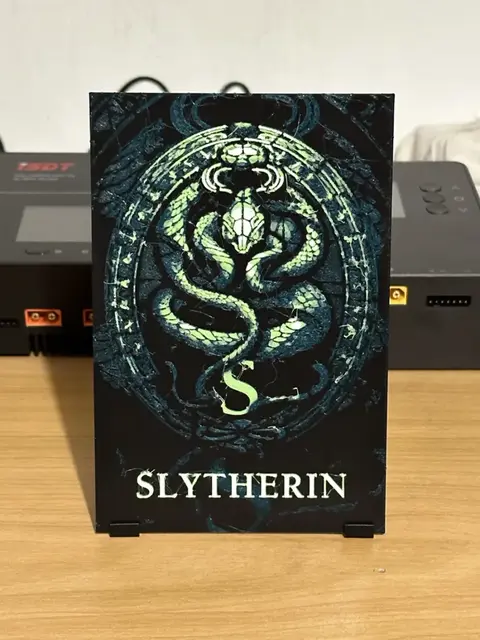
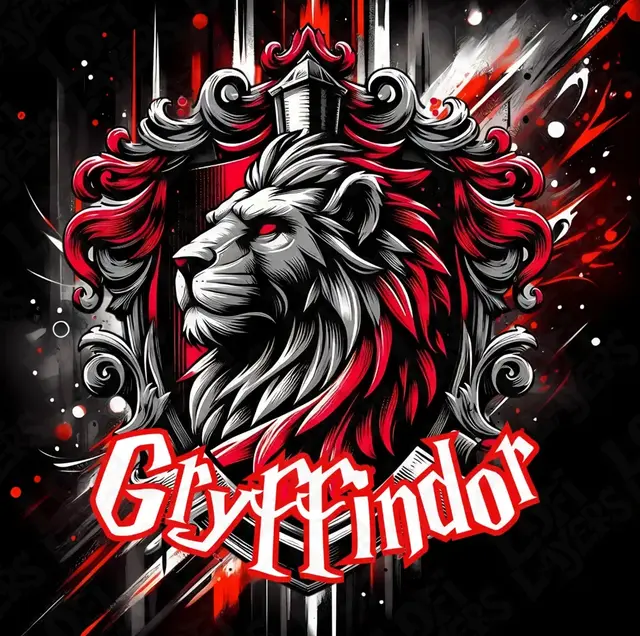
The house crests are the other anchor. A Gryffindor, Slytherin, Ravenclaw, or Hufflepuff crest is a bold, symmetrical emblem with an established two-color palette baked in — which makes it one of the most forgiving prints on this page. The read is unmistakable even at a tight color count, and a set of all four crests makes a natural coordinated wall display. If you're printing your own house, the crest is the single safest Harry Potter pick you can make.
Browse all Hogwarts models in the HuePick catalog →
The Deathly Hallows & the Marauders
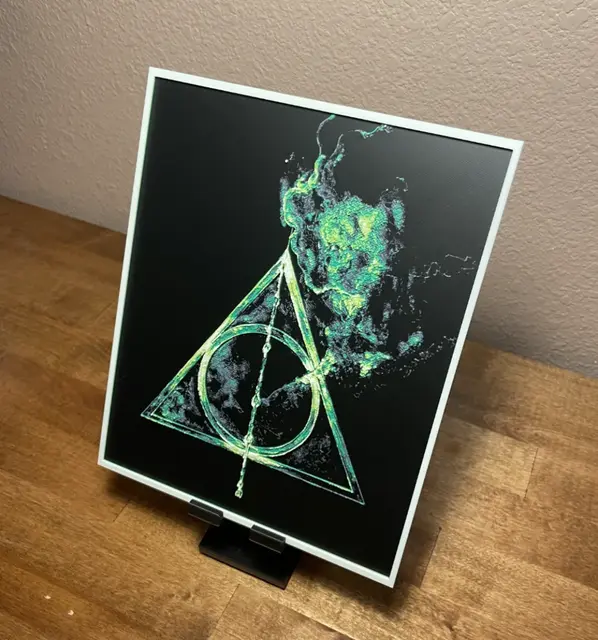
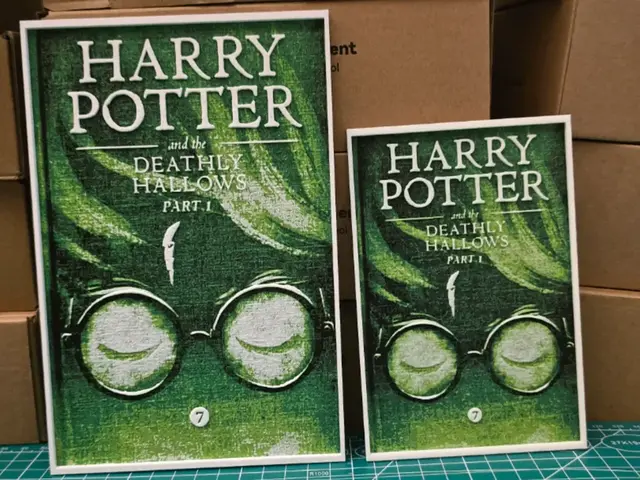
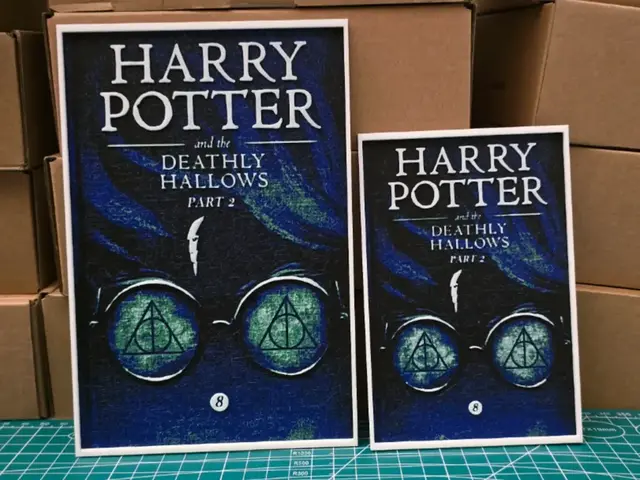
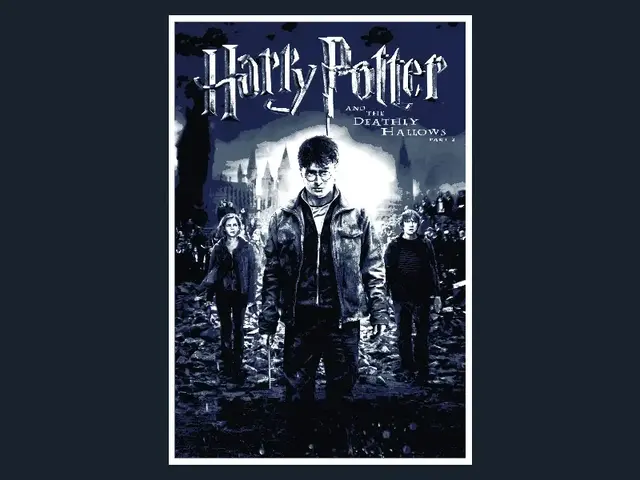
The Deathly Hallows symbol — the triangle, circle, and line — might be the single most HueForge-friendly Harry Potter design there is. It's clean line-art geometry, instantly recognizable, and it does beautiful things with a backlight when the symbol is set to transmit against a darker field. It's also one of the easiest prints on the page: low color count, strong shape, no fine detail to lose.
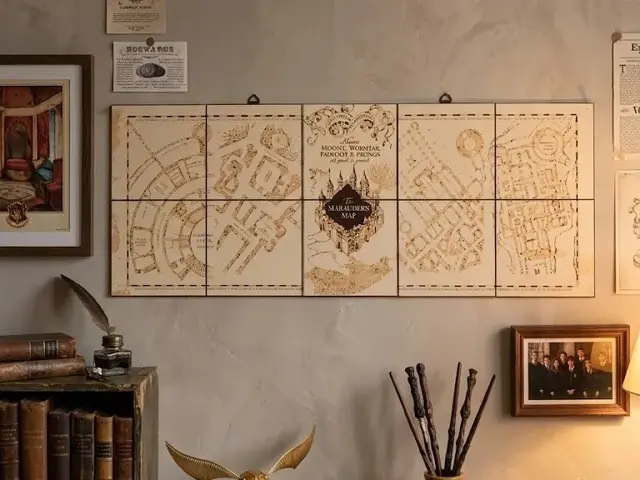
The Marauder's Map material sits alongside it here — the "I solemnly swear" script, the map linework, the footprints. These are line-heavy designs that reward a larger print size so the fine strokes stay legible, but done right they make a distinctive piece that reads as Potter to any fan without needing a single character on it. Symbolic designs like these age better on a wall than a literal character print does.

Browse all Deathly Hallows models in the HuePick catalog →
Character Portraits & Patronuses
The patronuses are the showpieces of this section and arguably of the whole roundup. A silver stag, otter, or doe rendered to glow against a dark ground is HueForge doing exactly what it does best — a single bright, low-TD layer carrying a luminous figure out of shadow. If you have a backlight setup, a patronus is the print to make. The effect is the same trick as the glowing-eye Toothless over in the Dragons roundup: let the brightest element sit on top and light it from behind.
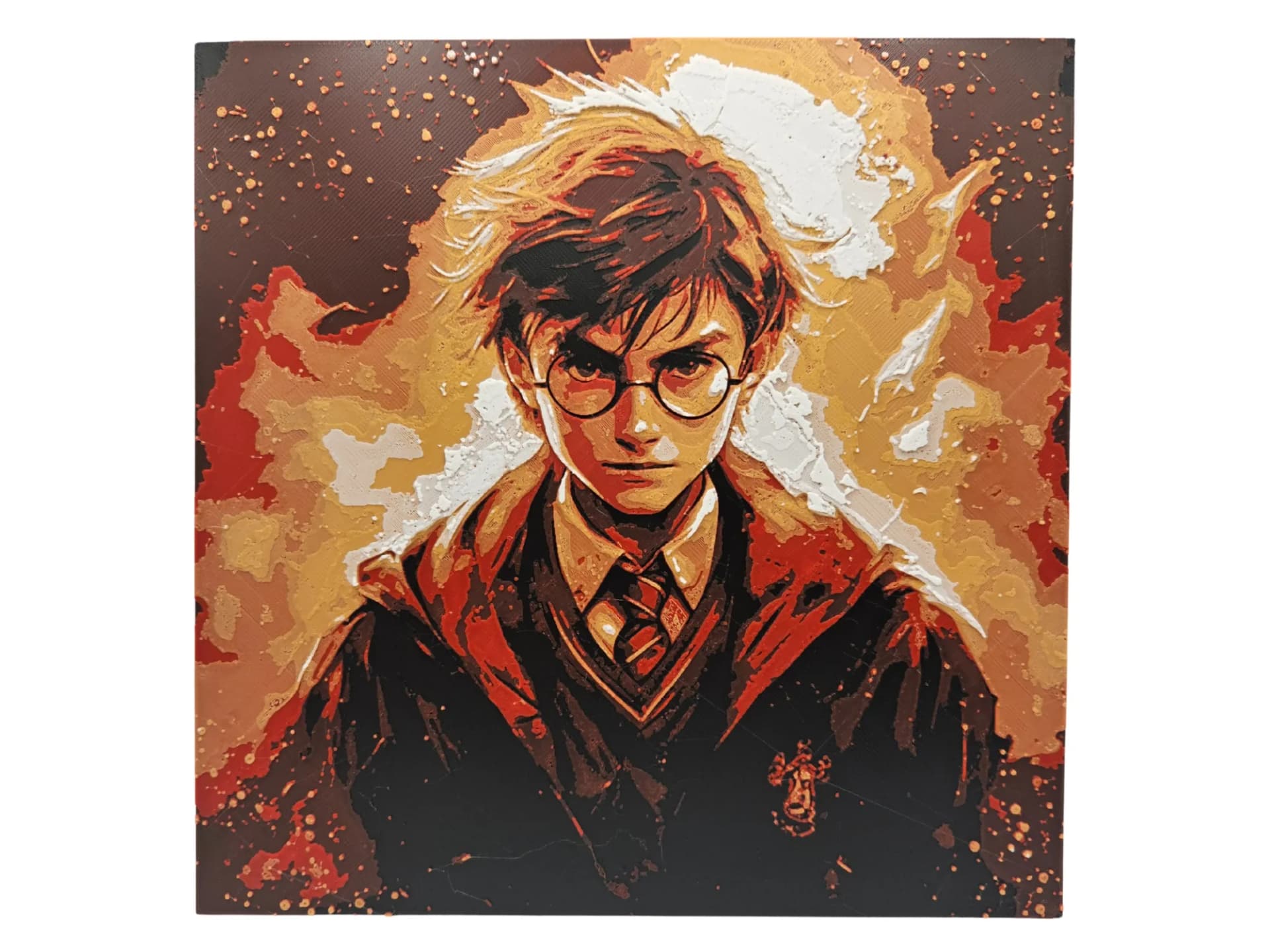
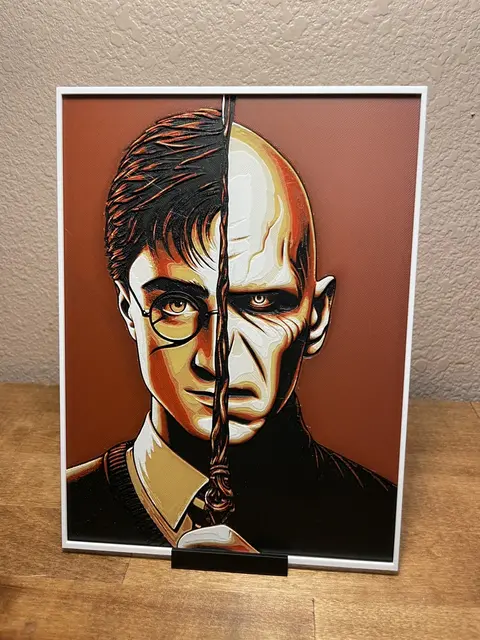
Character portraits are the more cautious pick. The stylized, graphic-poster treatments of Harry, Snape, Dobby, or Voldemort — flat color, strong outline, limited palette — can work well. The photoreal face busts are the ones to approach carefully: at wall scale with a wide palette they're achievable, but they demand more tonal control than any other design here, and a near-miss on a familiar face reads worse than a near-miss on a crest. Print the poster-style characters first; save the portraits for once your color work is dialed in.
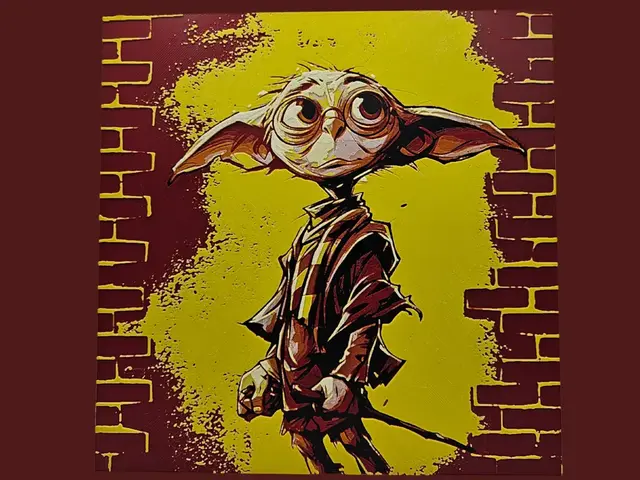
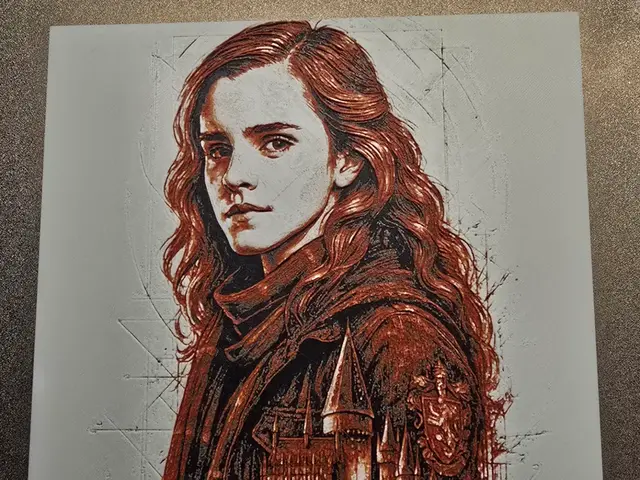
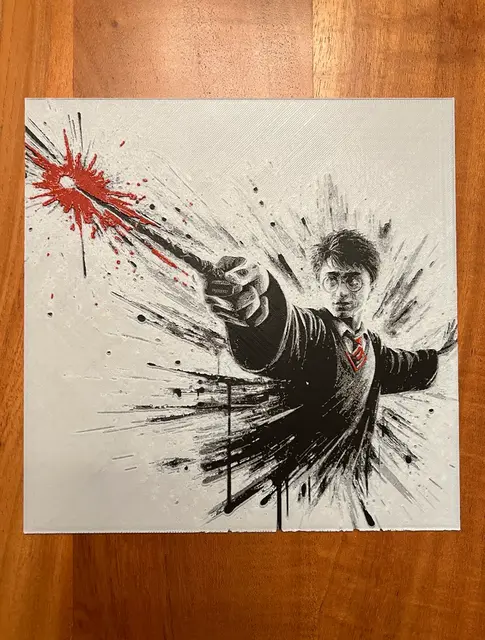
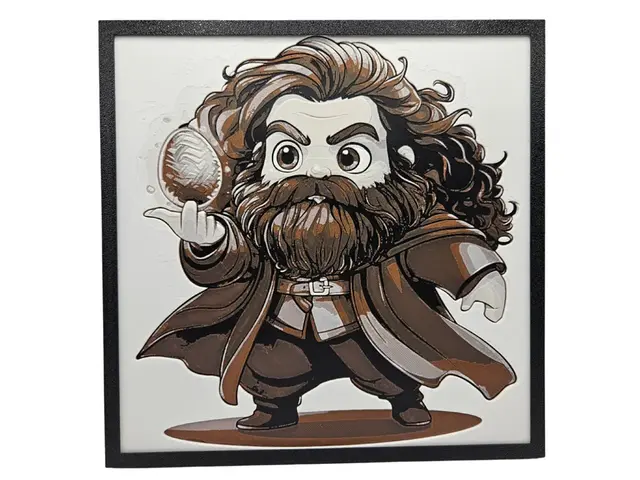
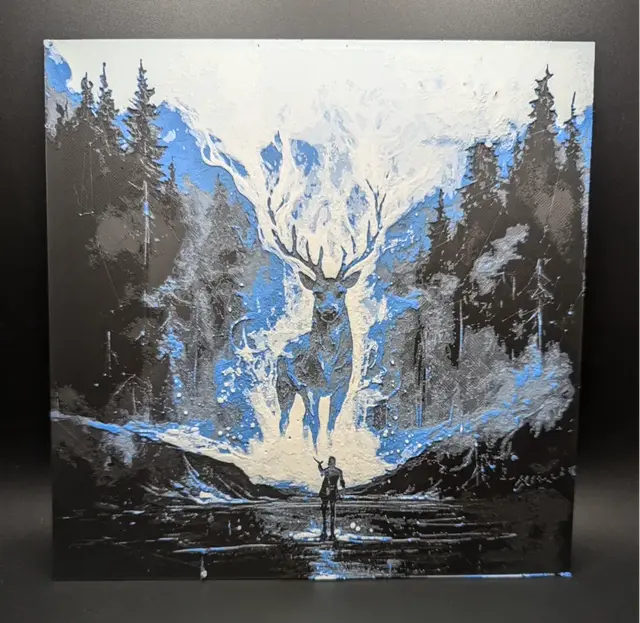
Browse all patronus and character models in the HuePick catalog →
Harry Potter Bookmarks
Harry Potter is one of the most natural fandoms for the bookmark format — it's a reading franchise, after all, so a wizarding-world bookmark is almost too on-the-nose to pass up. The house crests, the Deathly Hallows symbol, a golden snitch, or a simple "Hogwarts" emblem all shrink down to bookmark scale cleanly, since they're already graphic and low-detail. These are also the cheapest way into this fandom: a few grams of filament and a single small plate.
If bookmarks are your main interest, the dedicated Bookmarks roundup covers the format in depth across every theme — the fandom section there overlaps directly with the designs below.
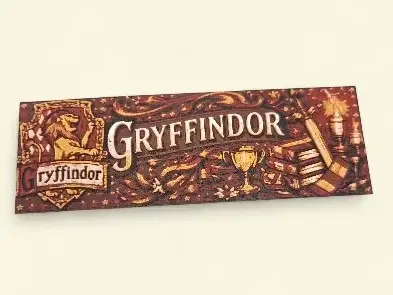
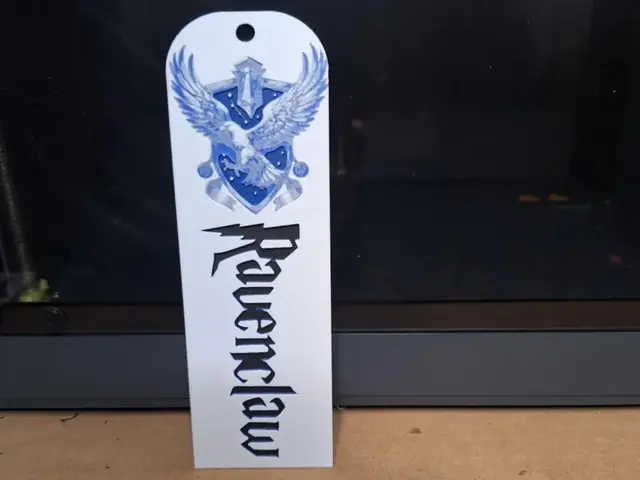
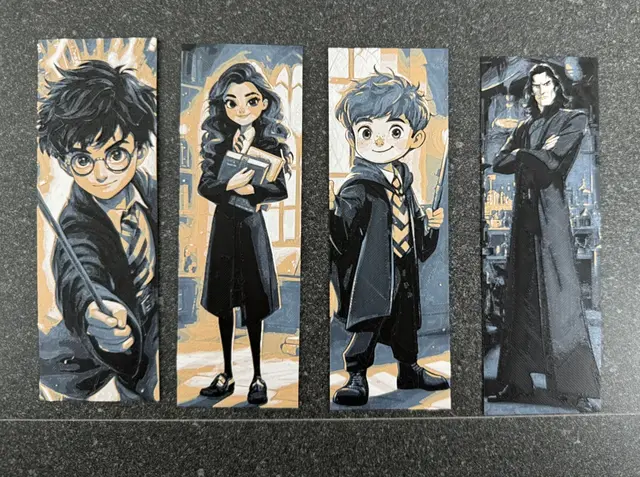
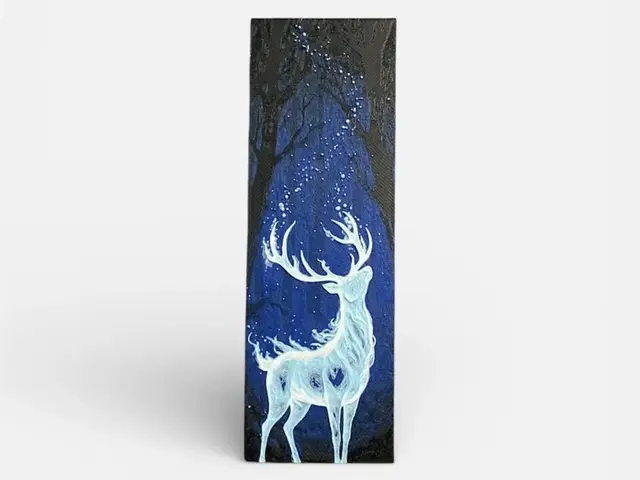
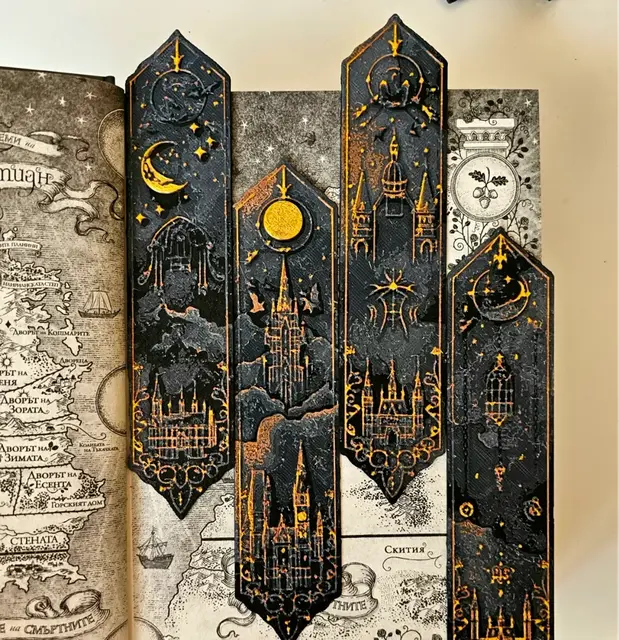
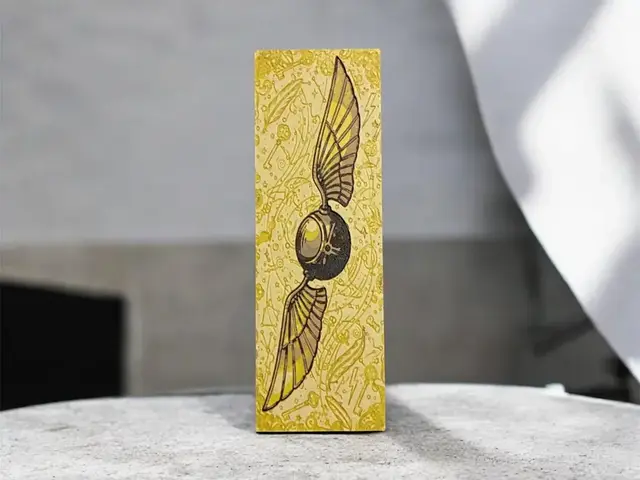
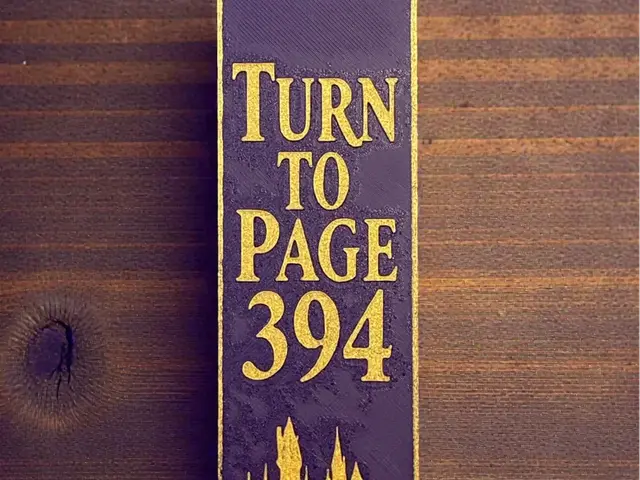
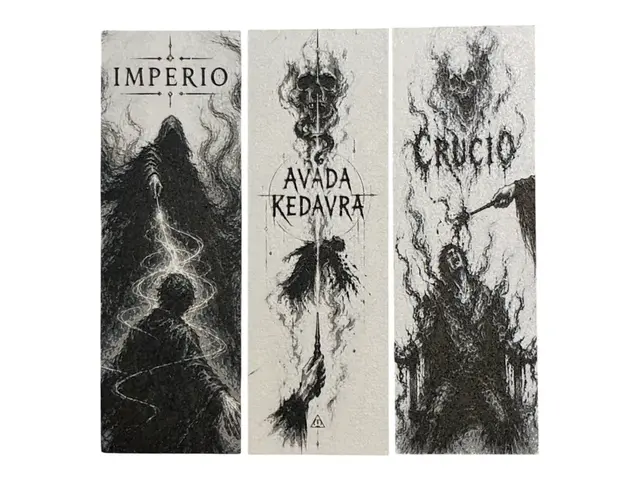
Browse all Harry Potter bookmark models in the HuePick catalog →
After the Print
Once you've found a design from the sections above, the rest of the workflow is what makes the print land. Color choice matters enormously for Harry Potter specifically, because the palettes are so established — the house colors are fixed, the patronus is silver-white, the Deathly Hallows is a monochrome symbol. Getting a real value gap between the emblem and its background is the whole game. The Choosing Filament Colors for HueForge guide walks through building a palette around a specific model.
Lighting is the difference-maker for the patronuses and the dusk-lit Hogwarts castle — both are designed to be lit from behind and look noticeably flatter without it. The house crests and the Deathly Hallows read fine under normal room light. The How to Display 3D Printed Art at Home post covers the practical backlight setups, from a $20 LED panel to a permanent shadow box.
If your taste runs to other fandoms and franchises, a few sibling roundups use the same structure:
- Best Fantasy STL Files — wizards, castles, and dragons in the non-franchise vein
- Best 3D Printed Dragons — Western, Eastern, Toothless, and baby dragons
- Best Pokemon STL Files — the deepest fandom roundup on the catalog
And if you want to skip the curation entirely, the Harry Potter section of the catalog surfaces every model in the bucket — the four groups above plus the long tail of wands, potions, and creature designs.
Pick one design — a crest if you want a sure thing, a patronus if you want the showpiece — build a palette with a real value gap, and light it from behind. That's the whole loop.