Best Pokemon STL Files for HueForge: Pokeballs, Gengar, Snorlax & Legendaries
The Pokemon STL files actually worth printing as HueForge filament paintings — pokeballs, ghost-types, snorlaxes, eeveelutions, and the legendaries, with the position the catalog takes on each.
Quick Answer
The strongest Pokemon STL files for HueForge sit in five pockets of the catalog: pokeballs (the most universally printable pick), Gengar, Snorlax, the eeveelutions, and the legendaries. The picks below favor models with strong silhouette, manageable color counts, and clear translucency potential where it earns the technique.
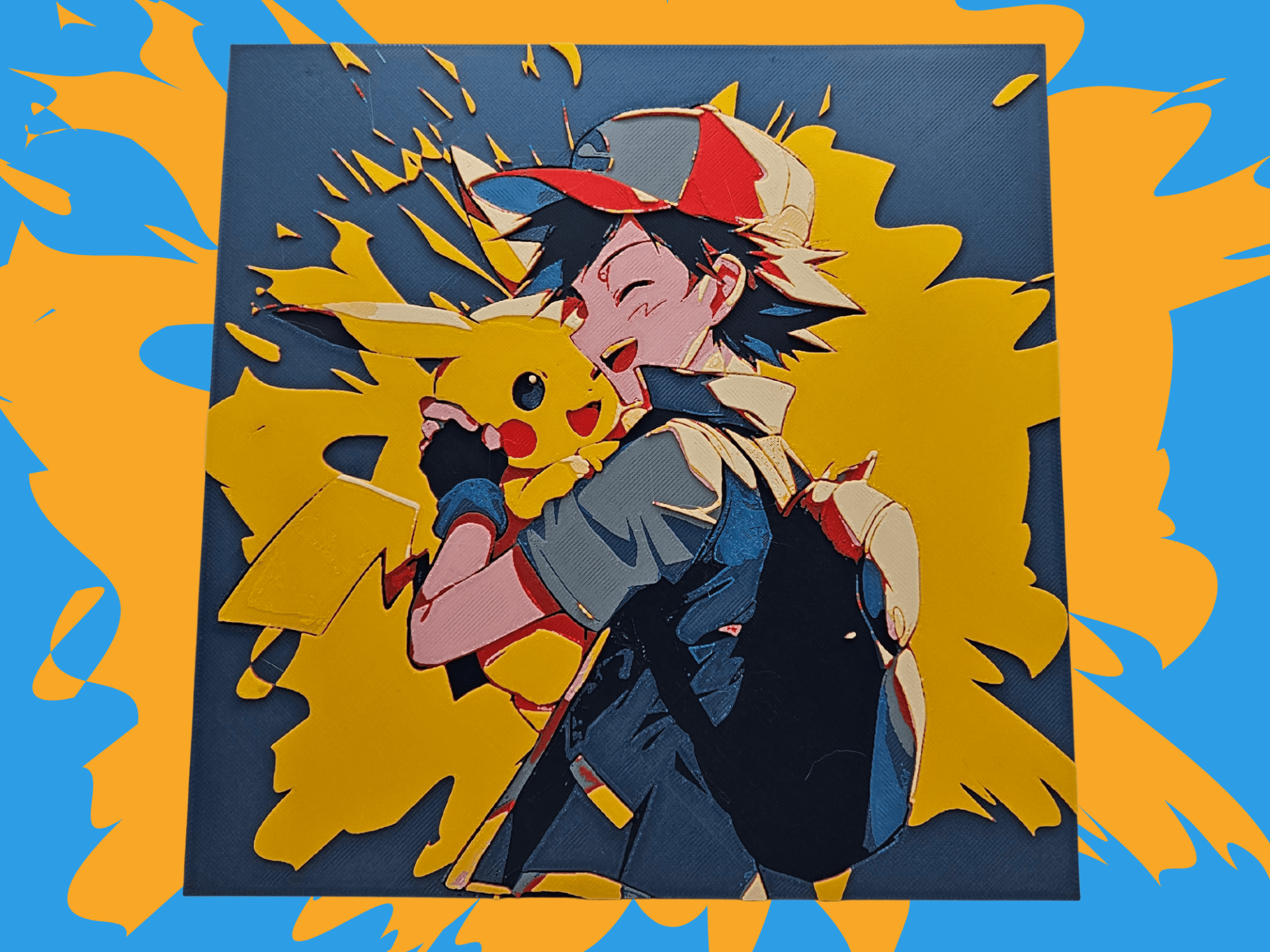
Pokemon is the deepest IP vein on the catalog after fantasy. Almost every "best Pokemon to 3D print" list points you at the same handful of starter-Pokemon busts — Pikachu in a fighting pose, a roaring Charizard, the same Eevee head shot. Those are worth printing too. But the catalog actually has more of what's below: pokeballs, ghost-types, snorlaxes, eeveelutions, and the legendaries. This is where Pokemon gets interesting once you've done the obvious choices.
Nothing here is for sale; this is a discovery list, not a shop. Each model card below links to its source page on MakerWorld, Patreon, or wherever the designer published it. From there you download the file and print it yourself on your AMS or multi-material setup. The browse → click through → download → print workflow is the whole shape of using HuePick.
On the file format: most of these models ship as .3mf files with the HueForge layer plan baked in; a few are .hfp project files or bare STL geometry. We use "STL files" throughout as the maker-search shorthand the way most printers do — the actual format is listed on each model's source page.
If you're brand-new to this and HueForge is the unfamiliar piece, the HueForge Printing for Beginners walkthrough covers what the software does and what changes about the slicer setup. Already comfortable? Keep reading.
Sections below are ordered by maker search volume — pokeballs leading, with Gengar a very close second. The legendaries group is at the end because the per-character demand is more spread out, but the combined section is one of the strongest places to push your color count.
Pokeballs
Pokeballs are the most universal Pokemon print on the catalog, and they hold up unusually well as filament paintings. The thing that makes them work is that the design has already done the silhouette job for you — a pokeball is a circle bisected by a hard horizontal line with a centered button. Even at three or four colors, the read is unambiguous from across a room.
Where the picks below diverge is in what they layer on top of that base composition. Some are clean studio renders — the Master Ball, the Great Ball, the GS Ball — and those reward a tight, controlled palette. Others are illustration-style: a pokeball cracked open with an inhabitant inside, or a stylized "trainer's bag" composition with three or four pokeballs arranged around it. Those need more colors and a steadier hand on transmission distance, but they look dramatically better when you nail them.
If you only have a four- or five-color palette, stick with the studio renders in the first row. The illustration-style ones can read muddy without enough tonal separation between the figure and the ball.
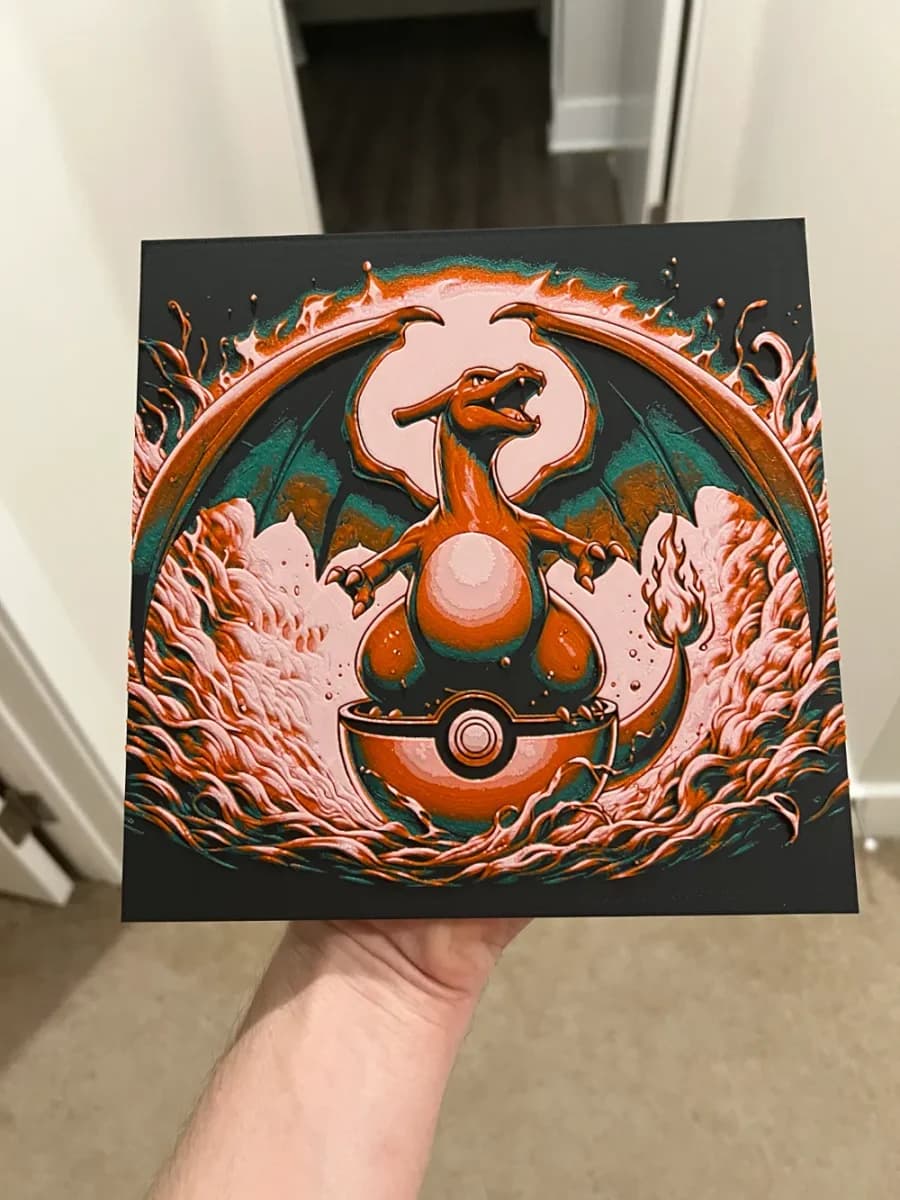
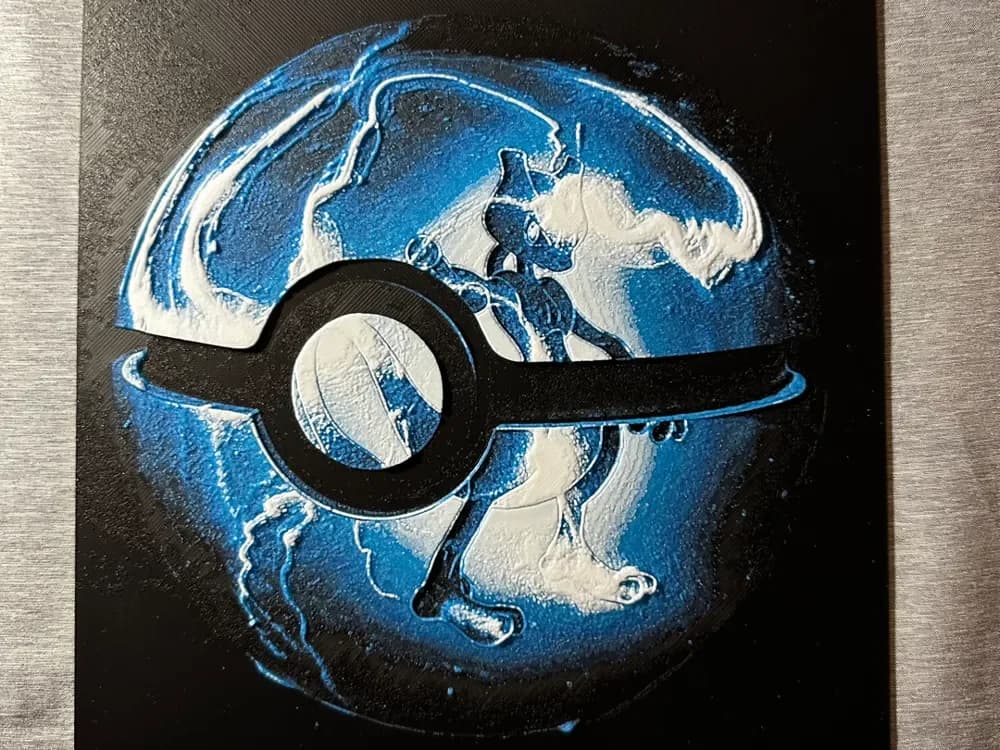
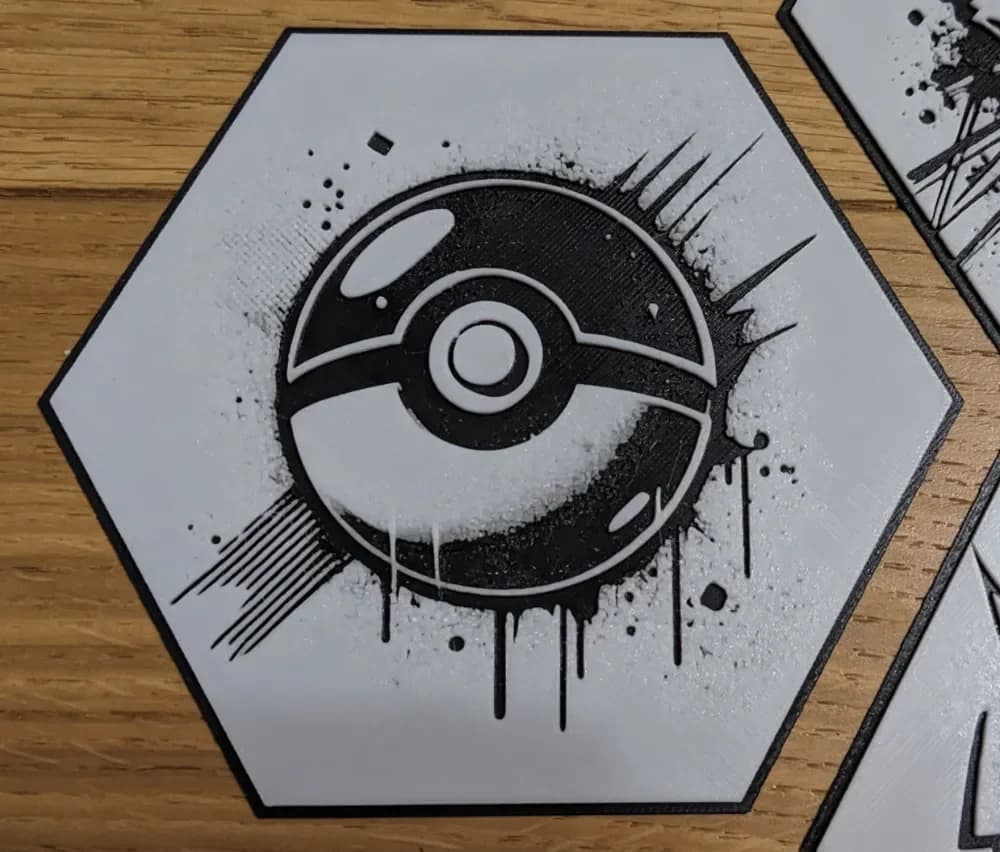
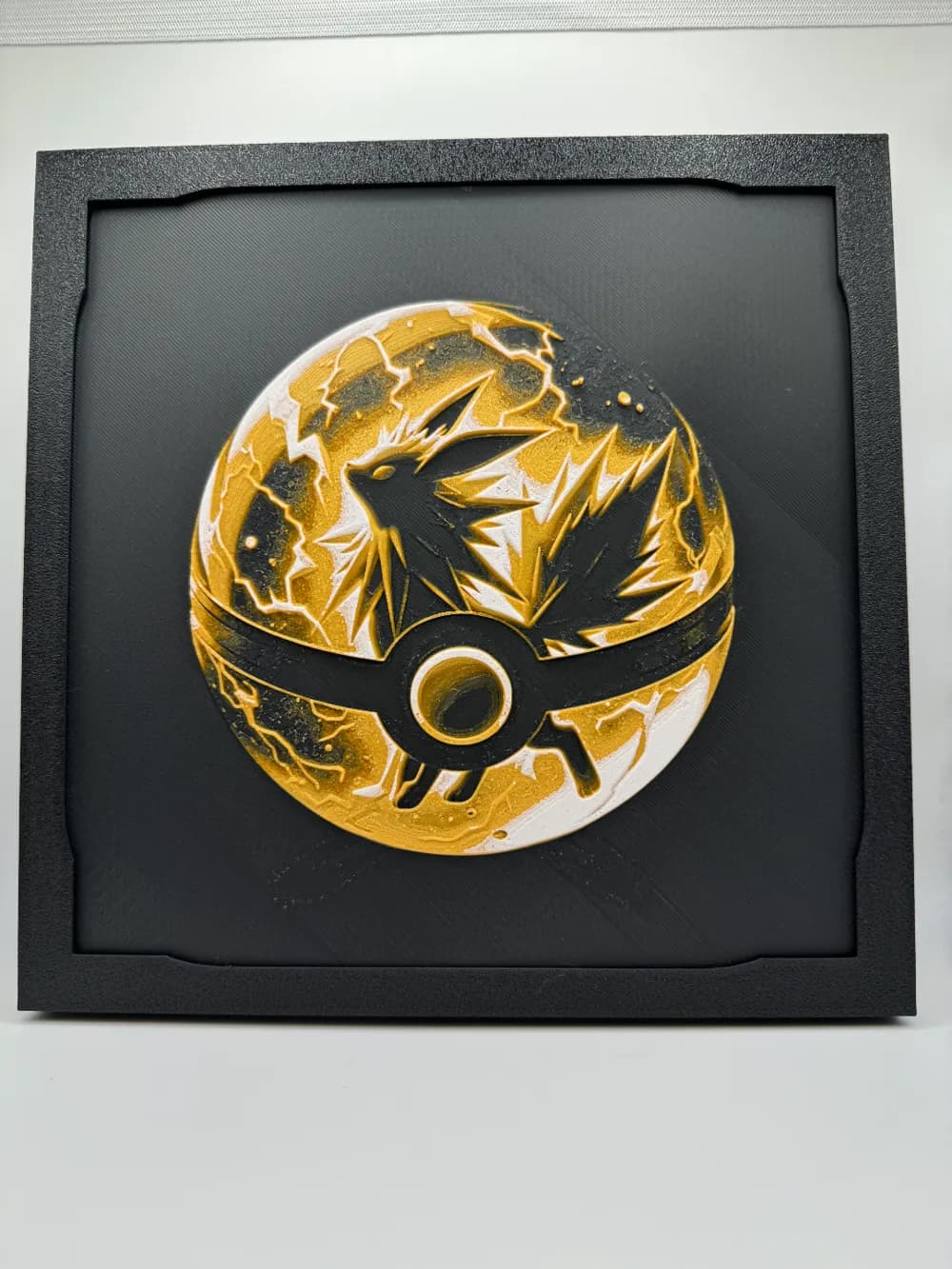
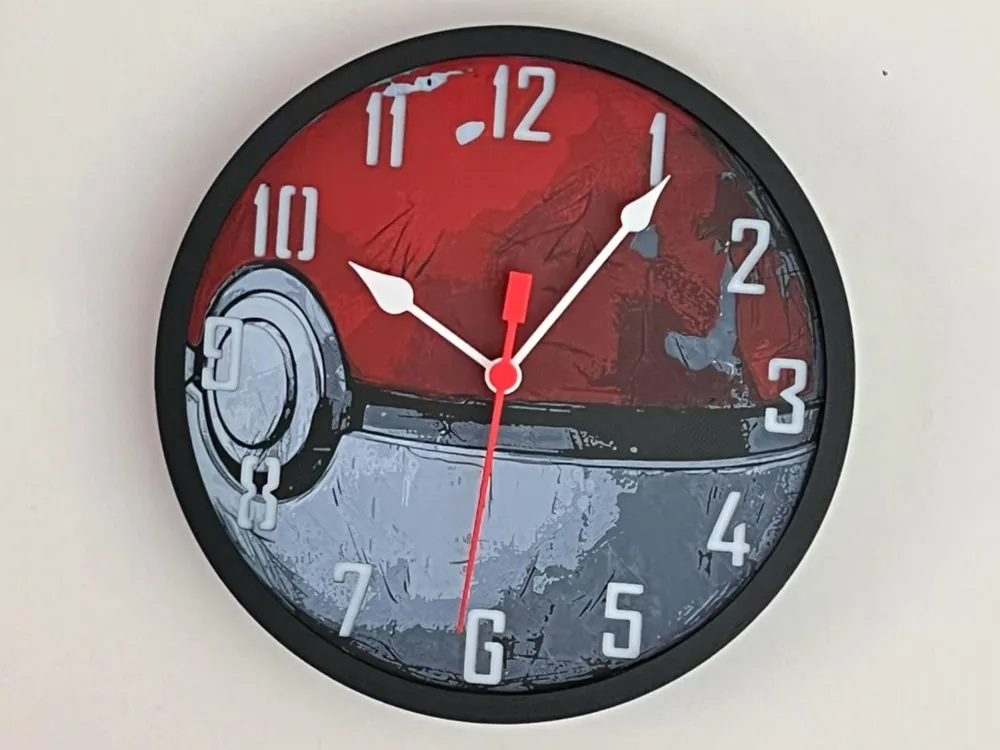
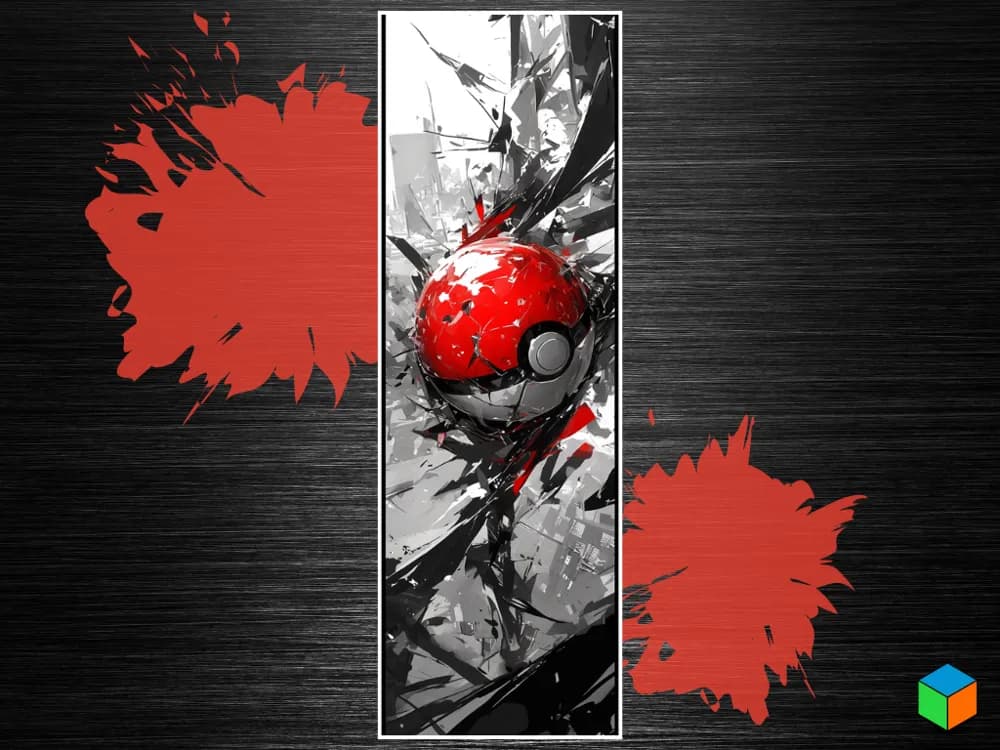
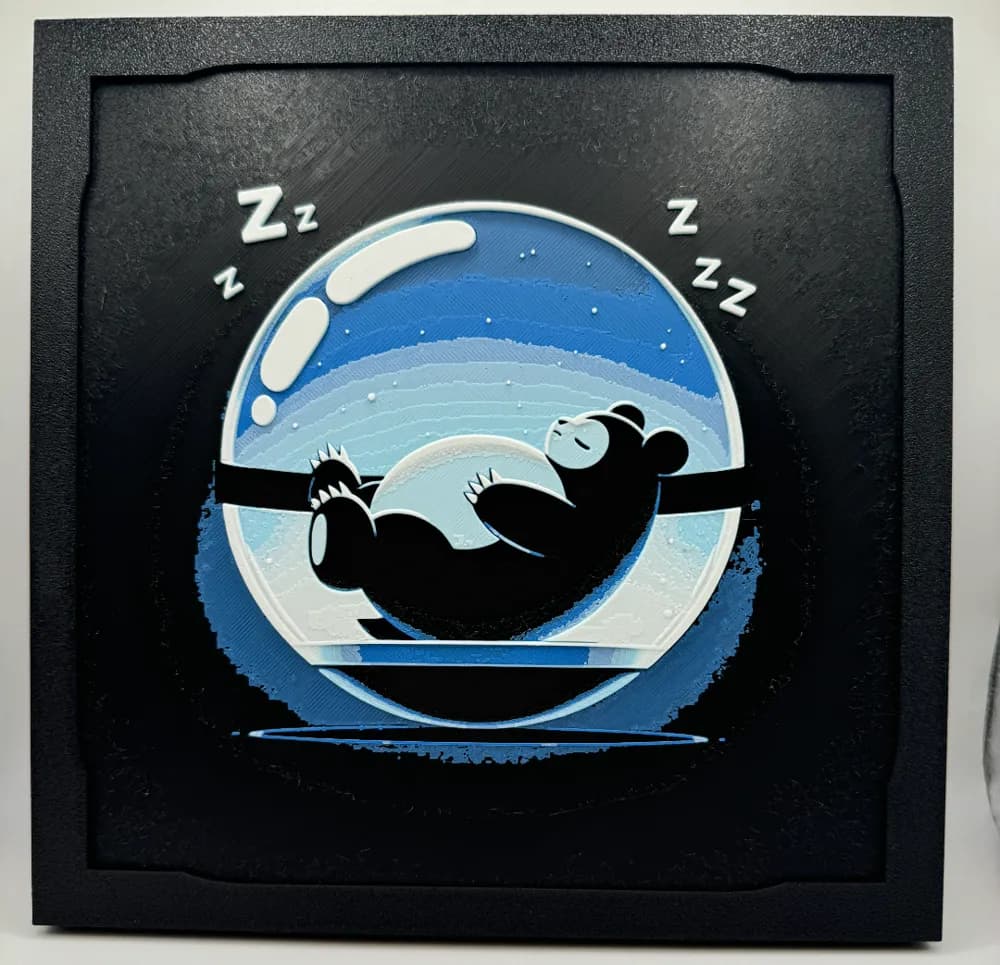
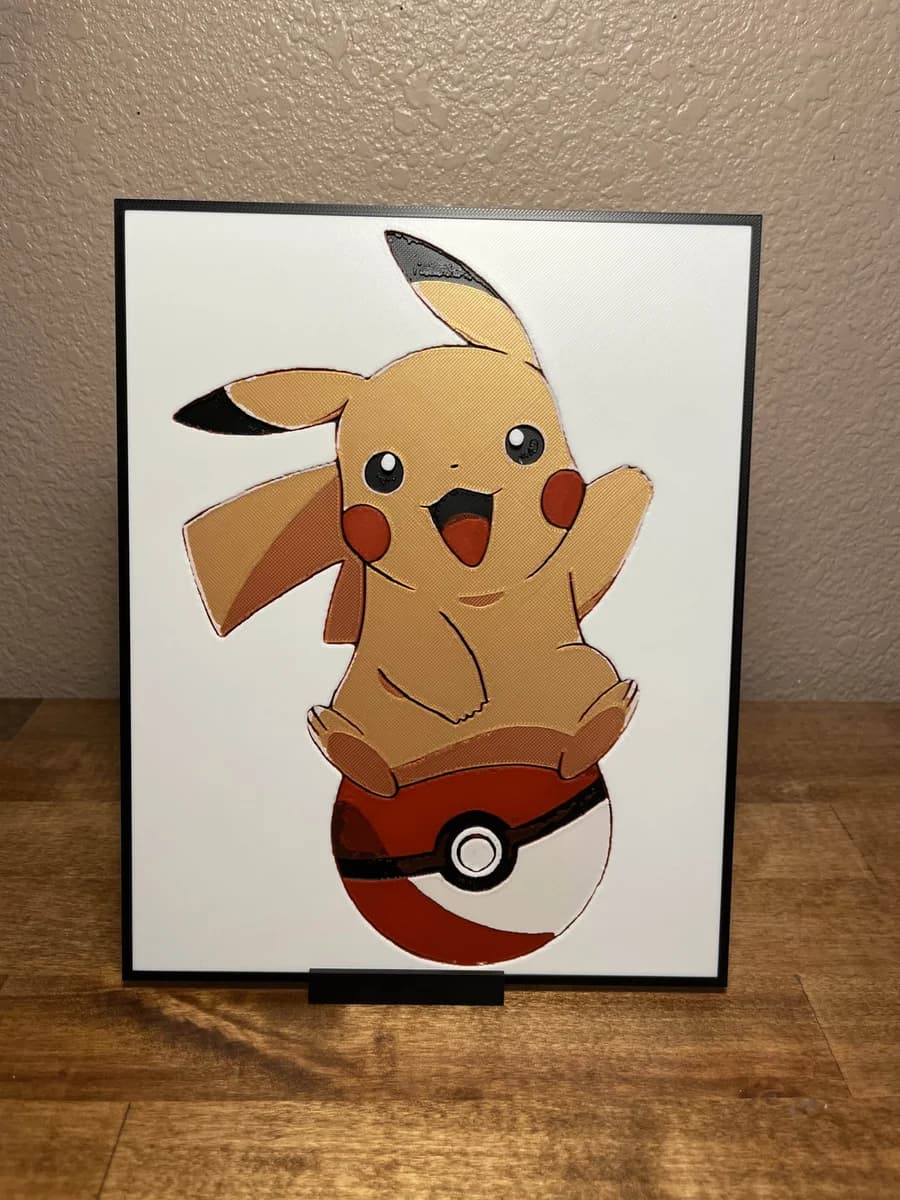
Browse all pokeball models in the HuePick catalog →
Gengar
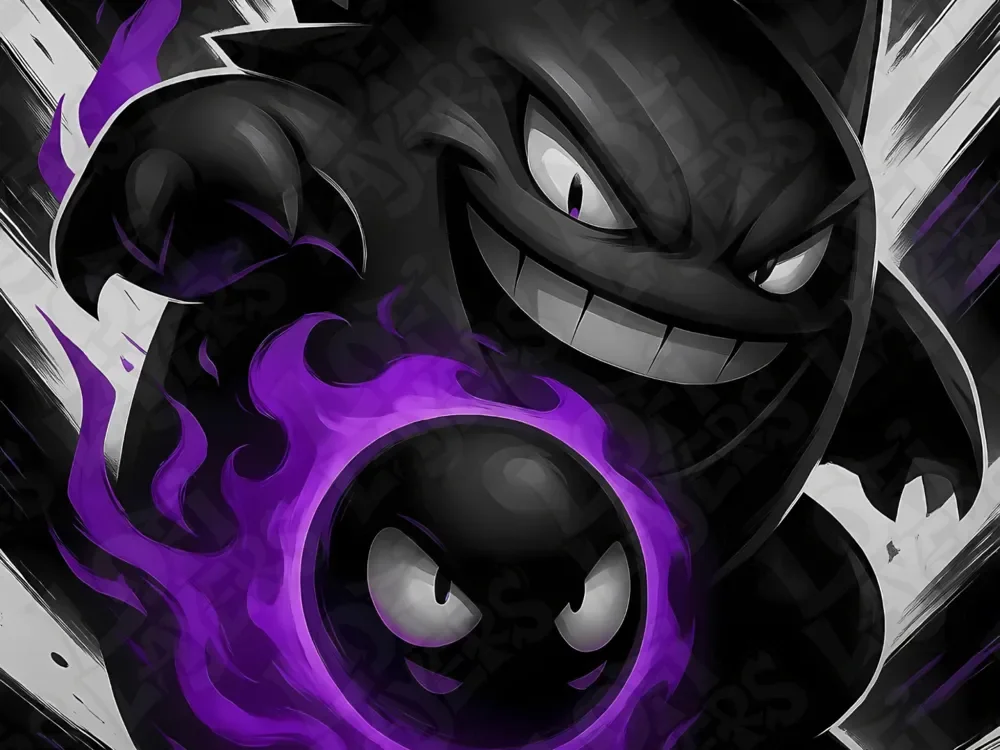
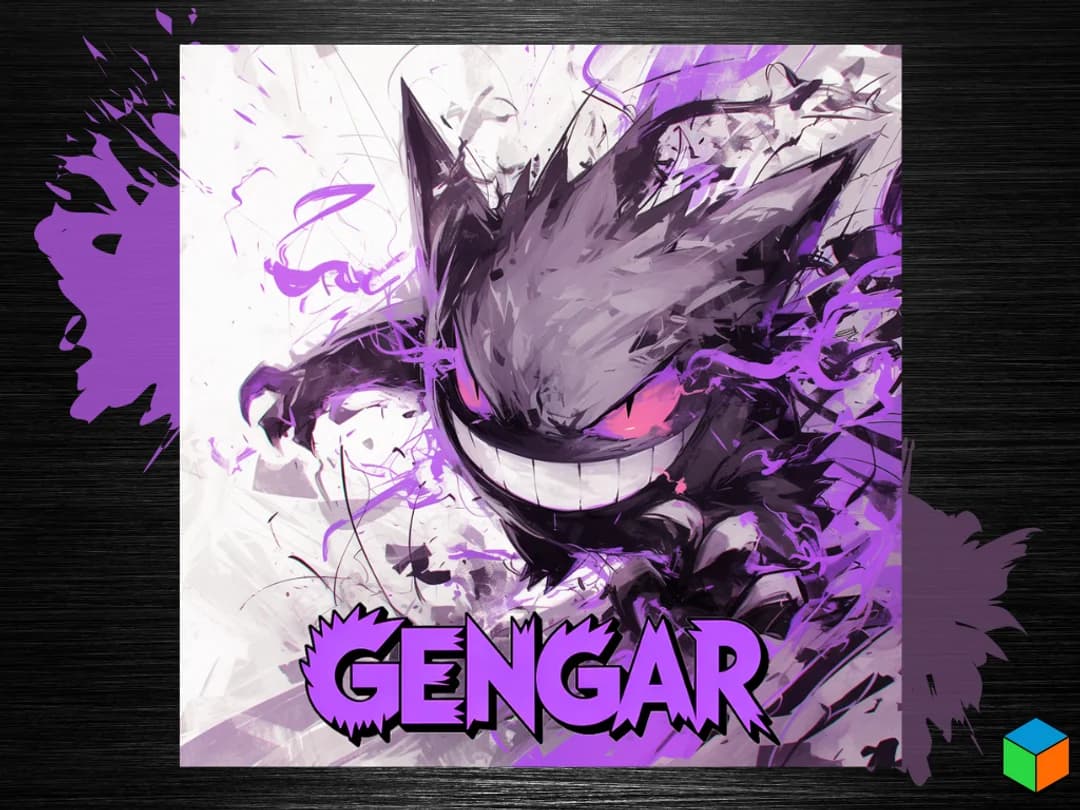
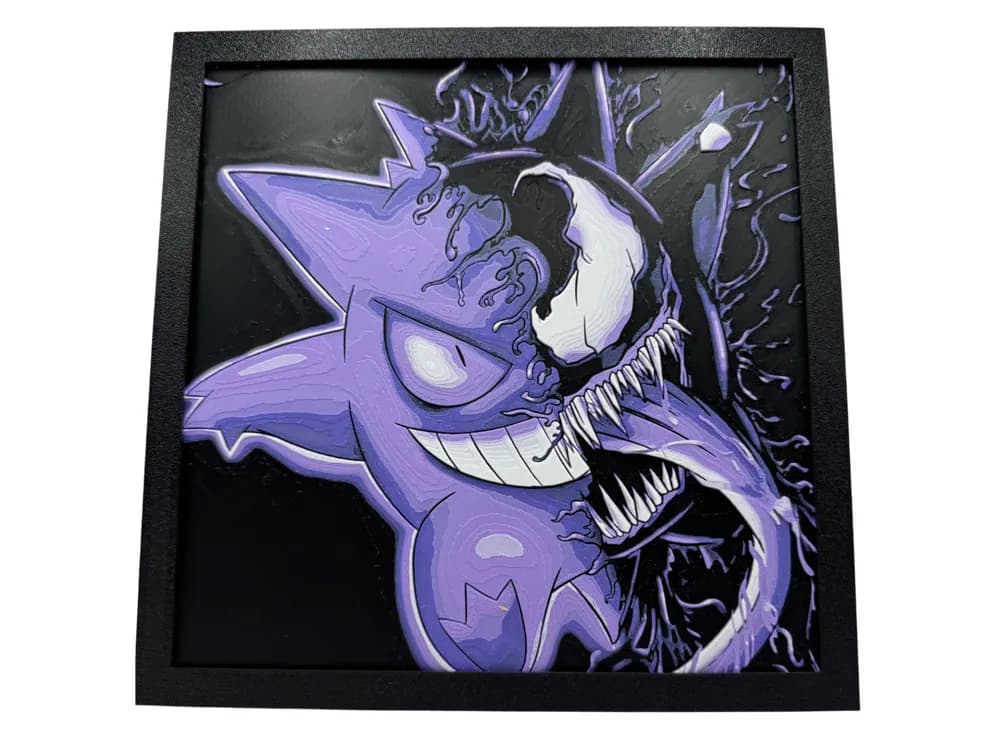
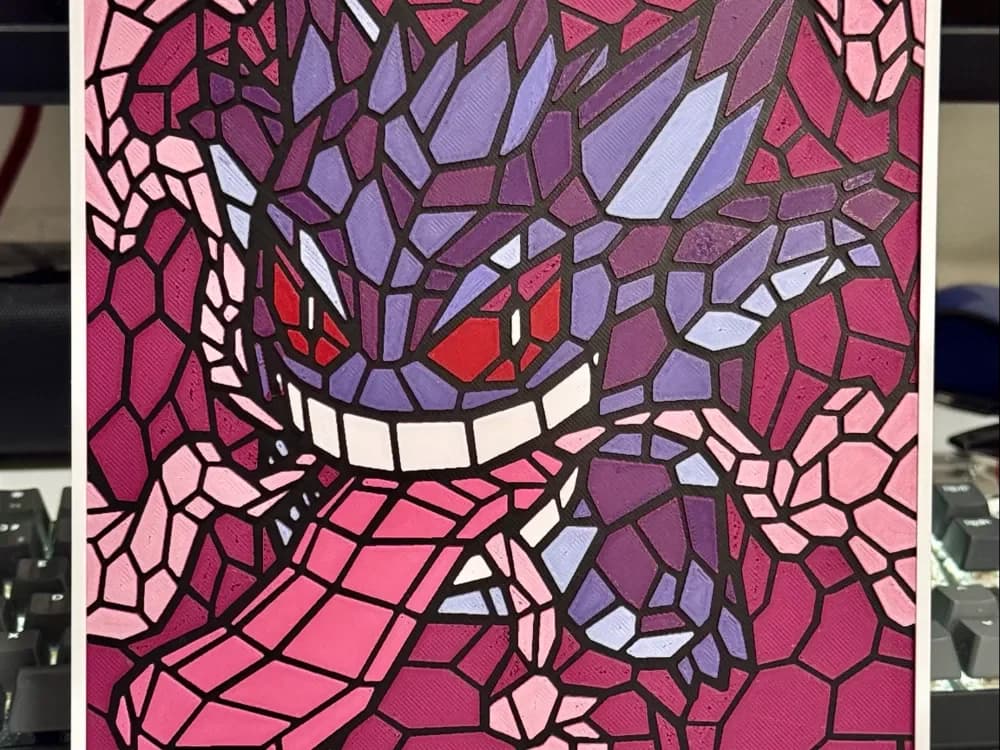
Gengar is the Pokemon that was made for HueForge, full stop. The character is a translucent purple ghost with glowing magenta eyes and a wide white grin — it's already designed around the exact effect filament painting does best. A well-tuned Gengar print with a back-light behind it produces the kind of result that makes makers post about HueForge in the first place.
The trick with Gengar specifically is the eyes and grin. They need to read as the brightest layer in the print, which means they should be the lowest-TD filament you have — typically a clean white or a near-white pale yellow. If your slicer is set up so the white layer is buried under purple, the whole face goes flat. Several of the picks below come with the layer plan pre-tuned in .3mf form, so the order is already correct.
If you don't have a backlight setup planned, Gengar is still worth printing — but you'll get a meaningfully better result with one, and the How to Display 3D Printed Art at Home post covers cheap ways to rig one up.


Browse all Gengar models in the HuePick catalog →
Snorlax
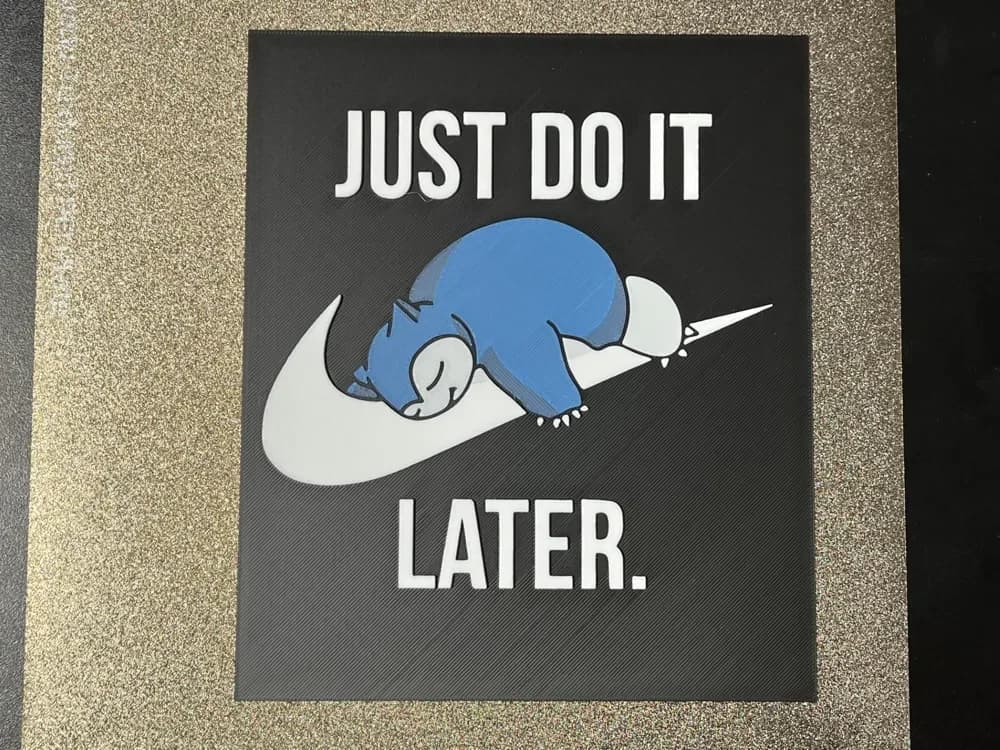
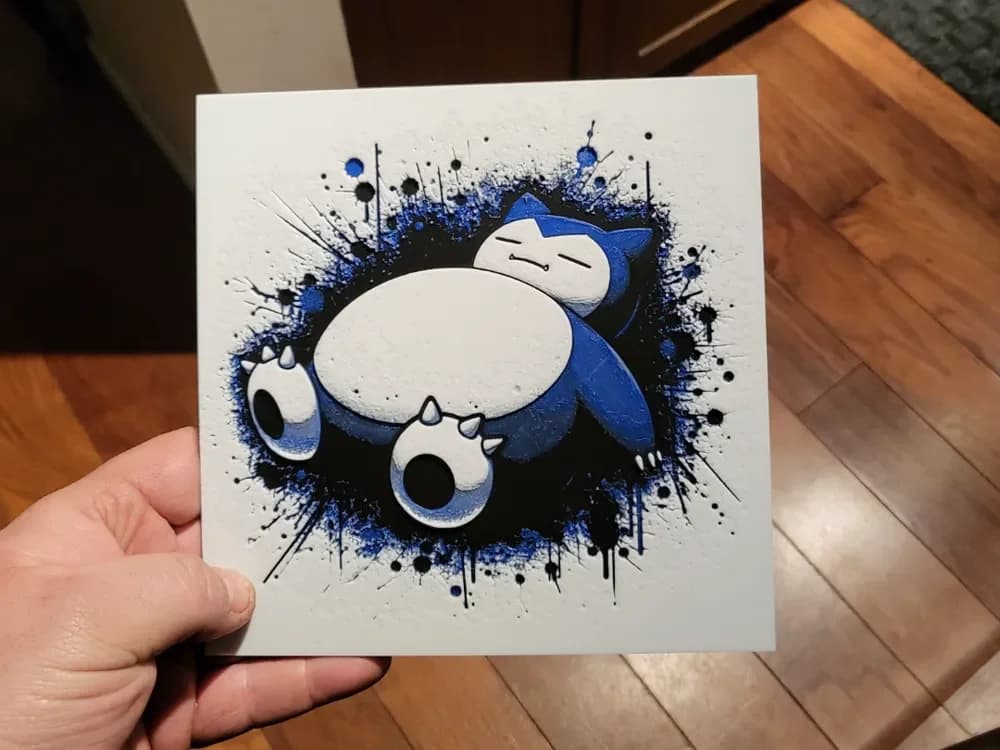
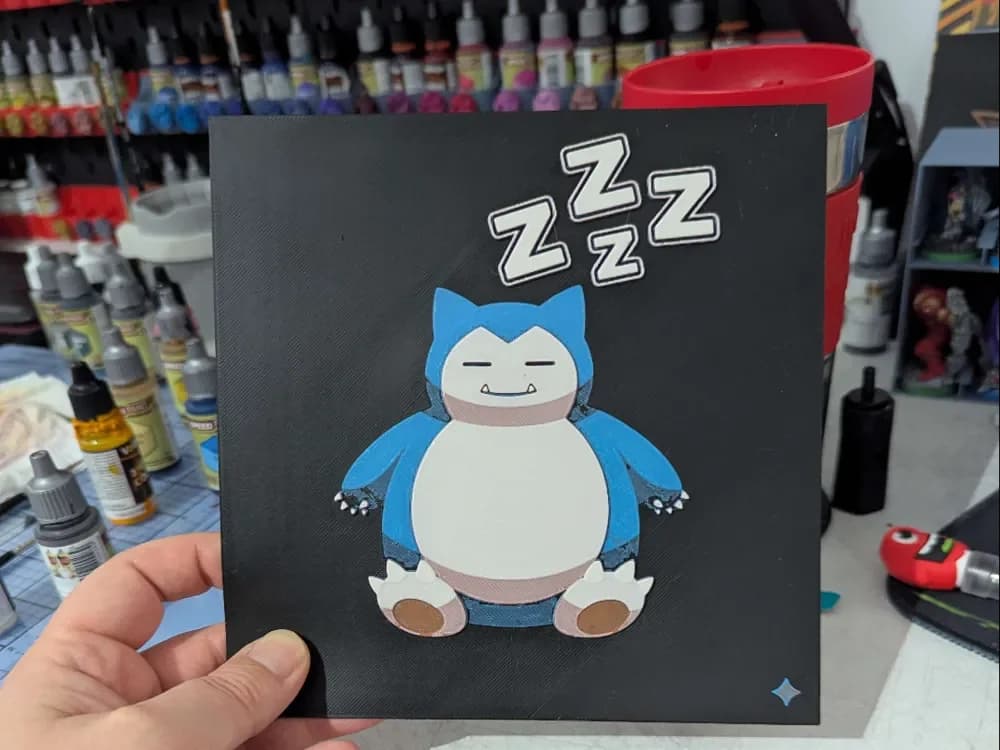
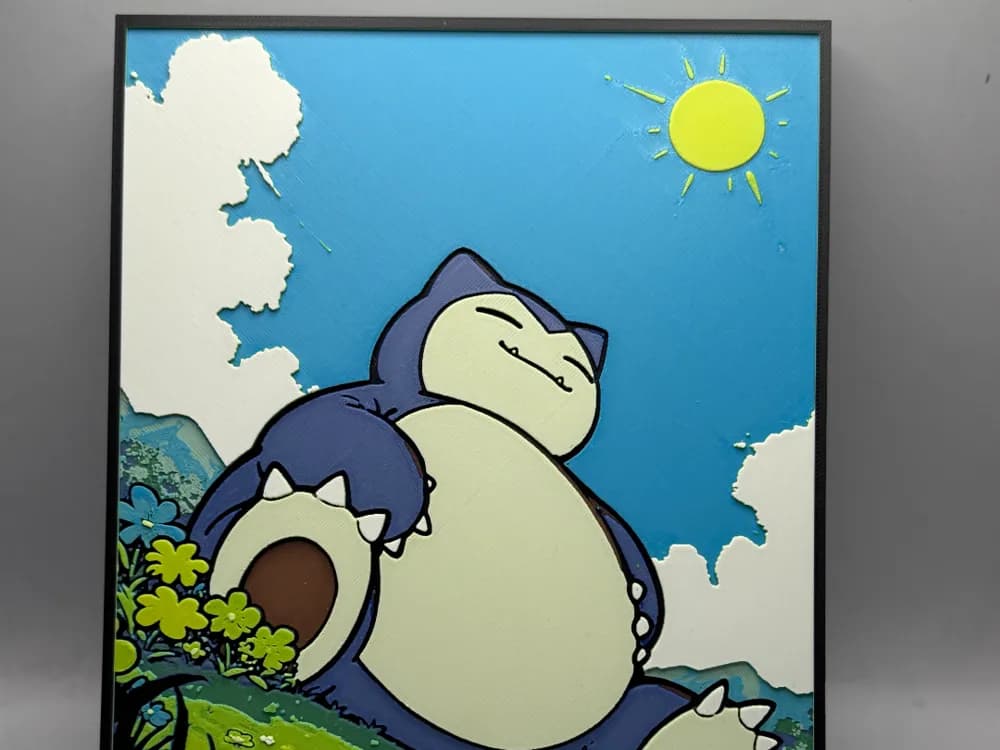
Snorlax is the opposite of Gengar — a chunky, low-color, sleeping silhouette where the appeal is the shape, not the layering effect. That actually makes it forgiving. A four-color palette is plenty. The teal-blue body, cream belly, dark eye line, and a soft shadow color is enough to nail the read.
The position to take here is that simpler is better. The catalog has a few Snorlax prints that try to load in detailed background scenes — Pokemon Center signage, scattered berries, sleeping Pikachus tucked against the side — and those almost always weaken the central silhouette. The strongest Snorlax prints below are the ones that commit to the bear-shaped blob and stop there.
If you're sourcing your filaments around a specific print, Snorlax is a great first HueForge model for makers without a full AMS — many of these will print acceptably with manual color swaps on a single-extruder machine.
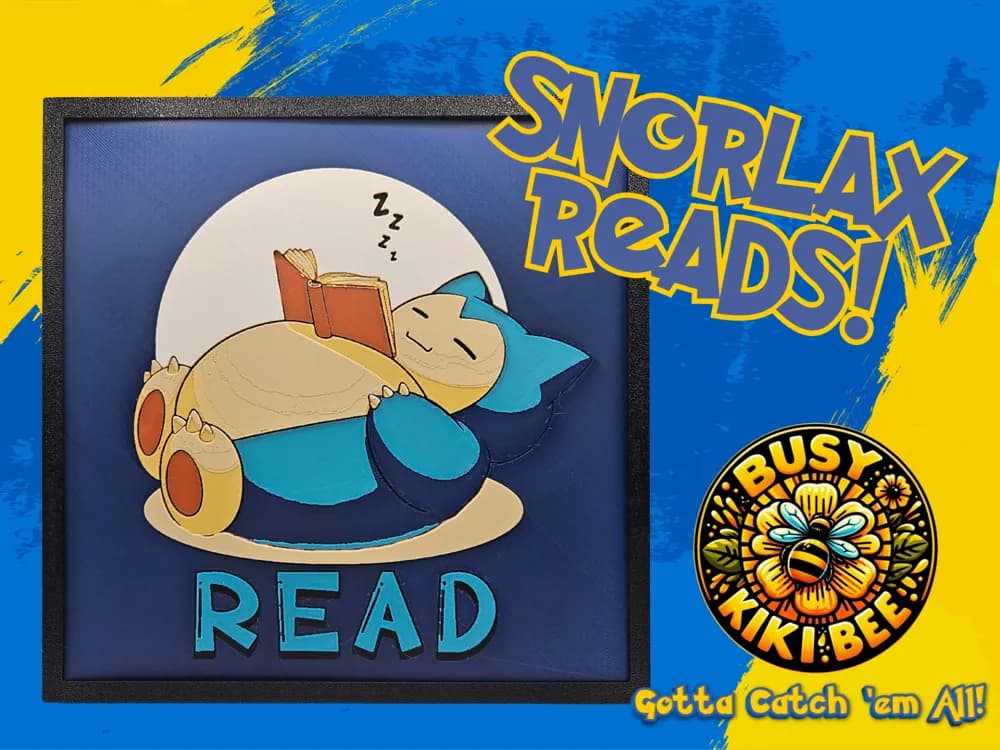
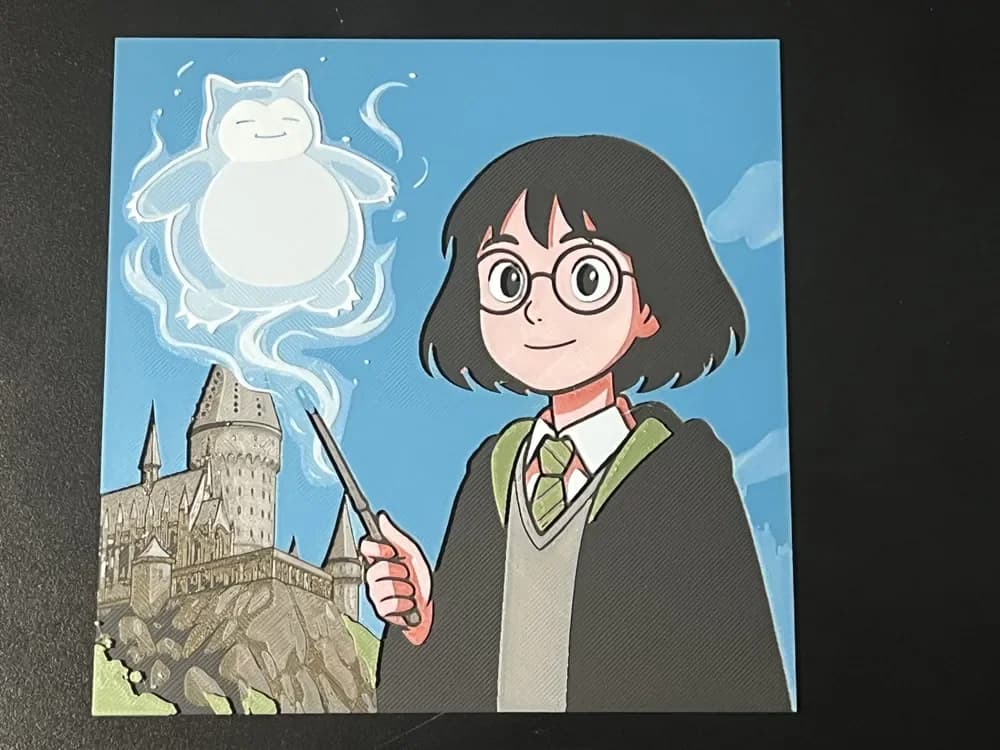
Browse all Snorlax models in the HuePick catalog →
Eeveelutions
This section is for the evolutions — Umbreon, Sylveon, Espeon, Glaceon, Vaporeon, the rest of the family. Eevee itself was one of the obvious-starter picks called out in the opener; the family-tree extensions are where the catalog actually has more depth. Umbreon is the clear lead by maker search volume, and it's also the one that translates best to filament painting because the dark base coat with bright yellow ring markings produces strong tonal contrast in a way the others struggle to match.
Sylveon and Espeon, by comparison, are pastel-palette characters where the whole appeal is soft color gradation between similar hues. Those are harder HueForge subjects, not because they're impossible, but because tonal value matters more than hue and the eeveelutions are designed almost entirely around hue. If you want to do a Sylveon print, plan for a wider filament palette than you'd think — five colors at minimum — and pick filaments that span a meaningful tonal range, not just different pinks.
The picks below lean Umbreon-heavy in the front rows, with the other evolutions further back. If you've already got an Eevee print on the wall and want to build a "team" composition, several of these include matching art styles across the eeveelutions.
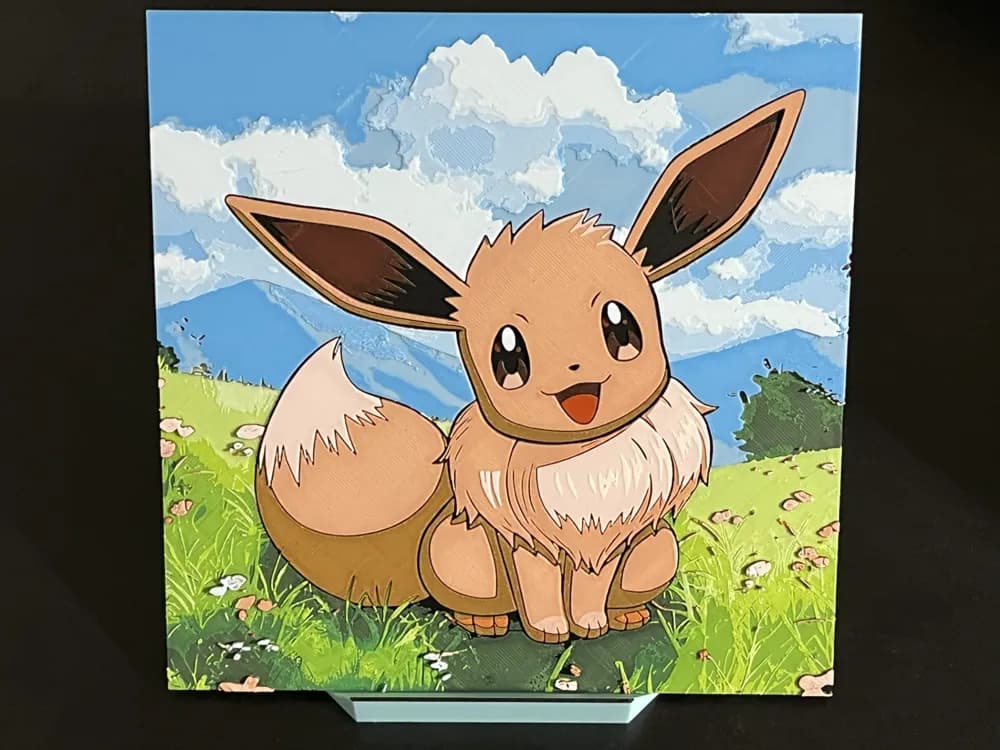
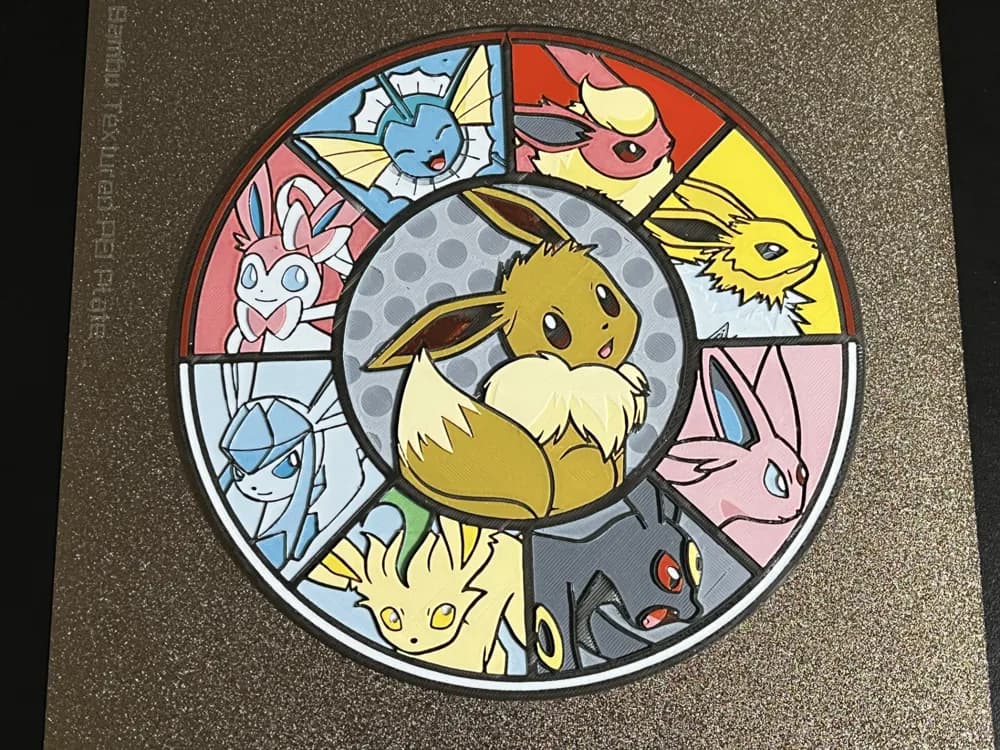
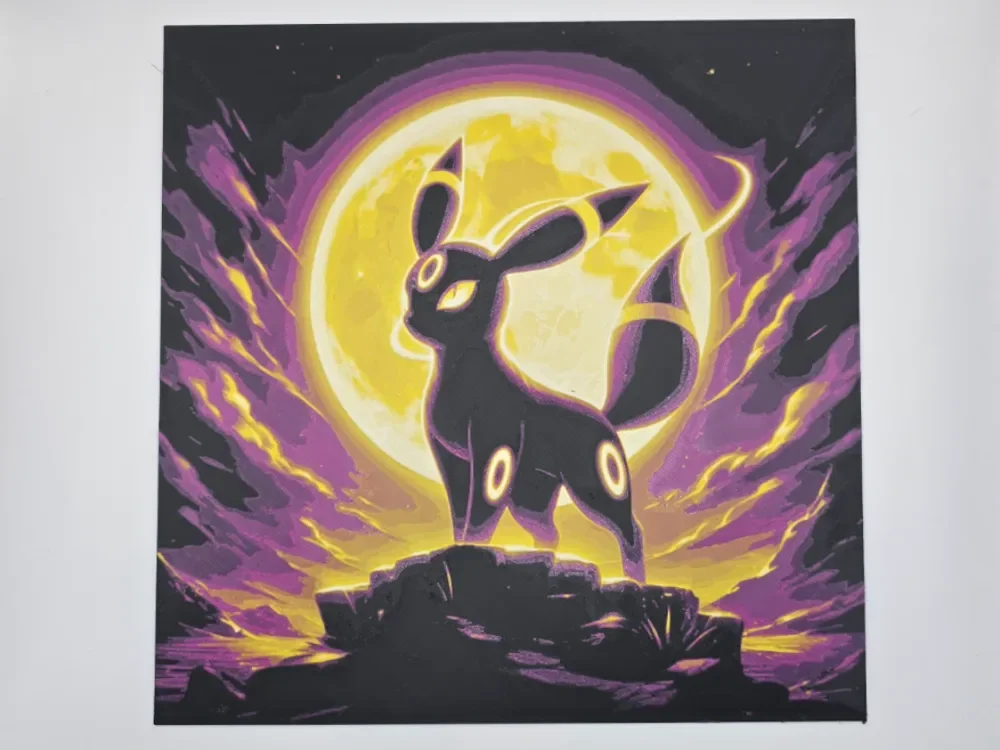
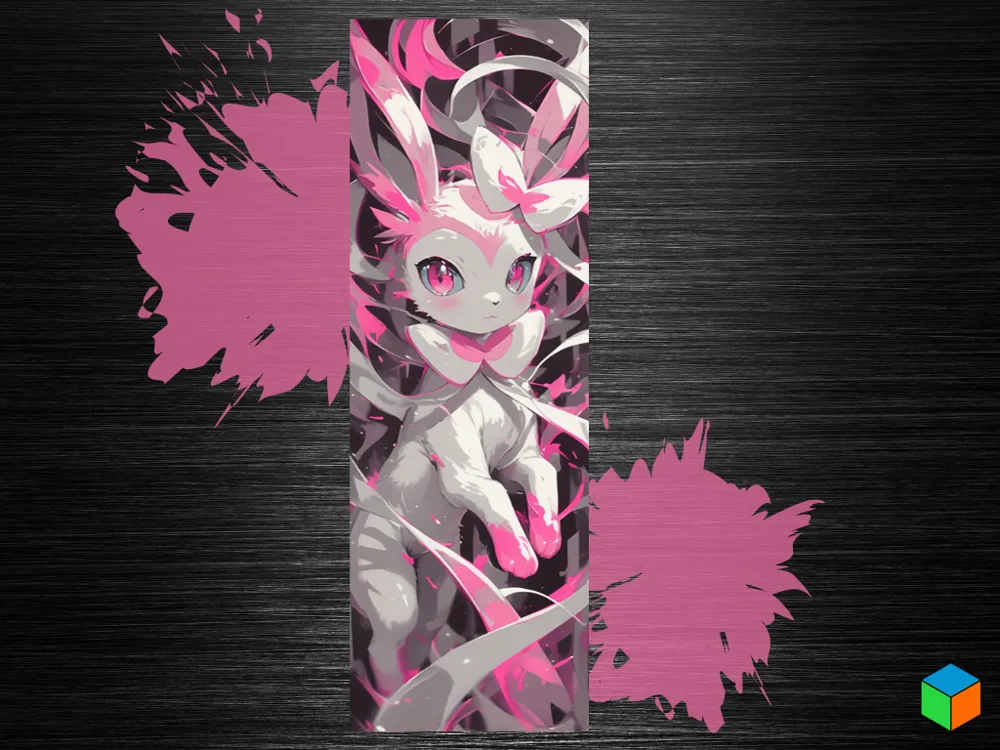
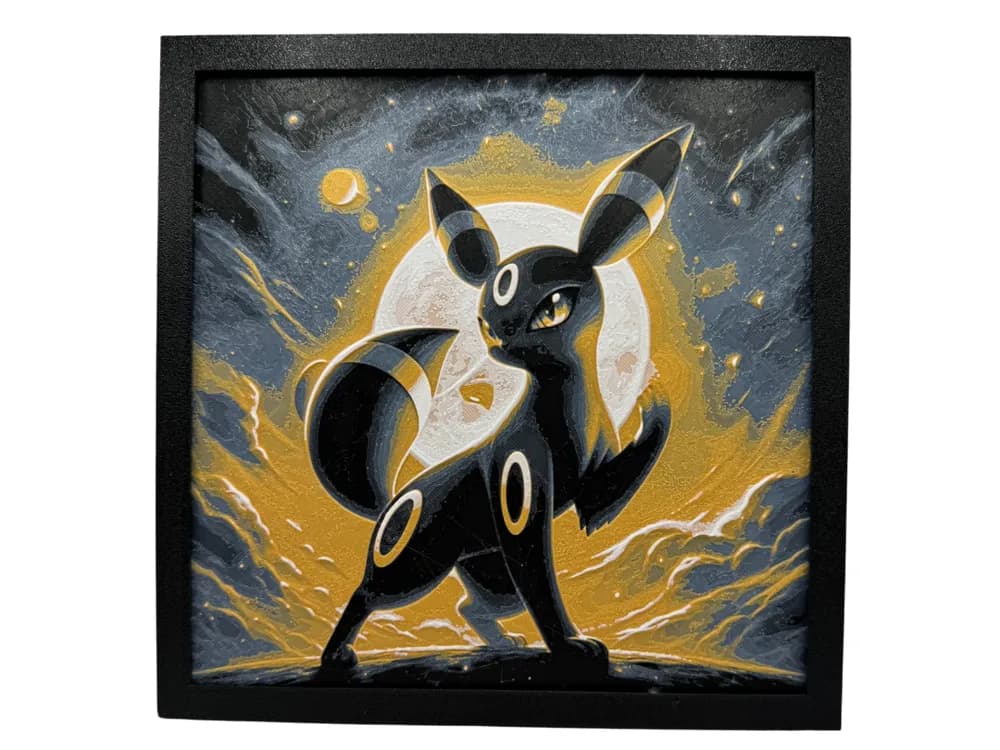
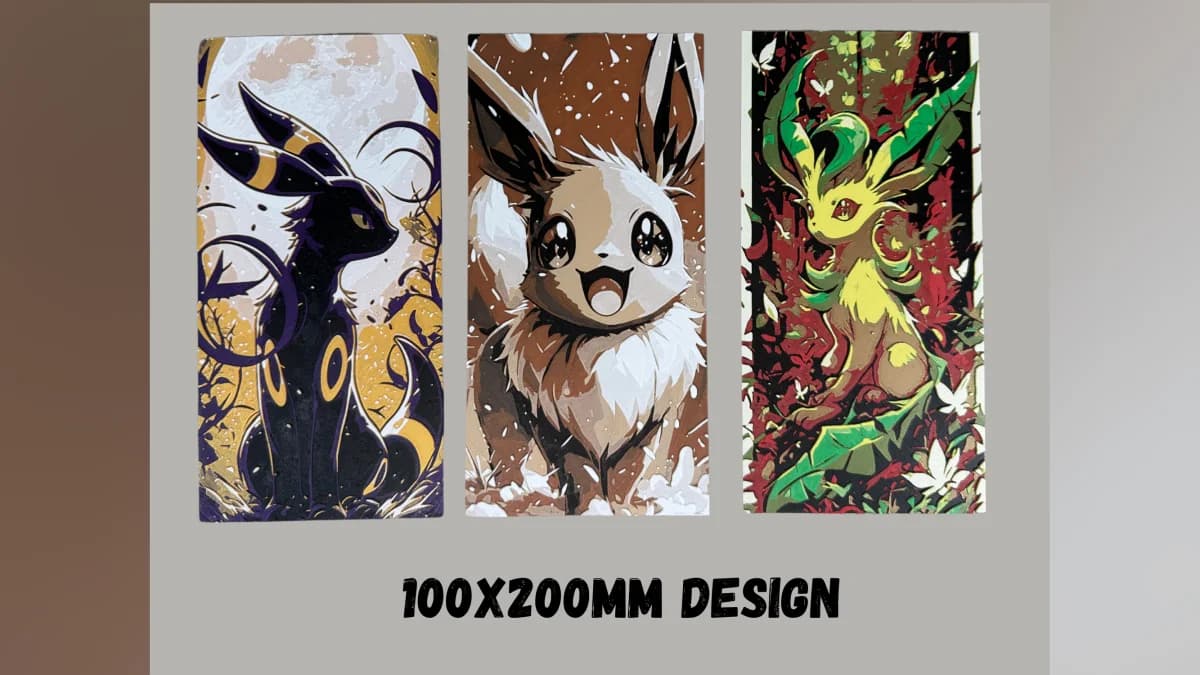
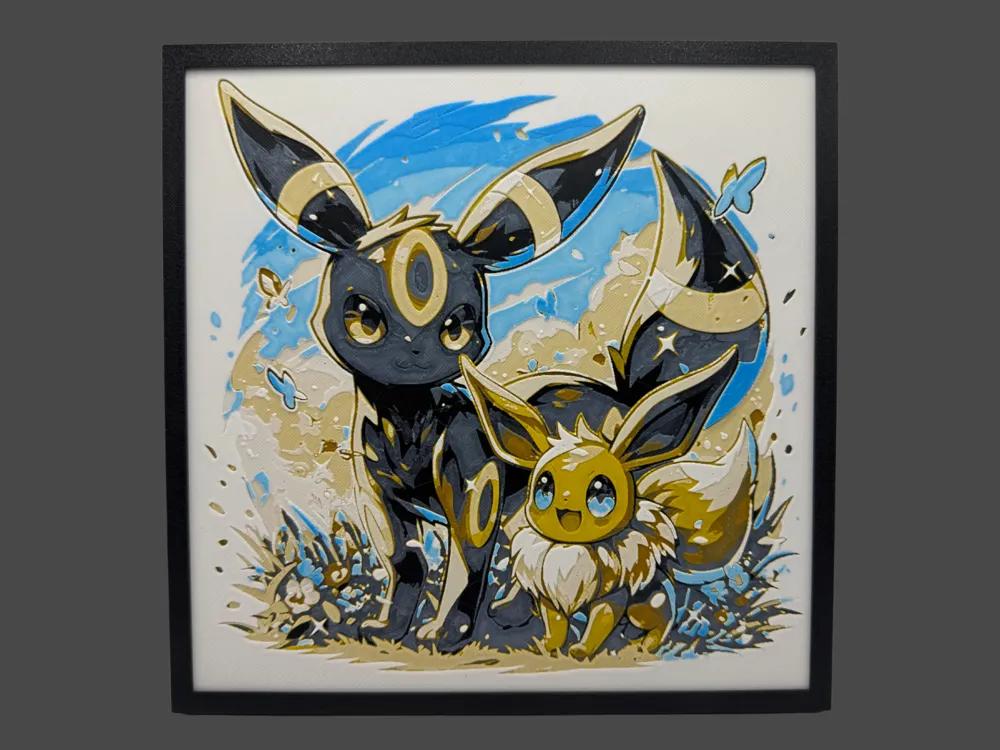

Browse all eeveelution models in the HuePick catalog →
Legendaries
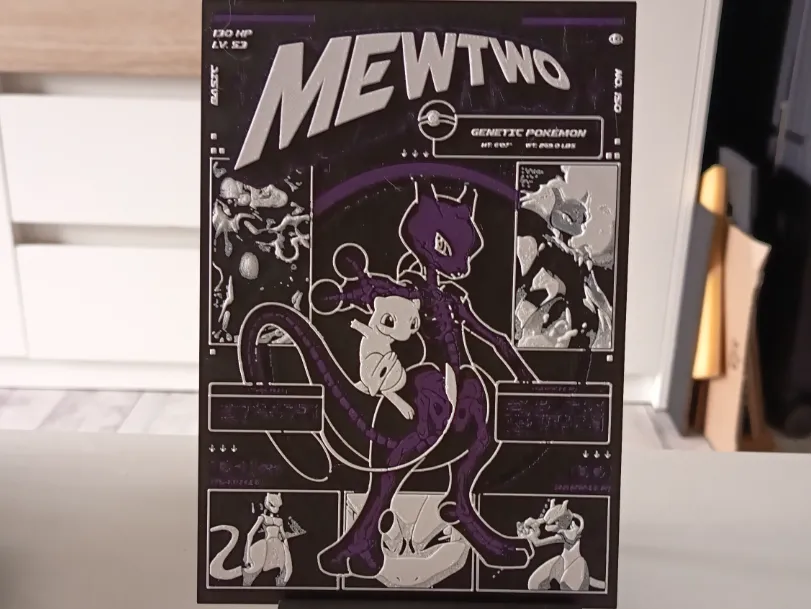
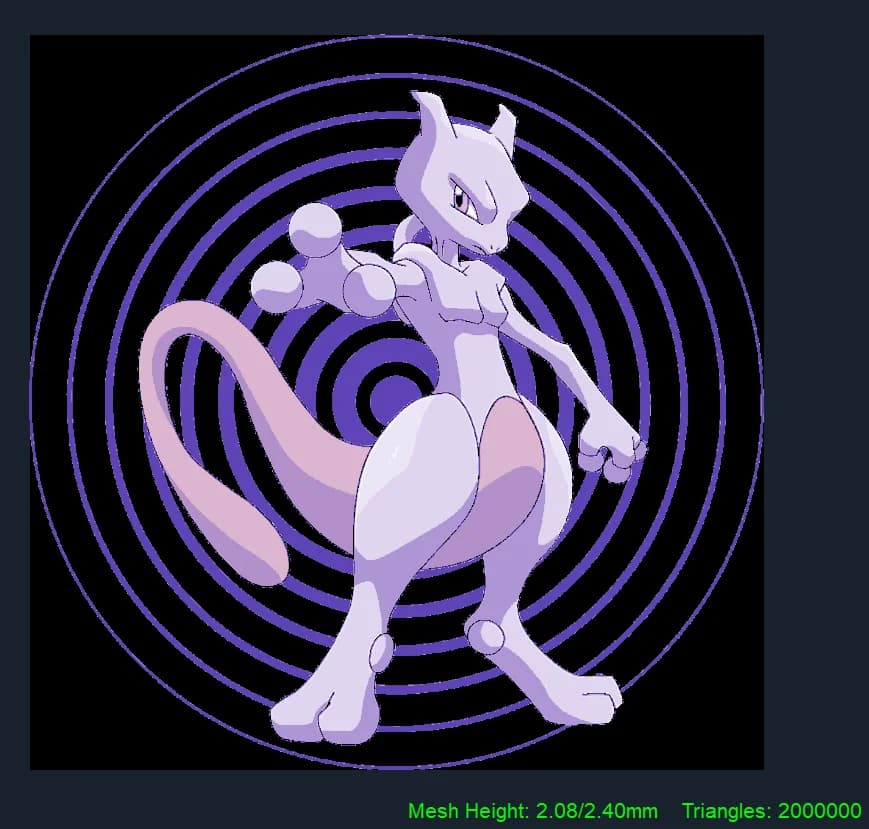
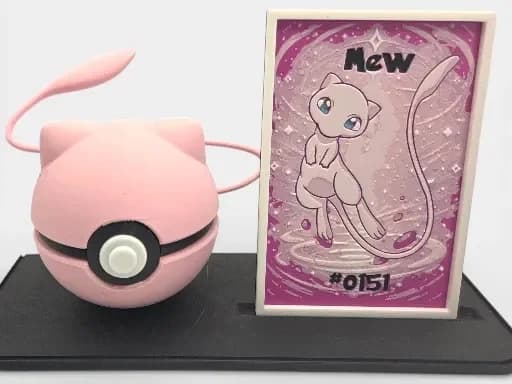
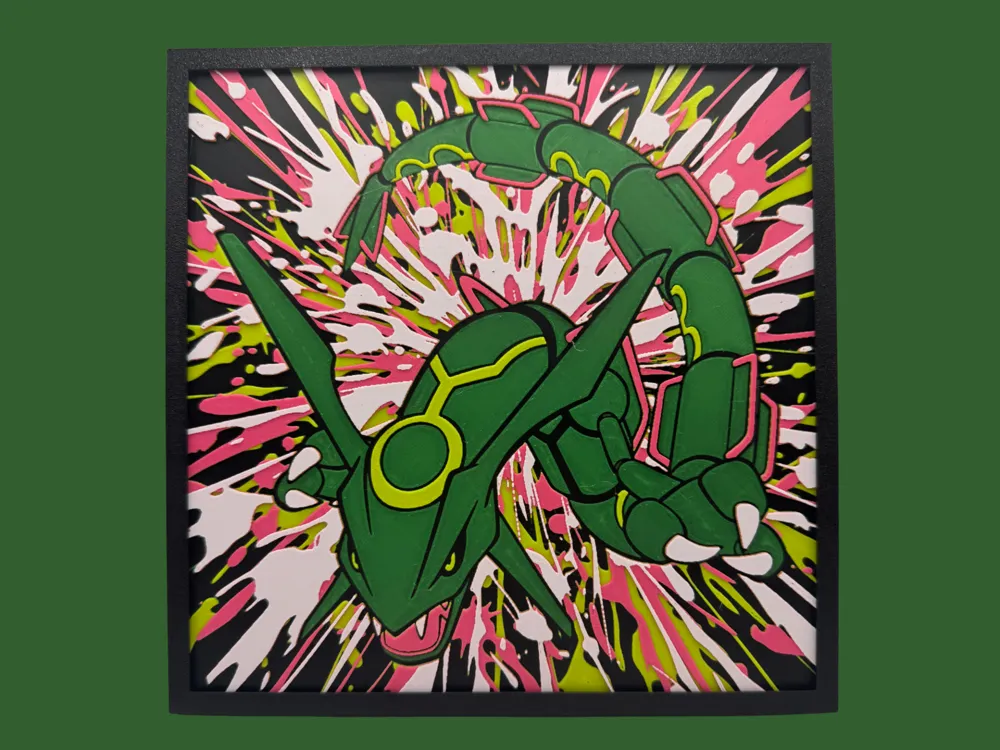
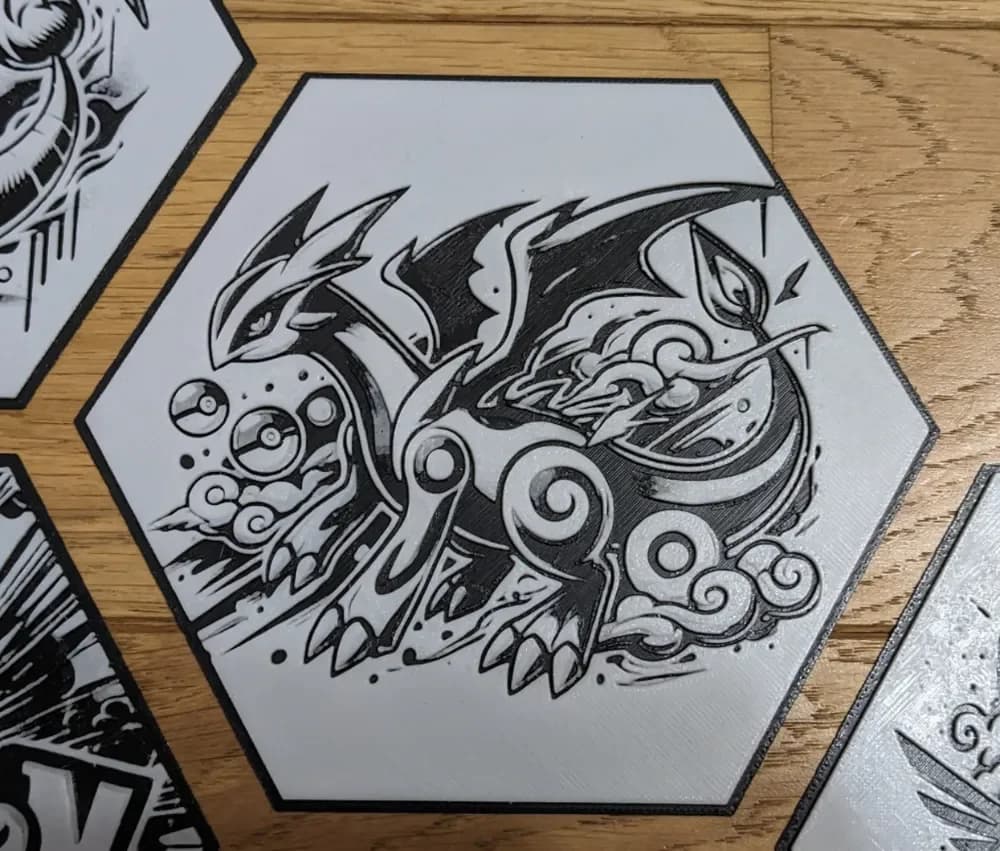
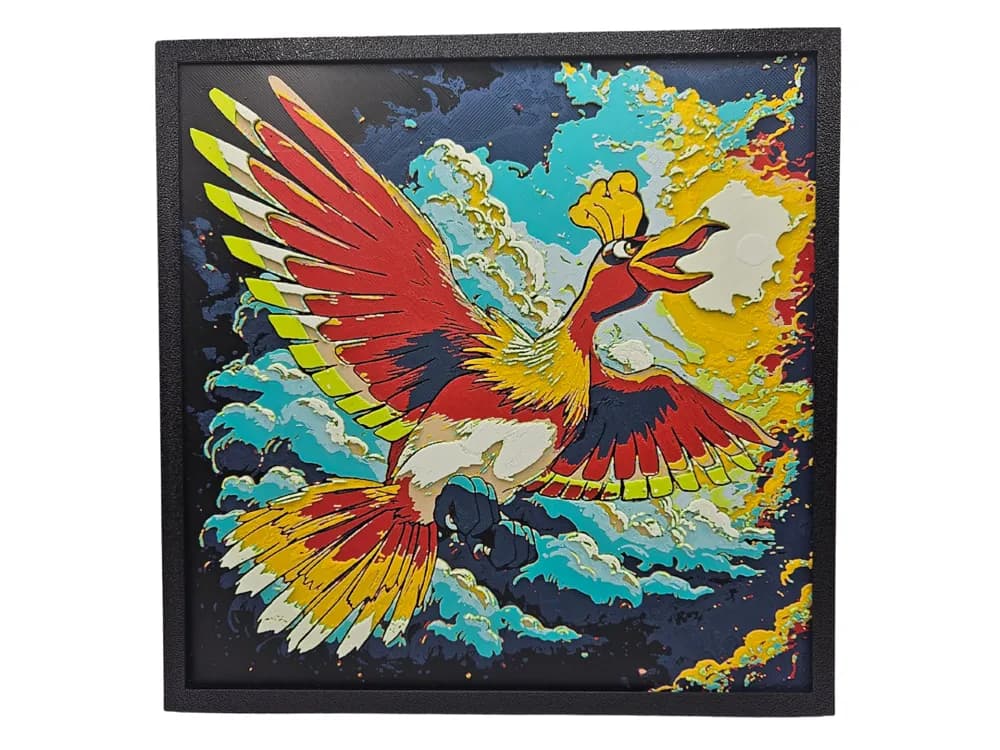
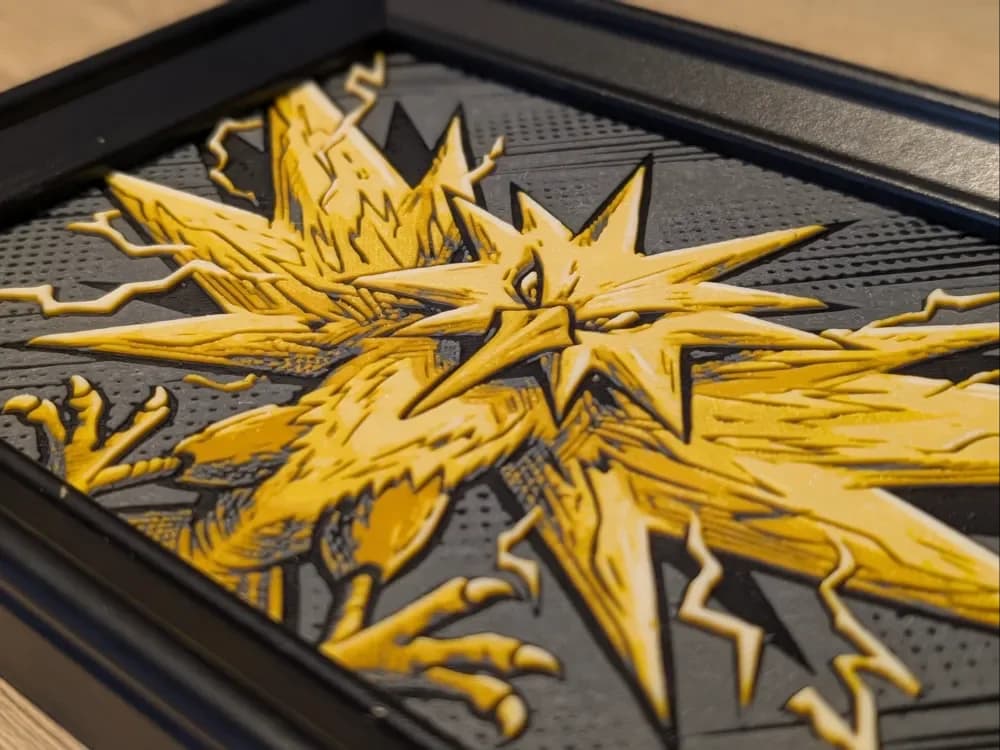
The legendary Pokemon — Mewtwo, Mew, Rayquaza, Lugia, Ho-Oh, the box legendaries — are where the catalog rewards the most ambitious HueForge setups. They're the prints to push your color count to six or seven. Rayquaza is the strongest of the bunch by maker volume, and the prints that take advantage of the snake-dragon body produce some of the most dramatic compositions in the entire Pokemon section.
The position worth taking on legendaries is that backlit display matters more here than anywhere else in the Pokemon catalog. Rayquaza's gold accents, Mewtwo's psychic-energy halos, Lugia's silver-blue chest plating — these are all designed to glow, and they look noticeably less impressive under flat room light than a Snorlax or a pokeball does. If you're not willing to set up a frame with a back-light, several of the front-row picks below are the ones that read well in normal light, and we've ordered the section accordingly.
If you only have a four-color palette, the legendaries are honestly the section to skip for now and come back to once you've expanded your filament shelf. The other four sections on this page reward the constraint better.

Browse all Pokemon models in the HuePick catalog →
After the print
Once you've found a model from the sections above, the rest of the workflow is what makes the print actually land on the wall. Color choice is the single biggest variable, and Pokemon prints are particularly sensitive to it because the source characters have such established palettes — Gengar in the wrong purple just looks wrong in a way a fantasy dragon never quite would. The Choosing Filament Colors for HueForge guide walks through how to build a palette around a specific model rather than picking colors at random.
Display matters too. Almost everything in the legendaries section, plus Gengar, benefits dramatically from backlighting — and several of the eeveelutions look better with a softer overhead light source rather than a harsh frame light. The How to Display 3D Printed Art at Home post covers the practical setups, including the cheap shadow-box rigs that most makers start with.
If you'd rather start from a different corner of the catalog, a few sibling roundups use the same H2-by-sub-entity structure pointed at different fandoms:
- Best K-pop Demon Hunters STL Files — Huntrix portraits, Saja Boys, Derpy Cat, Sussie
- Best Marvel STL Files — symbiotes, Avengers, Mjolnir, Infinity Gauntlet
- Best Fantasy STL Files — dragons, knights, wizards, castles
And if you want to skip the curation entirely, the Pokemon section of the catalog surfaces every model in the bucket — the five sub-entities above plus the long tail of side characters, region variants, and crossover compositions.
Pick one print, build a palette around the source character's actual color logic, and put it somewhere with a light source behind it. That's the whole loop.