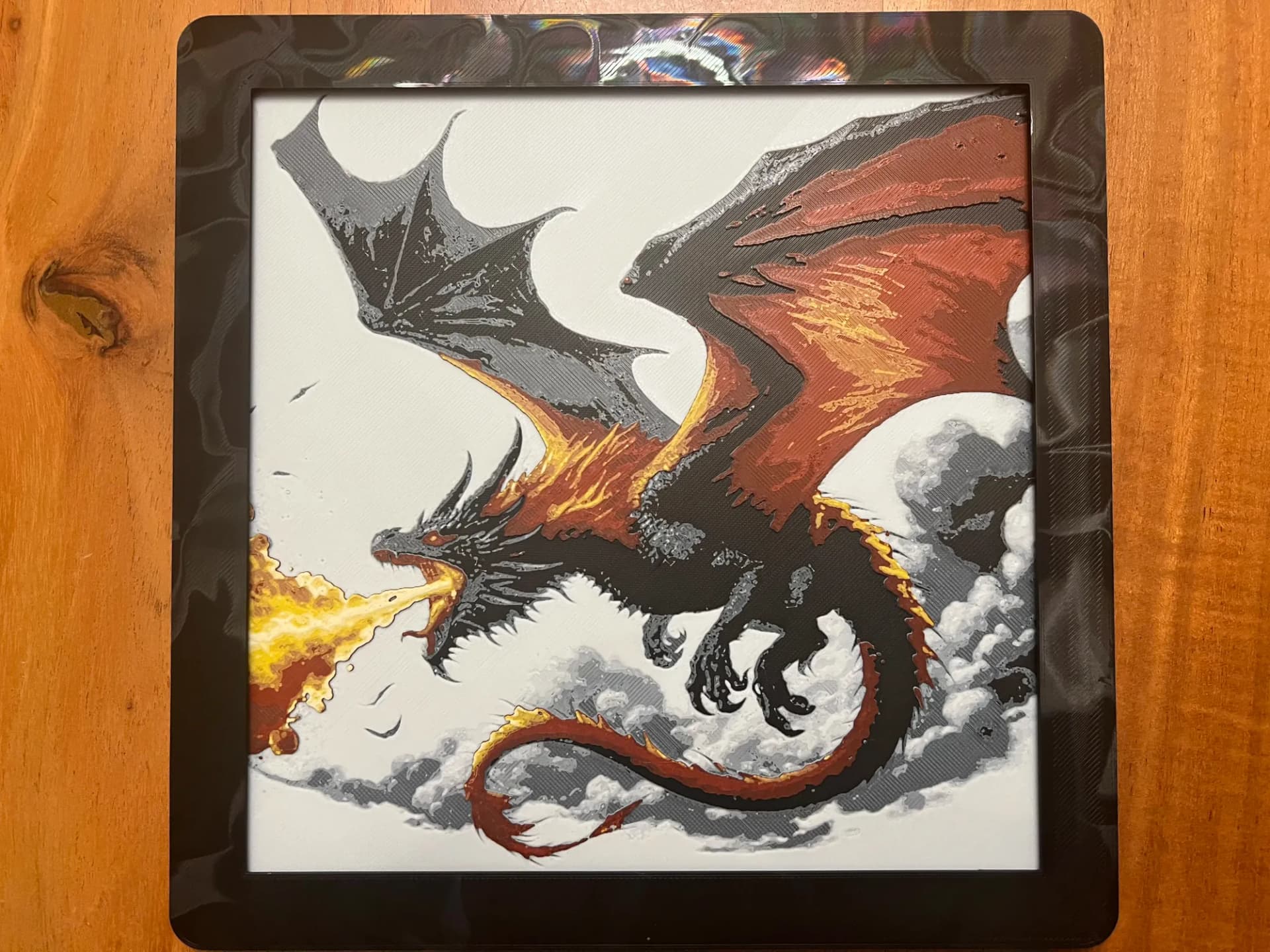
Best 3D Printed Dragons for HueForge: Western, Eastern & Toothless
The 3D printed dragons worth printing as HueForge filament paintings — Western dragons, Eastern dragons, Toothless, and cute baby dragons, with the catalog's take on each.
Quick Answer
The strongest 3D printed dragons for HueForge fall into five pockets of the catalog: Western dragons (the biggest by far), Toothless and the How to Train Your Dragon crossover, dragon heads and closeups, Eastern dragons, and cute baby dragons. The picks favor models with a clean silhouette, manageable color counts, and real translucency potential where a backlight earns the technique.
Dragons are the single most-searched subject in the entire HueForge world — more than any fandom, more than any animal, more than lithophanes of the kids. That demand is why the Fantasy roundup could only ever give dragons one section, and why they've earned a page of their own. The catalog is deep enough here to break dragons into the way makers actually search for them: Western dragons, Toothless, dragon heads and closeups, Eastern dragons, and the cute baby dragons that make a good first print.
One clarification up front, because it splits the search traffic in two. A lot of "3D printed dragon" searches are after the articulated, print-in-place flexi dragons — the segmented plastic toys that wiggle in your hand. Those are a different craft entirely: mechanical geometry, single-material, no color layering. This page is not about those. HueForge dragons are flat filament paintings — layered translucent art you hang on a wall and light from behind. If the wiggly toy is what you came for, this isn't the list. If you want a dragon that glows, keep reading.
Nothing here is for sale; this is a discovery list, not a shop. Each model card links to its source page on MakerWorld, Patreon, or wherever the designer published it. From there you download the file and print it yourself on your AMS or multi-material setup. The browse → click through → download → print workflow is the whole shape of using HuePick.
On the file format: most of these models ship as .3mf files with the HueForge layer plan baked in; a few are .hfp project files or bare STL geometry. We use "STL files" throughout as the maker-search shorthand the way most printers do — the actual format is listed on each model's source page.
If HueForge itself is the unfamiliar piece, start with the HueForge Printing for Beginners walkthrough — it covers what the software does and what changes about the slicer setup. Already comfortable? Keep reading.
Sections below are ordered by maker demand, with Western dragons leading by a wide margin and the cute-dragon section at the end as the most forgiving place to start.
Western Dragons
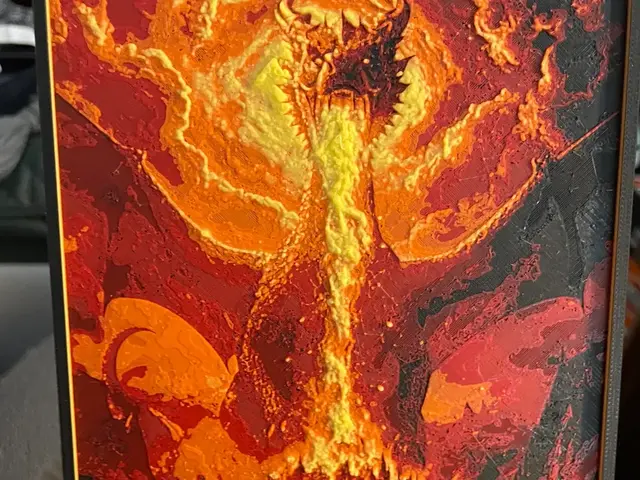
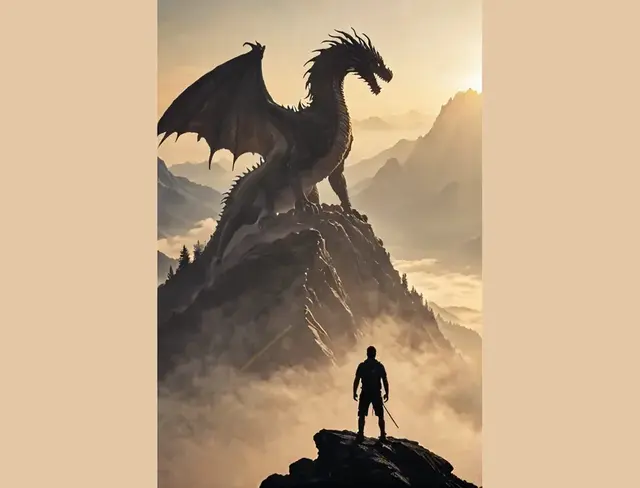
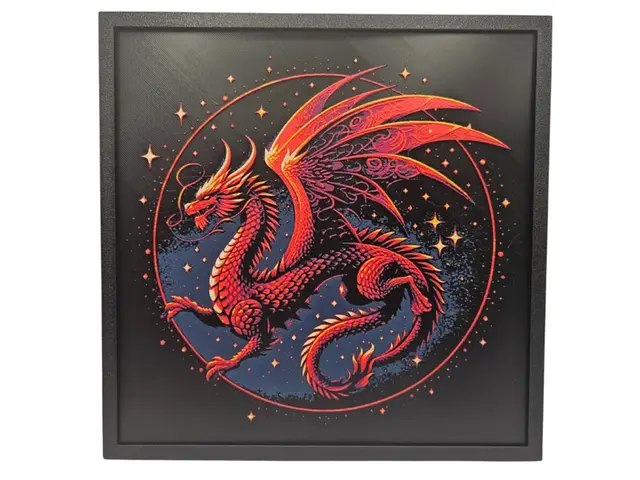
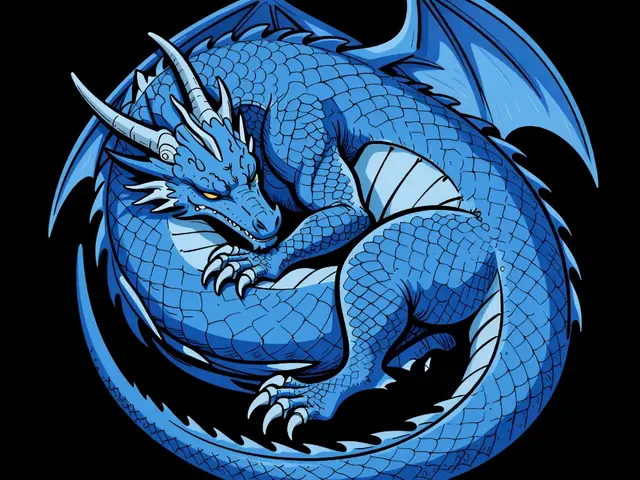
Western dragons are the default the whole category is built around — the winged, four-legged, hoard-guarding silhouette that comes to mind when anyone says "dragon." They're the largest single group in the catalog, and they're also where the HueForge technique does its most reliable work, because the classic Western pose is mostly silhouette: outstretched wings, arched neck, a tail that frames the composition.
The thing to know about dragon prints is that silhouette matters more than color count. A six-color dragon with a muddy outline reads worse than a three-color dragon whose wings, claws, and head are crisply defined against the background. The best Western dragon models lean into negative space and let the layered translucency carry the scale and muscle detail rather than trying to paint every scale as a separate color.
The dramatic-scene dragons — a wyrm melting a town, a dragon coiled around a mountain, wings spread against a sunset — are worth the extra color count, but only if you have the palette and the backlight to finish them. If you're working with four or five colors, stick to the single-figure studio dragons: a black base, a mid-tone, a highlight, and one accent color is enough for a striking Western dragon. Save the panoramic scenes for once your filament shelf is deeper.
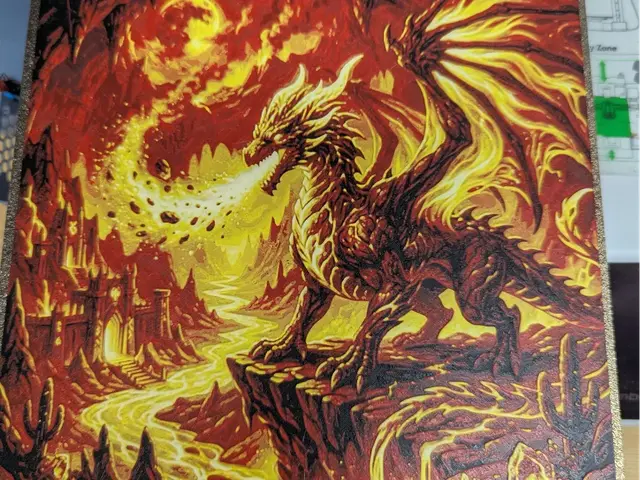
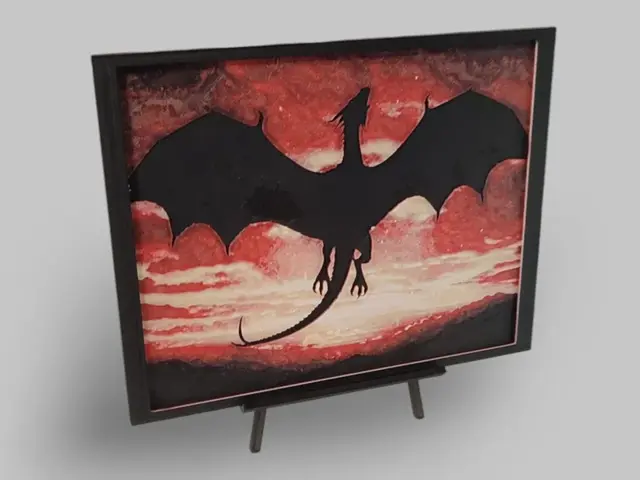
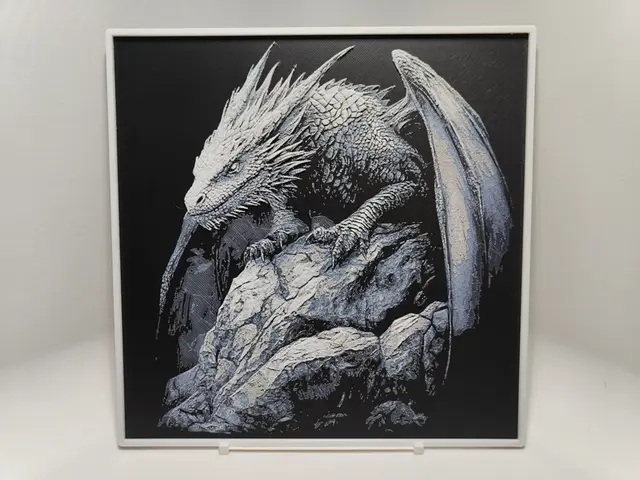
Browse all dragon models in the HuePick catalog →
Toothless & How to Train Your Dragon
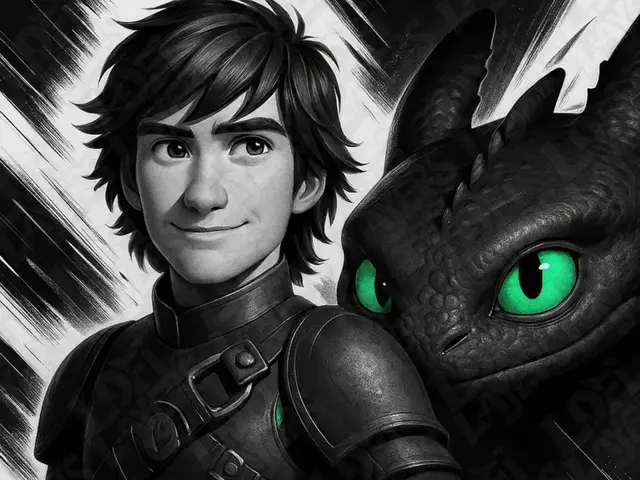
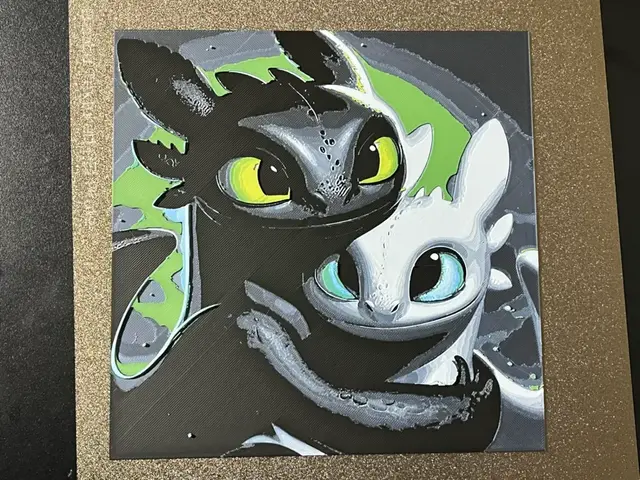
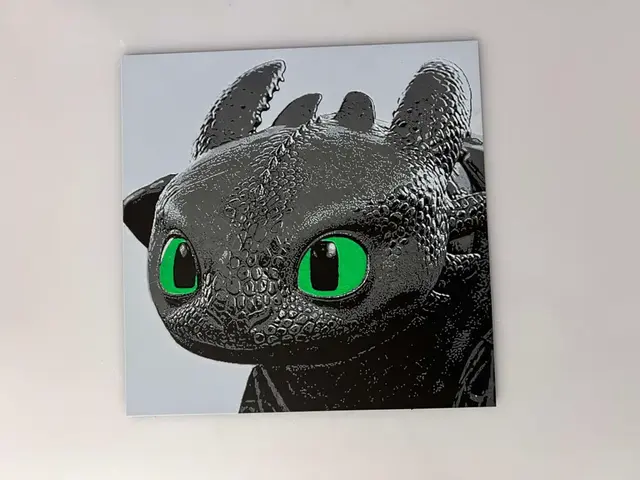
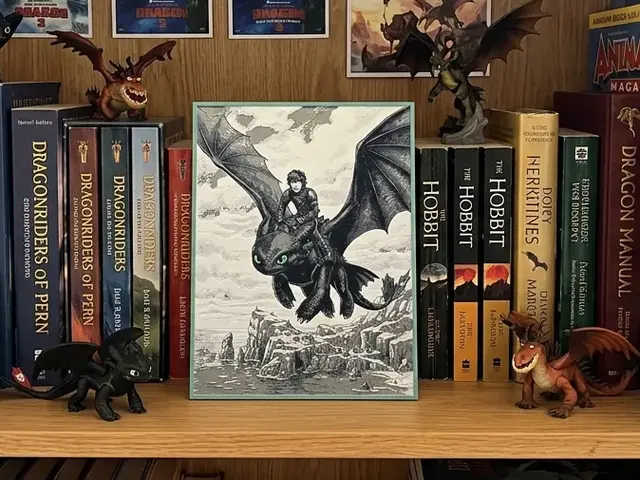
Toothless is the one fandom dragon big enough to hold his own section, and he might be the best-designed HueForge dragon subject there is. He's a matte-black Night Fury with wide green eyes — a character built, by accident, around exactly what filament painting does best. The near-black body reads as pure silhouette, and the eyes want to be the brightest layer in the print. Get the layer order right, put a backlight behind him, and the eyes glow while the body stays in shadow. That's the whole appeal of the technique in one model.
The trick with Toothless is the same as Gengar over in the Pokemon roundup: the eyes have to be your lowest-TD filament — a clean, bright green or a green-over-white stack — sitting on top, not buried under the black. If the black layer covers the eyes, the face goes dead flat. Several of the picks below ship the layer plan pre-tuned in .3mf form so the order is already correct.
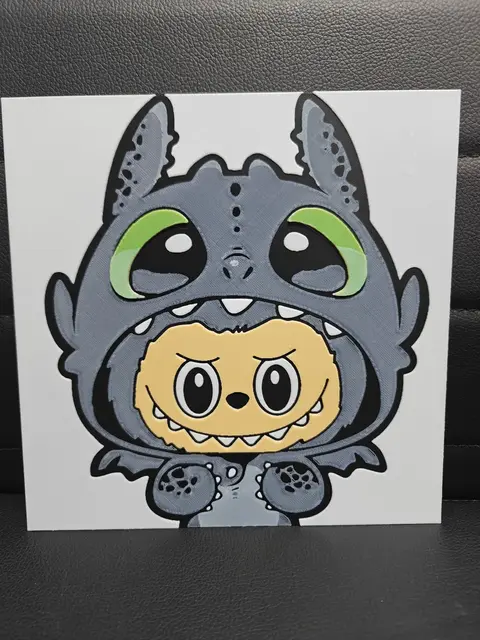
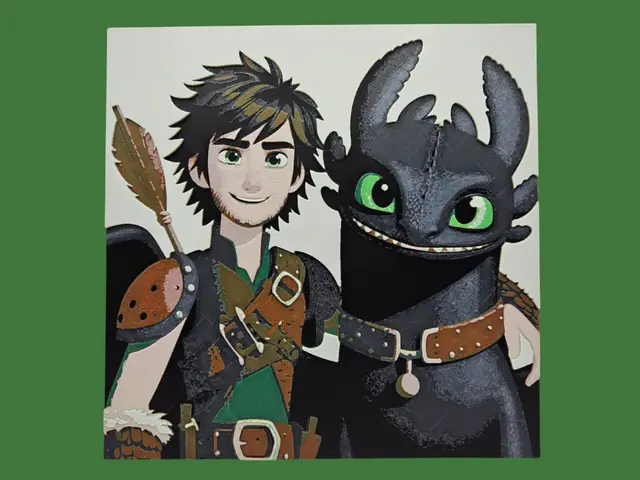
Beyond Toothless himself, the How to Train Your Dragon crossover brings in Light Fury, the two-toned "night light" hybrids, and the occasional Toothless-and-Hiccup scene. The pure-Toothless portraits are the safer print; the multi-character scenes need a wider palette and a steadier hand on transmission distance.
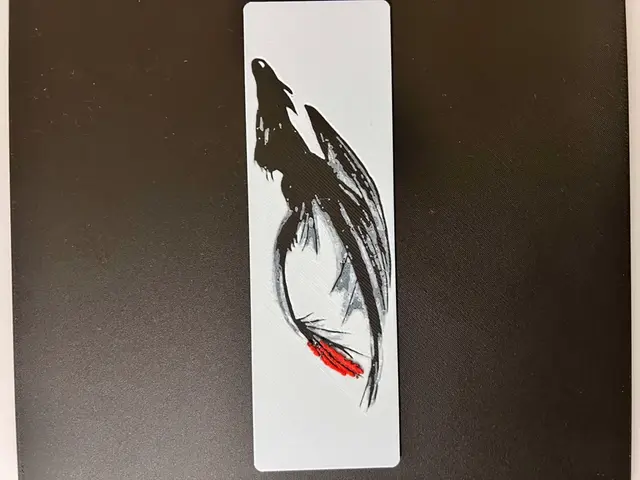
Browse all How to Train Your Dragon models in the HuePick catalog →
Dragon Heads & Closeups
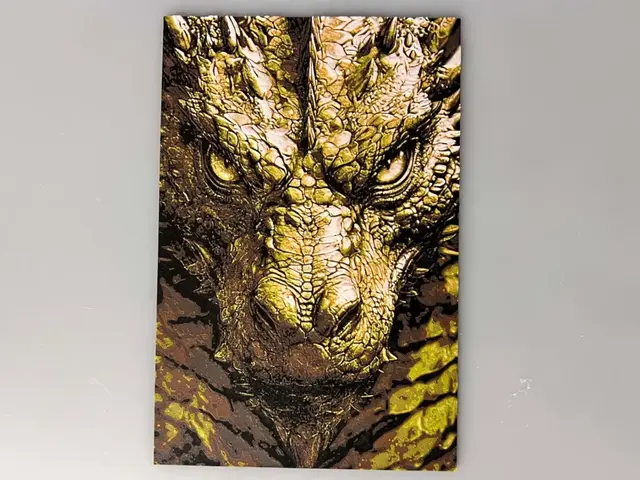
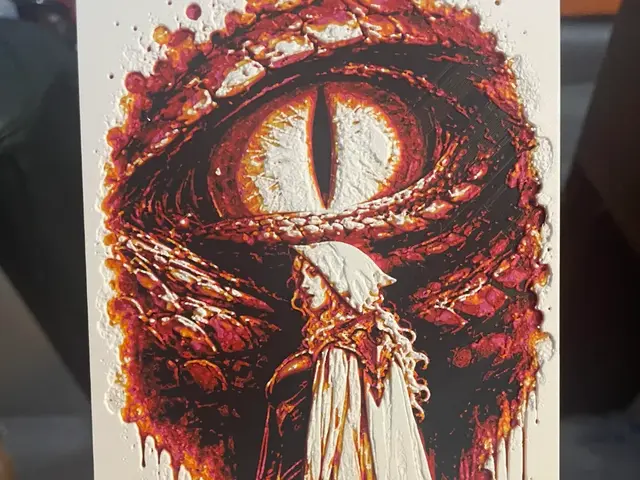
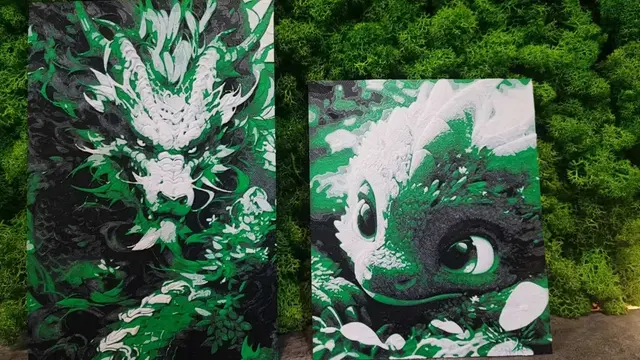
Head-on dragon portraits and tight closeups are their own distinct pick — the dragon reduced to a single dramatic face, cropped in so the eye, snout, and the scales around them become the whole composition. They're harder to surface in a plain catalog search than full-body dragons, but the catalog runs deeper on them than it first looks, and they make some of the most striking mid-size prints in the category.
A good dragon closeup lives or dies on the eye. Cropping in tight means the eye becomes the natural focal point, which makes it the place for your brightest, lowest-TD filament — the same move that makes Toothless work, applied to any dragon. Get a real value gap between the luminous eye and the darker scales around it and the face reads as alive; bury the eye in the same tone as the hide and the whole print goes flat. A backlight amplifies this more than on almost any other dragon subject, because the effect is concentrated in one small area.
Because the crop is tight, closeups also let a smaller palette go further — there's less surface to cover, so four or five well-chosen colors can carry a face that would look thin on a full-body scene. Favor the designs that keep the background simple and let the head fill the frame; a busy scene behind a closeup fights the focal point instead of supporting it.
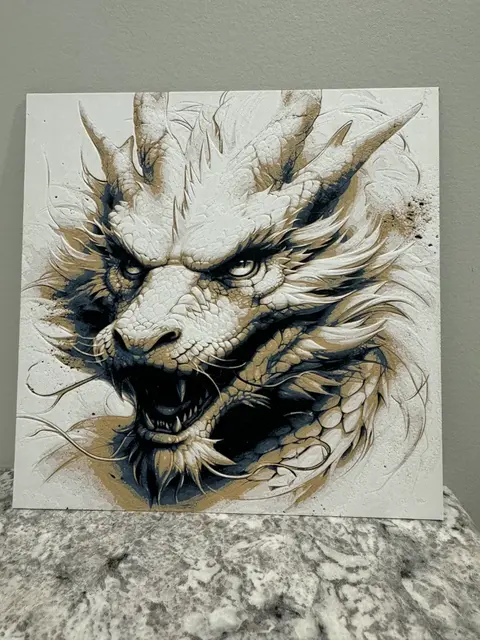
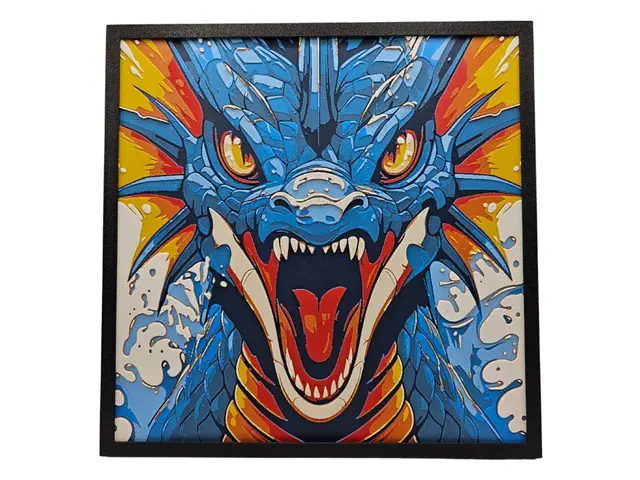
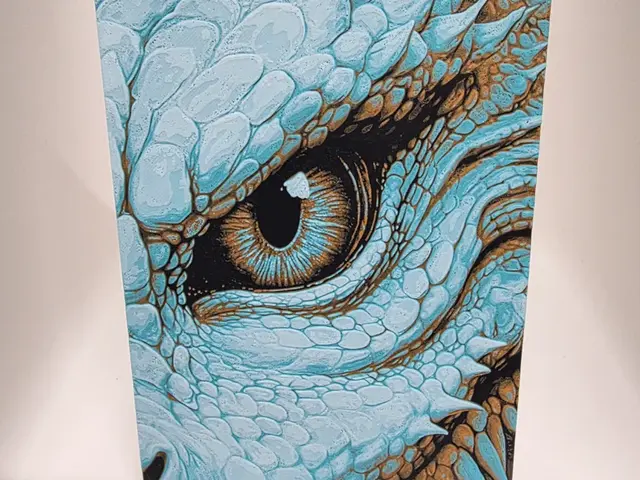

Browse all dragon models in the HuePick catalog →
Eastern Dragons
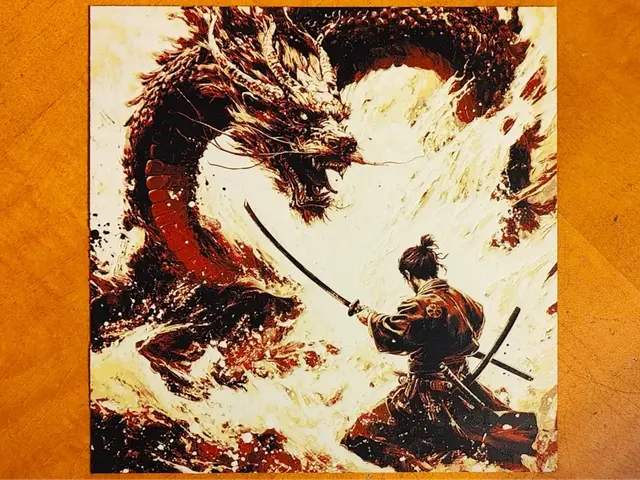
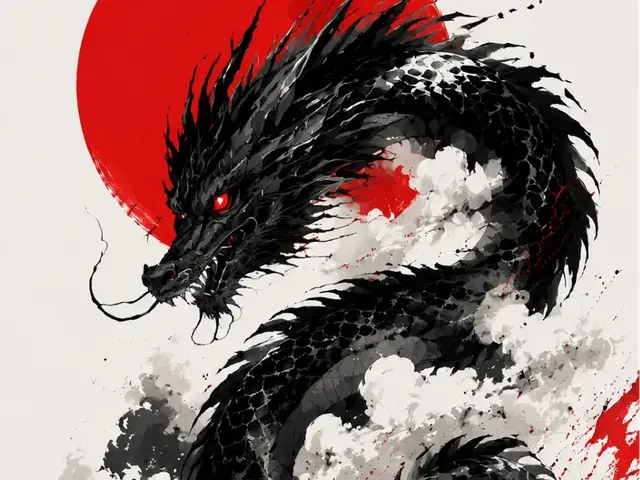
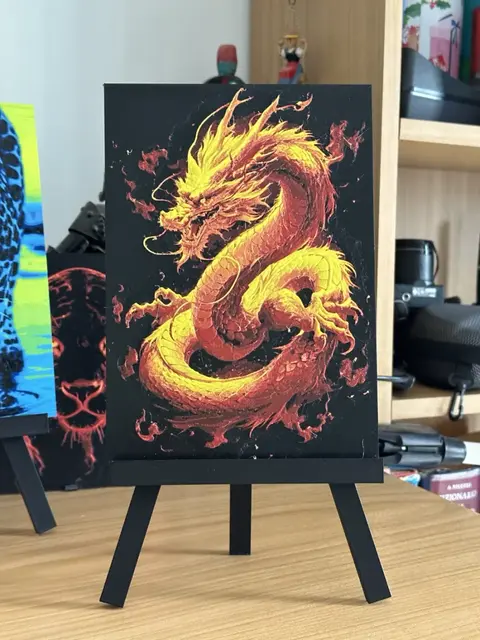
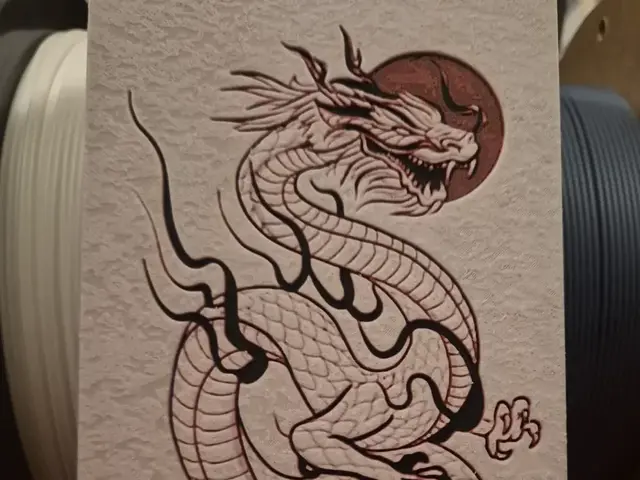
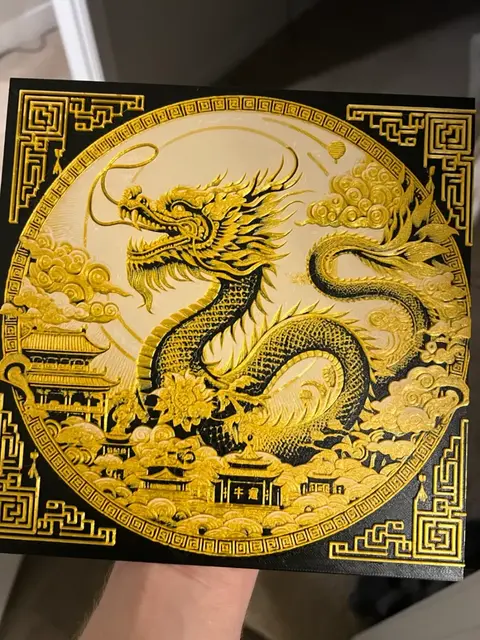
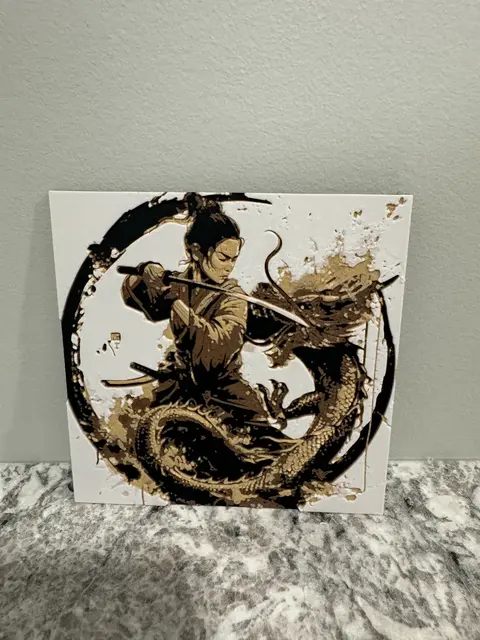
Eastern dragons — the long, serpentine Chinese and Japanese dragons without the bat wings — are a smaller group than the Western pile, but they're one of the most rewarding shapes to print. The whole appeal is the sinuous body winding across the frame, which gives you a naturally strong silhouette and a built-in sense of motion that a static Western pose has to work harder for.
Eastern dragons reward a longer, landscape-orientation print more than almost anything else in the category. A coiling dragon reads best when it has room to travel across the piece, and the classic red-and-gold palette translates beautifully to filament — a deep red base with a low-TD gold for the mane, whiskers, and claws produces exactly the tonal contrast the design was drawn around.
Where these get harder is the fine detail: the flowing mane, the whiskers, the individual claws. At small sizes those mush together. If you're printing an Eastern dragon, scale it up and give the detail room, or pick one of the more stylized graphic designs in the catalog that has already simplified the linework for you.
Browse all Eastern dragon models in the HuePick catalog →
Baby & Cute Dragons
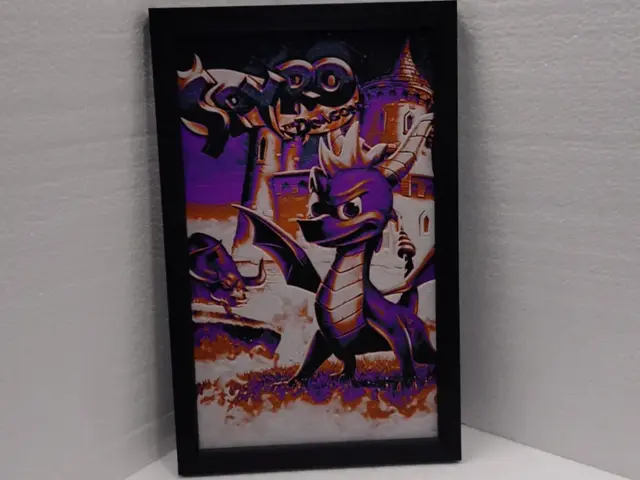
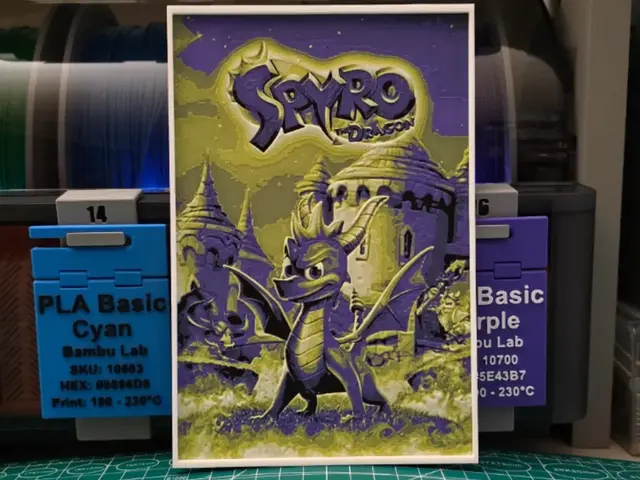
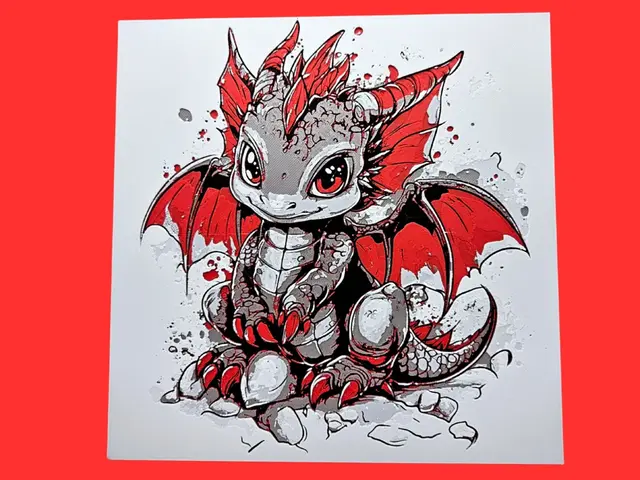
Cute dragons are the section to start with if you're new to multi-material printing. The chibi, round-bodied baby dragons trade drama for simplicity: fewer color transitions, big friendly shapes, and a palette that forgives a small filament shelf. A four-color cute dragon — body, belly, a highlight, and an eye color — is a genuinely achievable first HueForge print, and it still looks great on a shelf or a kid's door.
Here, simpler is better — the same lesson as Snorlax over in the Pokemon list. The strongest cute-dragon prints commit to the round silhouette and a clean palette. The ones that try to load in a detailed background scene — a hoard of gold, a scattered pile of treasure, a full landscape behind the little dragon — almost always weaken the central shape, which is the entire point of a cute-dragon print.
These are also the most likely dragons in the whole list to print acceptably on a single-extruder machine with manual color swaps. If you don't have an AMS yet and you want a dragon on the wall, this is the section to shop.
Browse all dragon models in the HuePick catalog →
After the Print
Once you've found a dragon from the sections above, the rest of the workflow is what makes the print actually land on the wall. Color choice is the single biggest variable, and dragons are unusually sensitive to it because so much of the effect rides on tonal separation — a black Western dragon and a black Toothless both live or die on whether the base layer reads as shadow instead of flat ink. The Choosing Filament Colors for HueForge guide walks through how to build a palette around a specific model rather than picking colors at random.
Lighting matters more for dragons than almost any other subject. The glowing-eye Toothless, the sunset behind a Western dragon, the translucent membrane of an Eastern dragon's mane — all of these are designed to be lit from behind, and they look noticeably less impressive under flat room light. The How to Display 3D Printed Art at Home post covers the practical setups, from a $20 LED panel on a desk to a permanent backlit shadow box on the wall.
One budget note: dragons run big. The dramatic Western scenes and long Eastern dragons use real filament, and a wall-scale print can burn through more spool than you'd expect once you factor in the color swaps. The Hidden Cost of Filament breakdown is worth a read before you commit to a large multi-color dragon.
If you'd rather explore a different corner of the catalog, a few sibling roundups use the same H2-by-sub-entity structure pointed at other subjects:
- Best Fantasy STL Files — knights, swords, wizards, castles, and owls to pair with your dragon
- Best Pokemon STL Files — pokeballs, Gengar, Snorlax, eeveelutions, legendaries
- Best Marvel STL Files — symbiotes, Avengers, Mjolnir, the Infinity Gauntlet
And if you want to skip the curation entirely, the fantasy section of the catalog surfaces every dragon in the bucket — the five groups above plus the long tail of wyverns, hydras, and crossover compositions.
Pick one dragon, build a palette around a silhouette-first layer plan, and hang it somewhere with a light source behind it. That's the whole loop.


