Best 3D Printed Bookmarks for HueForge: Fandom, Dragons, Animals & More
The 3D printed bookmarks worth printing as HueForge filament paintings — fandom, dragon, animal, floral, and gothic designs, and why they make the ideal first print.
Quick Answer
3D printed bookmarks are the best on-ramp to HueForge: low filament, a single plate, and a thin profile that shows off translucency. The strongest picks in the catalog fall into five groups — fandom and character, dragon and fantasy, animal, floral and decorative, and skull and gothic — and the whole category is a natural first print for anyone new to filament painting.
Bookmarks are the best possible entry point to HueForge, and the catalog has more of them than any other single subject — over 3,500 designs. The reason they matter so much isn't search volume; it's that a bookmark is the lowest-commitment, highest-success-rate way to learn filament painting. One small plate, a few grams of filament, twenty minutes of print time, and a thin flat profile that shows off layered translucency better than a bulky print ever could. If you want to learn what HueForge actually does before committing a full spool to a wall piece, you start here.
Because bookmarks are a format rather than a subject, this roundup is organized differently from the others. There's no meaningful search demand on "dragon bookmark" versus "cat bookmark" — the demand all sits on bookmarks generally — so the sections below are ordered by how deep the catalog runs on each theme, not by keyword volume. Think of it as five doors into the same very large room.
Nothing here is for sale; this is a discovery list, not a shop. Each model card links to its source page on MakerWorld, Patreon, or wherever the designer published it. From there you download the file and print it yourself. The browse → click through → download → print workflow is the whole shape of using HuePick — and bookmarks are the cheapest possible way to run that loop for the first time.
On the file format: most of these models ship as .3mf files with the HueForge layer plan baked in; a few are .hfp project files or bare STL geometry. We use "STL files" throughout as the maker-search shorthand the way most printers do — the actual format is listed on each model's source page.
If HueForge itself is the unfamiliar piece, the HueForge Printing for Beginners walkthrough covers what the software does and what changes about the slicer setup — and a bookmark is the ideal model to follow along with. Already comfortable? Keep reading.
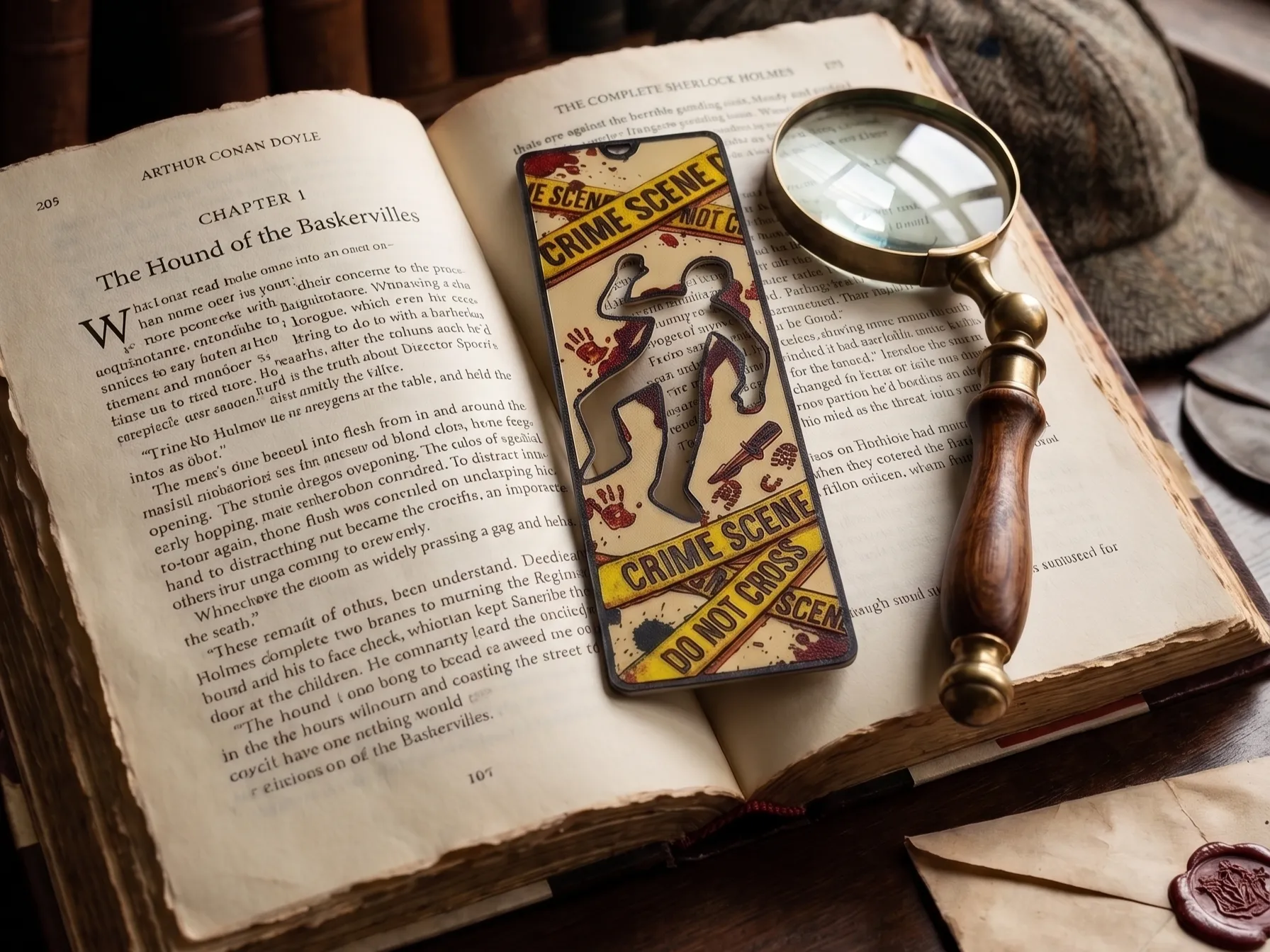
One print-craft note that applies to every section: bookmarks live or die on the thin dimension. Because they're flat and slim, they read partly by transmitted light whenever you hold one up — so the designs that plan for that, with a clear figure-to-background separation, look dramatically better than a busy design crammed edge to edge. Favor bold, simple compositions over fine detail; small type and thin linework tend to disappear at bookmark scale.
Fandom & Character Bookmarks
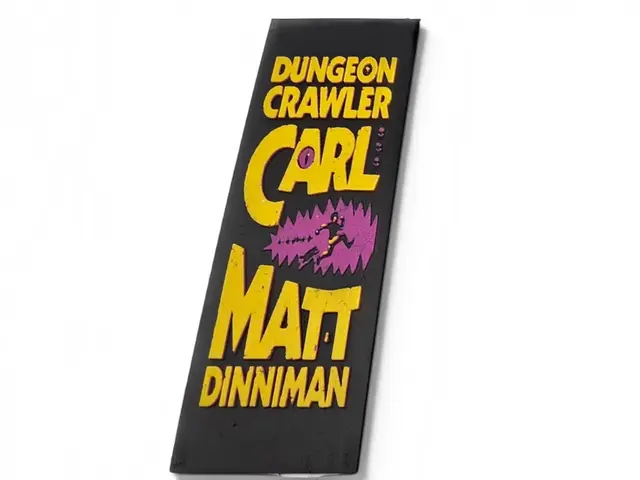
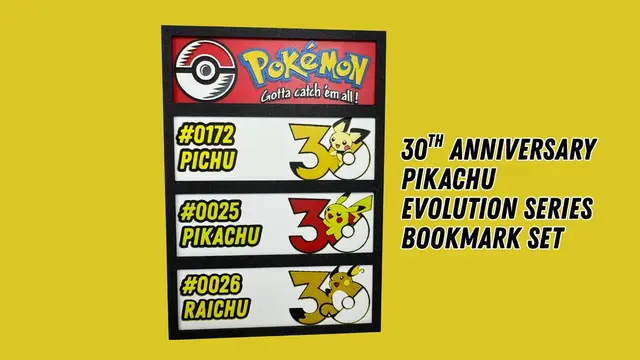
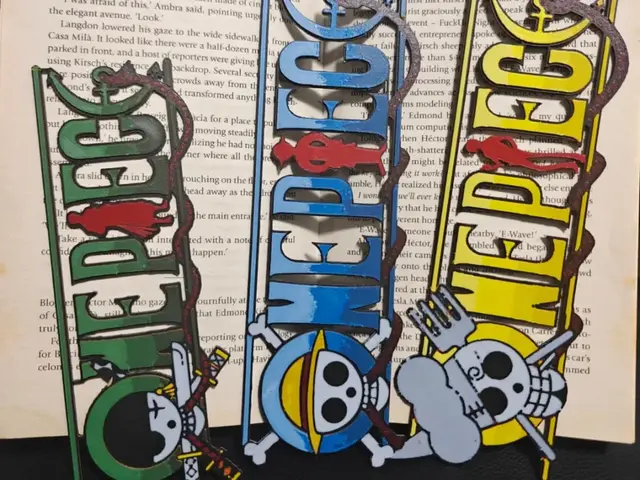
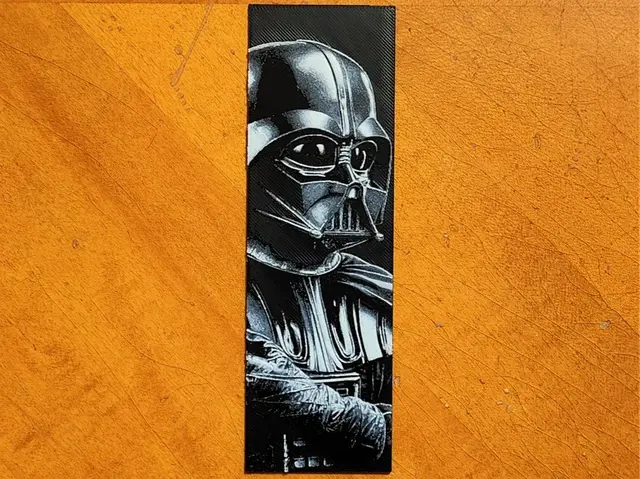
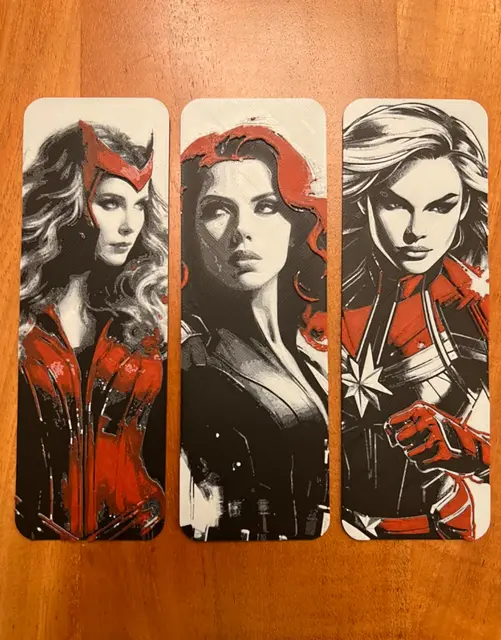
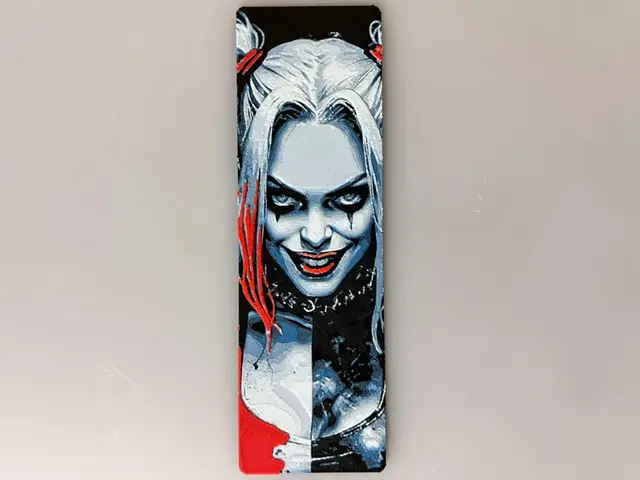
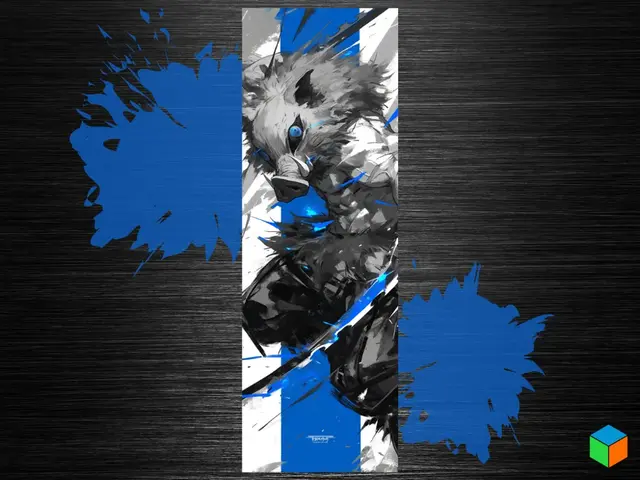
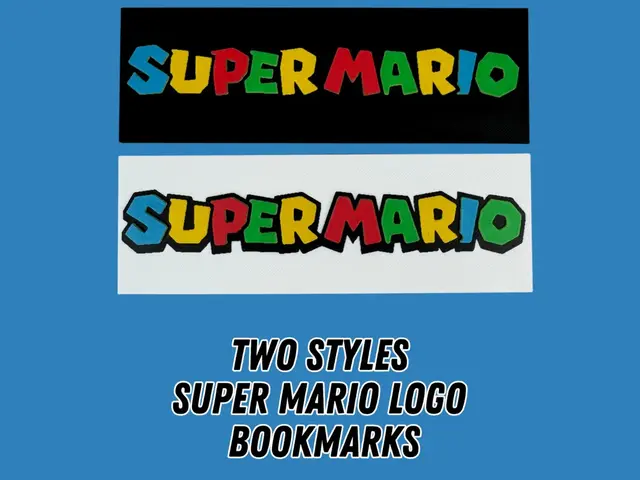
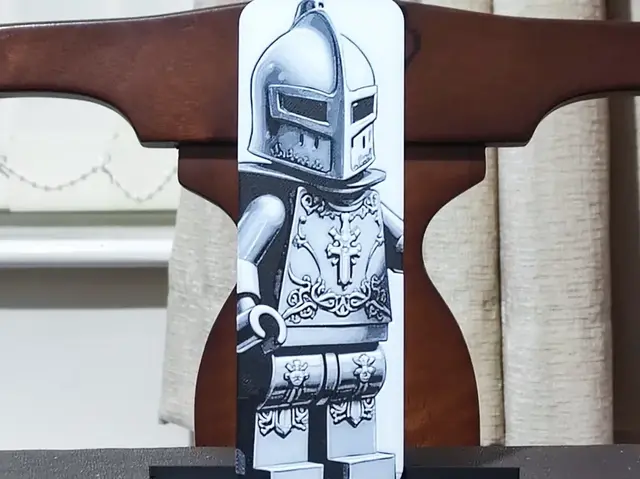
Fandom bookmarks are the deepest pocket in the catalog, because every franchise with a following has bookmark versions — Pokemon, anime, superheroes, video games, movies. They're also the ones people most want, since a bookmark is a low-stakes way to put a favorite character somewhere useful. The read on this group is that the strongest fandom bookmarks are the ones built around a single iconic silhouette or emblem rather than a full character scene: a pokeball, a house crest, a logo, a masked face.
Emblem-style fandom bookmarks outprint character-portrait ones at this size. A bookmark is too small to hold a detailed face, but a clean logo or a two-tone character silhouette reads instantly. If you're pulling from a specific fandom, the character roundups are the fastest way to find the matching designs — several of them, like the Pokemon roundup, already flag their bookmark-format models.
Browse all bookmark models in the HuePick catalog →
Dragon & Fantasy Bookmarks
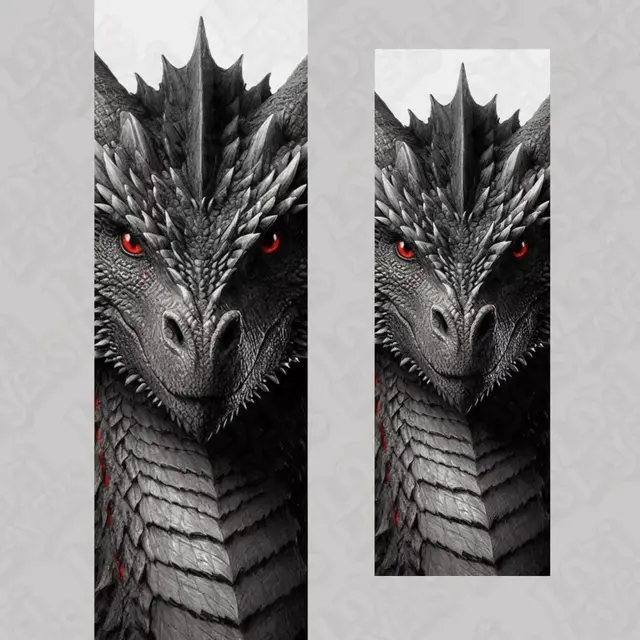
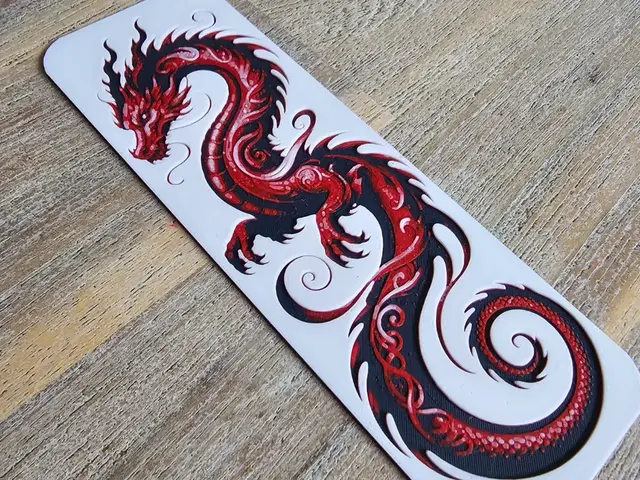
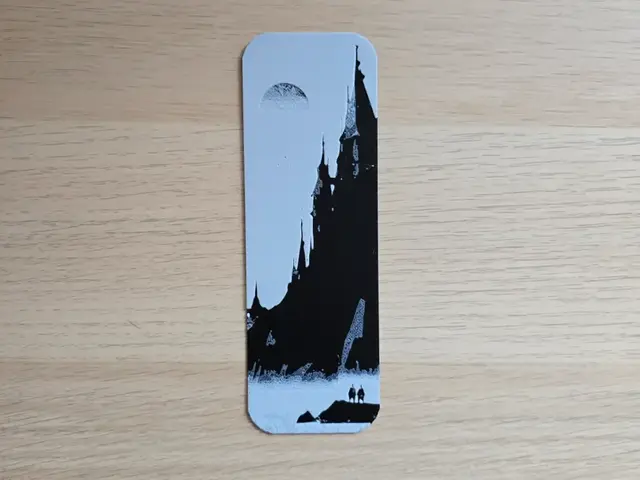
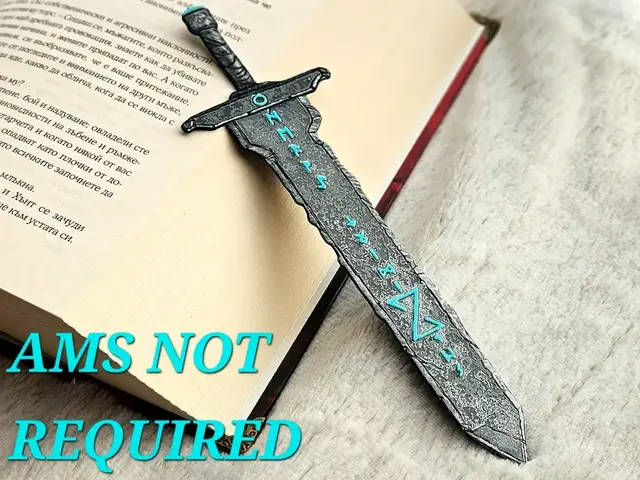
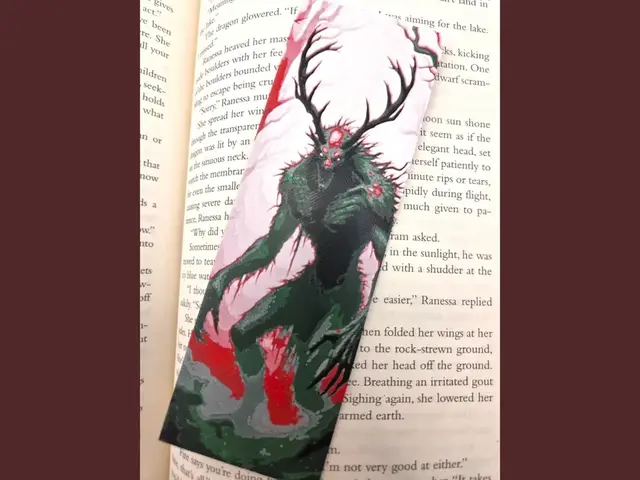
Fantasy is the natural home of the bookmark, and dragons lead it — a dragon coiled down the length of a bookmark is one of the most-published designs in the whole catalog. The long, narrow bookmark format actually suits a dragon better than a square print does, because it gives the serpentine body room to travel top to bottom. Swords, too, are a perfect bookmark shape: a blade is a long thin object, so a sword bookmark is one of the most natural form-to-subject matches you can print.
Fantasy bookmarks give you a little more room to push color count than the rest of the category without losing the read, because the subjects — dragons, blades, castles in silhouette — are built around strong shapes. If you like these, the full-size versions live in the Dragons roundup and the Fantasy roundup, several of which are published as matching bookmark-and-wall-art sets.
Browse all dragon and fantasy bookmark models →
Animal Bookmarks
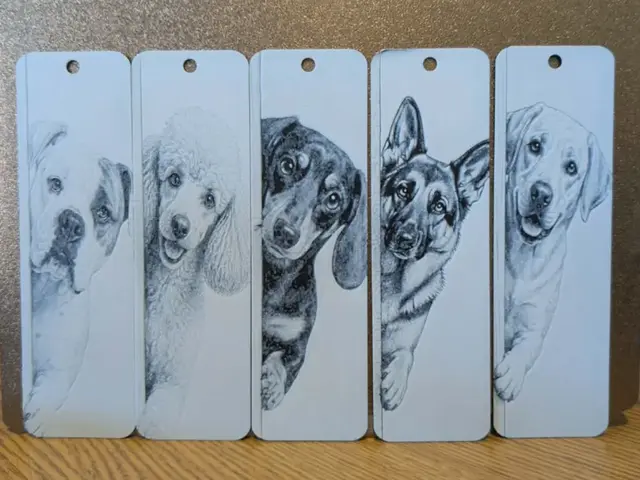
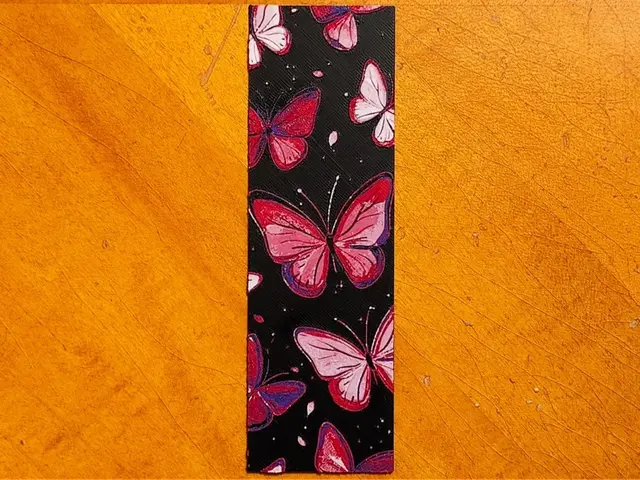
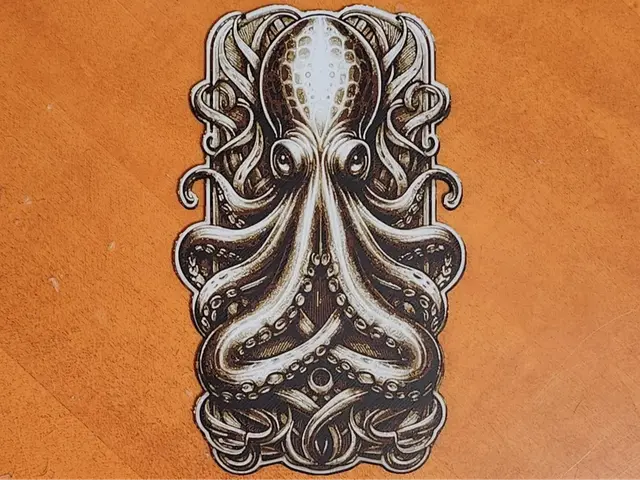
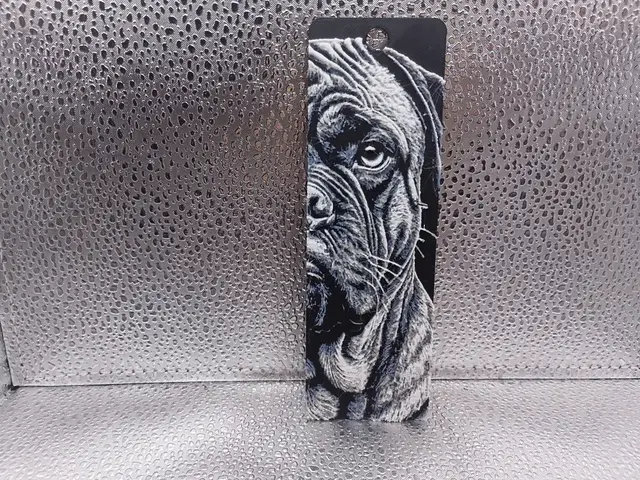
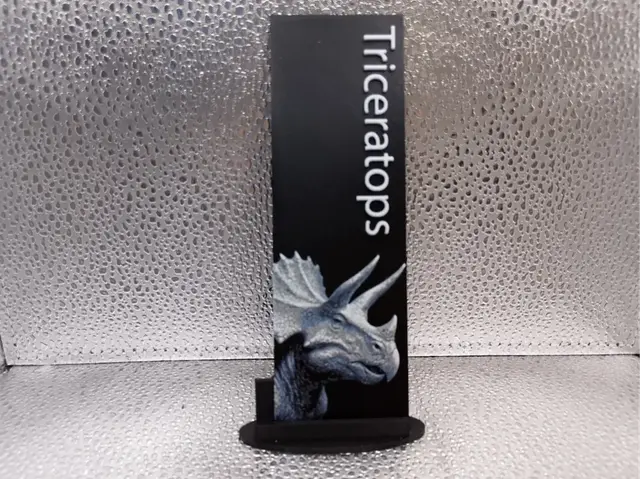
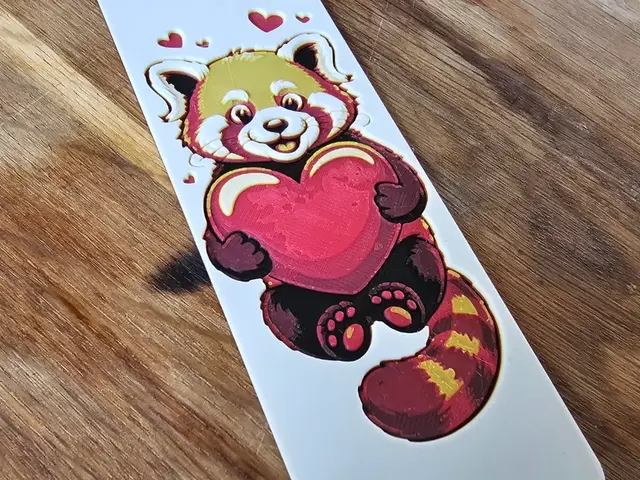
Animal bookmarks are the friendliest, most giftable group in the category, and they print beautifully small. Cats top the list — a cat draped over the top edge of a bookmark, paws hanging down, is a genuinely charming design and one of the most-published animal bookmarks there is. Foxes, owls, and other clean-silhouette animals follow the same logic: a recognizable outline reads perfectly at bookmark scale where a detailed portrait would not.
The standouts are the "hanging" and "peeking" animal bookmarks — designs where the animal interacts with the edge of the page — because they use the bookmark's function as part of the composition. If you want the full-size animal art these are drawn from, the Animals roundup covers the wall-piece versions.
Browse all animal bookmark models →
Floral & Decorative Bookmarks
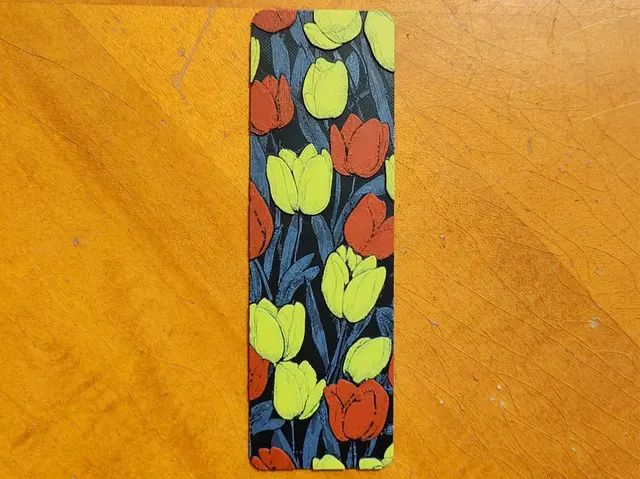
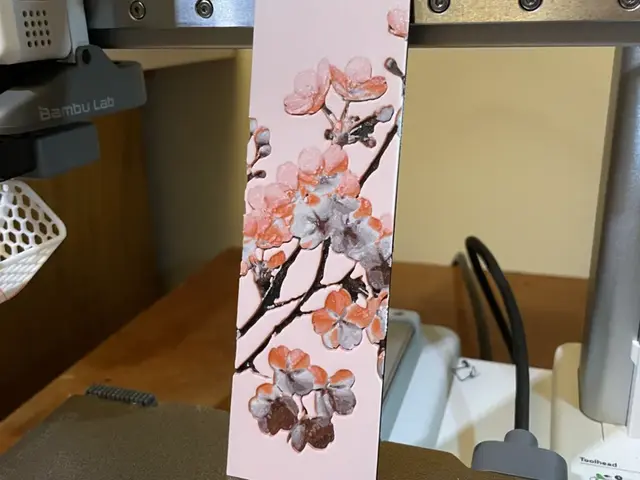
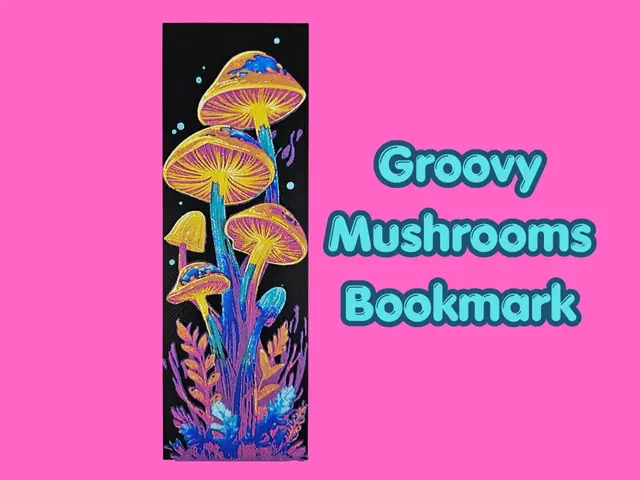
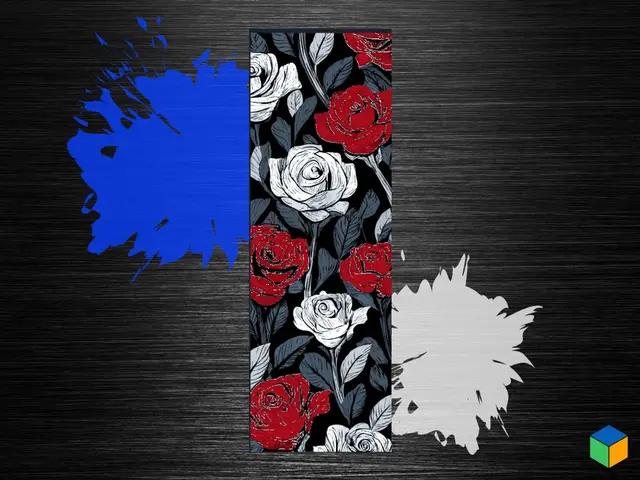
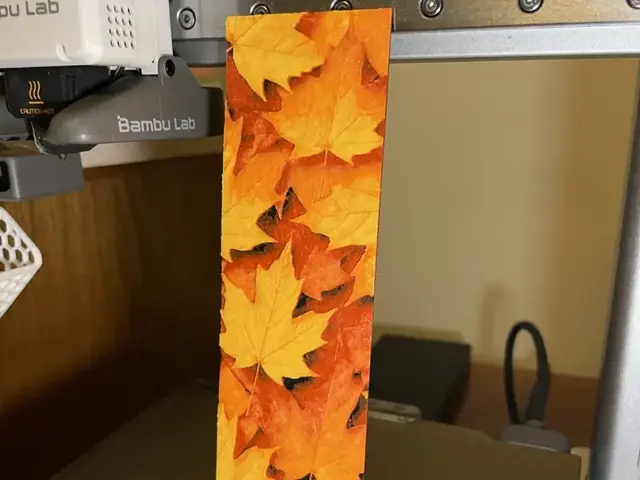
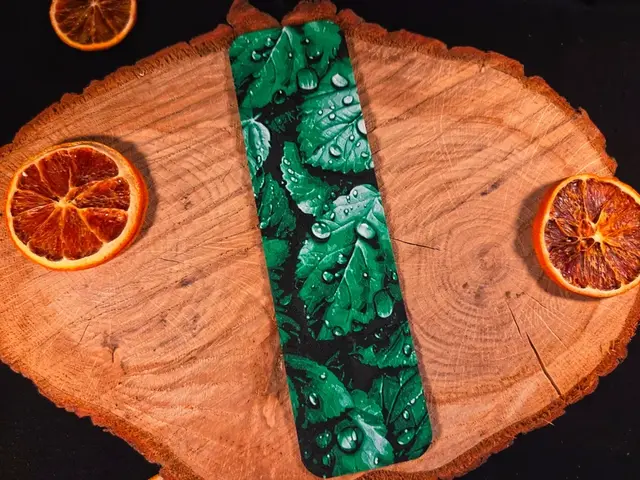
This is the section for the non-character crowd — flowers, leaves, mandalas, geometric patterns, and abstract color studies. Floral and decorative bookmarks are the most broadly giftable of all, and they're a great place to experiment with palette because there's no "correct" set of colors to match. A botanical bookmark is just as valid in a wild rainbow gradient as in a muted natural palette, which makes this the section to use up filament oddments and test color combinations.
There's no better pure practice piece in the catalog than a floral bookmark. With no fandom or likeness to get right, the only thing you're judged on is the color work itself — which makes them the ideal model for dialing in transmission distance and layer order before you attempt something you care more about. Pressed-flower and stained-glass styles are the two that reward a backlight most.
Browse all floral bookmark models →
Skull, Gothic & Horror Bookmarks
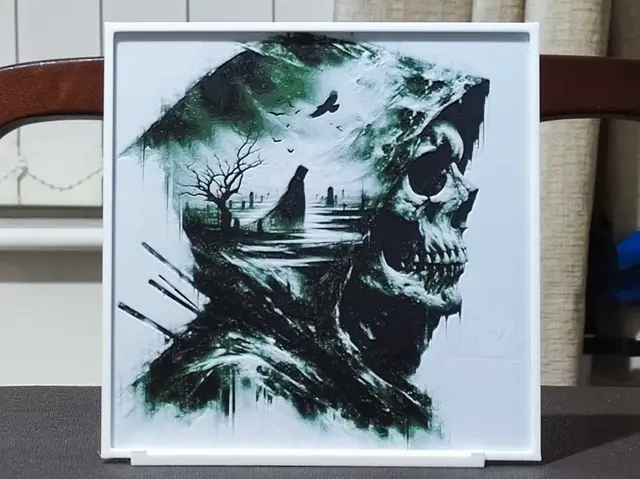
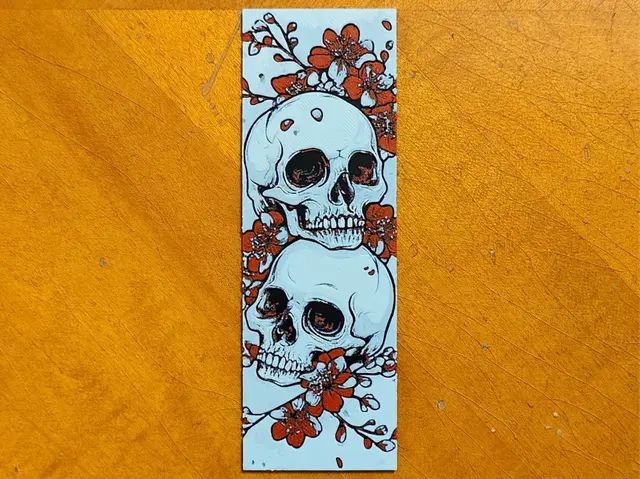
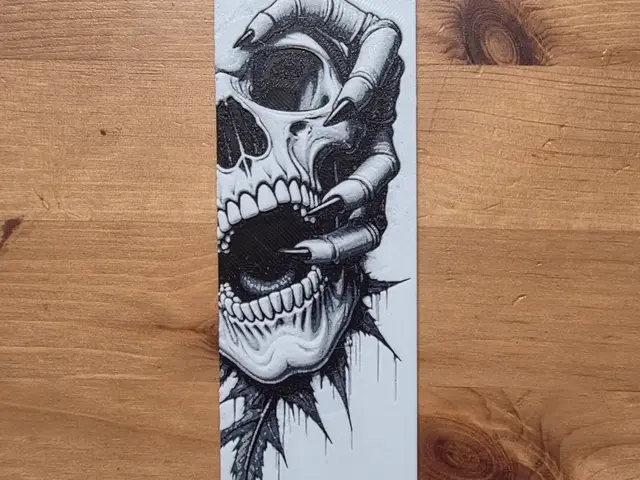
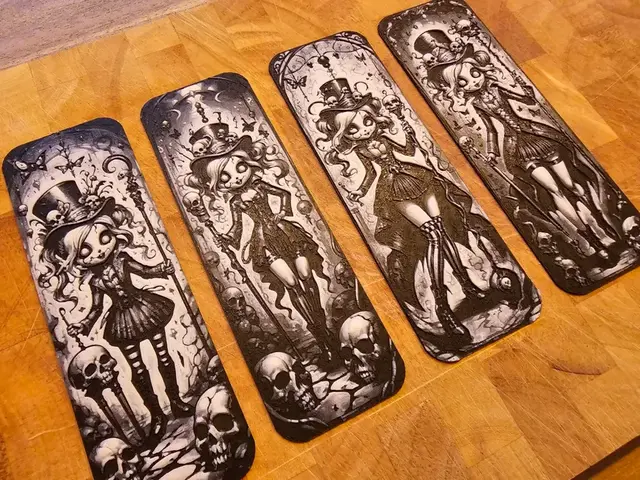
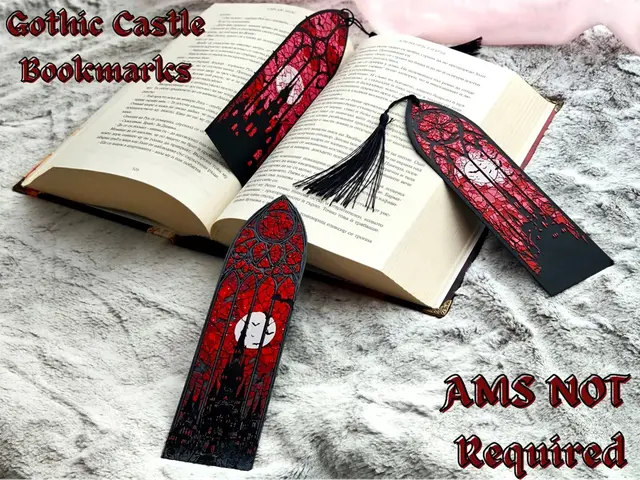
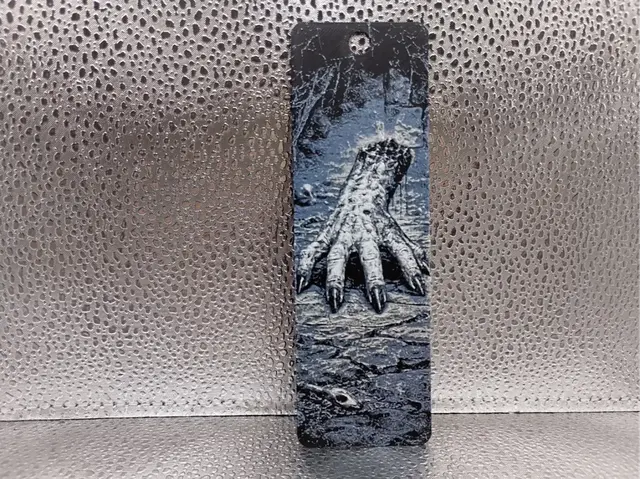
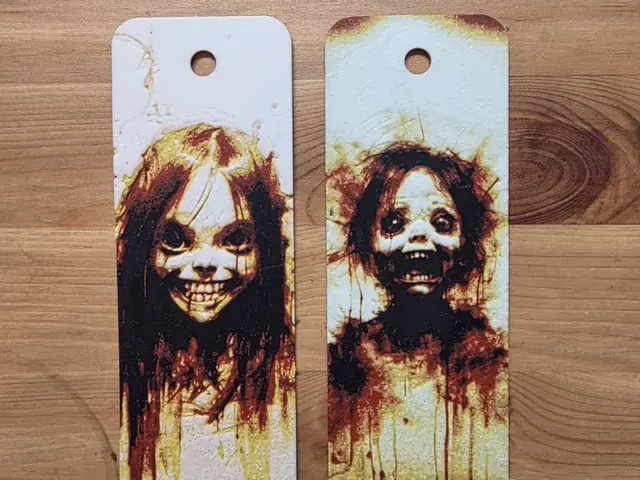
The darker corner of the bookmark catalog is deeper than you'd expect — skulls, gothic filigree, horror icons, and Halloween designs are a strong perennial niche, and they suit the format well. A skull sits naturally in a narrow vertical frame, and the high-contrast black-and-bone palette is one of the easiest to nail at bookmark scale. This group also overlaps the seasonal Halloween crowd, which makes it worth having on the shelf year-round.
Gothic bookmarks are the section where a single bright accent does the most work — a skull that's mostly black and gray with one glowing element (an eye socket, a candle flame, a rose) is more striking than one trying to render fine bone detail. Keep the palette tight and let one low-TD layer carry the drama.
Browse all skull and gothic bookmark models →
After the Print
Bookmarks are the print you make ten of, so the workflow habits you build here pay off everywhere else. Color choice is still the biggest variable even at this size — a two-tone bookmark with poor tonal separation reads muddy, while the same design with a real value gap between figure and background reads crisp. The Choosing Filament Colors for HueForge guide walks through building a palette around a specific model, and bookmarks are the cheapest possible place to practice it.
Because bookmarks are thin, they show transmitted light whenever you hold one up to a window or a lamp — you don't need a dedicated backlight rig the way a wall piece does. That makes them a good way to see what translucency does before you invest in the display setups covered in the How to Display 3D Printed Art at Home post.
If you want to move from bookmarks up to full-size prints, the themed roundups are the natural next step:
- Best 3D Printed Dragons — the wall-art versions of the fantasy bookmarks above
- Best 3D Printed Animals — cats, dogs, birds, wildlife, and ocean life
And if you want to skip the curation entirely, the full bookmark section of the catalog surfaces every design in the bucket — the five groups above plus the long tail of quotes, initials, and seasonal one-offs.
Pick one bookmark, print it in a palette with a real value gap, and hold it up to a window. That's the whole loop — and the cheapest way to learn it.