Best 3D Printed Animals for HueForge: Cats, Dogs, Birds & Wildlife
The 3D printed animals worth printing as HueForge filament paintings — cats, dogs, birds, wildlife, and ocean life, with the position the catalog takes on each.
Quick Answer
The strongest 3D printed animals for HueForge cluster into five pockets of the catalog: cats (the biggest by far), dogs, birds and butterflies, woodland and wildlife, and ocean life. The picks favor models with a clean silhouette, manageable color counts, and real translucency potential — the wings, water, and fur where a backlight earns the technique.
Animals are the broadest subject on the catalog — 3,000-plus models — and one of the most rewarding for HueForge, because so much of the animal kingdom is built out of exactly what filament painting does well: the translucent membrane of a butterfly wing, the layered depth of fur, the way light moves through water behind a whale. This roundup breaks the animals down the way makers actually search for them: cats, dogs, birds and butterflies, woodland and wildlife, and ocean life.
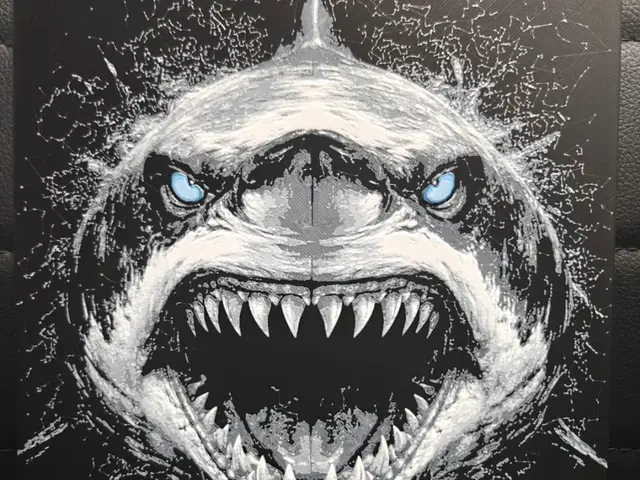
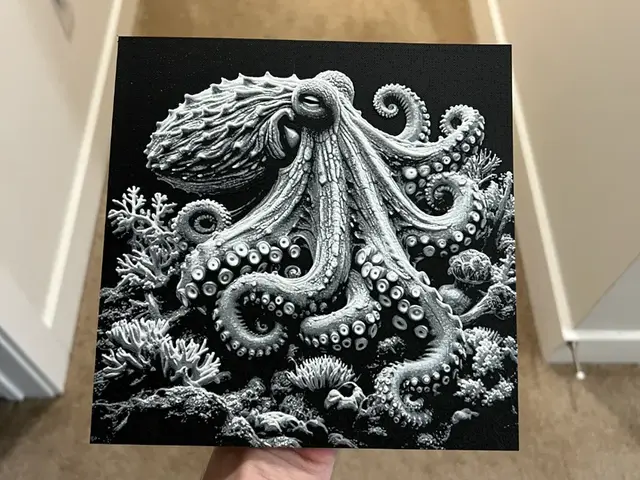
One clarification up front, because it splits the search traffic hard. A lot of "3D printed animal" demand — snakes, dinosaurs, sharks, octopuses — is after the articulated, print-in-place flexi toys: segmented plastic that wiggles in your hand. Those are a different craft entirely, single-material and mechanical, with no color layering. This page isn't about those. HueForge animals are flat filament paintings — layered translucent art you hang on a wall and light from behind. If the wiggly shark is what you came for, this isn't the list. If you want an animal that glows, keep reading.
Nothing here is for sale; this is a discovery list, not a shop. Each model card links to its source page on MakerWorld, Patreon, or wherever the designer published it. From there you download the file and print it yourself on your AMS or multi-material setup. The browse → click through → download → print workflow is the whole shape of using HuePick.
On the file format: most of these models ship as .3mf files with the HueForge layer plan baked in; a few are .hfp project files or bare STL geometry. We use "STL files" throughout as the maker-search shorthand the way most printers do — the actual format is listed on each model's source page.
If HueForge itself is the unfamiliar piece, start with the HueForge Printing for Beginners walkthrough — it covers what the software does and what changes about the slicer setup. Already comfortable? Keep reading.
Sections below are ordered by maker demand, with cats leading and the ocean section at the end as the one most worth a backlight.
Cats
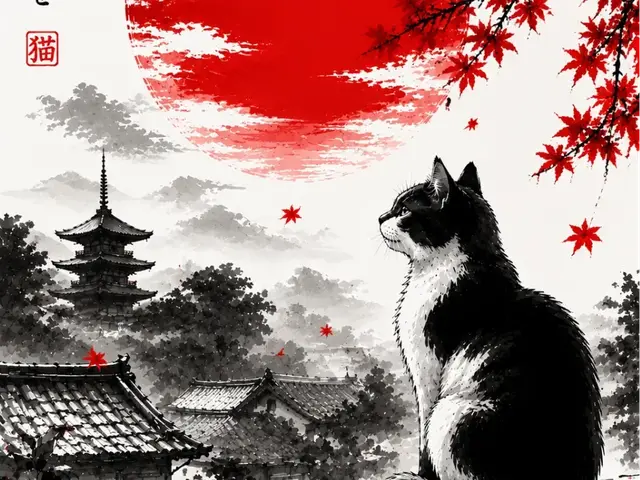
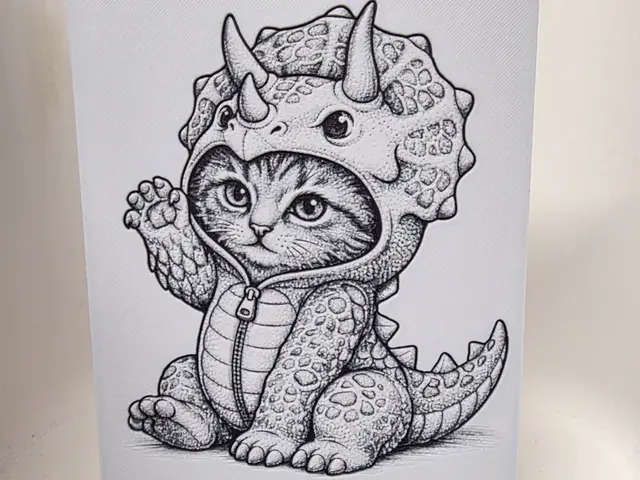
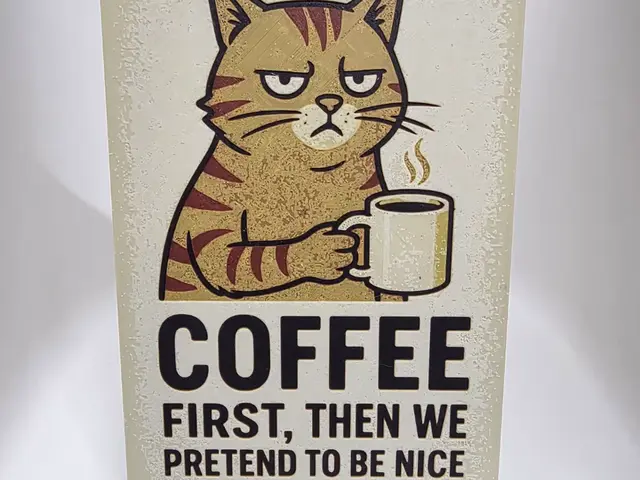
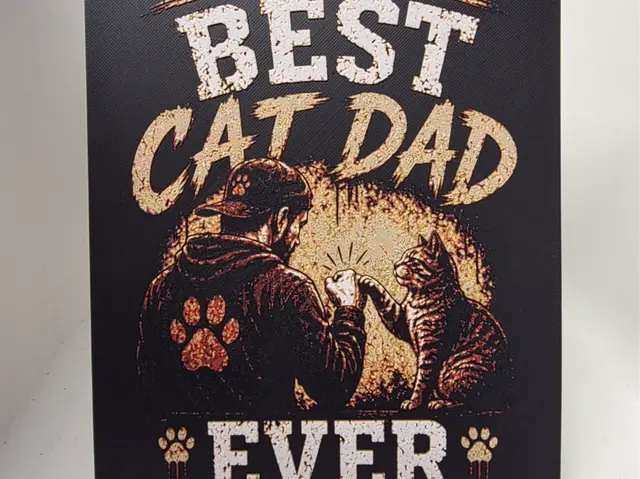
Cats are the most-searched animal for 3D printing, and they translate to HueForge better than almost any other pet. The reason is that so many cat designs are built around a strong profile or a front-facing portrait — a curled sleeping silhouette, a sitting cat in outline, two ears and a pair of eyes against a flat background. That's a silhouette-first subject, which is exactly where filament painting is at its most forgiving.
Go graphic before you go photoreal — the stylized cats simply print better. A clean two-tone cat in silhouette — black body, warm background, a single accent for the eyes — reads instantly and looks great at four colors. The hyper-detailed fur-portrait cats, by contrast, ask you to hold fine tonal gradation across a small area, and they mush together unless you scale them up and bring a wide palette. Start graphic, then graduate to portraits once your filament shelf is deep.
Cats are also a strong pick for the custom-portrait crowd. If someone wants their own cat on the wall, many of the designs below are built as templates you can adapt, and the flat profile of a HueForge cat is more achievable from a single reference photo than a full 3D bust would be.
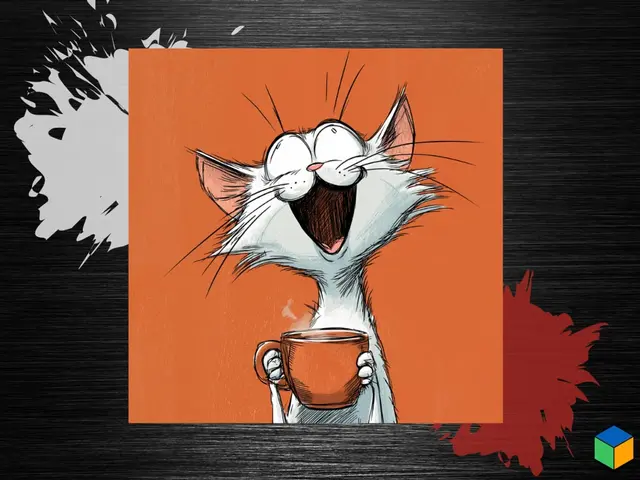
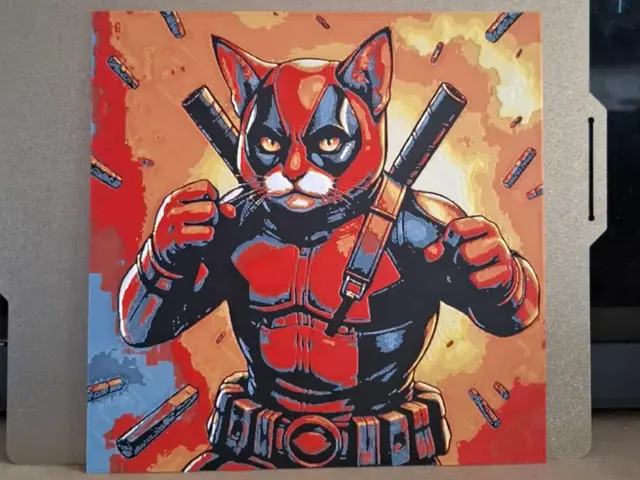
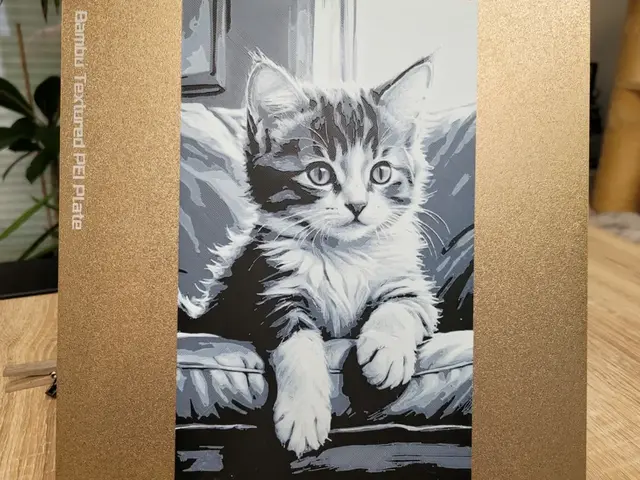
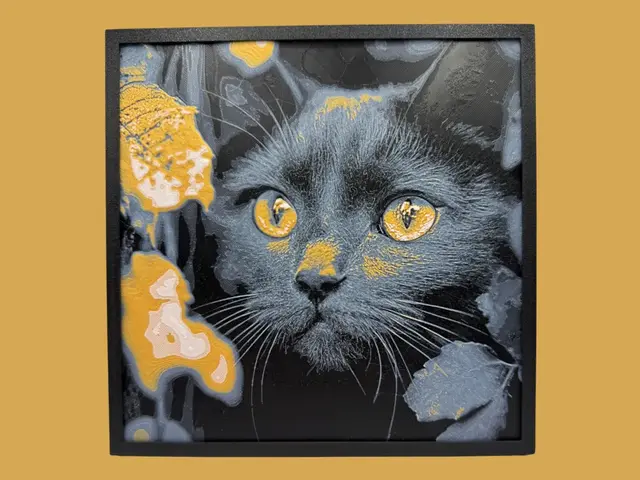
Browse all cat models in the HuePick catalog →
Dogs
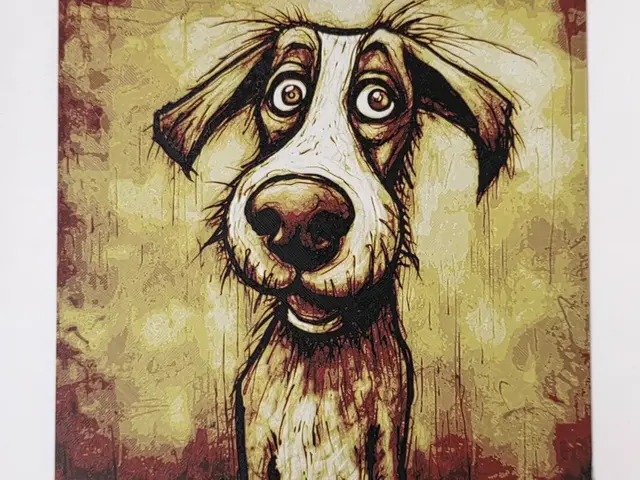
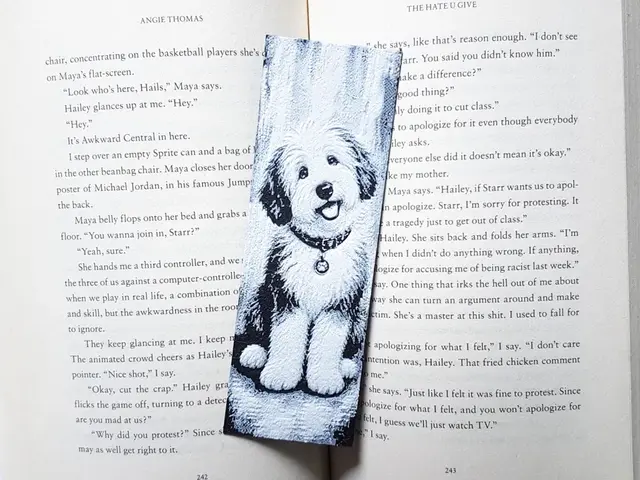
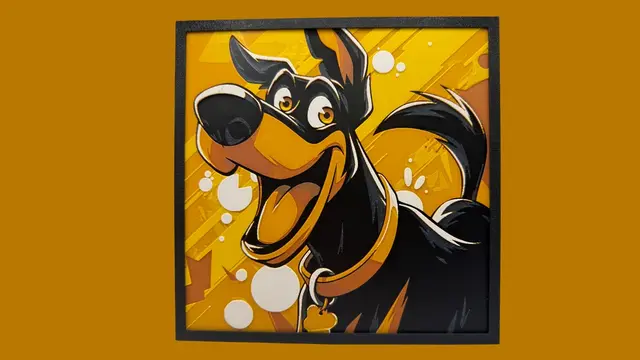
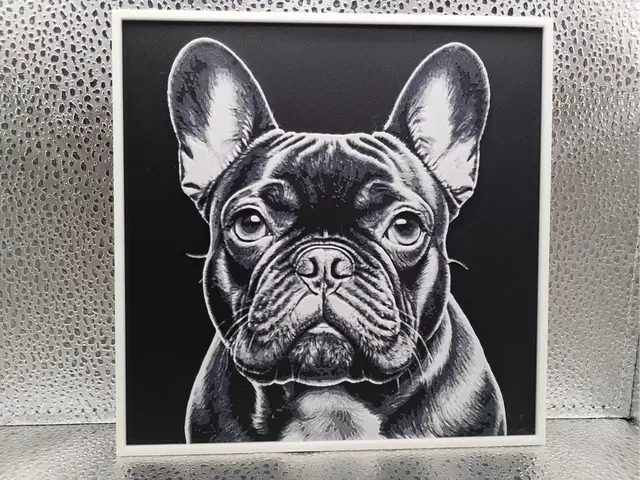
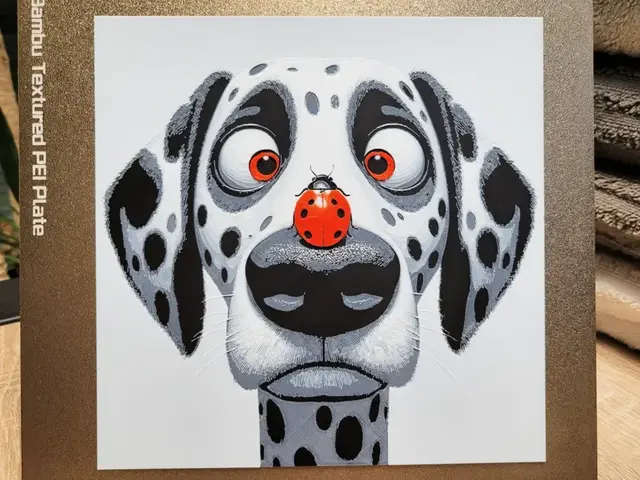
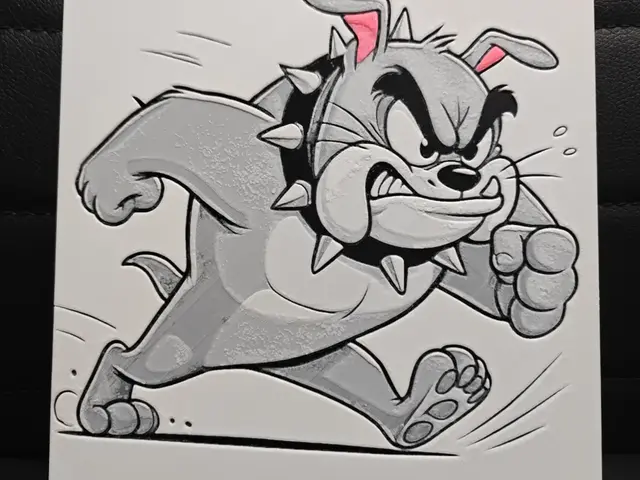
Dogs are the second pillar, and the demand here is overwhelmingly breed-driven — people don't search "3D printed dog," they want their dog, or at least their breed. The catalog reflects that, with breed-specific silhouettes and portraits across the popular breeds. That specificity is an advantage for HueForge: a breed silhouette is a recognizable, high-contrast shape, and the best dog prints lean into the outline rather than trying to render every strand of coat.
Where dog prints truly earn their place on the wall is the memorial and pet-portrait angle. A backlit silhouette of a specific breed, with the dog's name or a simple line of grass along the bottom, is one of the most reliably meaningful pieces you can make — and it's a genuinely good gift print. The designs below that work as adaptable templates are called out for exactly that reason.
For a first dog print, pick a breed with a distinctive outline — a greyhound, a corgi, a husky in profile — over a rounder, more generic shape. The stronger the silhouette, the less the print depends on getting the fur tones perfect.
Browse all dog models in the HuePick catalog →
Birds & Butterflies
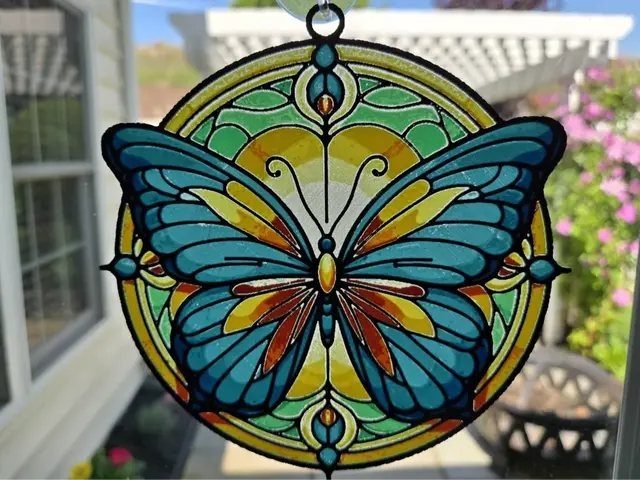
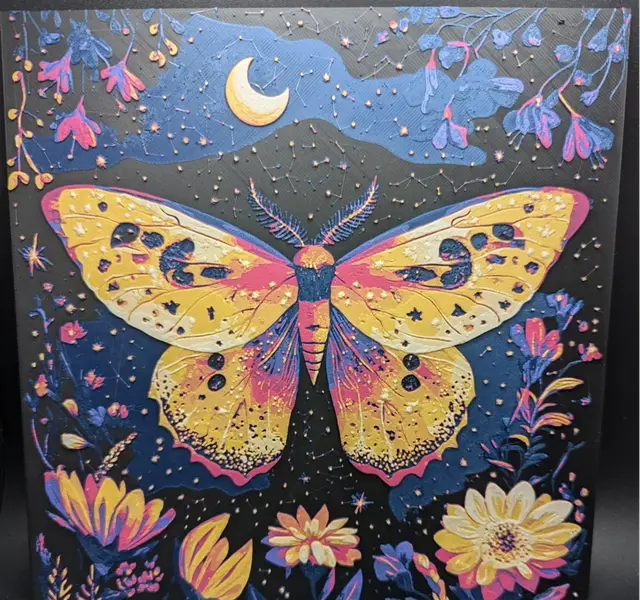
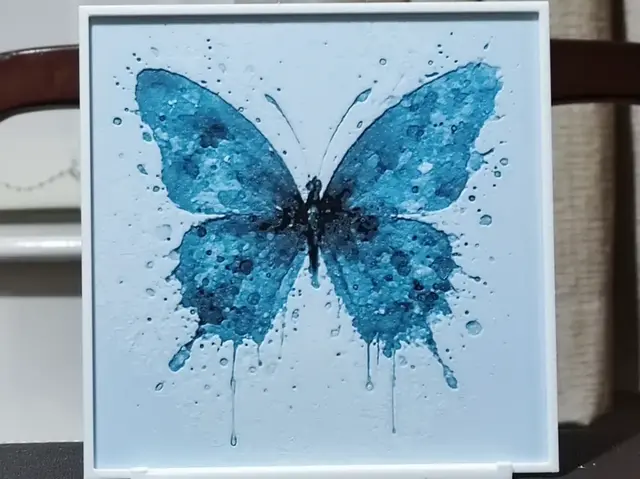
This is the section where HueForge stops being forgiving and starts being spectacular. Butterfly wings are the single best translucency subject in the animal kingdom — the whole appeal of a real butterfly is light passing through a thin colored membrane, which is precisely what a stack of translucent filament layers reproduces. A backlit butterfly print is the kind of result that sells people on the technique.
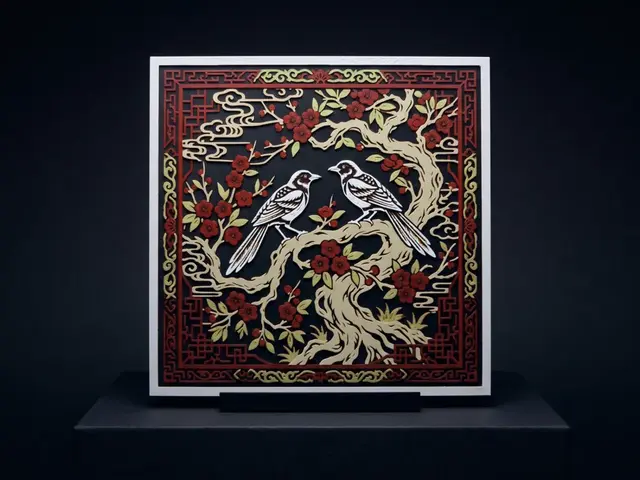
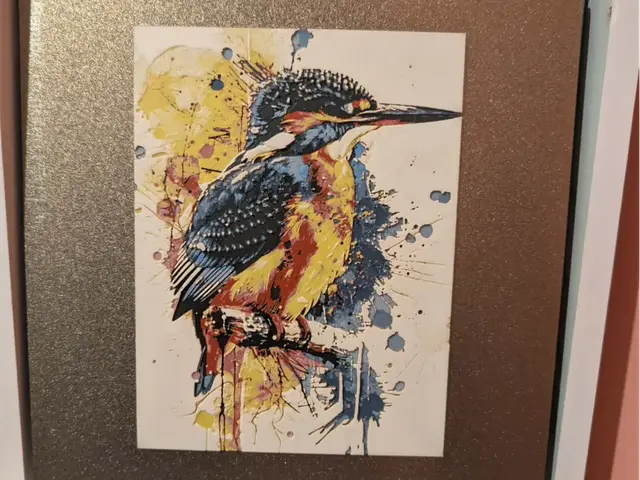
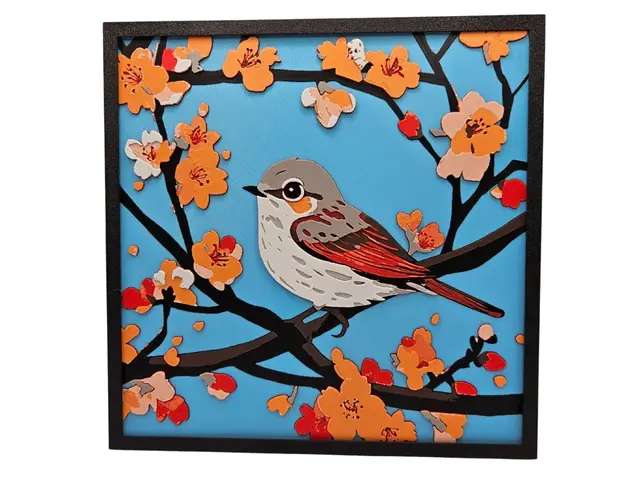
Birds split the difference. The showy ones — parrots, peacocks, hummingbirds, kingfishers — bring bold color blocks and iridescence that reward a wide palette and a careful transmission-distance setup. The graphic birds — a raven in silhouette, a swallow, a line-art owl — go the other way and read beautifully at low color counts. (Owls in particular straddle the fantasy line; there's a dedicated owl pocket over in the Fantasy roundup if that's your target.)
More than any section here except ocean, birds and butterflies want a backlight. Under flat room light a butterfly print looks fine; lit from behind it looks like stained glass. If you're going to print from this section, plan the display first — the display guide covers cheap shadow-box and LED-panel rigs.
Browse all bird and butterfly models in the HuePick catalog →
Woodland & Wildlife
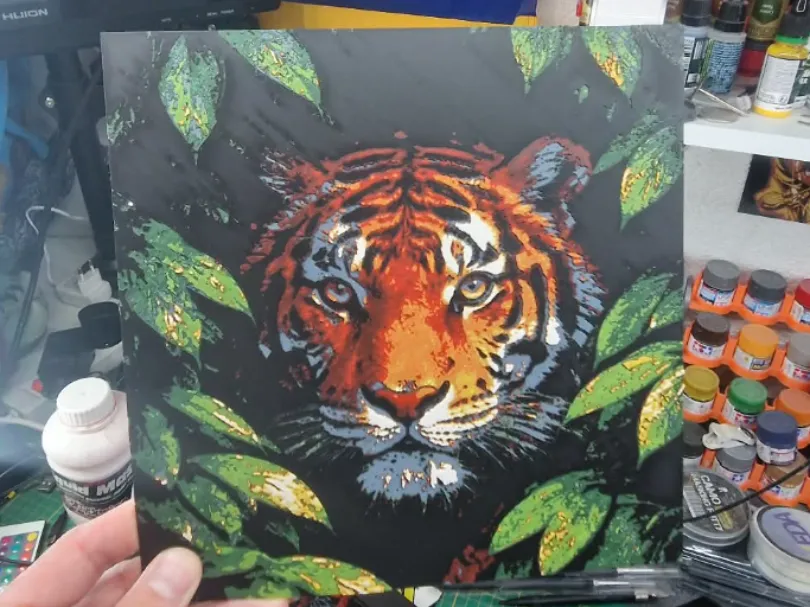
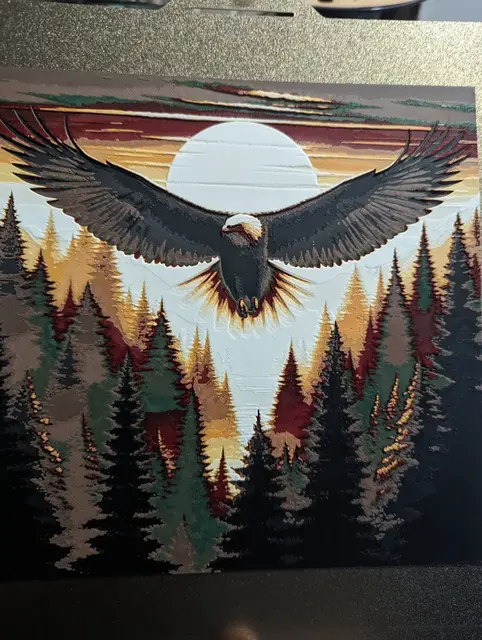
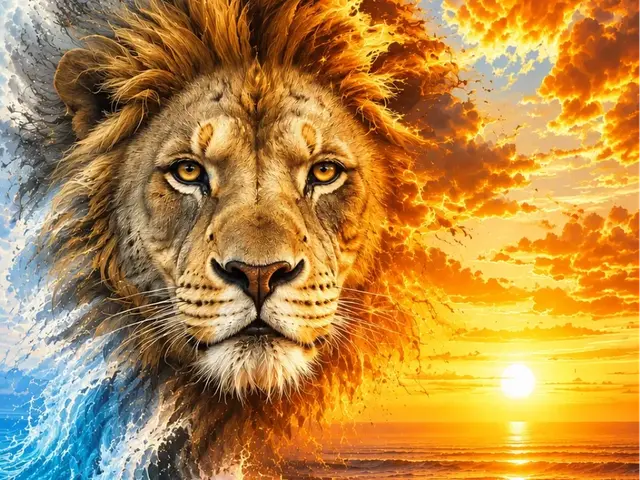
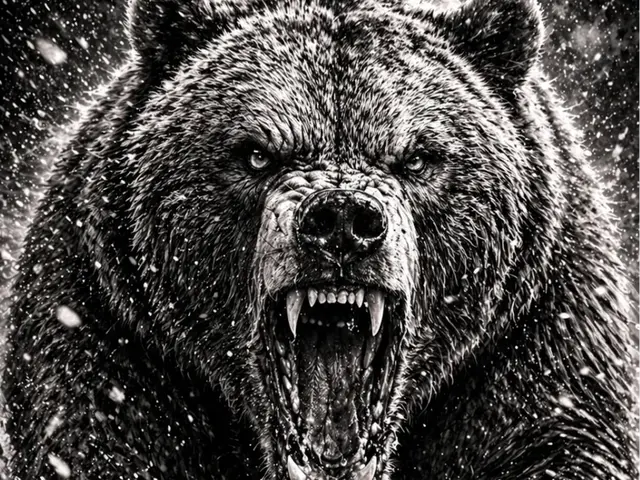
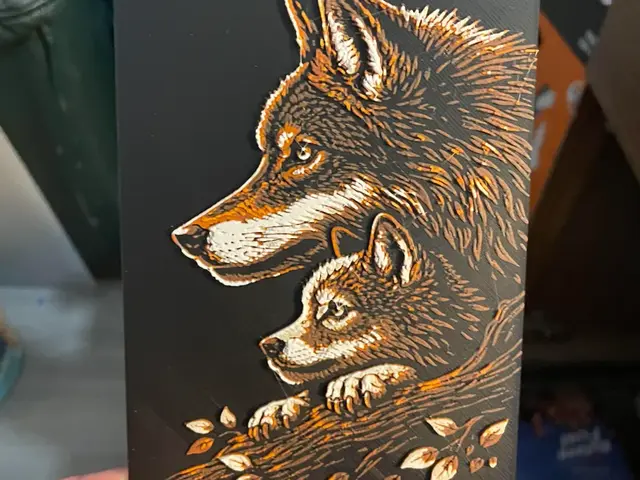
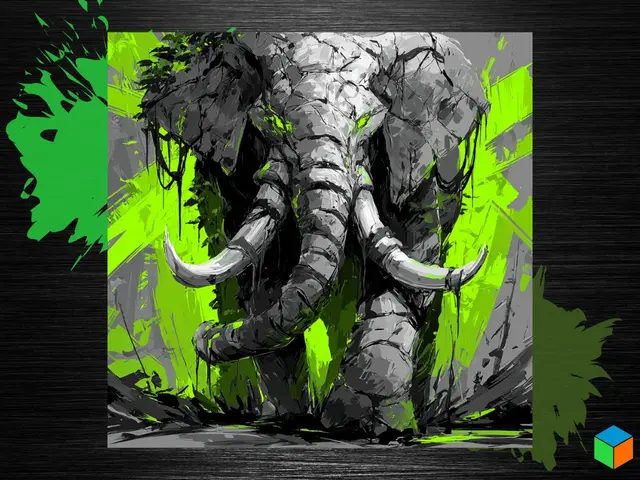
This is the majestic-mammal section — wolves, foxes, deer, bears, lions, elephants, horses. These are the animals that carry a wall as a single dramatic figure, and they're some of the most satisfying HueForge prints once you commit to the palette. A howling wolf against a full moon, a stag in silhouette against a dawn sky, a lion's face emerging from shadow — these are compositions designed around a strong central shape and a light source, which is HueForge's home turf.
Scene-based wildlife prints outperform the plain-animal ones here, as long as you have the color count for them. A wolf alone on a white background is a fine four-color print; a wolf against a layered sunset with a treeline is a six-color print that looks three times as expensive. Foxes are the sweet spot for most makers — the rust-and-cream palette is easy to source, the silhouette is unmistakable, and they scale down well for smaller plates.
If you're building a themed wall — a set of woodland animals in a matching art style — several designers in this section publish coordinated series, so you can print a fox, a deer, and a bear that clearly belong together rather than three mismatched styles.
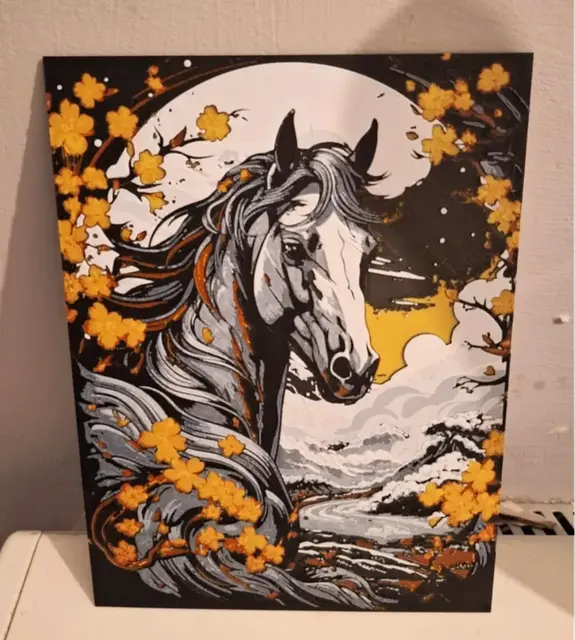
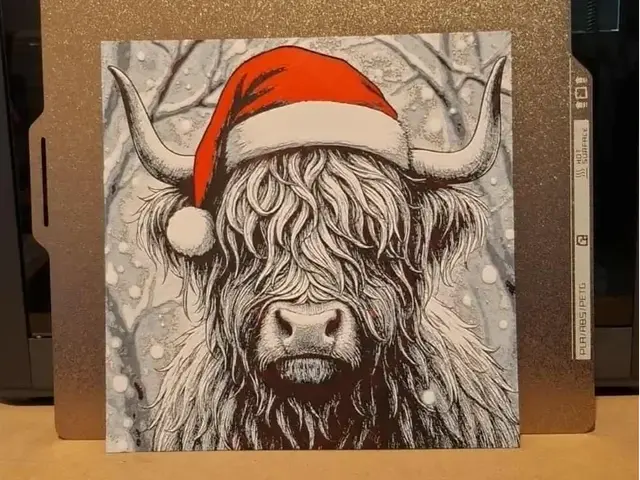
Browse all wildlife models in the HuePick catalog →
Ocean & Aquatic
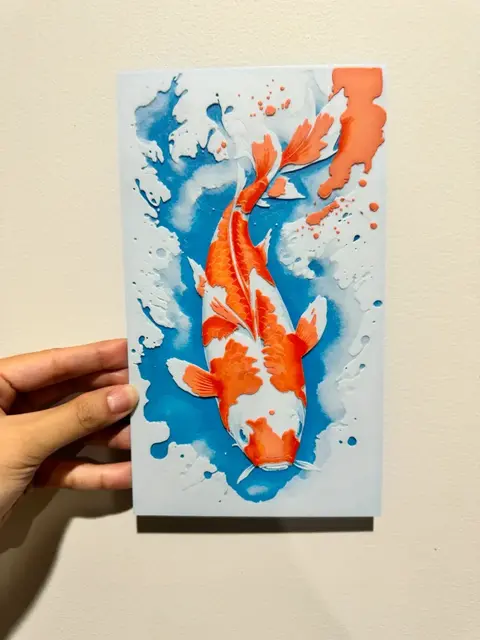
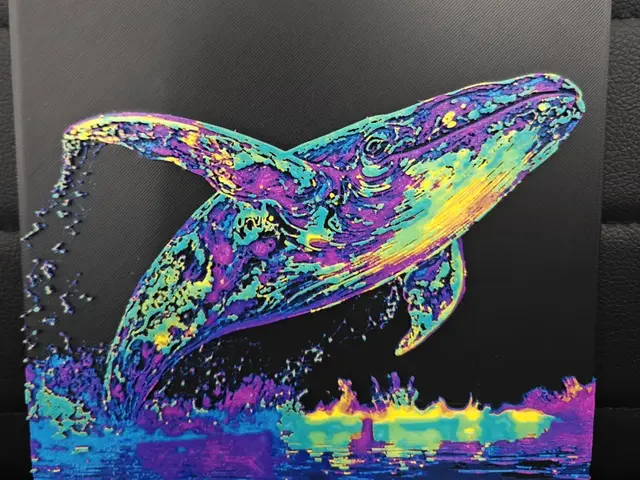
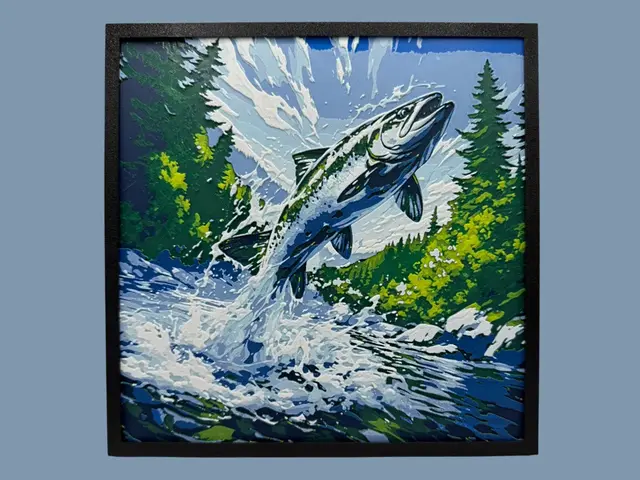
Ocean animals are the most underrated HueForge subject, and they close the list because they're the ones most transformed by a backlight. Water is translucent, which means an ocean scene has a built-in reason for light to move through it — a whale suspended in a column of blue, a jellyfish trailing translucent tendrils, a sea turtle gliding over a reef. These prints do things with depth and transmission that a land animal simply can't.
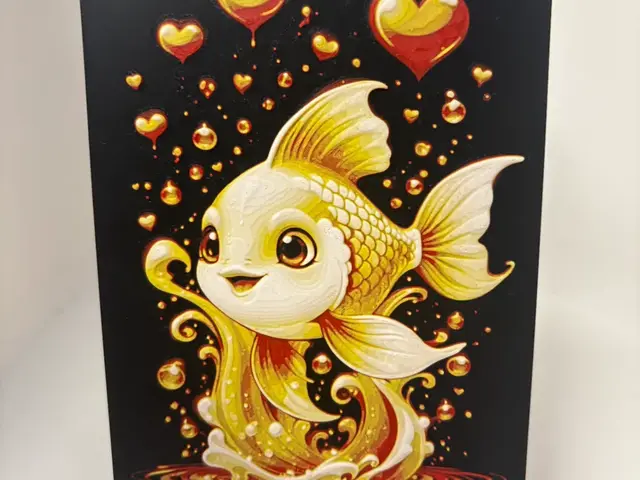
A note on this section specifically: this is where the articulated-toy demand is loudest — sharks and octopuses are hugely popular as flexi print-in-place models. For HueForge, steer toward the flat-art versions: a whale or manta silhouette against gradient water, a jellyfish built for a backlight, a stylized koi. Jellyfish are the standout pick — they're almost pure translucency, and a lit jellyfish print is one of the most striking things in the entire animal catalog.
Of everything on this page, ocean prints justify the color count and the lighting investment most. If you only own a four-color palette, this is the section to come back to once you've expanded — the difference between a flat-lit and a backlit ocean scene is larger here than anywhere else on the page.
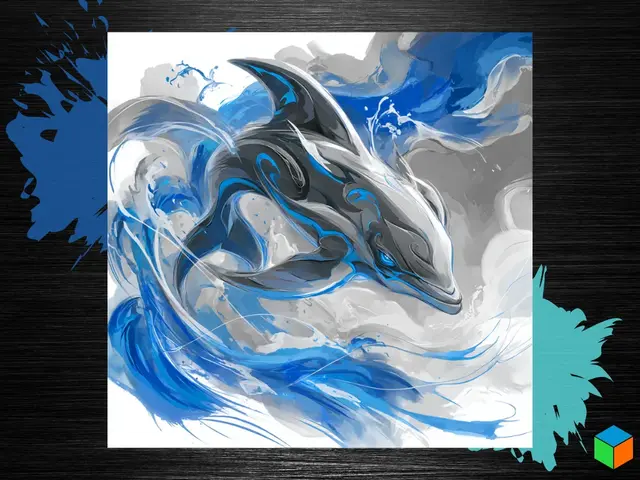
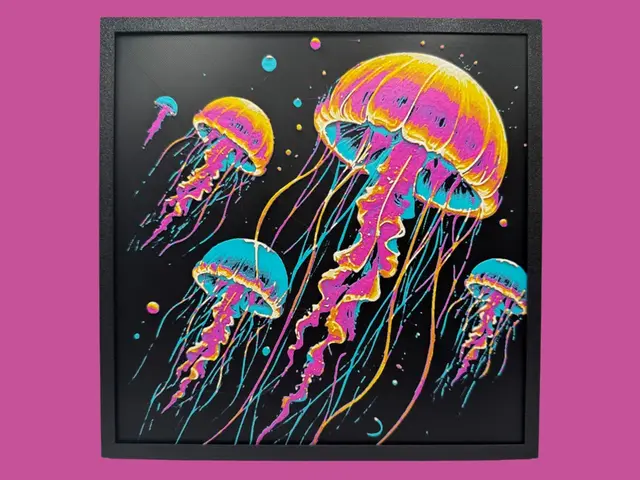
Browse all ocean models in the HuePick catalog →
After the Print
Once you've found an animal from the sections above, the rest of the workflow is what makes the print actually land on the wall. Color choice is the single biggest variable, and animals are especially sensitive to it — a fox in the wrong orange reads as a generic blob, and a butterfly lives or dies on whether the wing tones separate cleanly. The Choosing Filament Colors for HueForge guide walks through how to build a palette around a specific model rather than picking colors at random.
Lighting matters more for some of these than others. The butterflies, birds, and the entire ocean section are designed to be lit from behind and look dramatically better for it; cats and dogs in silhouette read fine under normal room light. The How to Display 3D Printed Art at Home post covers the practical setups, from a $20 LED panel on a desk to a permanent backlit shadow box.
One budget note: the big scene-based wildlife and ocean prints use real filament once you factor in the color swaps, and a wall-scale animal scene can burn through more spool than you'd expect. The Hidden Cost of Filament breakdown is worth a read before you commit to a large multi-color piece.
If you'd rather explore a different corner of the catalog, a few sibling roundups use the same H2-by-sub-entity structure pointed at other subjects:
- Best 3D Printed Dragons — the mythological cousins to the wildlife section: Western, Eastern, Toothless, and cute baby dragons
- Best Fantasy STL Files — owls, knights, wizards, castles
- Best Pokemon STL Files — the creature catalog's fandom sibling
And if you want to skip the curation entirely, the animals section of the catalog surfaces every model in the bucket — the five groups above plus the long tail of insects, reptiles, farm animals, and crossover compositions.
Pick one animal, build a palette around a silhouette-first layer plan, and hang it somewhere with a light source behind it. That's the whole loop.