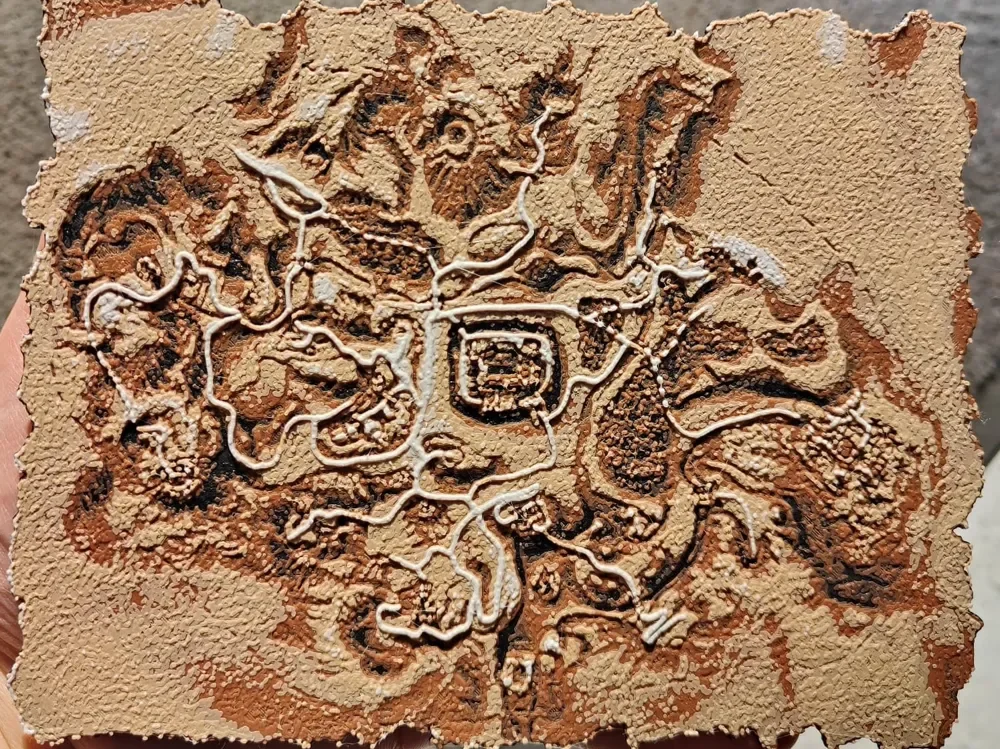
Gothic 1 Map - Hueforge
by BeaN
Rich earth tones capture the sprawling fantasy realm of Gothic's beloved RPG world in stunning topographical detail. BeaN's masterful interpretation transforms the game's iconic map into a weathered, archaeological treasure, with warm browns and tans creating natural depth across mountains, valleys, and settlements. White highlighting traces the intricate pathways and boundaries that define this dark medieval landscape, evoking an ancient cartographer's precious manuscript.
View on MakerWorldRequired Filaments4
Bambu Lab Basic Black
Bambu Lab Basic Brown
Bambu Lab Matte Latte Brown
Bambu Lab Basic Jade White
Why filament details may vary
Filament details (brand, color, and TD value) may not exactly match the designer's original specification. In some cases, the designer didn't specify exact filaments and we've matched the closest options we could find. Always check the original listing for full details.
Some filament links are affiliate links — we may earn a small commission at no extra cost to you. Learn more
Sign up to track your filament inventory and check your matches.
Create accountYou Might Also Like
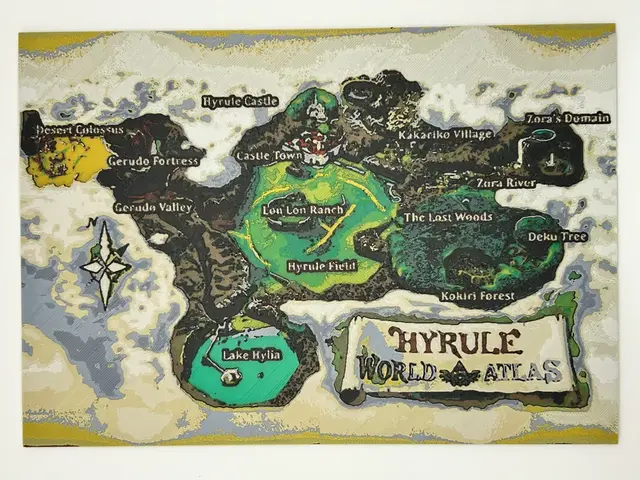
Ocarina of Time World Map HueForge
by CreativeDestructions
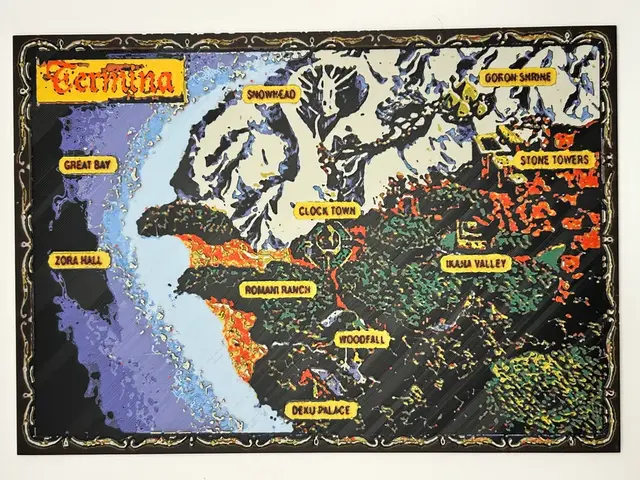
Majoras Mask Termina HueForge
by CreativeDestructions
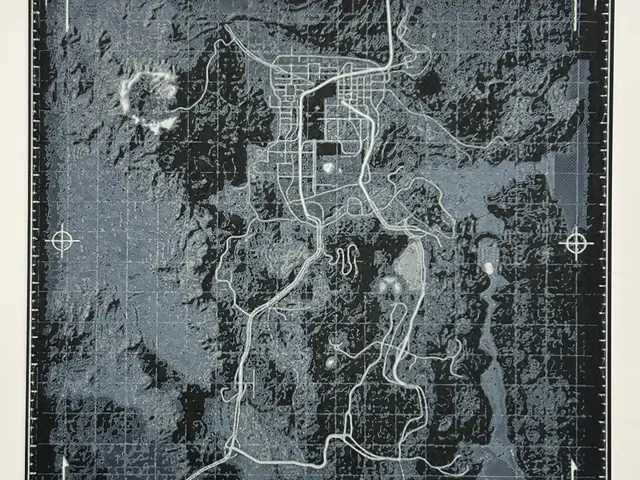
Fallout New Vegas World Map HueForge
by CreativeDestructions
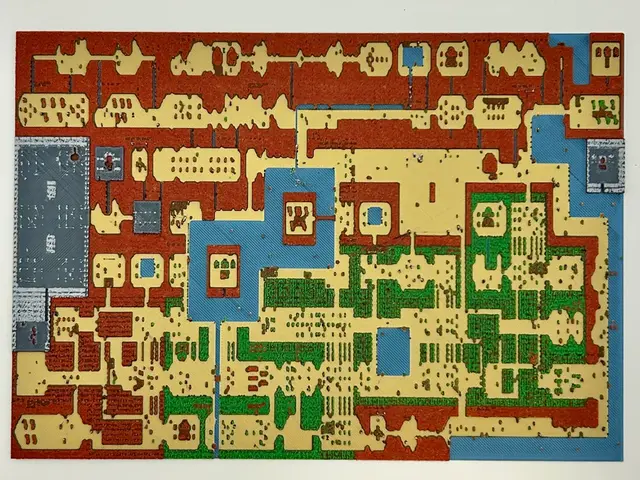
Zelda 1 Hyrule HueForge
by CreativeDestructions
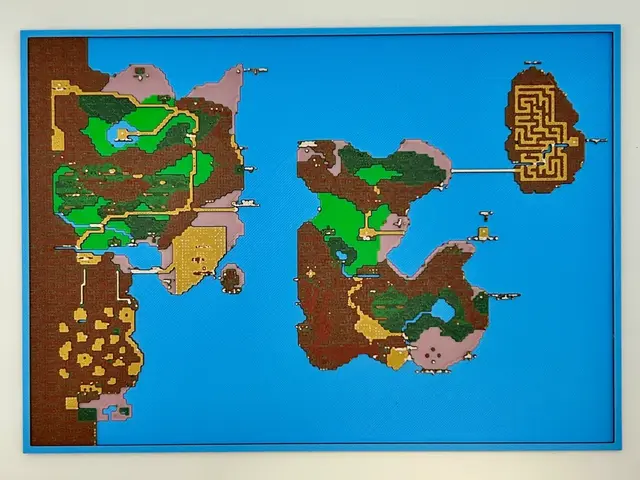
Zelda 2 Hyrule World Map HueForge
by CreativeDestructions
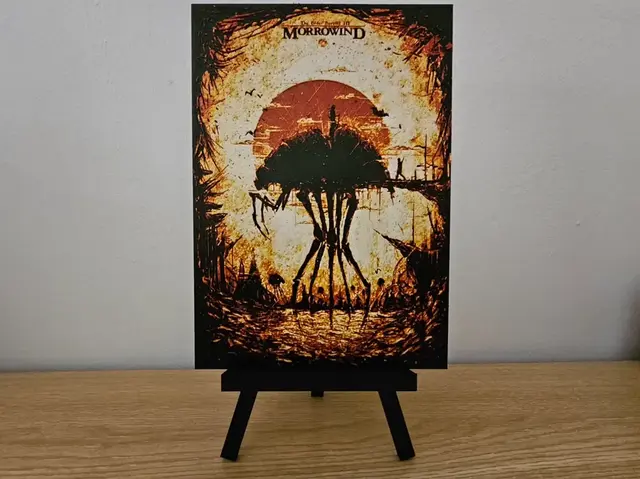
Elder Scrolls III: Morrowind Hueforge
by Opao
Recent Articles
View all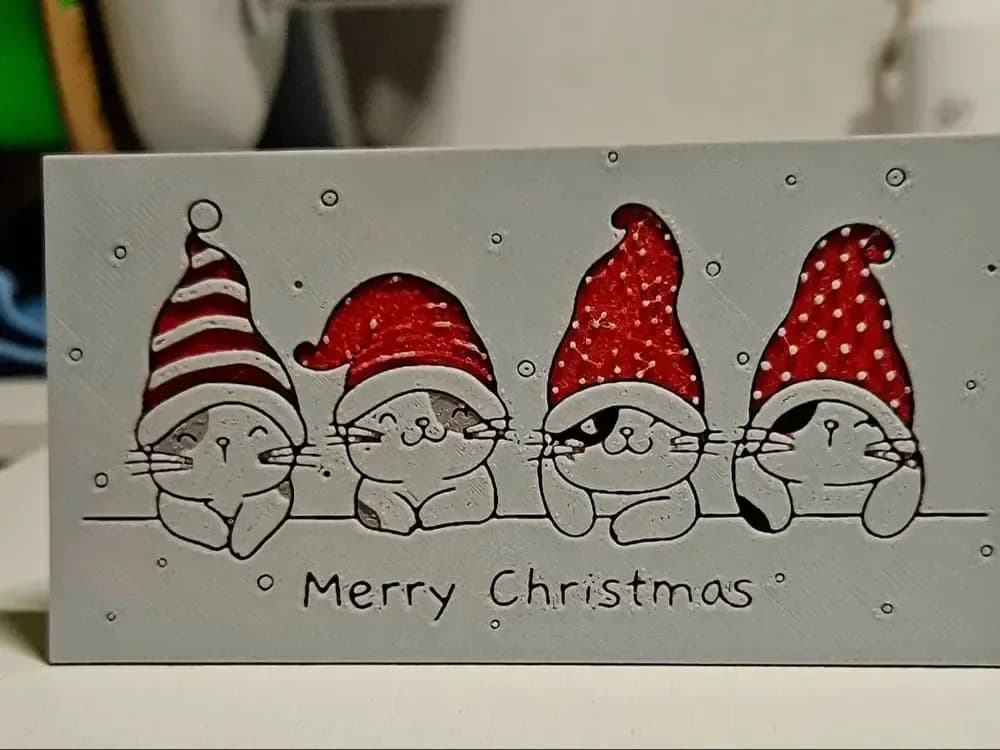
Best Christmas 3D Prints for HueForge: Ornaments, Santa & Holiday Movie Posters
The Christmas 3D prints worth making as HueForge filament paintings — tree ornaments, Santa and snowmen, holiday movie posters, festive fandom crossovers, and gift tags, grouped by theme.
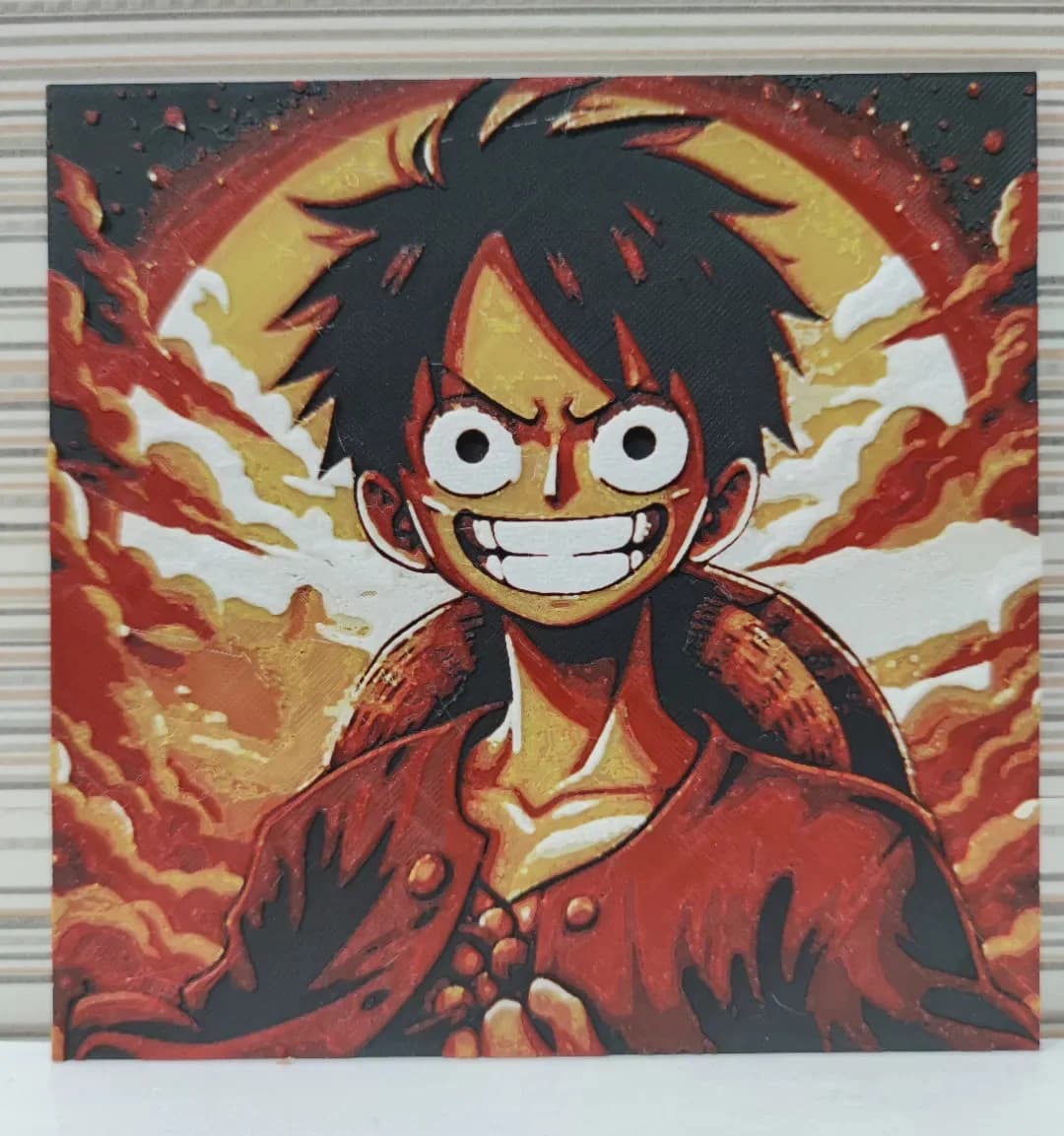
Best Anime 3D Prints for HueForge: From Shōnen Classics to the Modern Wave
The best anime 3D prints to make as HueForge filament paintings — One Piece, Naruto, Dragon Ball, Demon Slayer, Jujutsu Kaisen, Frieren, Gundam, and anime bookmarks, each linked in the HuePick catalog.
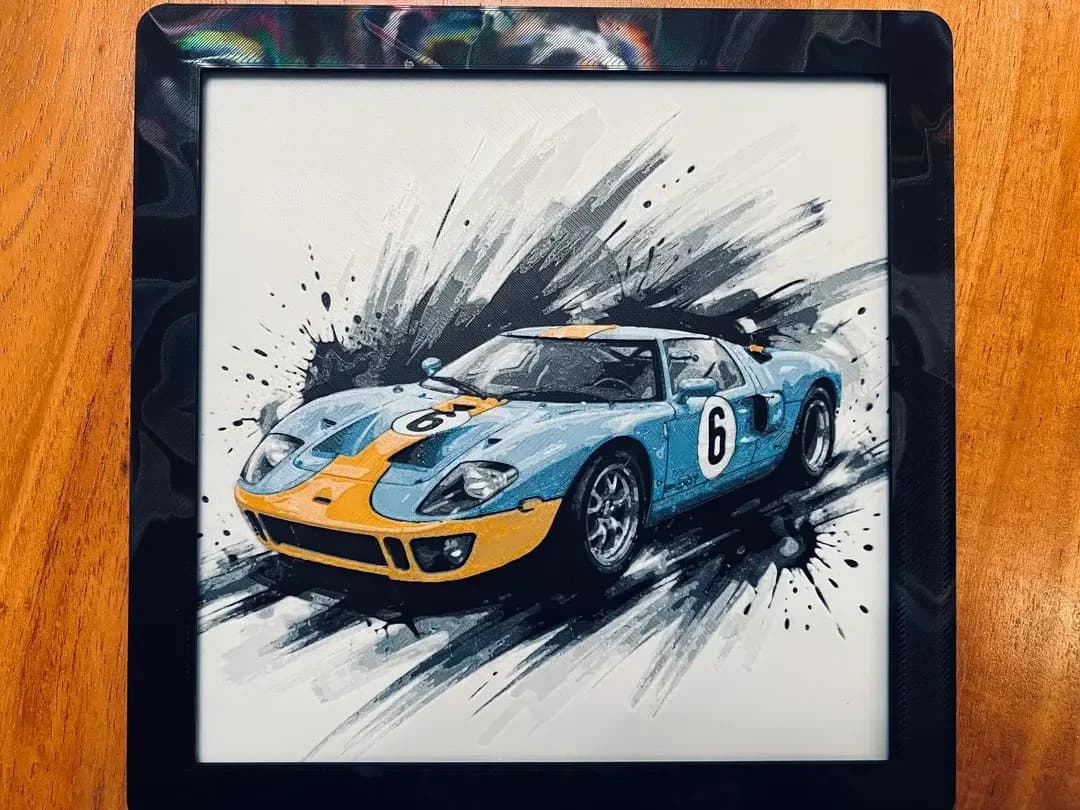
Best Car 3D Prints for HueForge: From Japanese Icons to Movie Cars
The best car 3D prints to make as HueForge filament paintings — JDM legends, supercars, American muscle, F1 and rally posters, and movie icons like the DeLorean, each linked in the HuePick catalog.