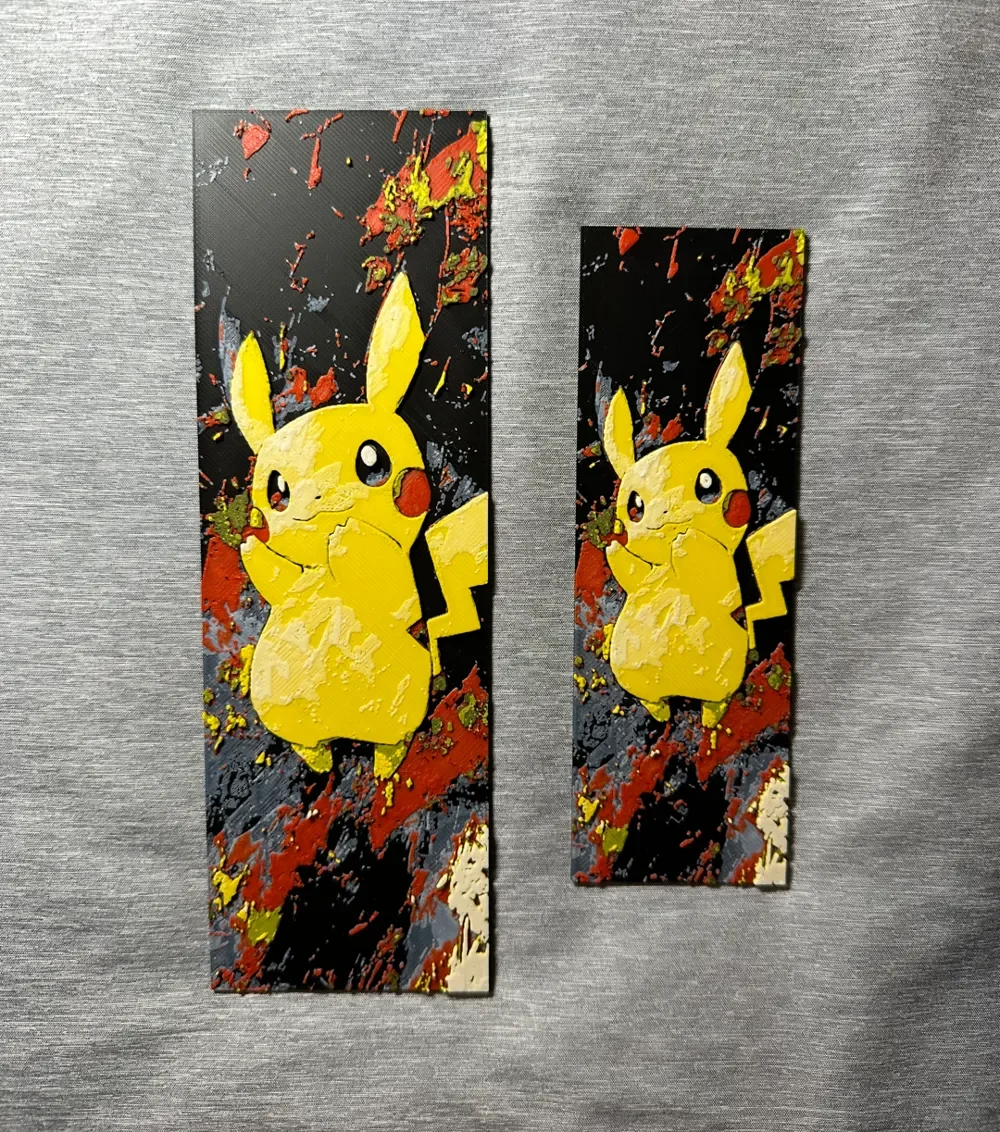
Pikachu Bookmarks - 2 sizes
by Hey Ben
Pikachu's cheerful expression radiates warmth against an explosive backdrop of paint splatters in fiery reds, oranges, and yellows. The beloved Pokémon's iconic yellow form contrasts beautifully with the chaotic black canvas dotted with vibrant artistic bursts. These bookmarks capture the electric mouse in a dynamic street art style, where traditional character design meets modern graffiti aesthetics, creating reading companions that pulse with creative energy.
View on MakerWorldRequired Filaments4
Bambu Lab Basic Black
Bambu Lab Basic Jade White
Bambu Lab Basic Red
Bambu Lab Basic Sunflower Yellow
Why filament details may vary
Filament details (brand, color, and TD value) may not exactly match the designer's original specification. In some cases, the designer didn't specify exact filaments and we've matched the closest options we could find. Always check the original listing for full details.
Some filament links are affiliate links — we may earn a small commission at no extra cost to you. Learn more
Sign up to track your filament inventory and check your matches.
Create accountYou Might Also Like
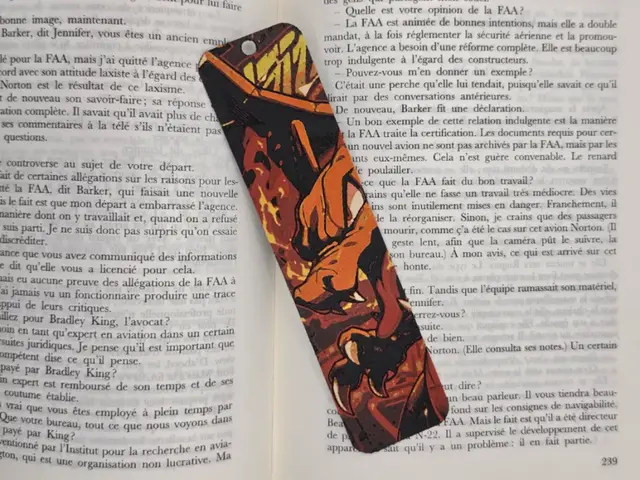
Bookmark Dracaufeu
by Kactus Fpv
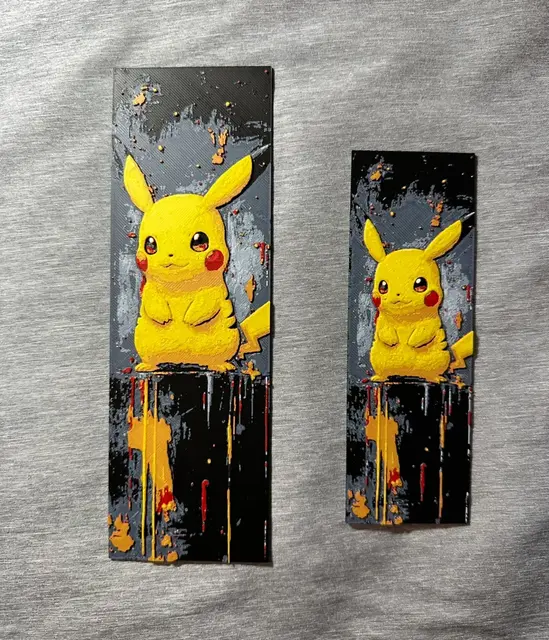
Pikachu Hueforge Bookmark - 2 sizes
by Hey Ben
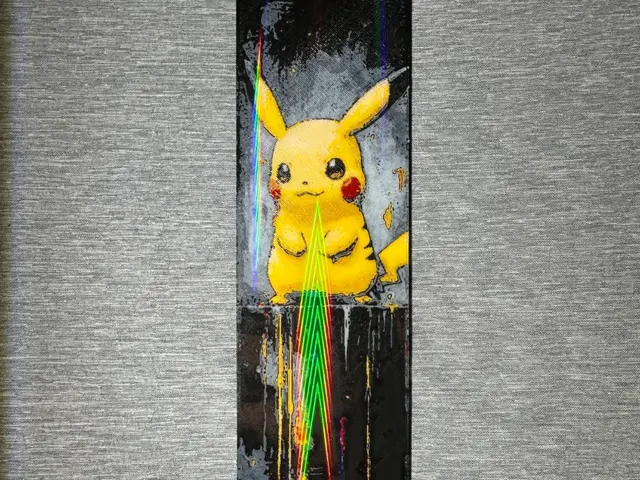
Pikachu Bookmark - Flatforge
by Hey Ben
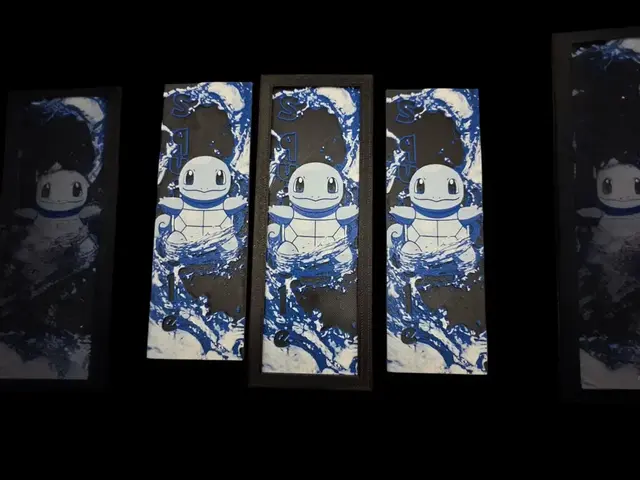
Squirtle Bookmark
by MythicHue's
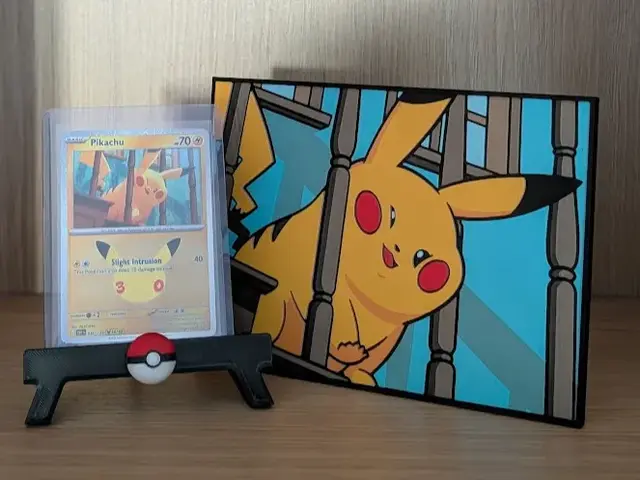
Pikachu's Banister Hueforge & Frame
by Nextopia
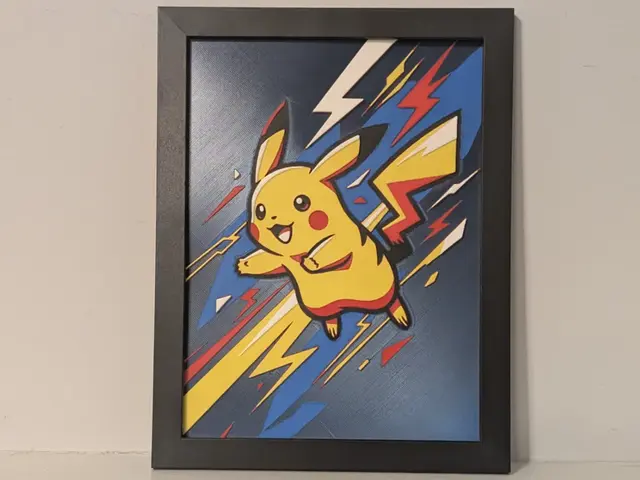
Pikachu Pokemon 6x8 Hueforge 3D Multicolor Decor
by Super bird
Recent Articles
View all
Best Christmas 3D Prints for HueForge: Ornaments, Santa & Holiday Movie Posters
The Christmas 3D prints worth making as HueForge filament paintings — tree ornaments, Santa and snowmen, holiday movie posters, festive fandom crossovers, and gift tags, grouped by theme.
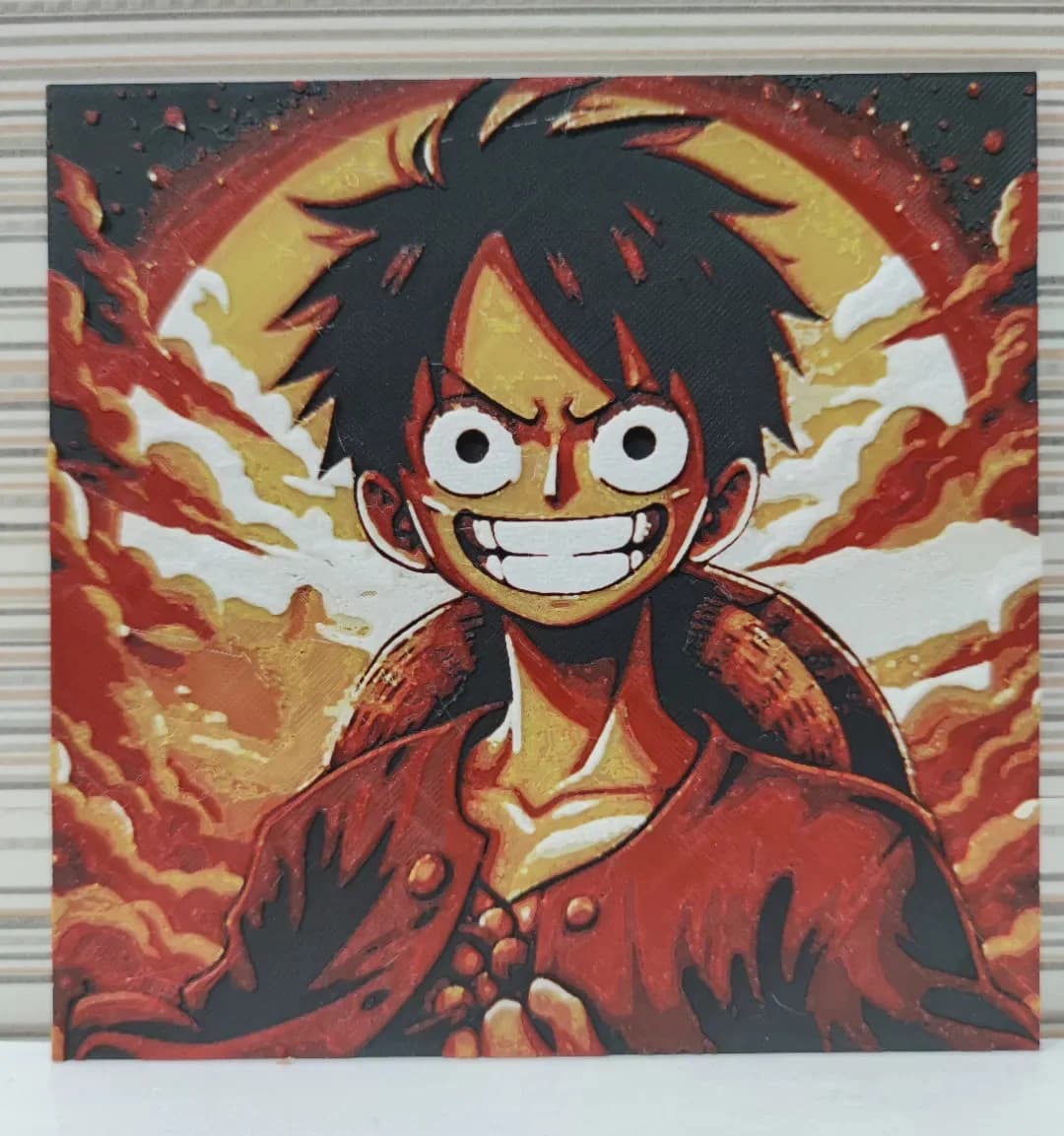
Best Anime 3D Prints for HueForge: From Shōnen Classics to the Modern Wave
The best anime 3D prints to make as HueForge filament paintings — One Piece, Naruto, Dragon Ball, Demon Slayer, Jujutsu Kaisen, Frieren, Gundam, and anime bookmarks, each linked in the HuePick catalog.
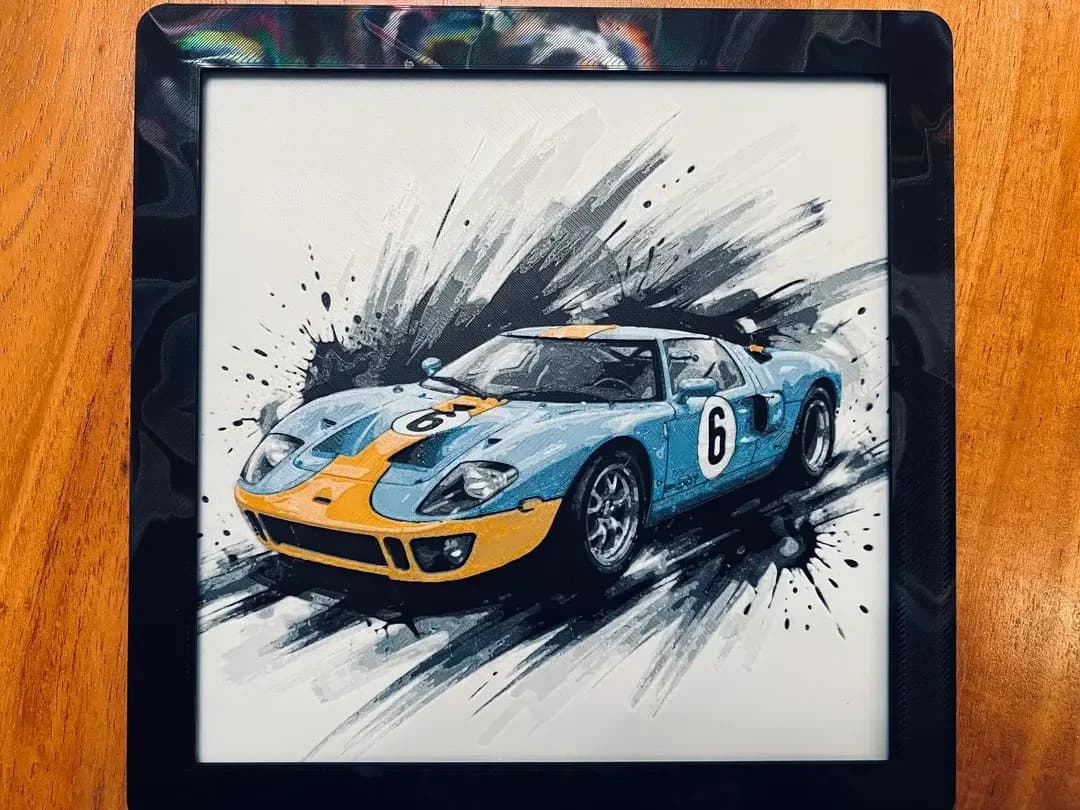
Best Car 3D Prints for HueForge: From Japanese Icons to Movie Cars
The best car 3D prints to make as HueForge filament paintings — JDM legends, supercars, American muscle, F1 and rally posters, and movie icons like the DeLorean, each linked in the HuePick catalog.