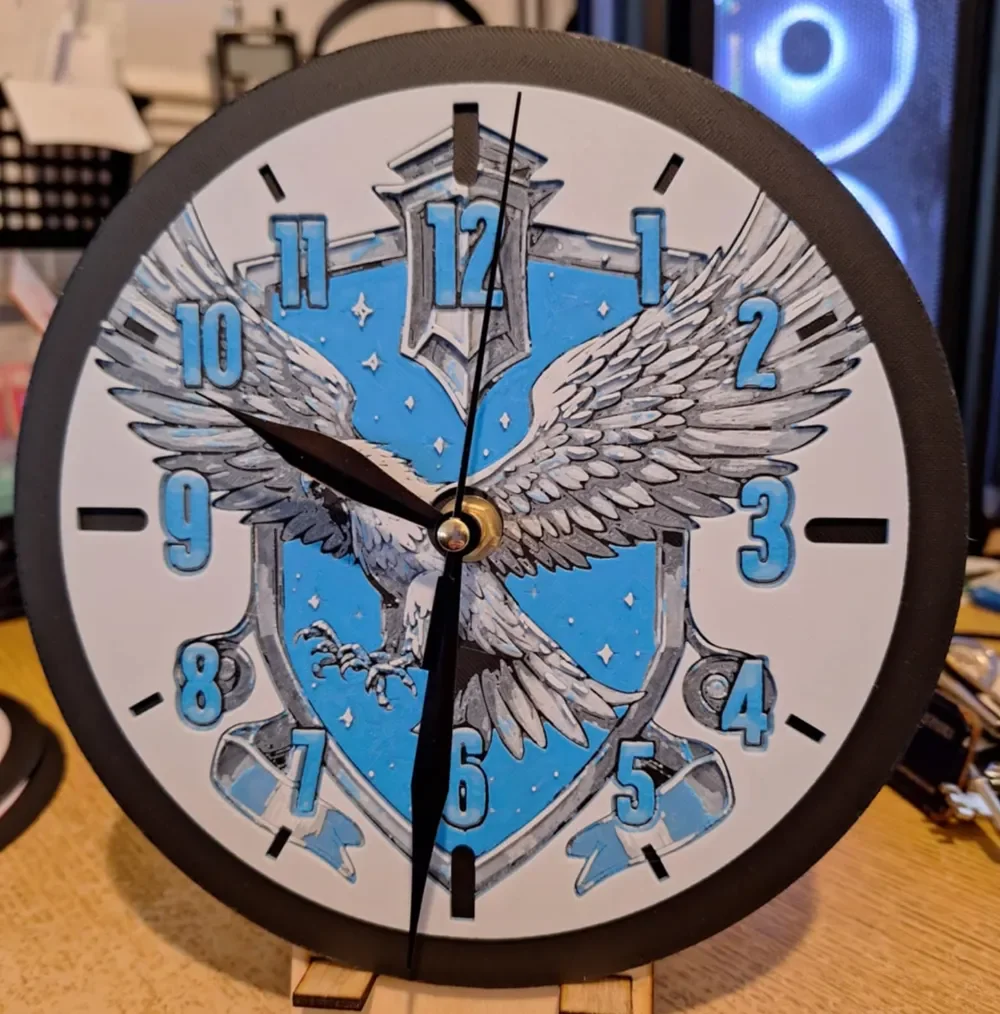
Ravenclaw Clock - Harry Potter - 20cm
by 3dGlow
Ravenclaw's iconic eagle spreads its wings across this striking 20cm clock face, rendered in the house's signature blue and silver palette. The crest shield dominates the background in vivid cerulean, dotted with four-pointed stars, while the eagle itself rises in sweeping grey and white tones — talons extended, feathers layered with remarkable detail. Blue numerals ring the face in a bold, slightly raised style, and the black clock hands and outer bezel frame the whole composition with clean contrast against the white ground. Designed by 3dGlow, this piece shows the depth and dimension that HueForge layering achieves so effectively — the eagle's plumage has a subtle relief quality, with lighter filament transitions giving the feathers an almost sculpted feel. The blue of the shield appears rich and consistent, suggesting smooth filament color blending across the print. Sitting on its small wooden easel stand, this clock works beautifully on a desk or bookshelf in a study or reading nook — exactly the kind of space a self-respecting Ravenclaw would call their own.
View on MakerWorldRequired Filaments4
Why filament details may vary
Filament details (brand, color, and TD value) may not exactly match the designer's original specification. In some cases, the designer didn't specify exact filaments and we've matched the closest options we could find. Always check the original listing for full details.
Some filament links are affiliate links — we may earn a small commission at no extra cost to you. Learn more
Sign up to track your filament inventory and check your matches.
Create accountYou Might Also Like
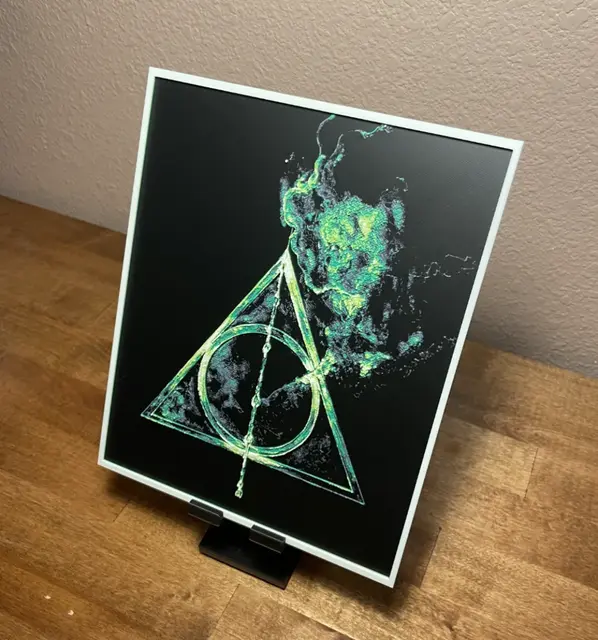
Hueforge - Harry Potter - Deathly Hallows Smoke
by Cloudy Nostalgia
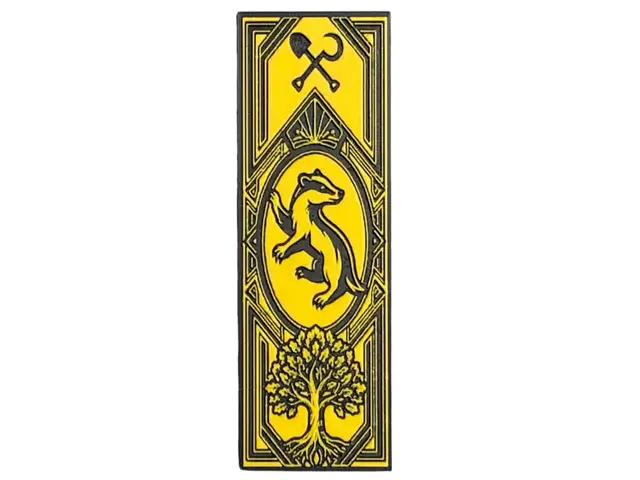
Hogwarts Hufflepuff House Bookmark
by The SkyLab 3D
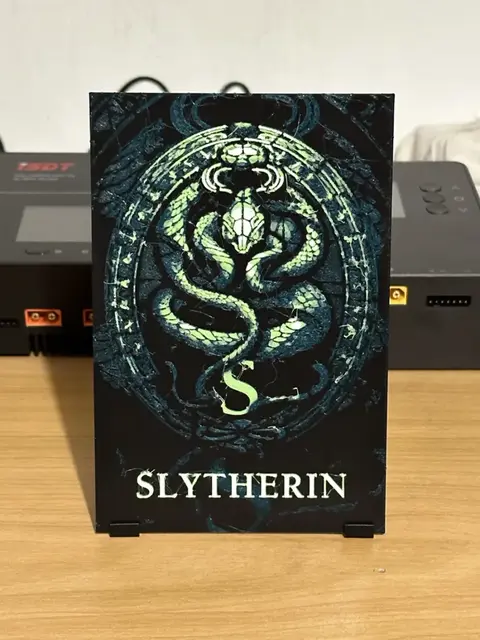
Slytherin Harry Potter HueForge
by enricoRE

Gryffindor Crest Hueforge
by LoFi Layers
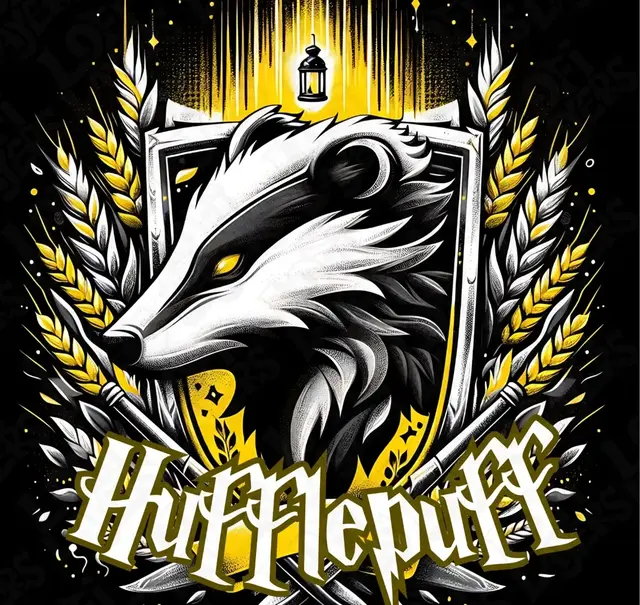
Hufflepuff Crest Hueforge
by LoFi Layers
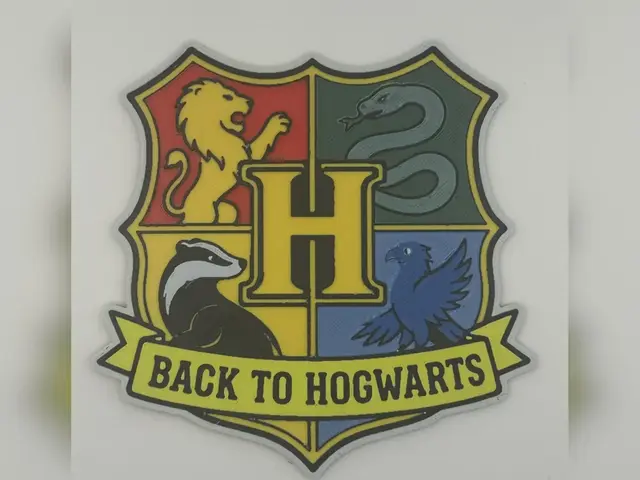
Back to Hogwarts Crest HueForge Print
by Thadius
Recent Articles
View all
Best 3D Printed Gifts for Everyone on Your List — Made with HueForge
The best 3D printed gifts for everyone on your list, made with HueForge — custom pet and portrait art, ornaments and gift tags, bookmarks, and fandom prints matched to the recipient, plus how to turn gift requests into income.
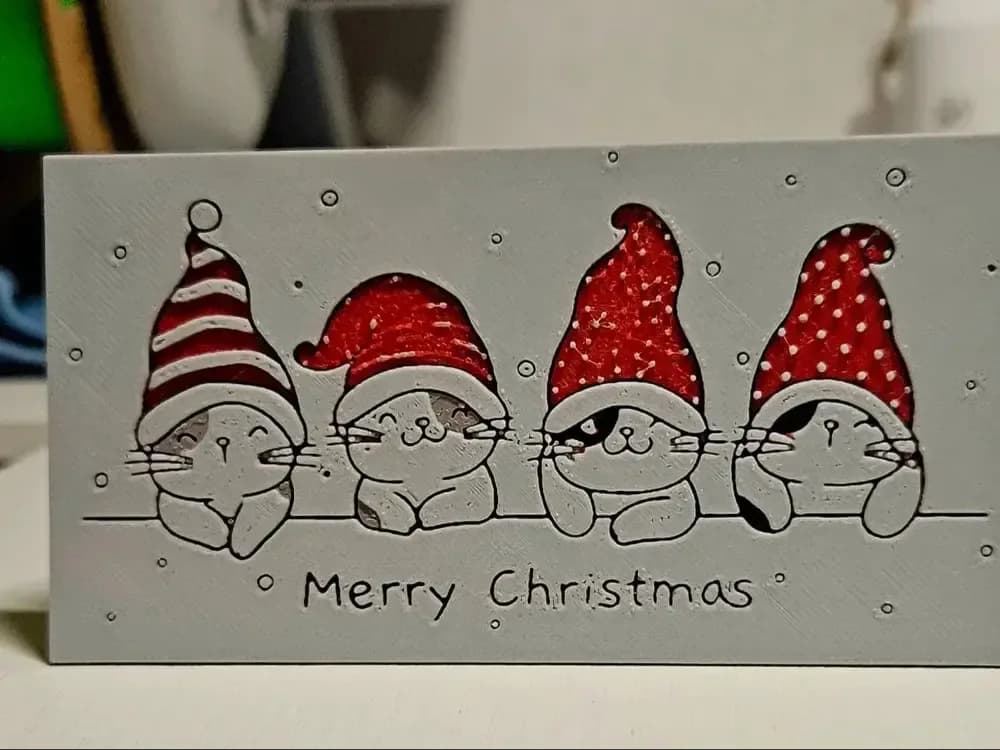
Best Christmas 3D Prints for HueForge: Ornaments, Santa & Holiday Movie Posters
The Christmas 3D prints worth making as HueForge filament paintings — tree ornaments, Santa and snowmen, holiday movie posters, festive fandom crossovers, and gift tags, grouped by theme.
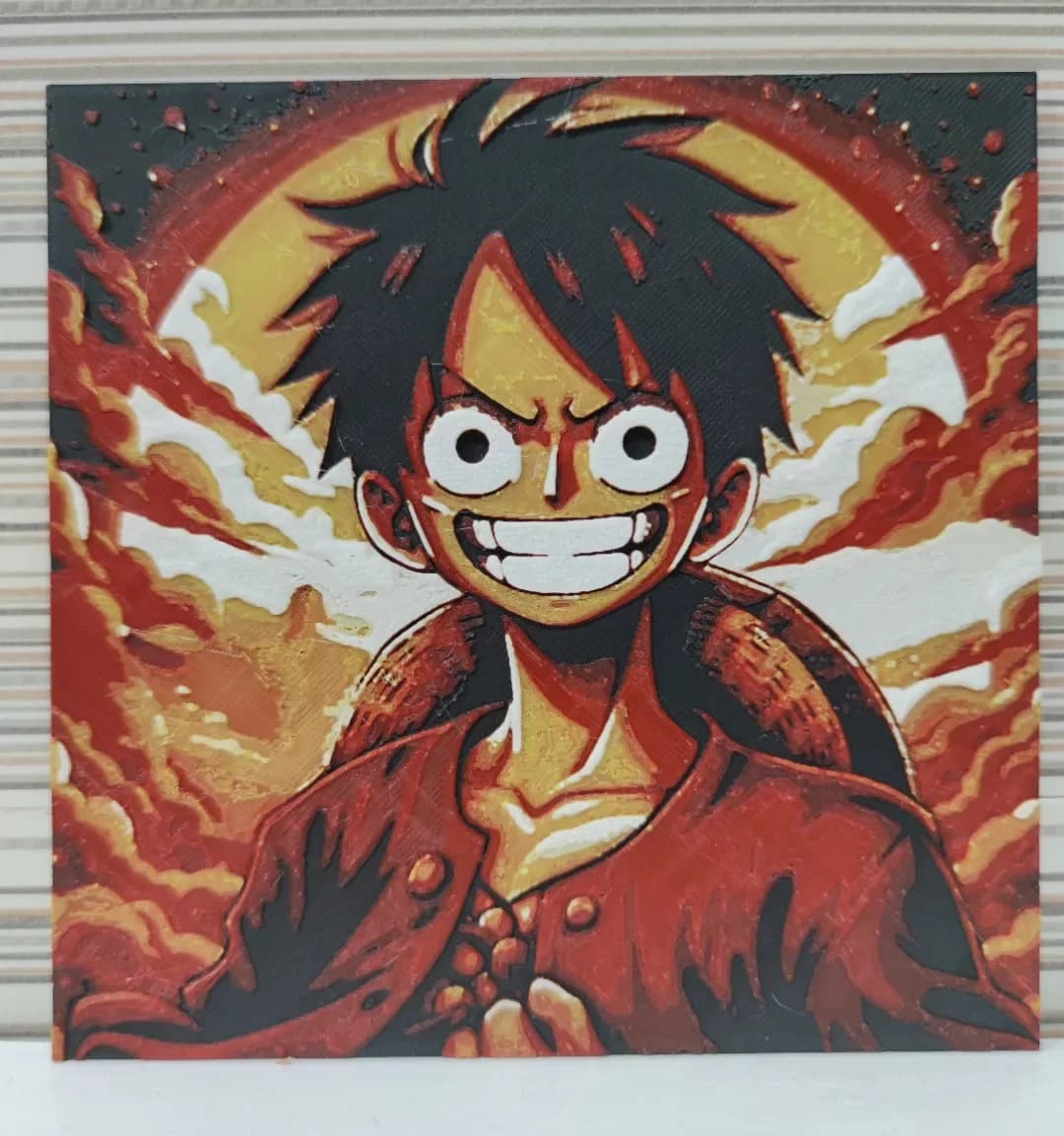
Best Anime 3D Prints for HueForge: From Shōnen Classics to the Modern Wave
The best anime 3D prints to make as HueForge filament paintings — One Piece, Naruto, Dragon Ball, Demon Slayer, Jujutsu Kaisen, Frieren, Gundam, and anime bookmarks, each linked in the HuePick catalog.