Best Star Wars STL Files: Lightsabers, Mandalorian Helmets & Ships
A curated tour of the best Star Wars STL files in the HuePick catalog — Mandalorian helmets, the Falcon, lightsabers, the Death Star, stormtroopers, X-Wings, and Grogu — for HueForge filament painting.
Quick Answer
The strongest Star Wars STL files for HueForge cluster around seven icons: Mandalorian helmets (the most-searched of the seven), the Millennium Falcon, lightsabers, the Death Star, stormtroopers, X-Wings, and Grogu. The picks below favor models with strong silhouette, backlight-friendly compositions, and iconography that reads cleanly even at smaller sizes.
Star Wars sits at the top of the franchise pile for HueForge makers — the highest-volume franchise search across the catalog after generic fantasy, and probably the broadest in iconography. There's a Star Wars STL for every multi-material setup: a single-color silhouette of the Falcon, a four-color Mando helmet portrait, a backlit lightsaber that is essentially a six-inch jewel hanging on a nail.
This roundup is built for makers who own a printer and are looking for the next piece to run. Every model linked below is a free-to-browse listing in the HuePick catalog that points to the original source — MakerWorld, Patreon, or wherever the designer publishes — so you can download it, calibrate your filament, and print it yourself. Nothing here is for sale; this is a discovery list, not a shop.
On the file format: most of these models ship as .3mf files with the HueForge layer plan baked in. A few are .hfp project files you'll open in HueForge yourself, and a handful are bare STL geometry. We use "STL files" throughout as the maker-search shorthand the way most printers do — the actual format is listed on each model's source page.
If you're brand new to HueForge, start with the HueForge Printing for Beginners guide first — it covers the printer, filament, and color-swap workflow you'll need to actually finish any of these prints. Already comfortable? Keep reading.
The seven sections below are ordered by how much demand we see from makers searching for each sub-entity, with Mandalorian helmets at the top.
Mandalorian Helmet STL Files for HueForge
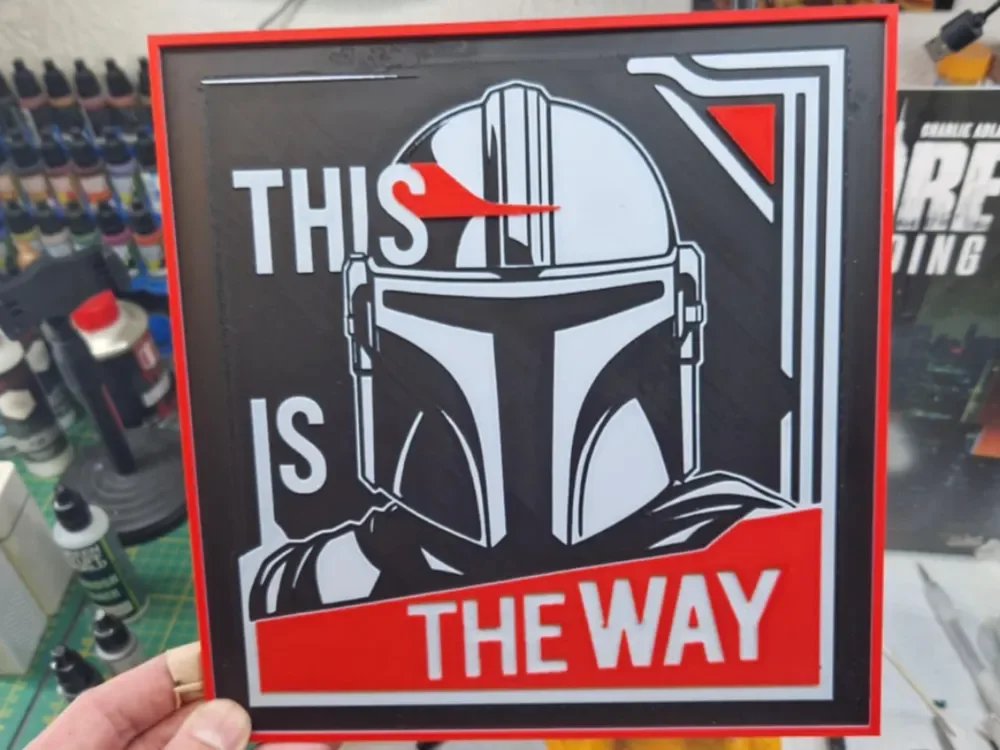
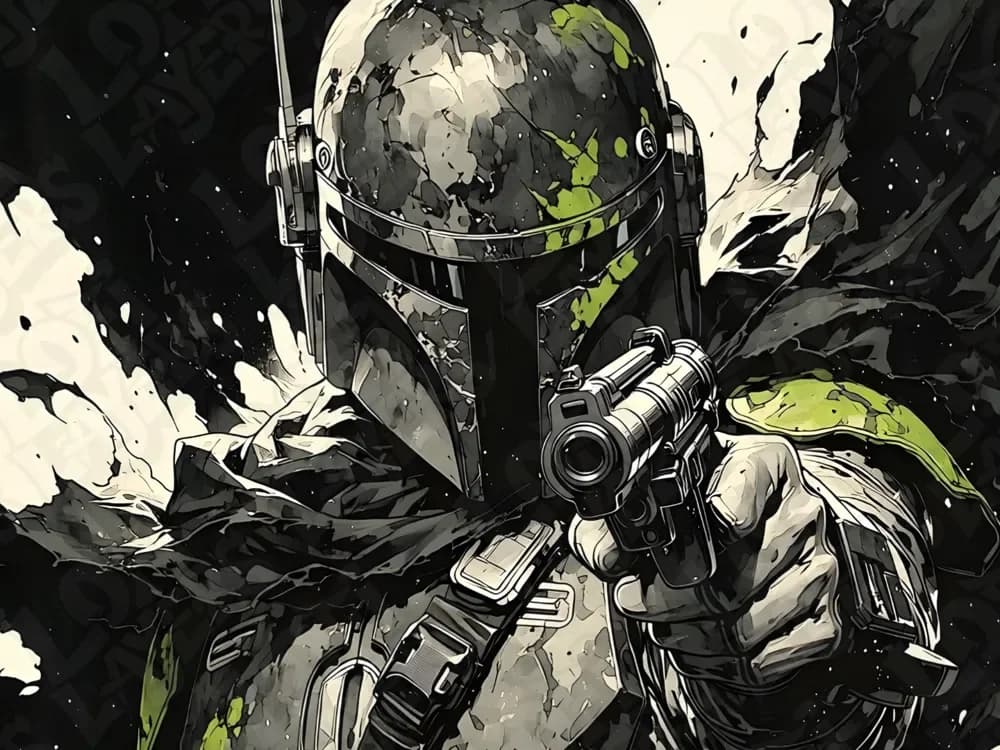
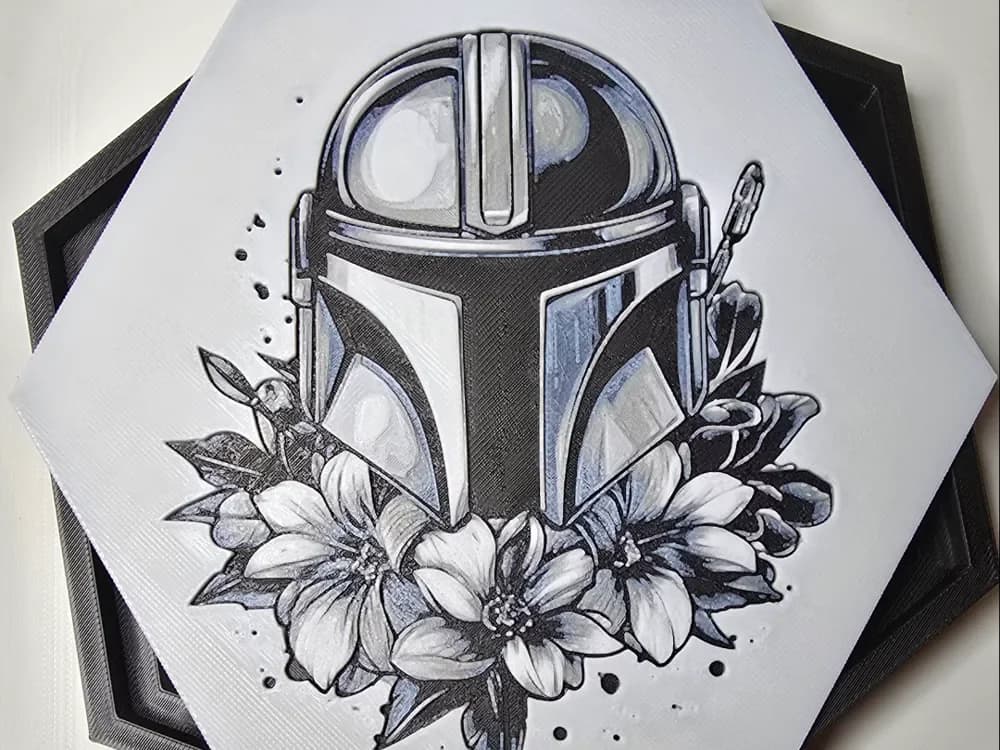
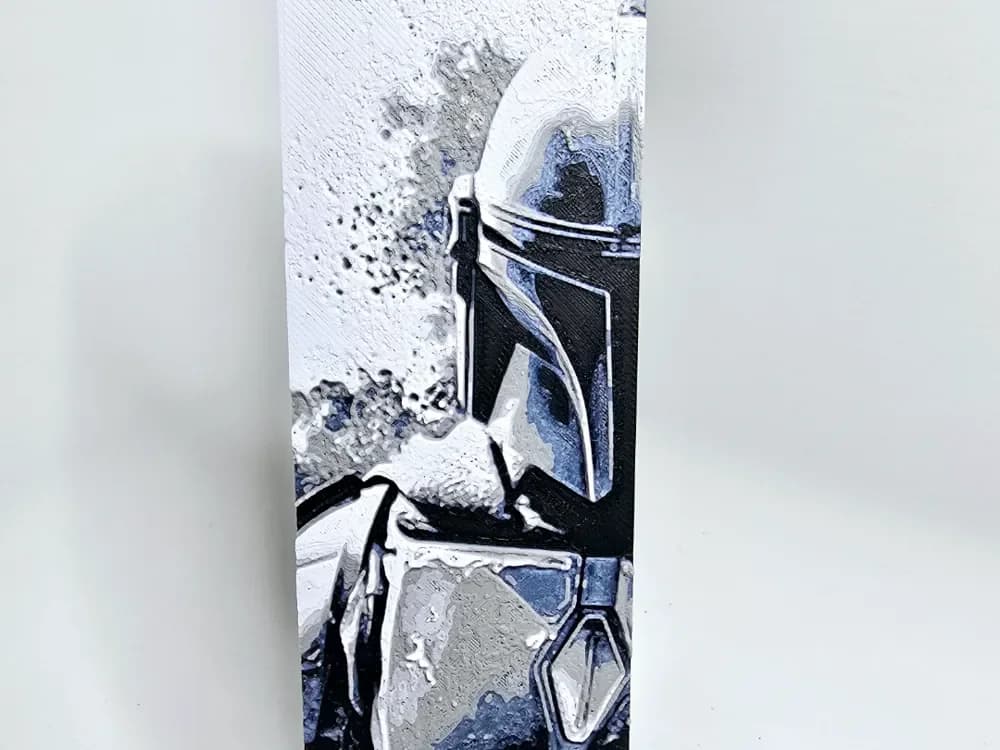
The Mandalorian helmet is the single most-searched Star Wars sub-entity for HueForge makers right now, and it's earned the position. The shape is iconic enough to read at any size, the visor gives you a natural focal point for your darkest filament, and the beskar texture gives you somewhere to spend your mid-tones. A well-printed Mando helmet is one of those pieces that stops people walking past it.
The thing to know about Mando helmet prints is that the visor does most of the work. A flat, opaque visor with no internal gradient looks like a sticker. A visor that uses HueForge's translucency — even subtly — looks like a window. When you're picking a model from the slugs below, look at the layer plan around the visor specifically.
If you're working with a tighter palette, a Mando helmet is forgiving — gunmetal, near-black, a warm highlight, and a single accent for the visor is enough. The added richness of a five- or six-color print is real, but the silhouette carries the piece either way.

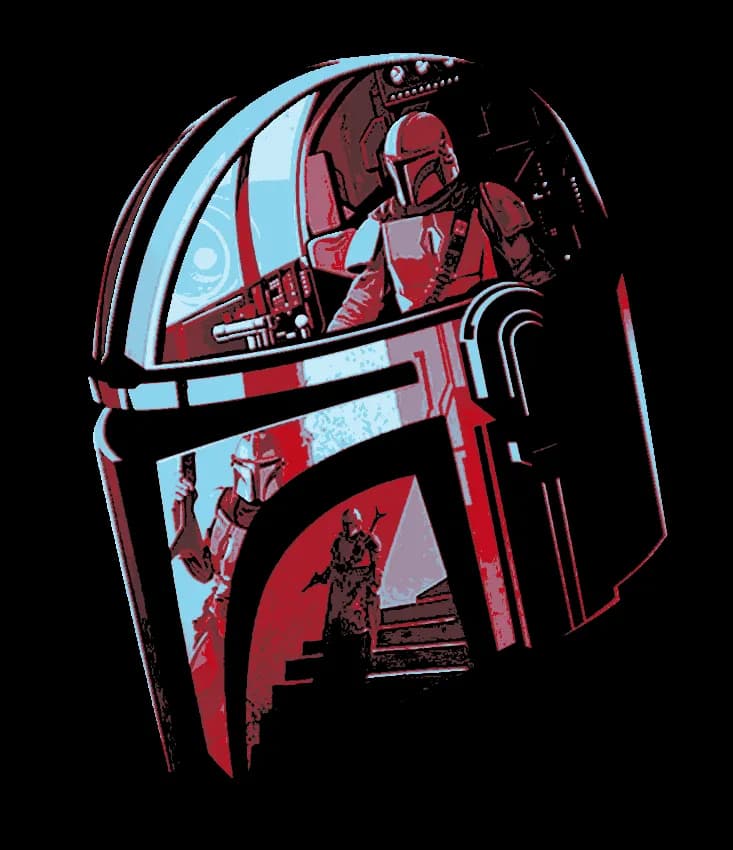
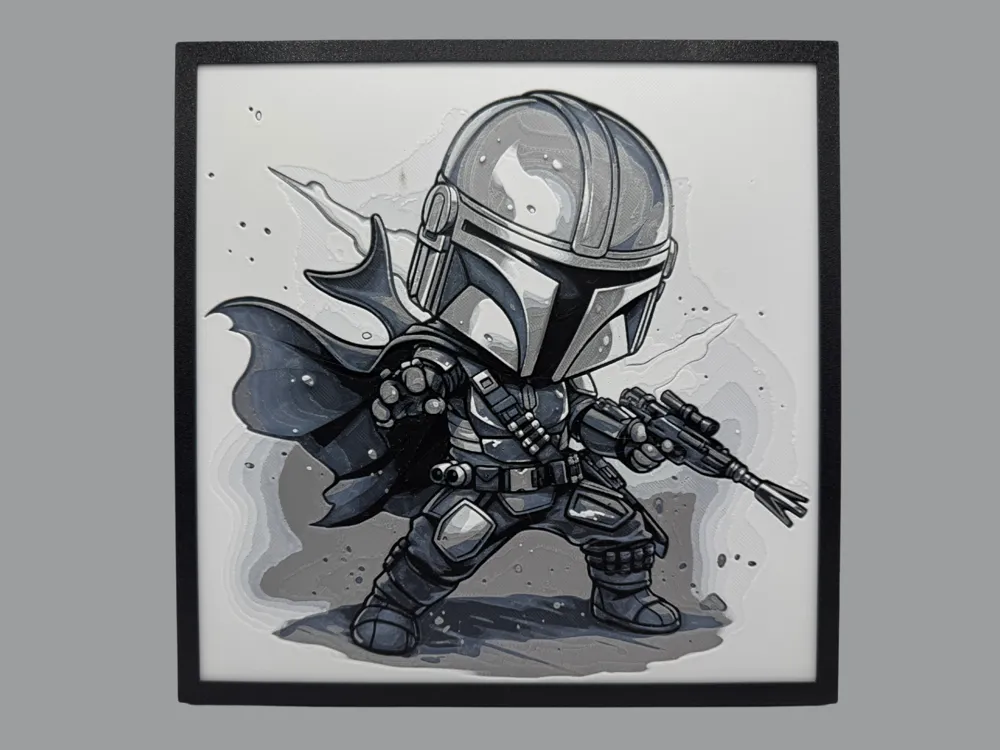
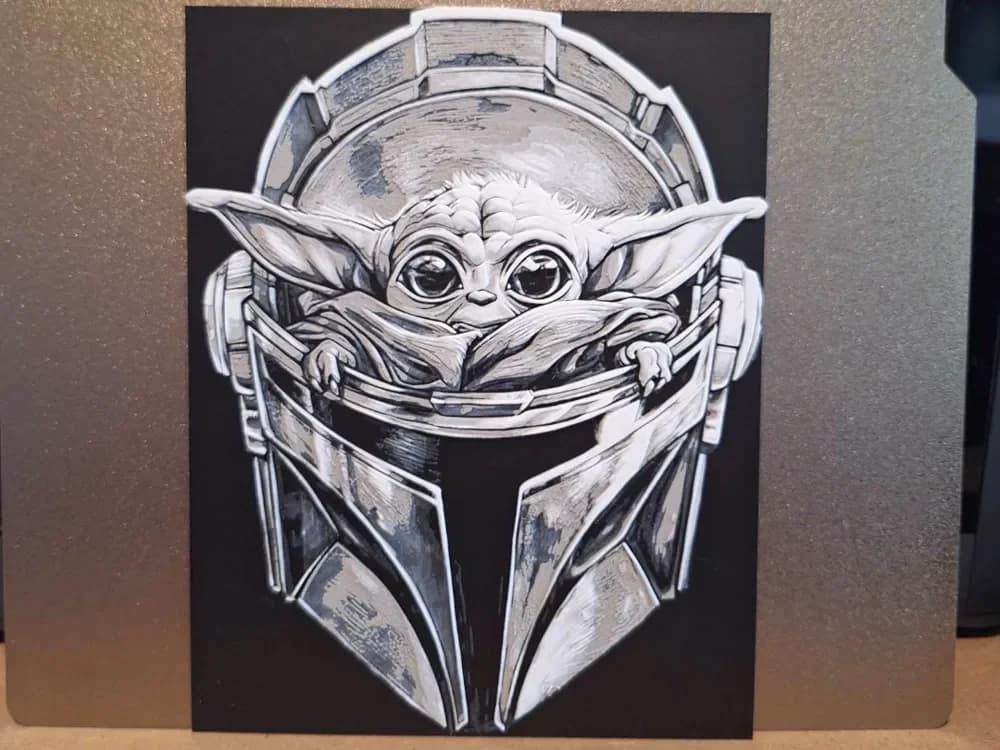
Browse all Mandalorian helmet models in the HuePick catalog →
Millennium Falcon STL Files for HueForge
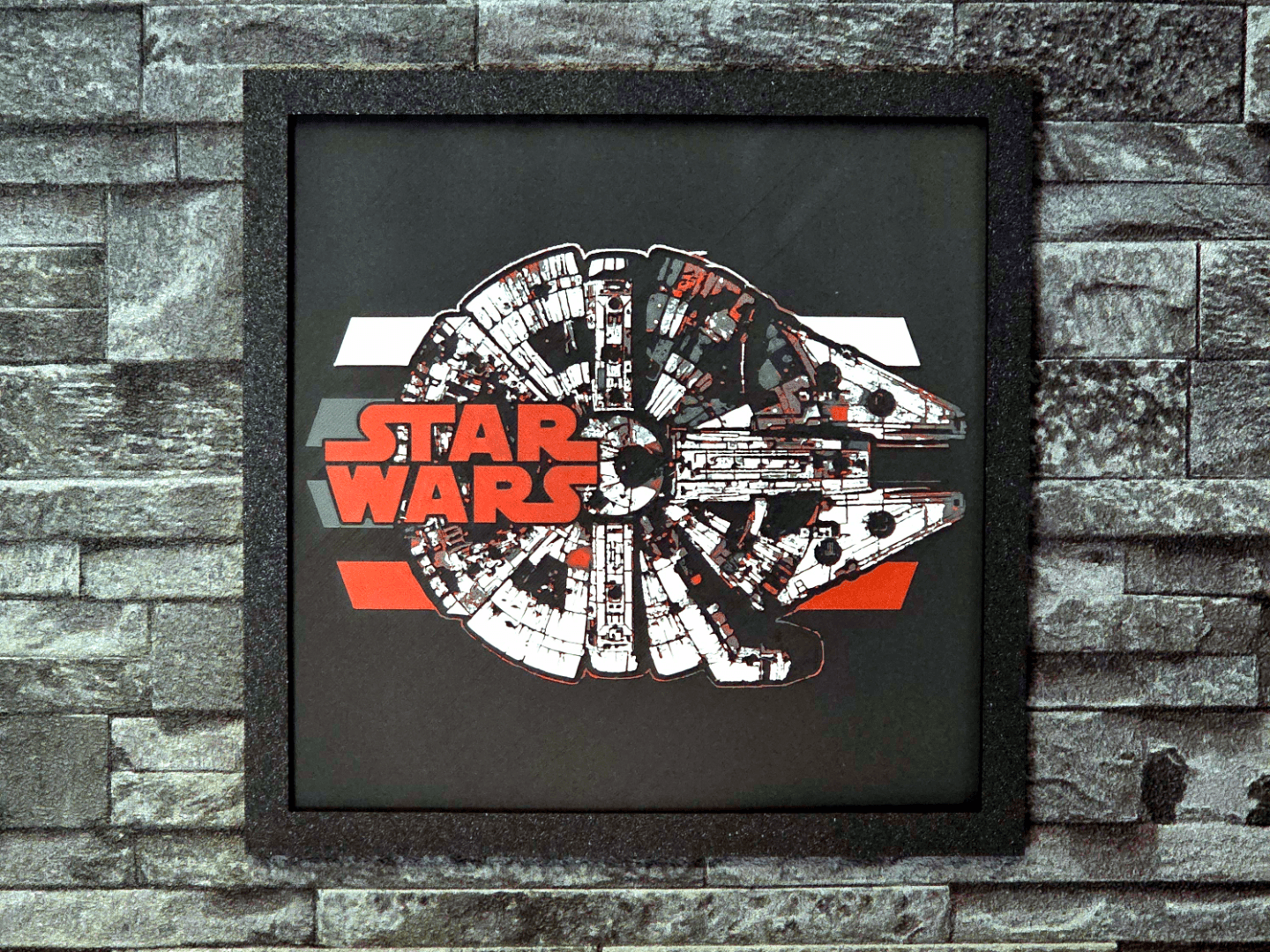
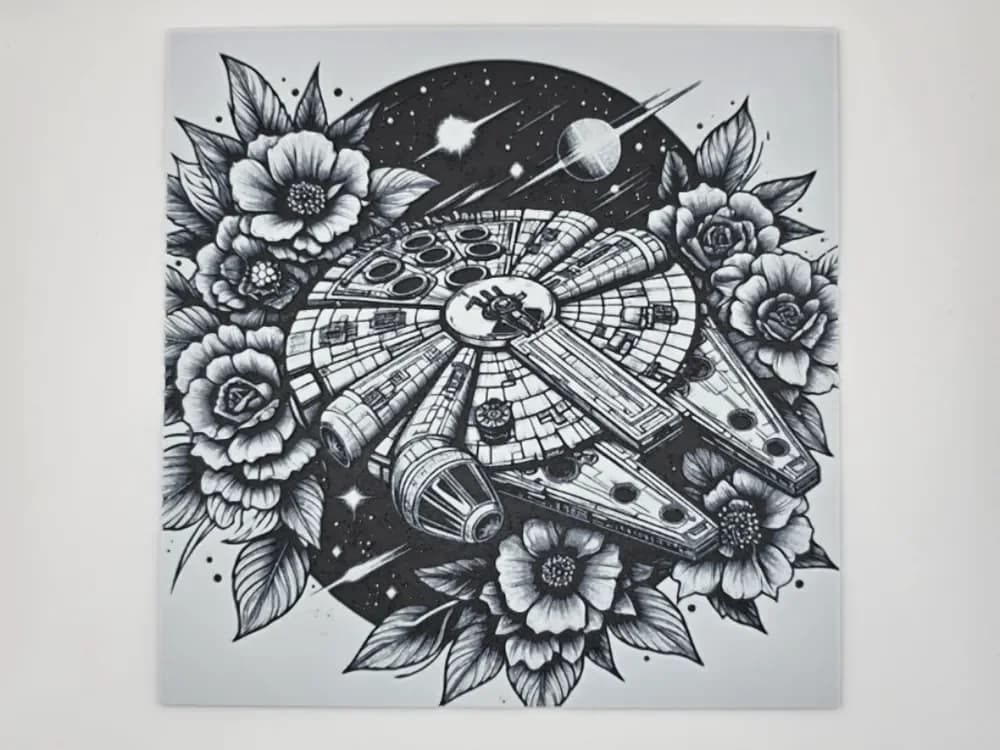
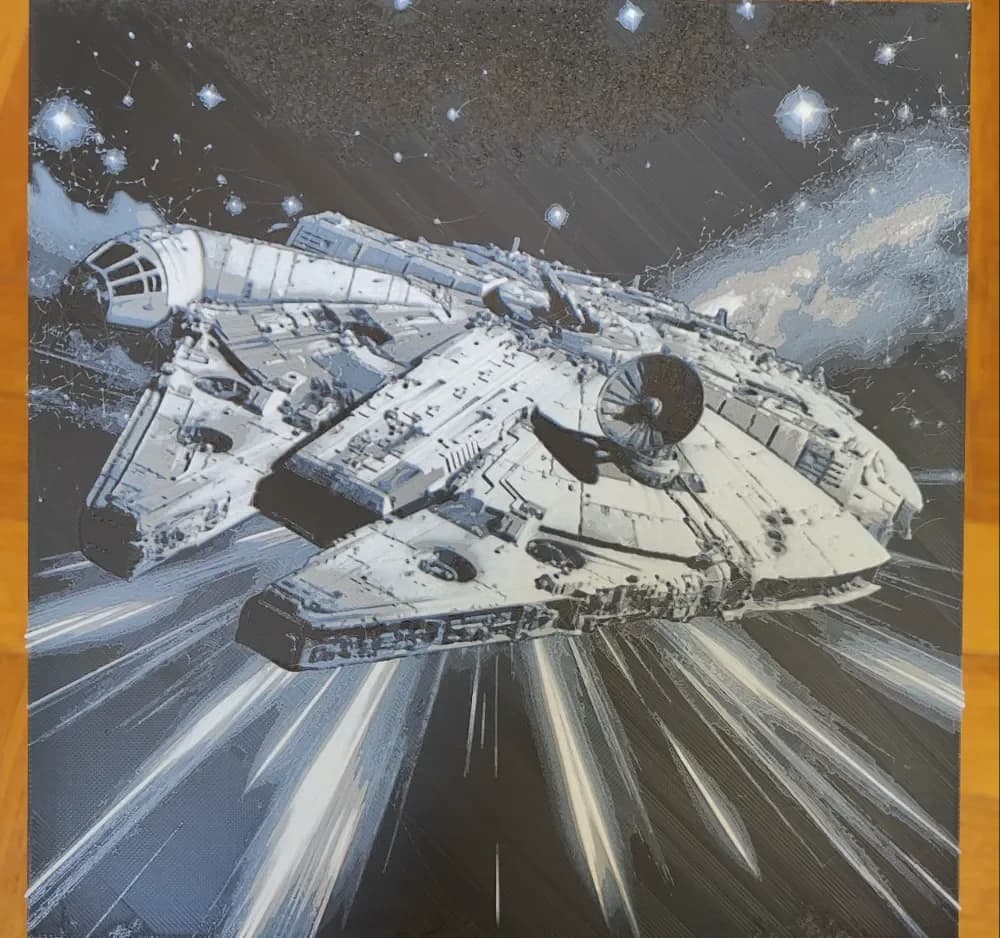
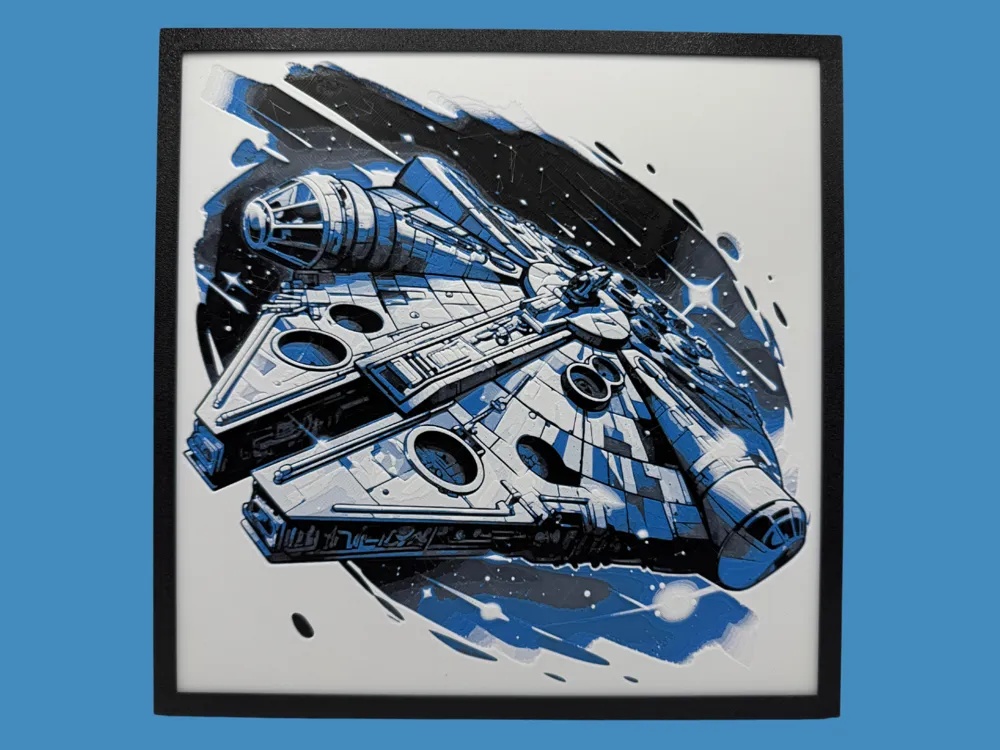
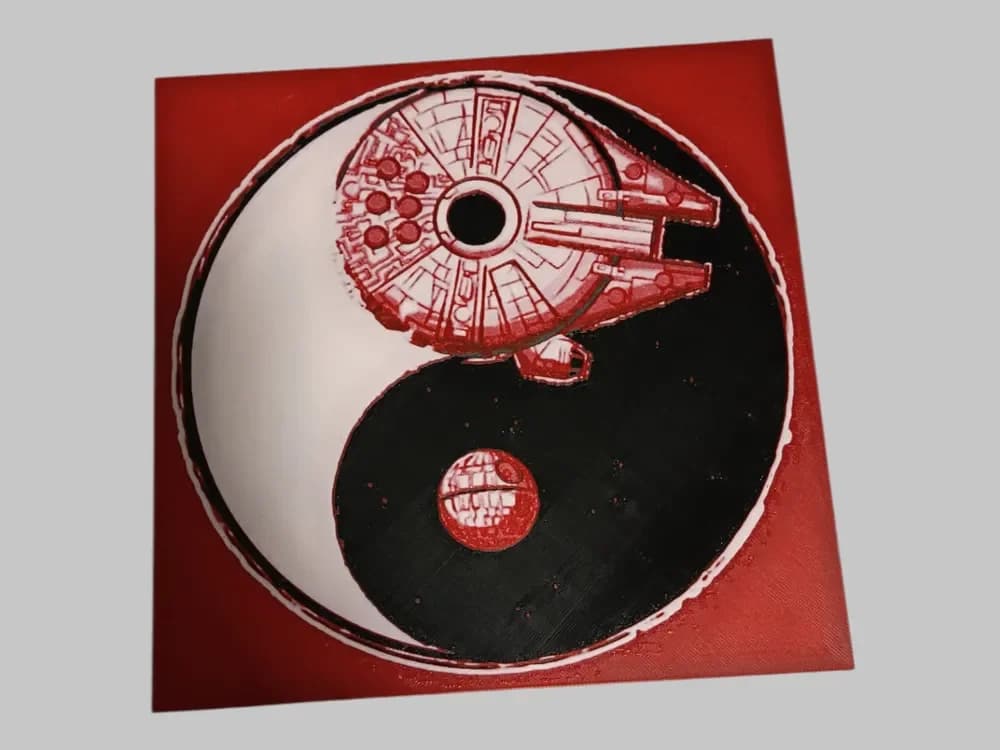
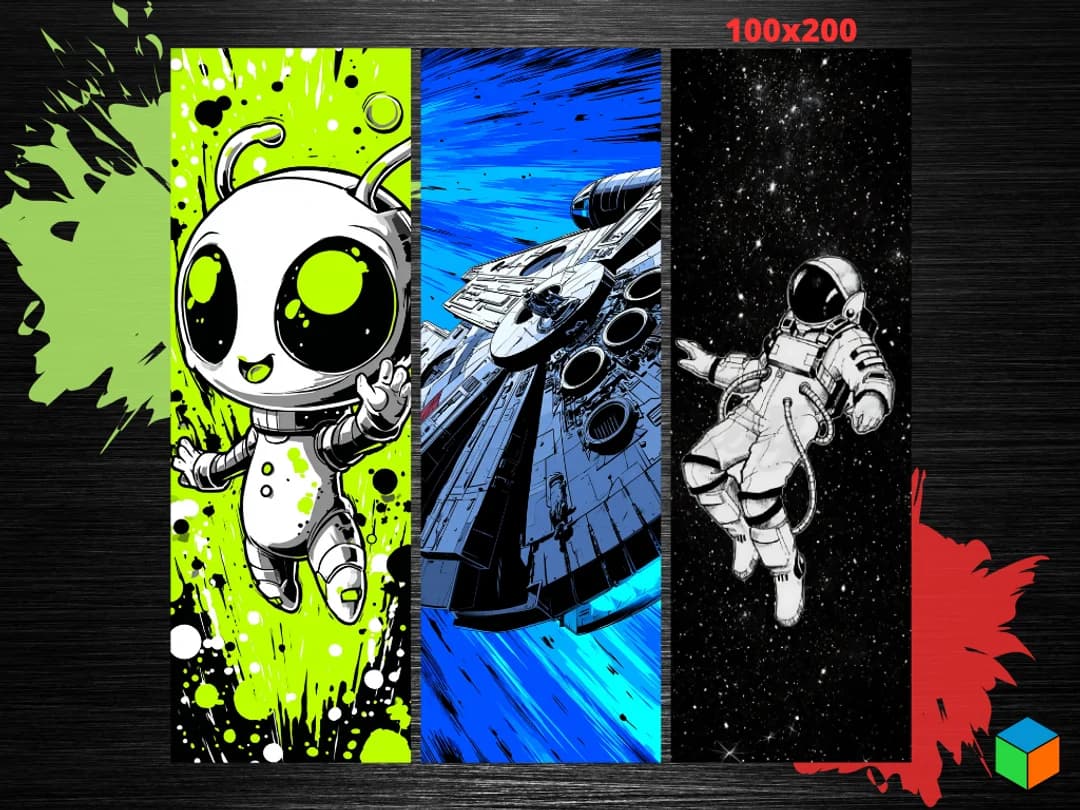
The Falcon is the most-searched ship in the Star Wars HueForge bucket, and it's the model that taught a lot of makers what HueForge could do with hard surfaces. A good Falcon print captures the bones of the ship — the dish, the cockpit, the mandible silhouette — without trying to render every panel line at print scale.
The opinionated take here: silhouette beats panel detail. Models that try to micro-engrave every greeble at a 200mm scale tend to read as noise. Models that lean into the Falcon's unmistakable top-down profile — disc, mandibles, off-center cockpit — read as the Falcon. Pick the one that prioritizes shape over fidelity.
If your printer handles wide landscape orientations well, this is one of the better subjects for a 250-300mm hanging piece. A backlit Falcon at that scale is genuinely cinematic.
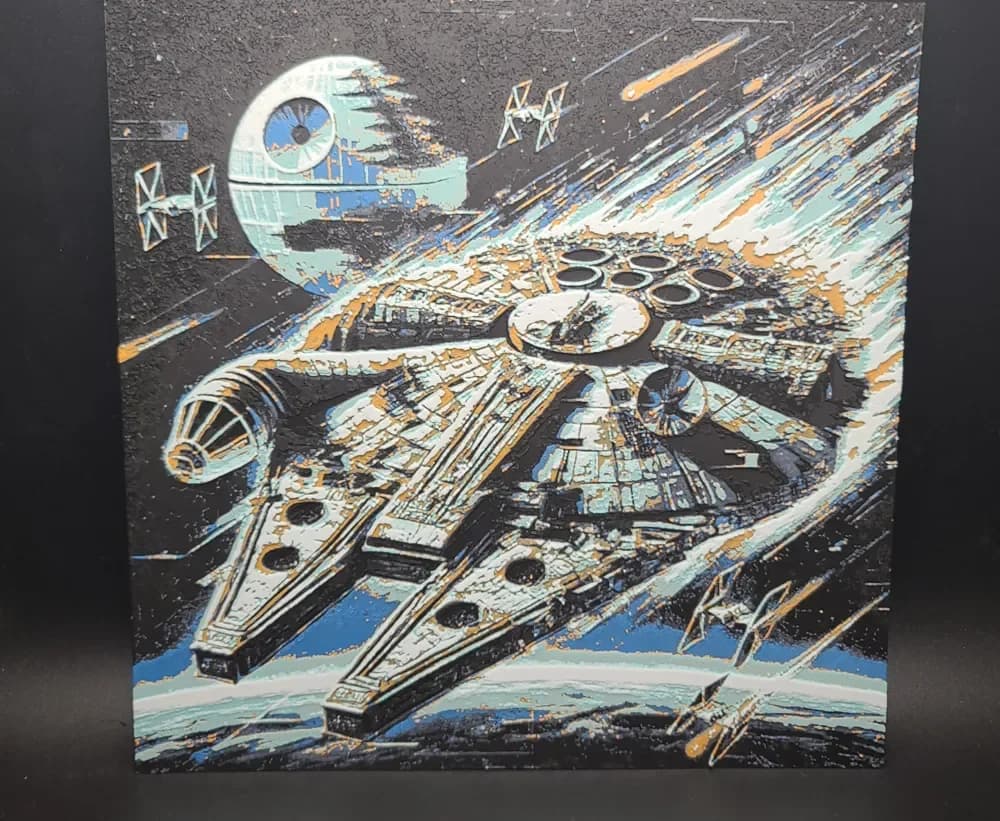


Browse all Millennium Falcon models in the HuePick catalog →
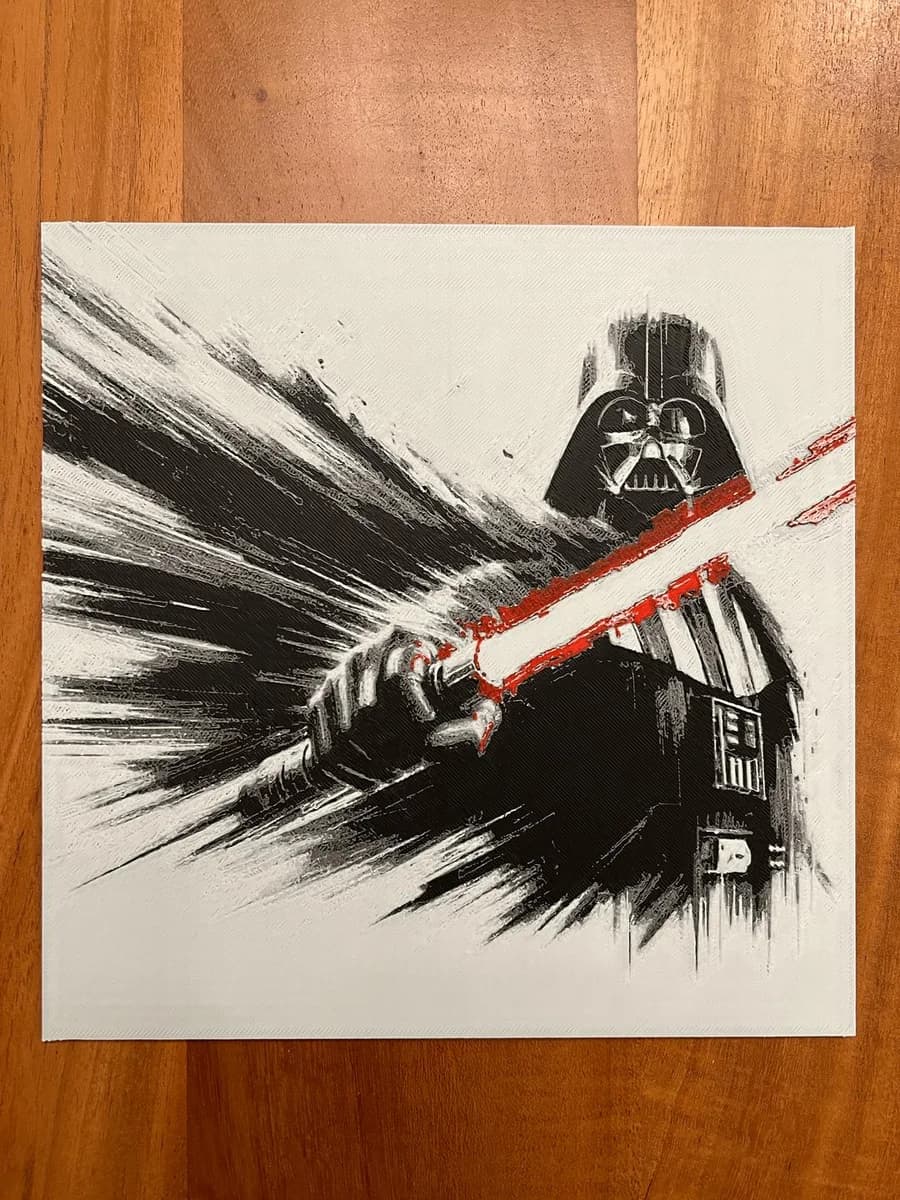
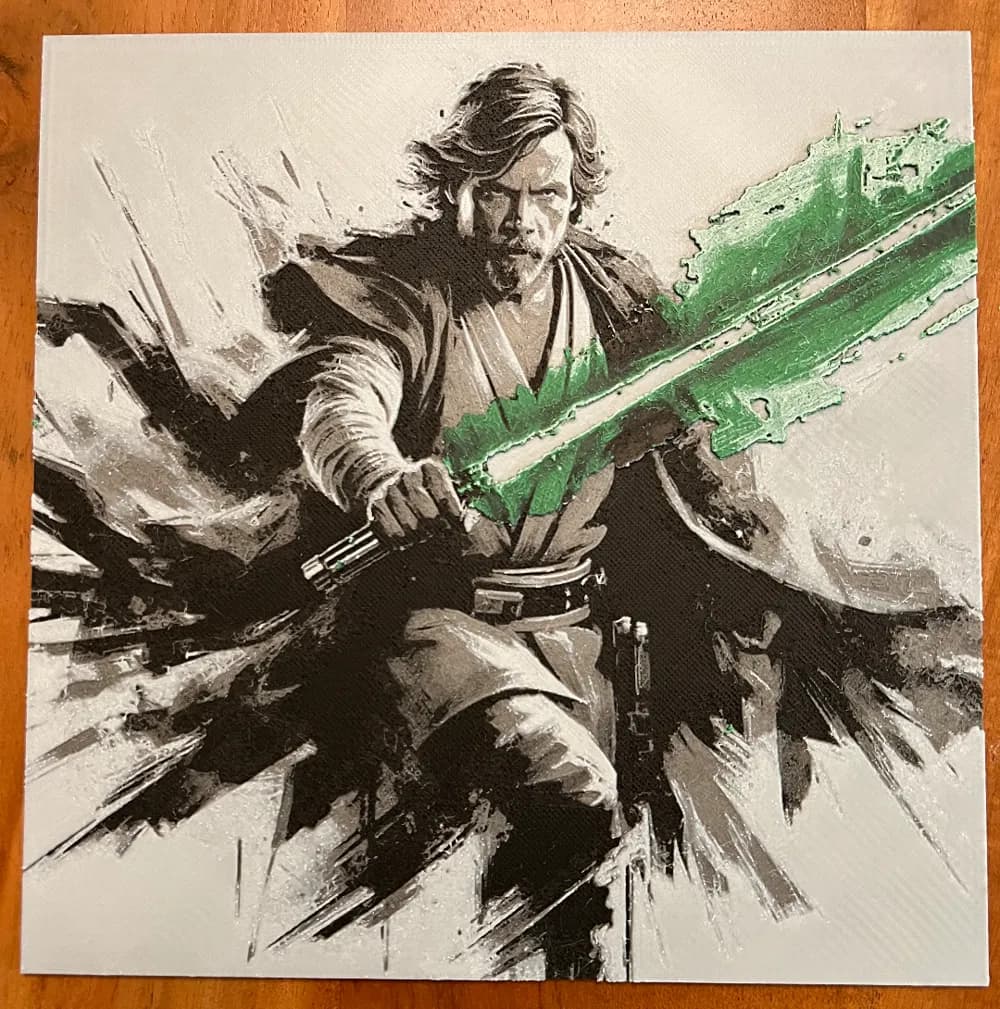
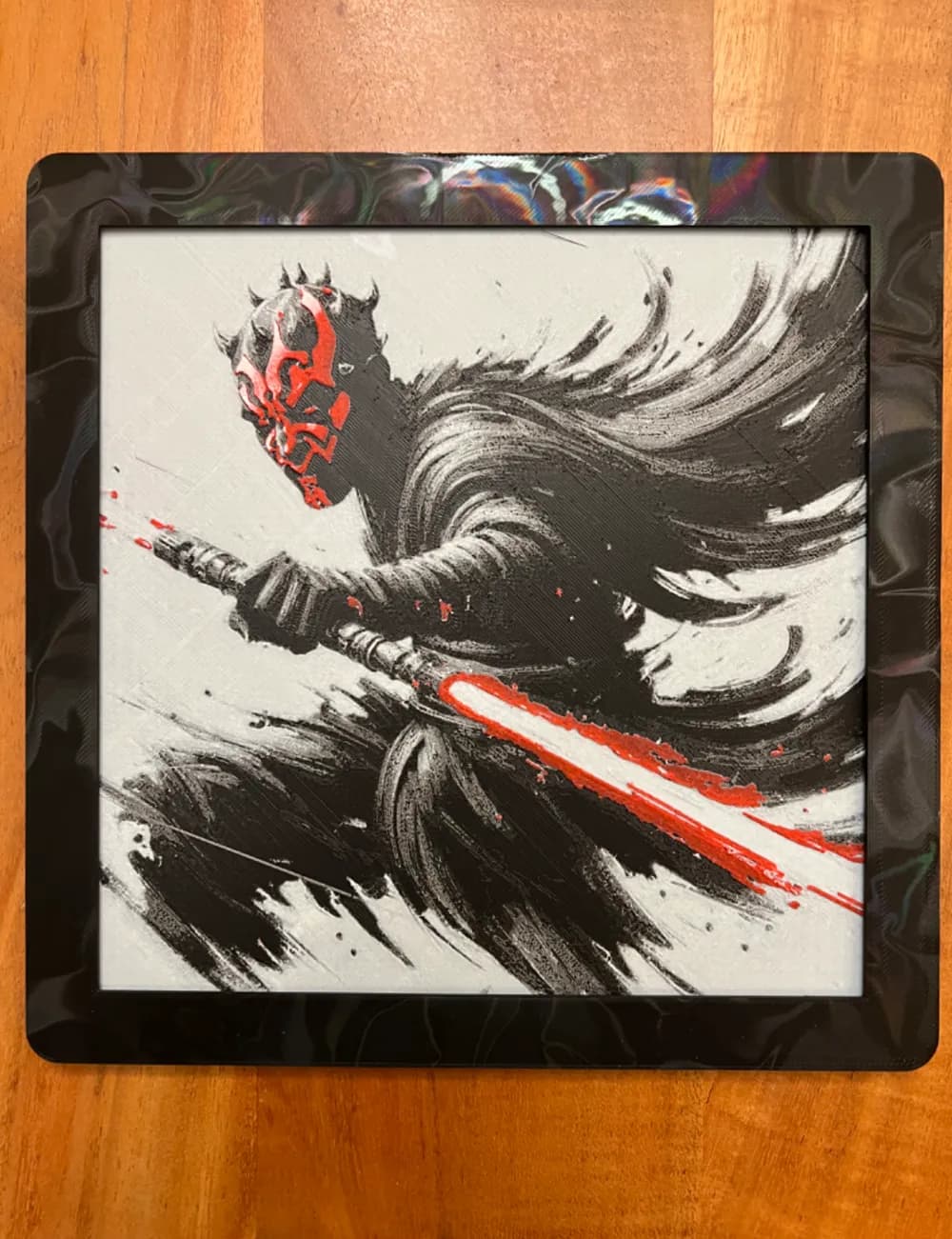
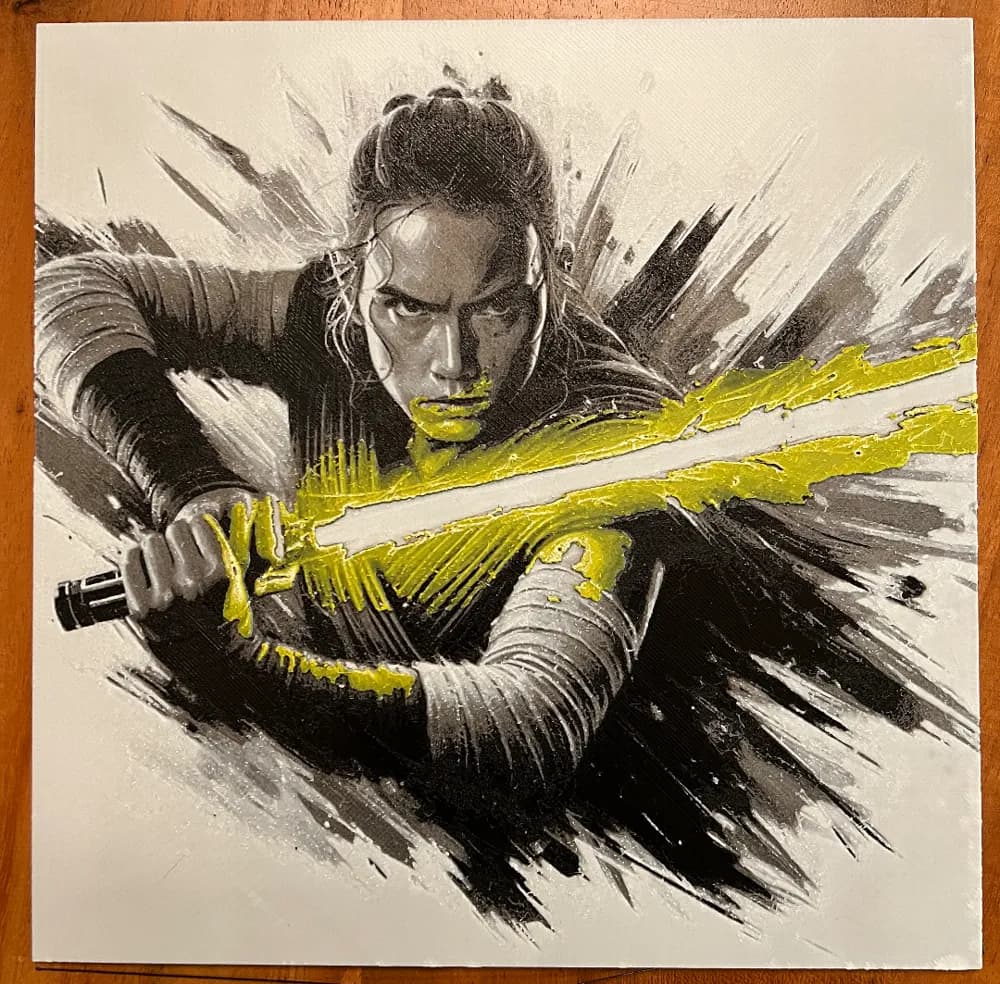
Lightsaber STL Files for HueForge
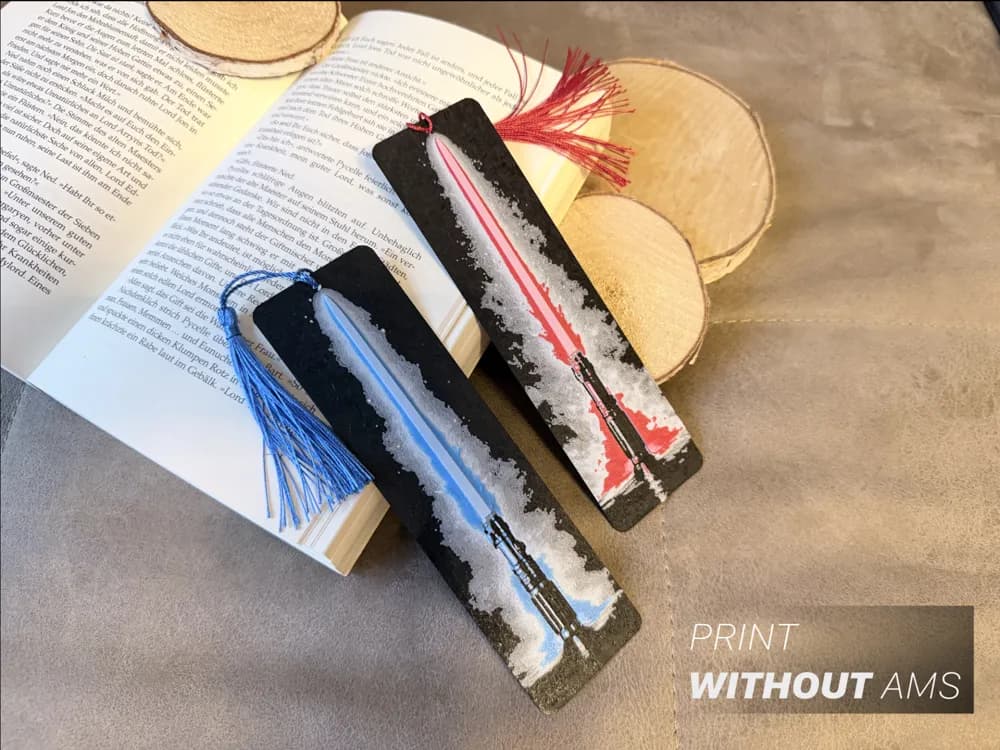
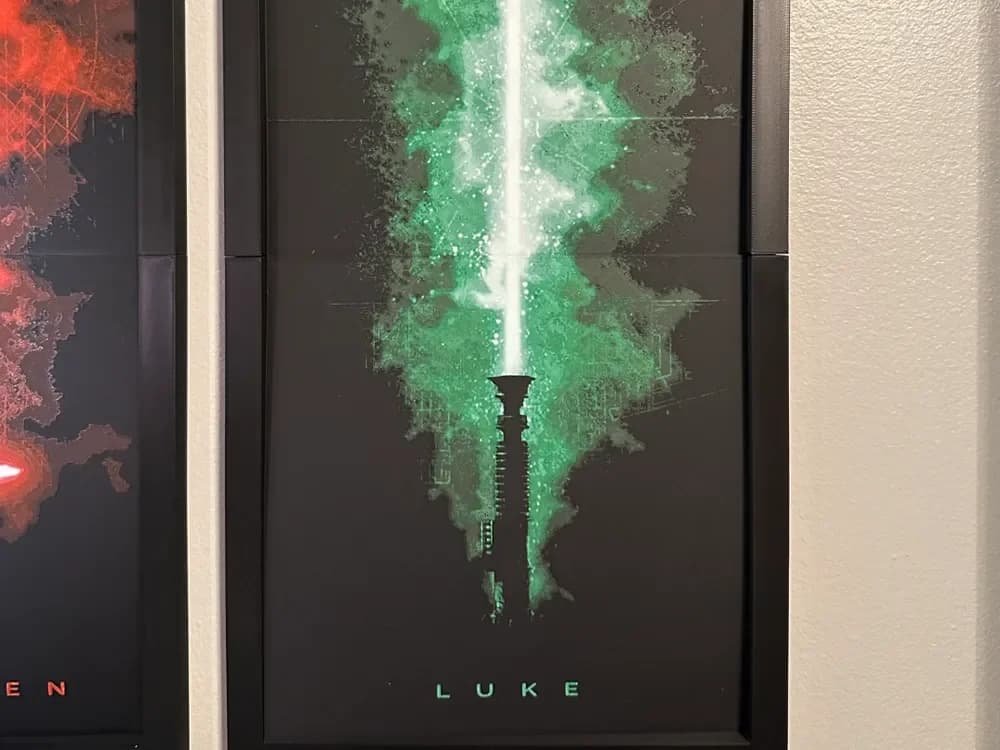
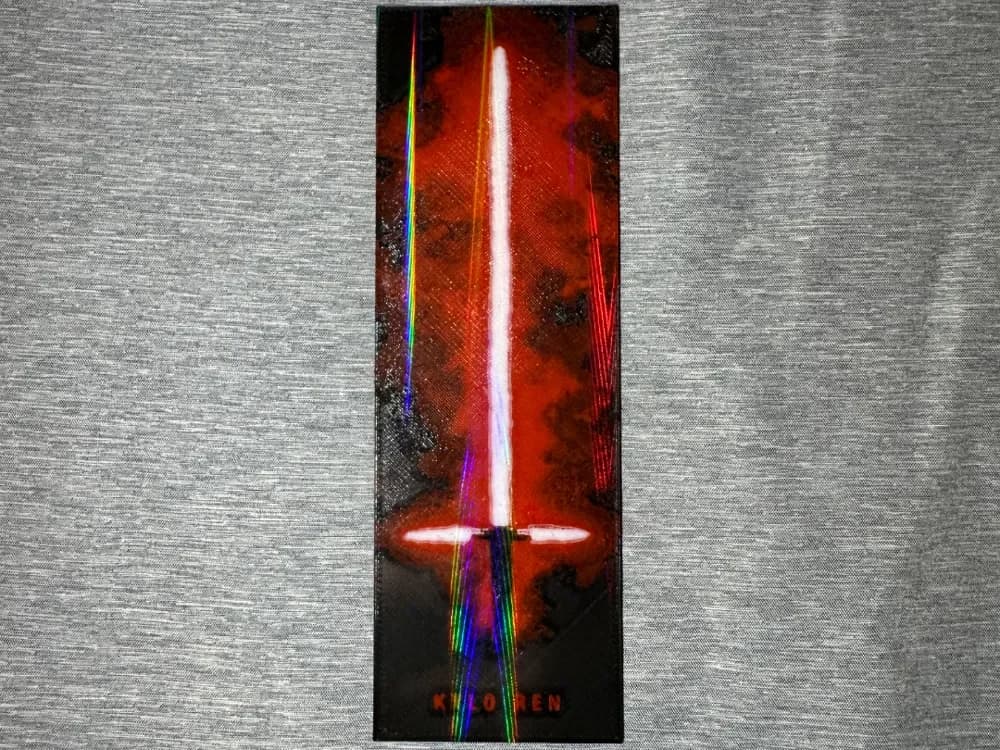
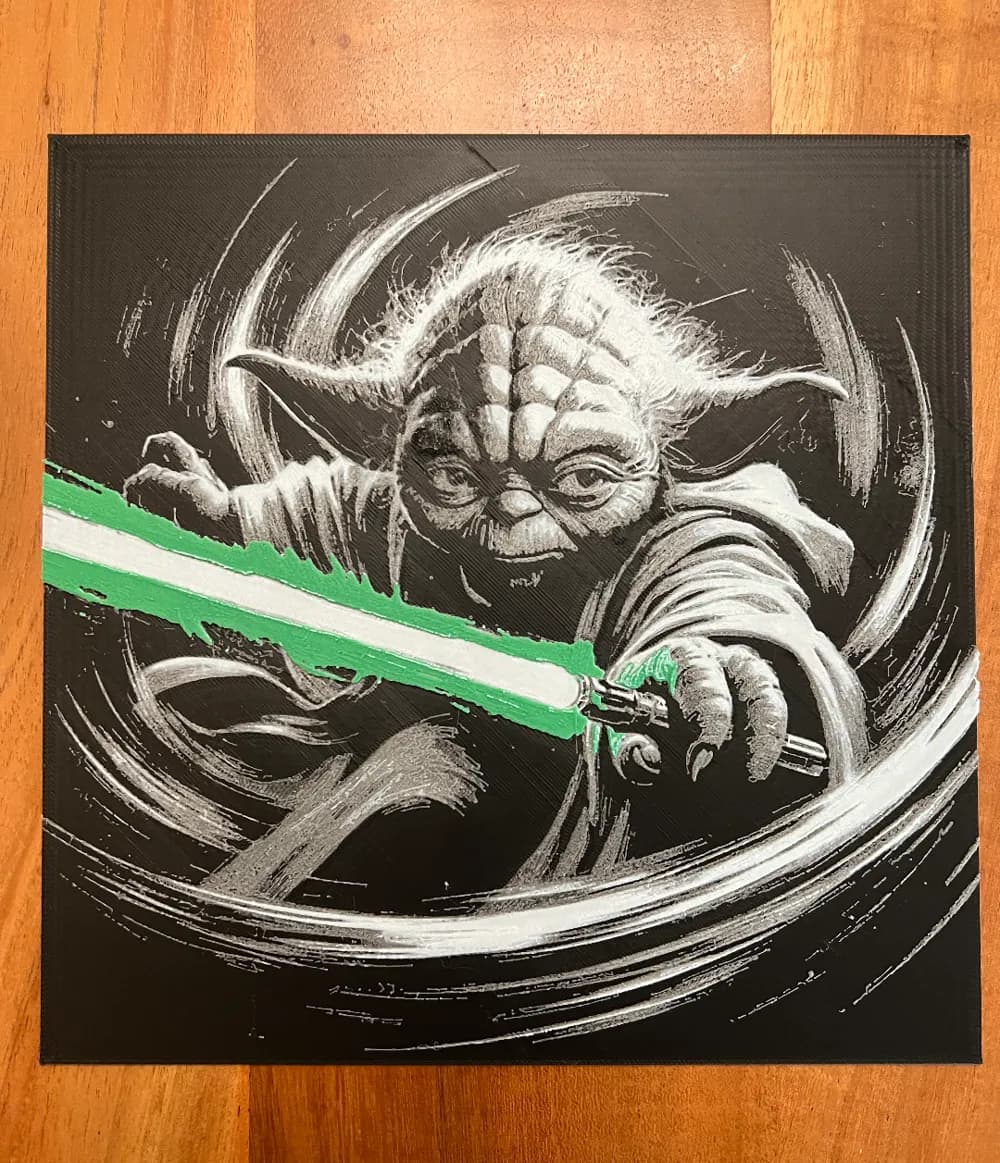
Lightsabers are one of the most narrowly defined sub-entities in this list — one object, one shape — and they happen to be the single best argument for backlighting a HueForge print. An unlit lightsaber is a stick. A backlit lightsaber is a sword of light. If you're going to print one, plan the display before you slice the file.
The opinionated take: the glow IS the print. The hilt detail is a lovely backdrop, but the model lives or dies on whether you can make the blade actually appear lit. That means filament choice (a translucent saturated color in the blade layer, not an opaque one) and a backlight setup that delivers light through the blade specifically. The display guide covers shadow boxes and LED panels — for lightsaber prints, an LED panel positioned behind the print is non-negotiable.
A note for tight-palette makers: a single-blade lightsaber print can be done in three colors (background, hilt, blade) and look spectacular. Don't let the absence of a six-spool palette stop you here.
Browse all lightsaber models in the HuePick catalog →
Death Star STL Files for HueForge
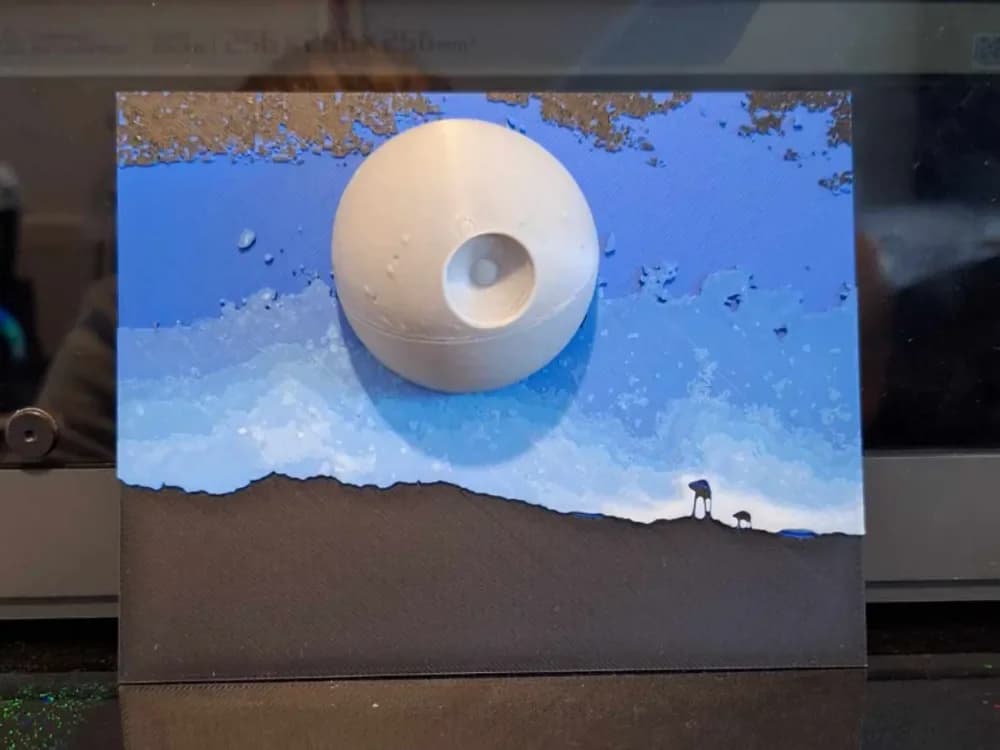
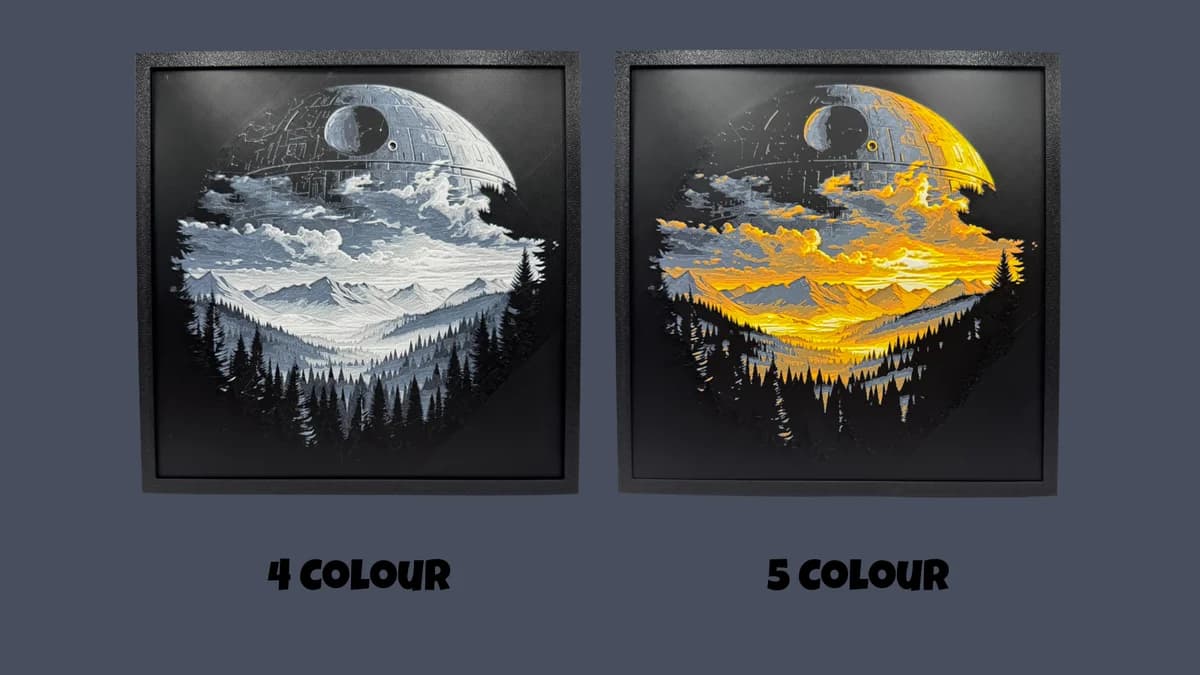
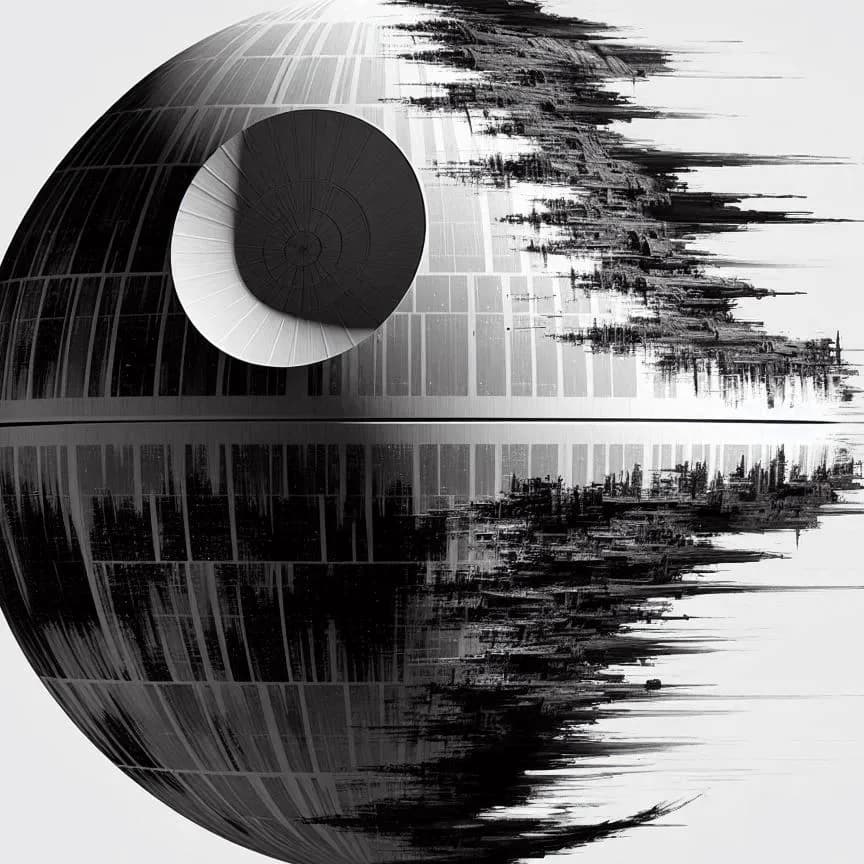
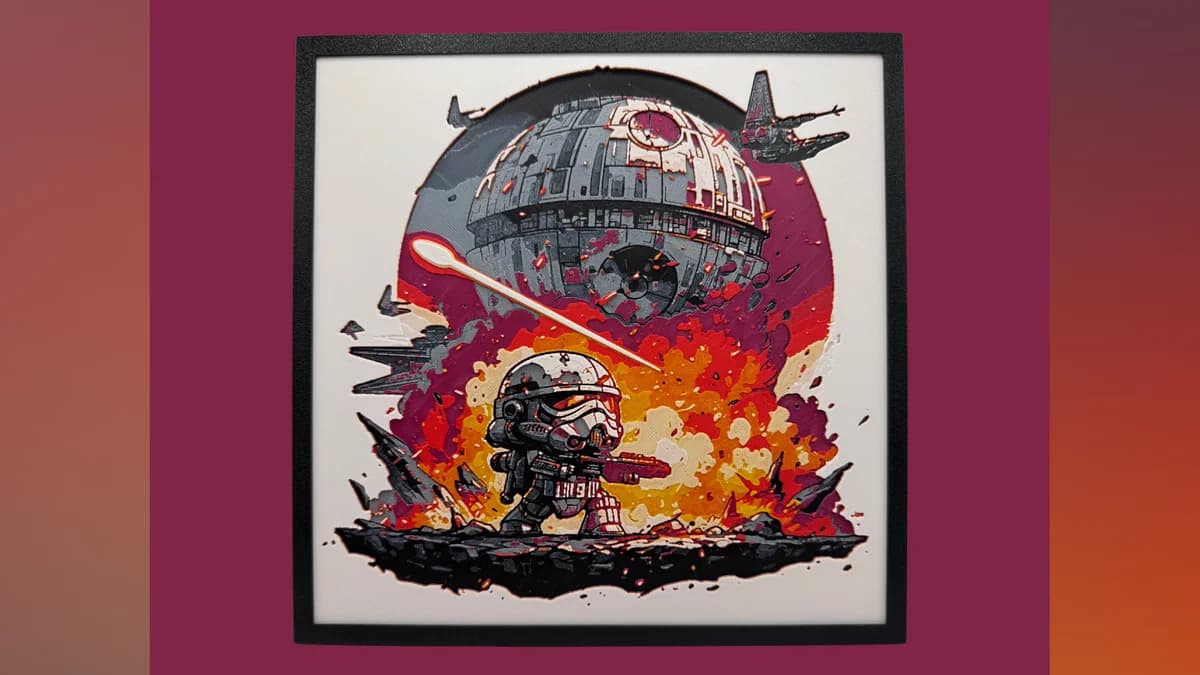
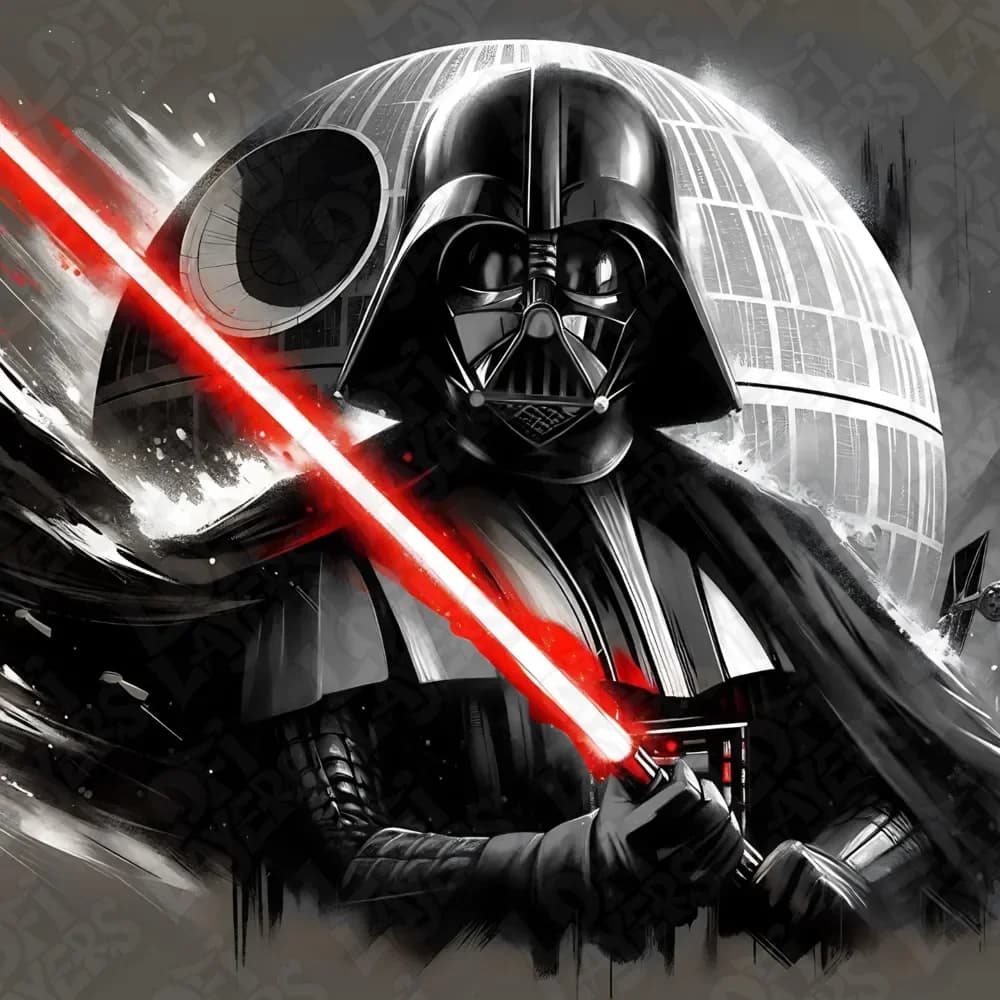
The Death Star is the rare Star Wars subject that prints best as a near-circular composition, and that constraint is actually what makes it work as wall art. A round, planet-sized icon centered on a dark space background gives you something the rest of the catalog can't easily duplicate.
The opinionated take: the superlaser dish and the equator trench are the two shape elements that tell the eye it's looking at the Death Star and not a moon. If those two features aren't crisp in the model, the print won't read. Look for designs that punch up the contrast around them.
Composition matters more here than most subjects. A Death Star alone in negative space looks intentional. A Death Star surrounded by ten ships and a planet starts looking busy at print scale. Most of the standout prints in this category lean minimal.

Browse all Death Star models in the HuePick catalog →
Stormtrooper STL Files for HueForge
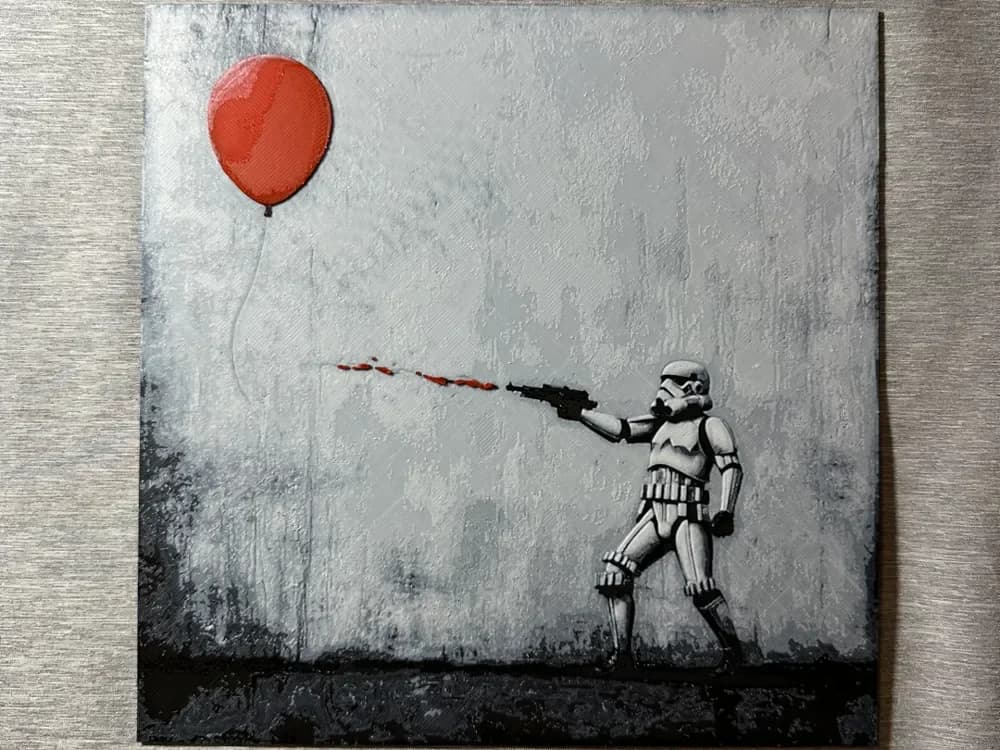
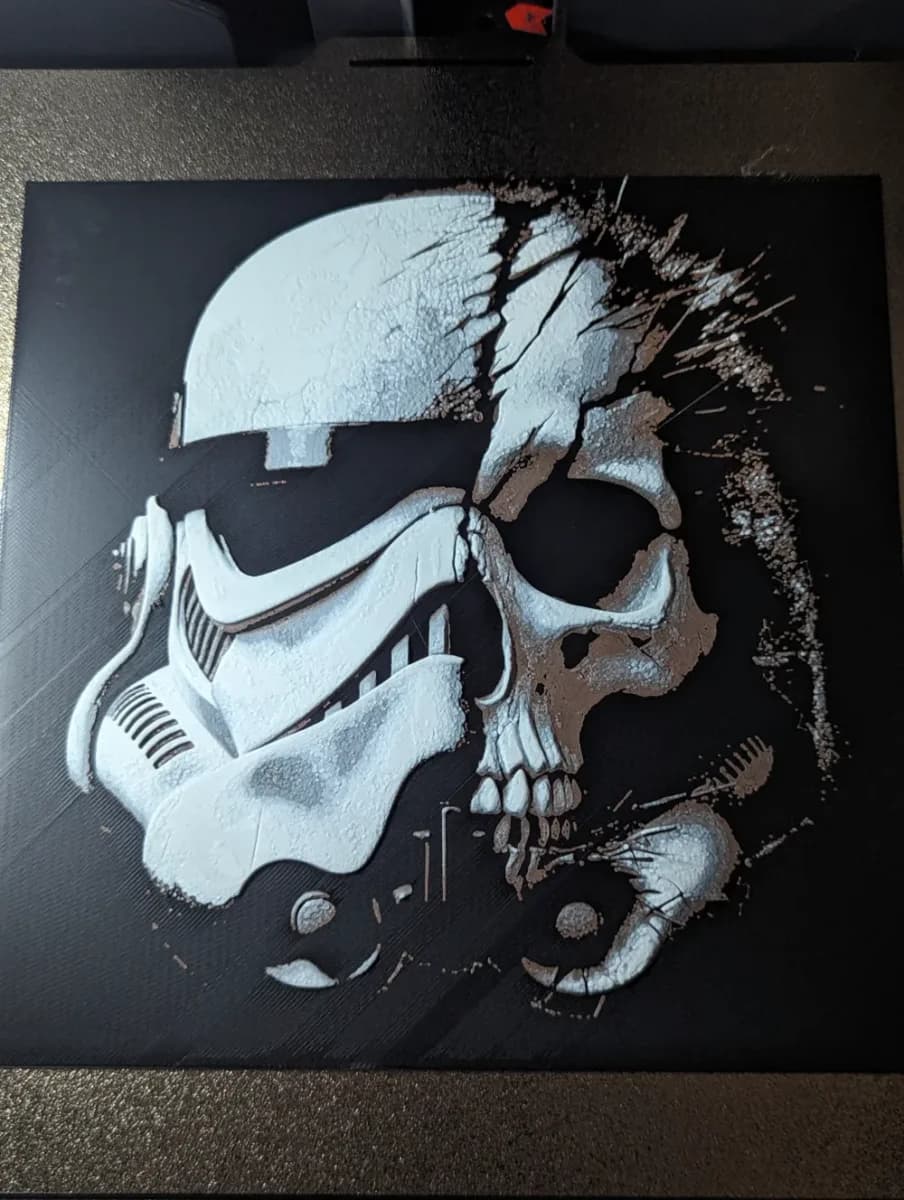
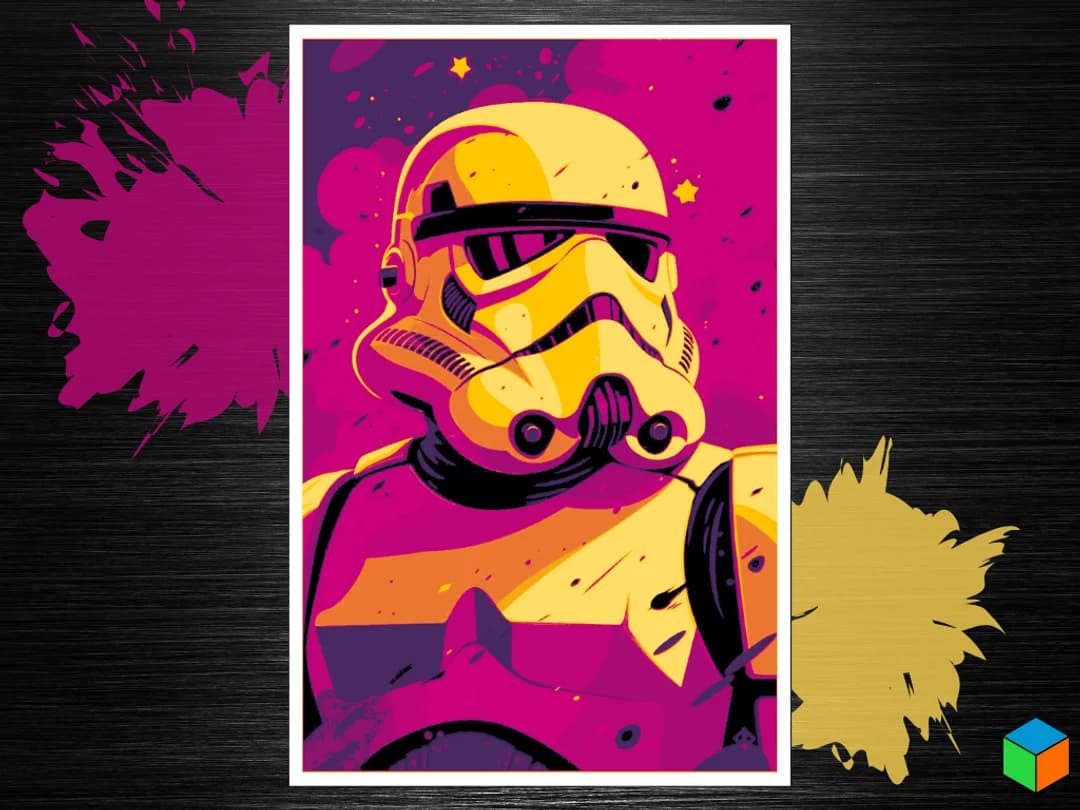
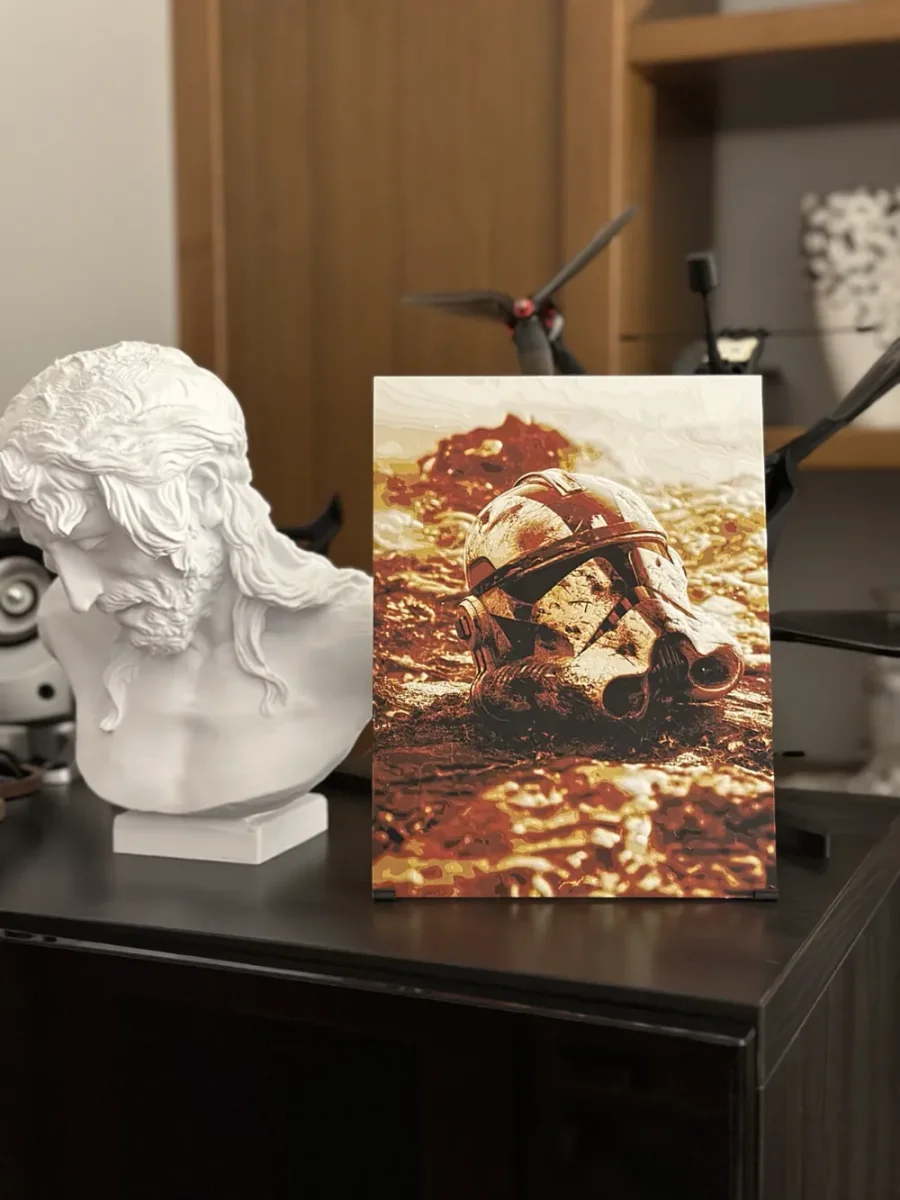
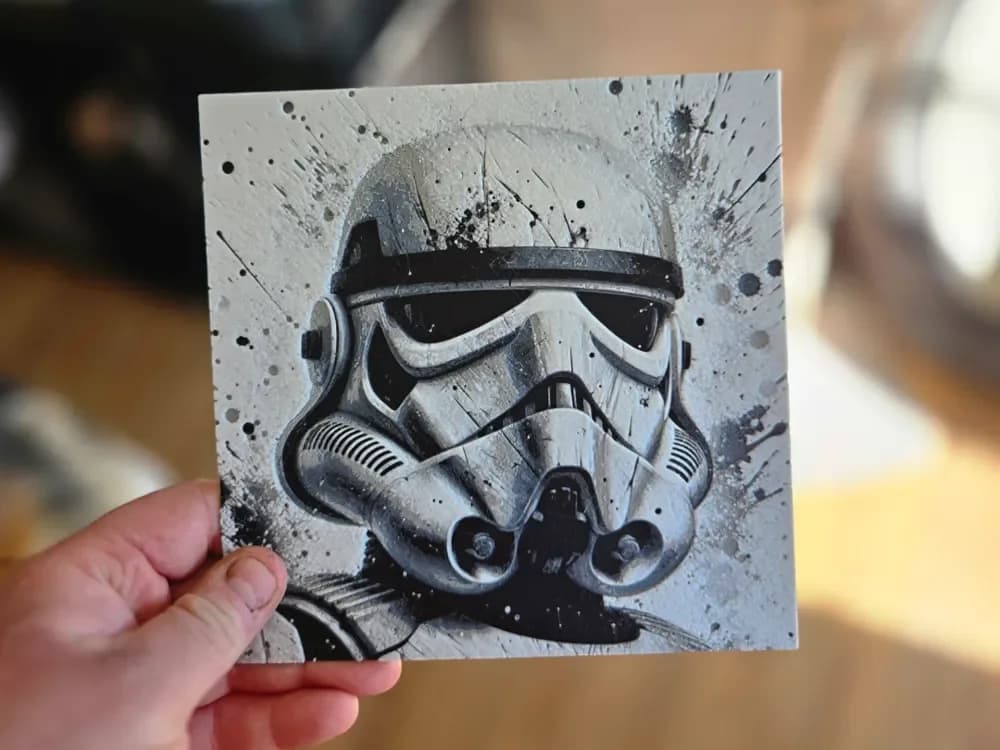
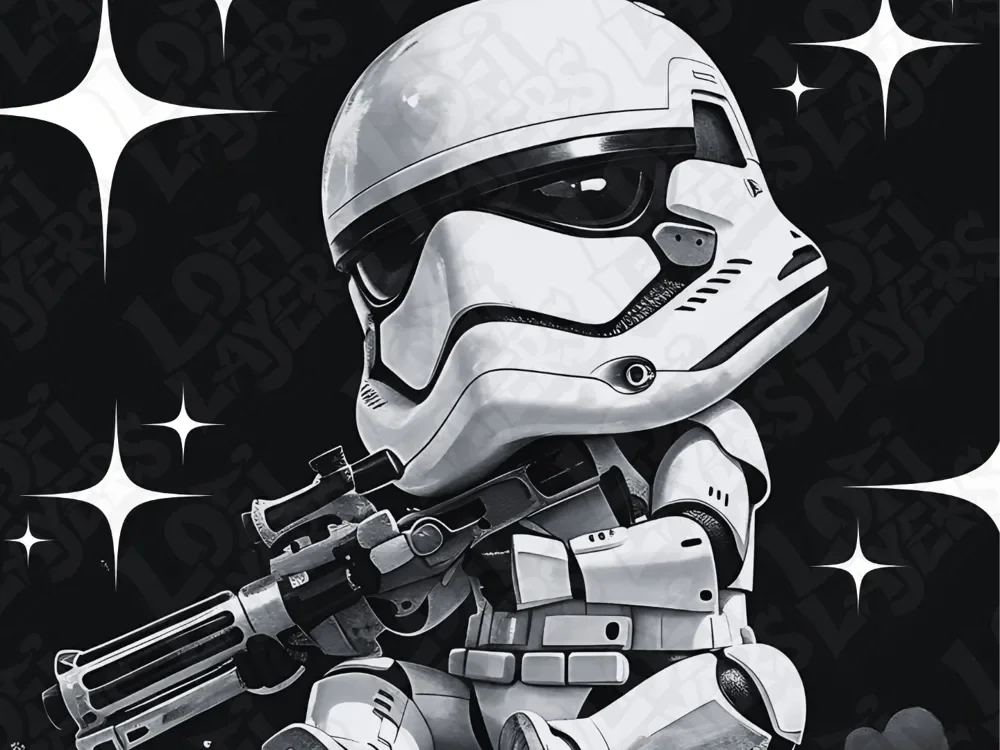
Stormtroopers are the army icon of the Star Wars universe, and the catalog reflects two distinct ways makers approach them: as single-trooper portraits (helmet close-ups, full-figure poses) and as massed scenes (rank-and-file lineups, troopers approaching). Both work in HueForge; they ask different things of the layer plan.
The opinionated take: helmet portraits beat full-body figures at most print scales. The trooper helmet is the recognizable iconography — the body armor reads at full size but mushes at 200mm. If you want a full-figure pose, scale up generously or pick a model designed specifically for compact scales.
If you're combining a stormtrooper print with the Mando helmet section above (visually adjacent subjects), they pair well as a wall set — same general palette, same icon-as-helmet composition.


Browse all stormtrooper models in the HuePick catalog →
X-Wing STL Files for HueForge
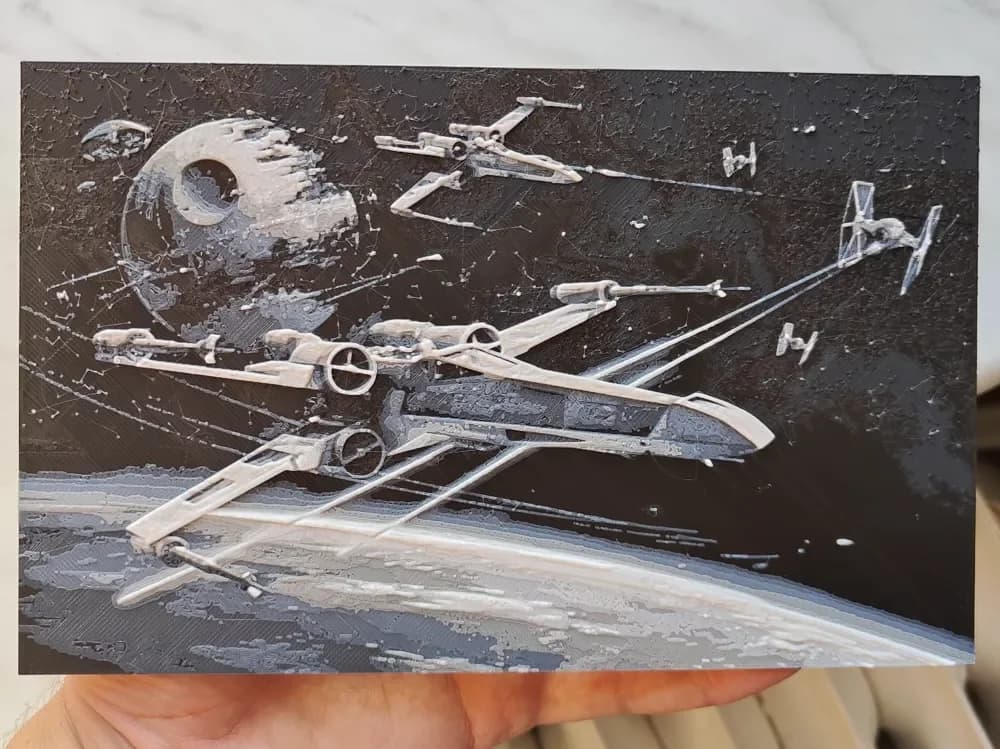
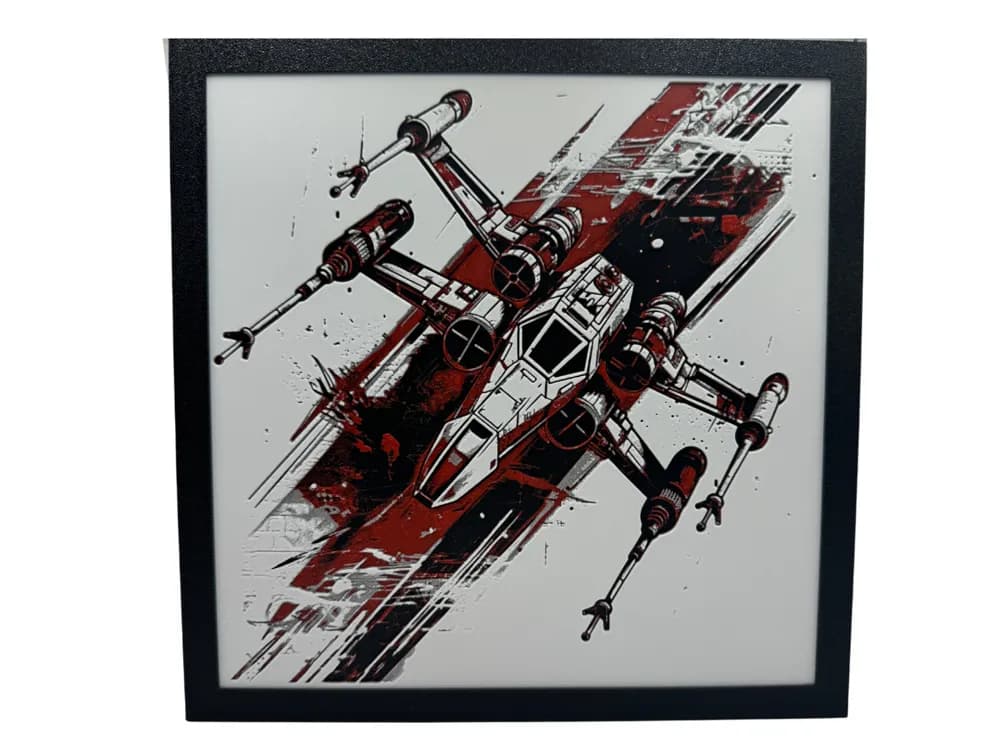
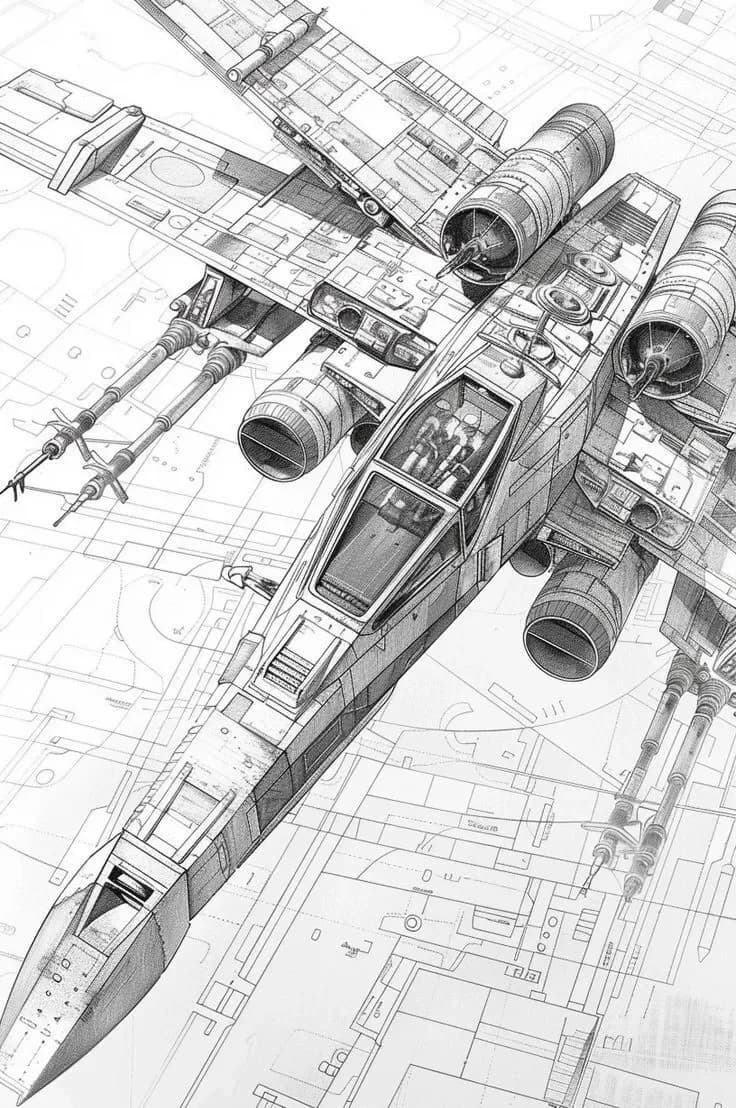
X-Wings sit at the lower end of this pillar by maker search volume but they remain one of the most distinctive ship silhouettes in any sci-fi franchise — the four-engine, S-foils-locked profile is impossible to mistake for anything else. That makes them an easy win as a focused single-subject print.
The opinionated take: the S-foils-open pose is the canonical print. A docked X-Wing with foils closed looks like any wedge fighter; an X-Wing with the foils locked into attack position looks like an X-Wing. Pick the open-foil composition unless you have a specific reason not to.
X-Wings also do well as paired prints — an X-Wing on one side of a wall and a TIE Fighter on the other reads as a coherent set even when the prints are from different designers.

Browse all X-Wing models in the HuePick catalog →
Grogu STL Files for HueForge
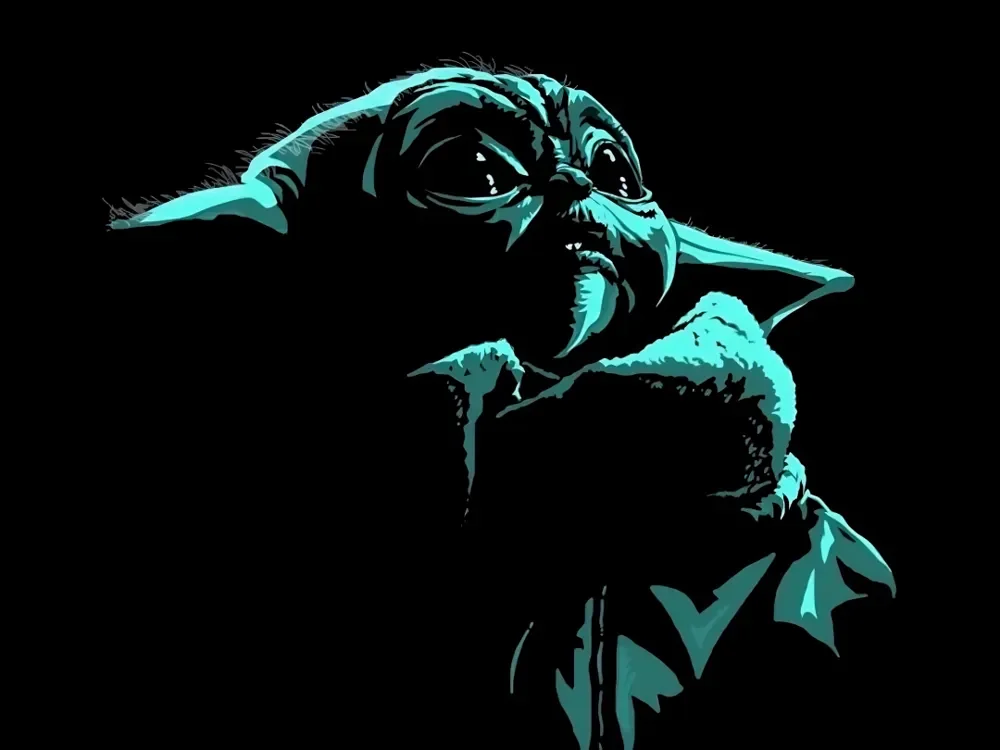
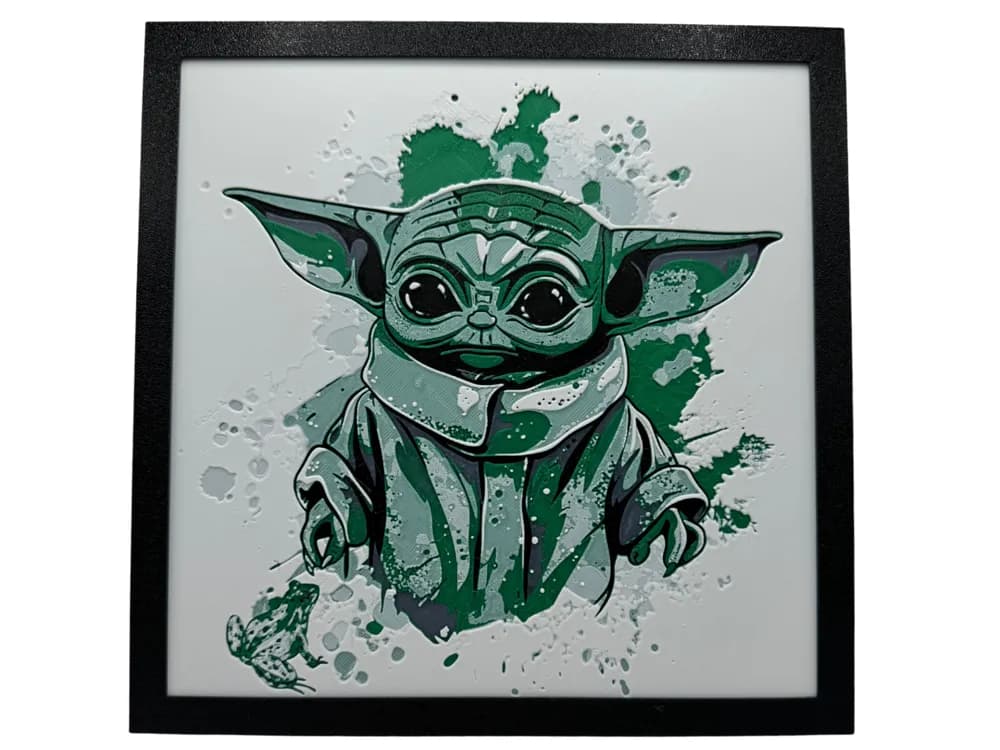
Grogu is the newest entry to the franchise canon represented in this list, and the maker-search volume reflects that — smaller by maker search volume than the legacy icons above, but consistently in demand. He's also the only Star Wars subject in this list with broad appeal outside the existing fan base, which is worth noting if you're printing for a household with mixed taste.
The opinionated take: face-forward portraits are the way. Grogu's appeal is concentrated entirely in the eyes-and-ears geometry, and any composition that turns him to profile or buries him in environment loses the recognition payoff. Pick a portrait. Center the face.
A practical note for tight-palette setups: Grogu is one of the more forgiving subjects on this list. A four-color print (skin, robe, eyes, background) is enough — the whole effect rides on the silhouette of the ears and the size of the eyes, not on filament depth.

Browse all Grogu models in the HuePick catalog →
What's Next After You Pick a Star Wars Print?
Once you've found a model from the sections above, the rest of the workflow is what makes the print actually land on the wall. Color choice is the single biggest variable — Star Wars subjects are full of identifiable signature palettes (the silver-and-blue of a beskar helmet, the saturated red of a Sith blade, the dust-orange of Tatooine), and getting your filaments close to those palettes is what makes a print read as the thing it's meant to be. The Choosing Filament Colors for HueForge guide walks through how to build a palette around a specific model.
Display matters more here than for most subjects. Lightsabers in particular need a backlight to function as the print they're meant to be — a dim, ambient-lit lightsaber print is a stick of plastic. The How to Display 3D Printed Art at Home post covers the practical setups, from a $20 LED panel on a desk to a permanent wall installation.
If your taste runs toward other franchise IP, two related roundups are worth checking:
- Best Marvel STL Files — symbiotes, Avengers, iconic items
- Best Pokemon STL Files — Pokeballs, Gengar, Snorlax, Legendaries
And if you'd rather skip the curation and browse the full Star Wars section of the catalog yourself, the Star Wars search surfaces the seven sub-entities above plus a long tail of related work — Tatooine vistas, Boba Fett portraits, droid prints, and the rest of the franchise's deep bench.
Pick the icon you most want on your wall, calibrate your filaments against the recommended TD values, and hang the result somewhere with a strong backlight behind it. That's the whole loop.