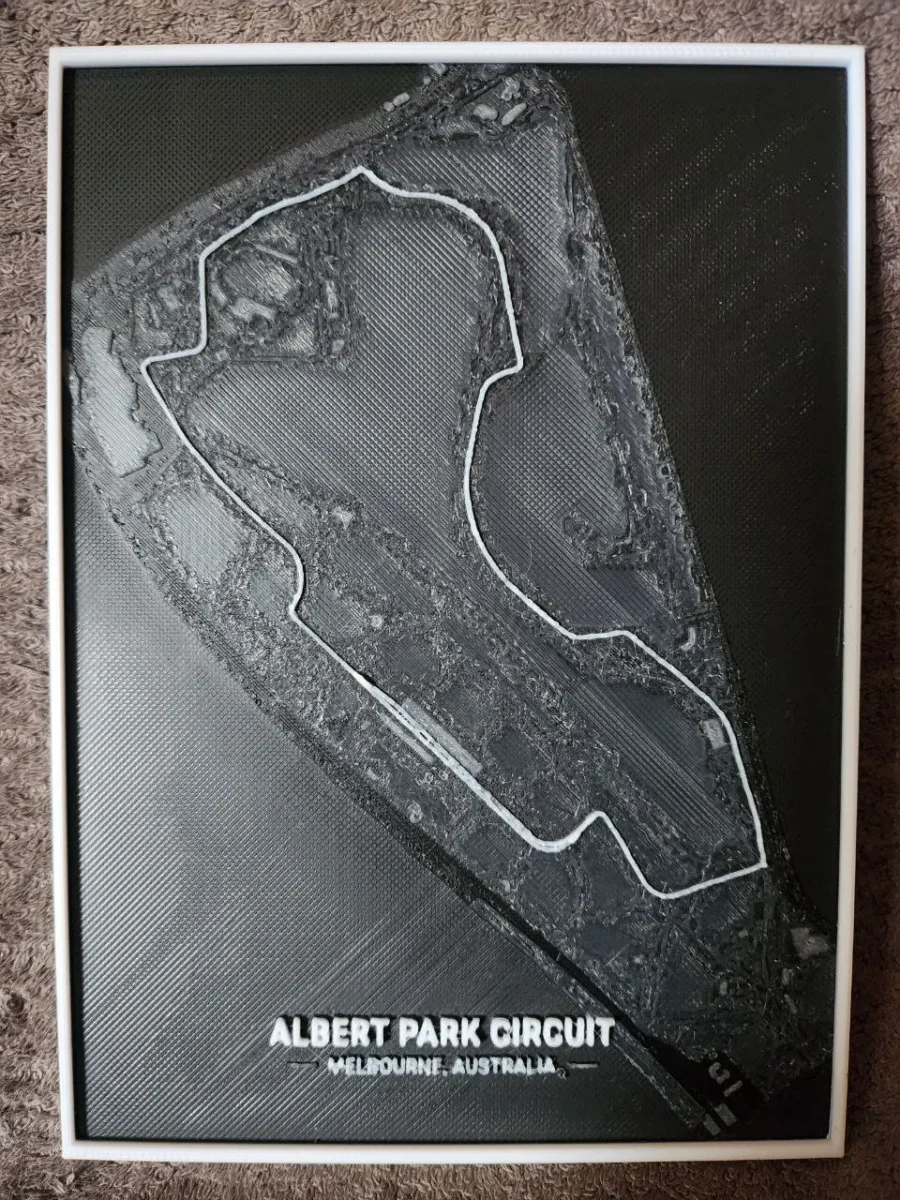
Albert Park Circuit F1 - HueForge
by keko
The iconic Formula 1 circuit winds through Albert Park's lakeside landscape in this striking aerial perspective. Designer keko captures Melbourne's legendary racing venue with dramatic contrast, using deep charcoal tones for the water and surrounding parkland while crisp white lines trace the track's distinctive layout. The composition showcases the circuit's unique characteristics, from its sweeping lakeside curves to the technical sections that challenge drivers each March. This monochromatic interpretation transforms the famous street circuit into a bold geometric study of speed and precision.
View on MakerWorldRequired Filaments3
Why filament details may vary
Filament details (brand, color, and TD value) may not exactly match the designer's original specification. In some cases, the designer didn't specify exact filaments and we've matched the closest options we could find. Always check the original listing for full details.
Some filament links are affiliate links — we may earn a small commission at no extra cost to you. Learn more
Sign up to track your filament inventory and check your matches.
Create accountYou Might Also Like
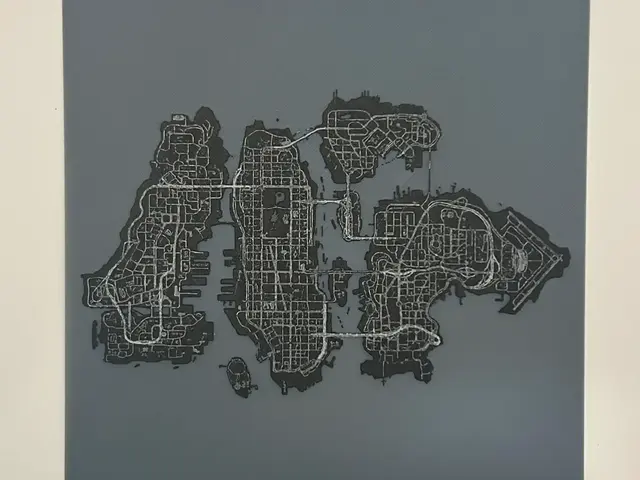
GTA Liberty City HueForge
by CreativeDestructions
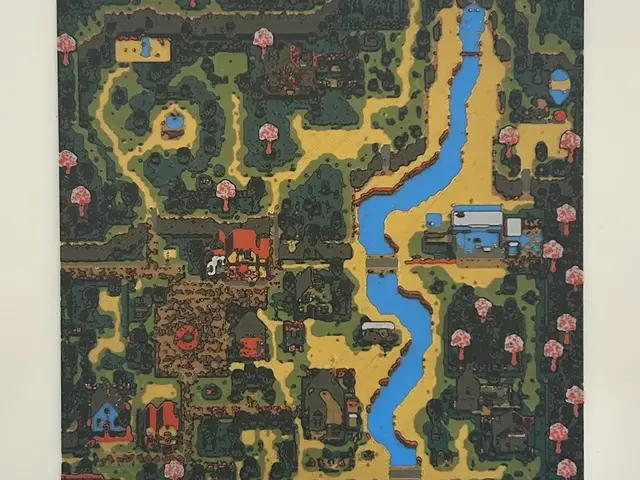
Stardew Valley Pelican Town HueForge
by CreativeDestructions
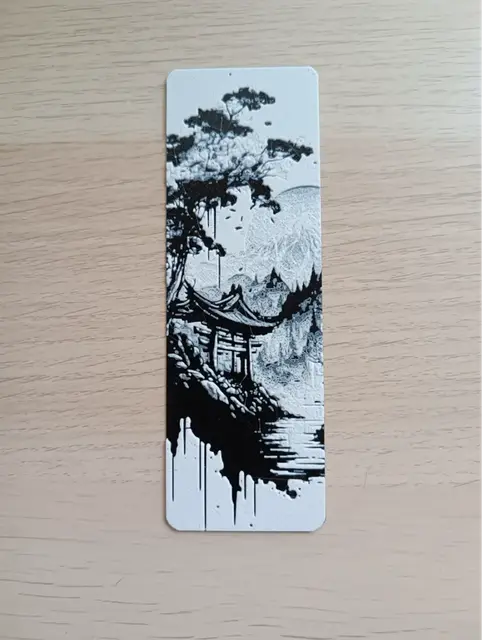
Japan Bookmark
by Atrus Design
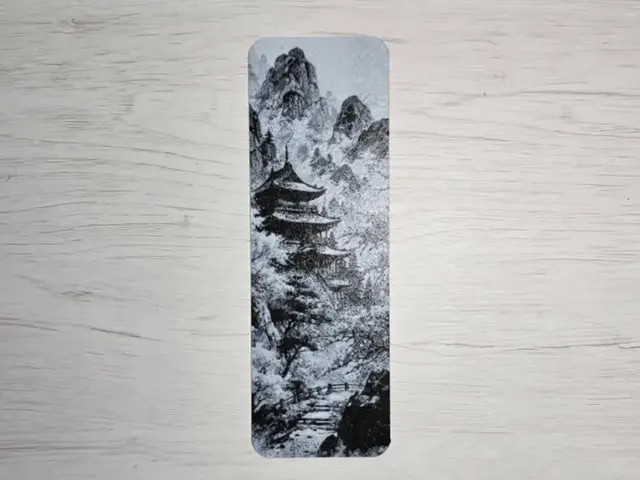
Japan Bookmark
by Atrus Design
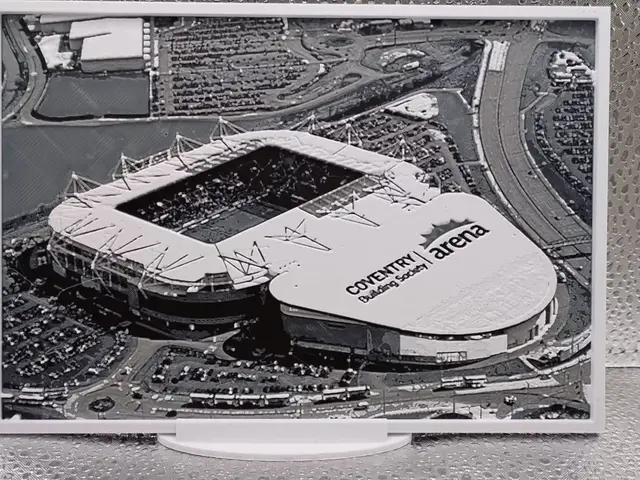
Coventry City - CBS Arena Hueforge
by Borishotch Industries
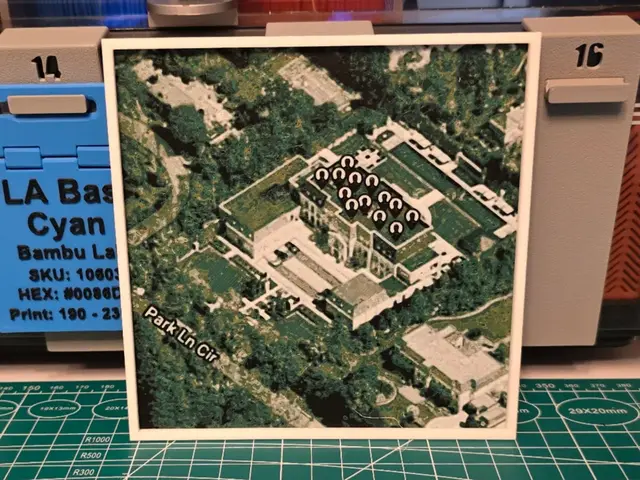
Kendrick Lamar "Not Like Us" Single - Hueforge Art
by Lumpy3D
Recent Articles
View all
Best Christmas 3D Prints for HueForge: Ornaments, Santa & Holiday Movie Posters
The Christmas 3D prints worth making as HueForge filament paintings — tree ornaments, Santa and snowmen, holiday movie posters, festive fandom crossovers, and gift tags, grouped by theme.
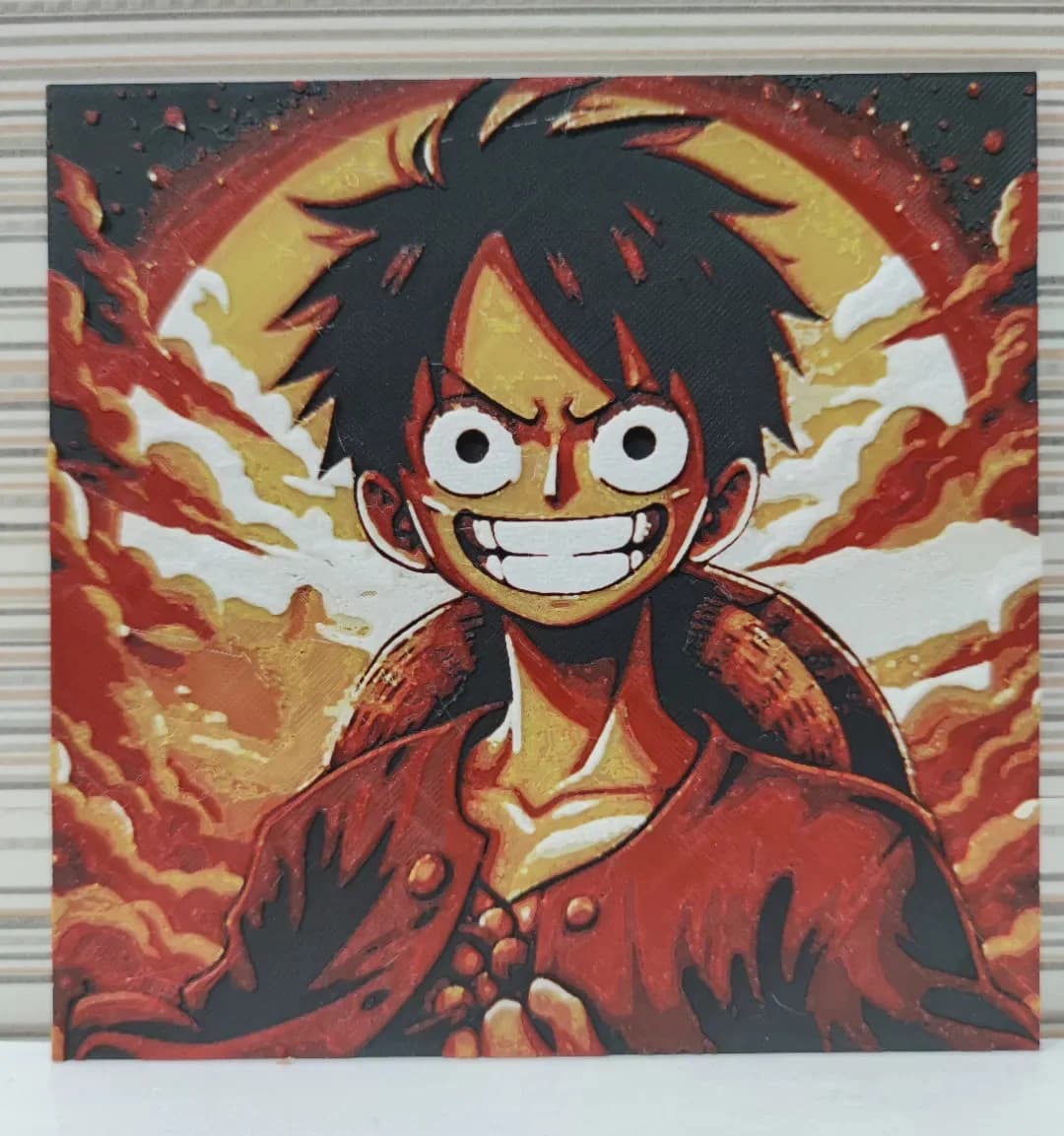
Best Anime 3D Prints for HueForge: From Shōnen Classics to the Modern Wave
The best anime 3D prints to make as HueForge filament paintings — One Piece, Naruto, Dragon Ball, Demon Slayer, Jujutsu Kaisen, Frieren, Gundam, and anime bookmarks, each linked in the HuePick catalog.
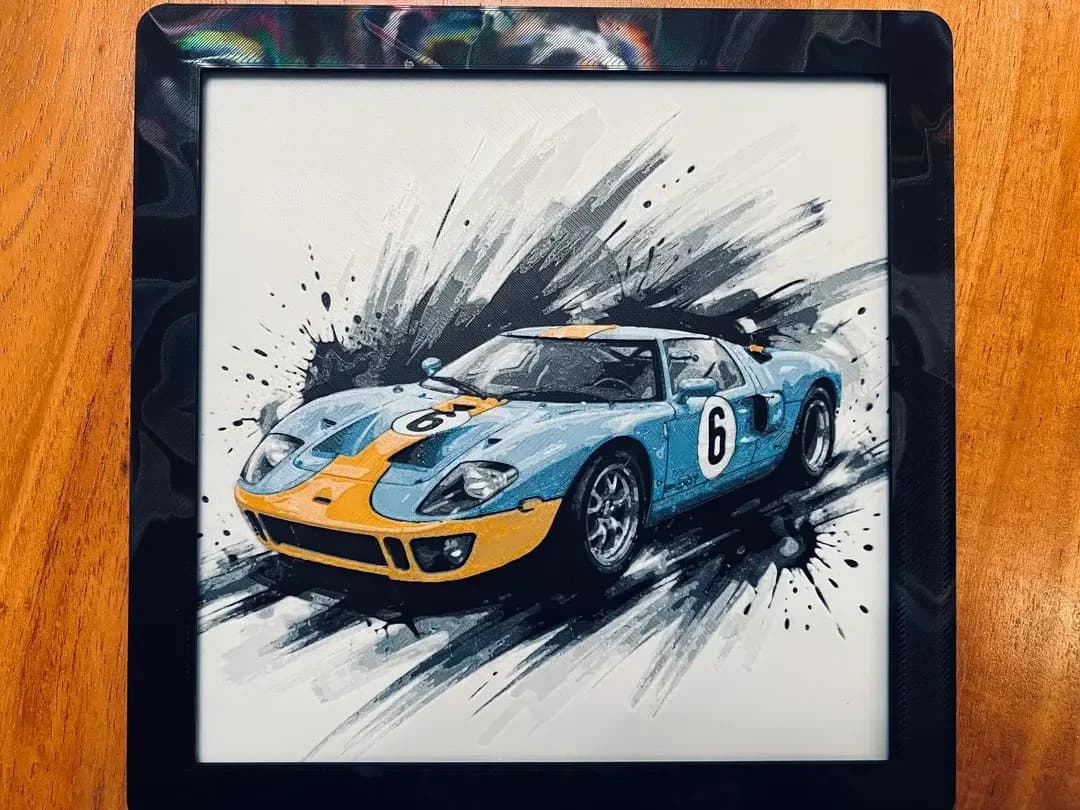
Best Car 3D Prints for HueForge: From Japanese Icons to Movie Cars
The best car 3D prints to make as HueForge filament paintings — JDM legends, supercars, American muscle, F1 and rally posters, and movie icons like the DeLorean, each linked in the HuePick catalog.