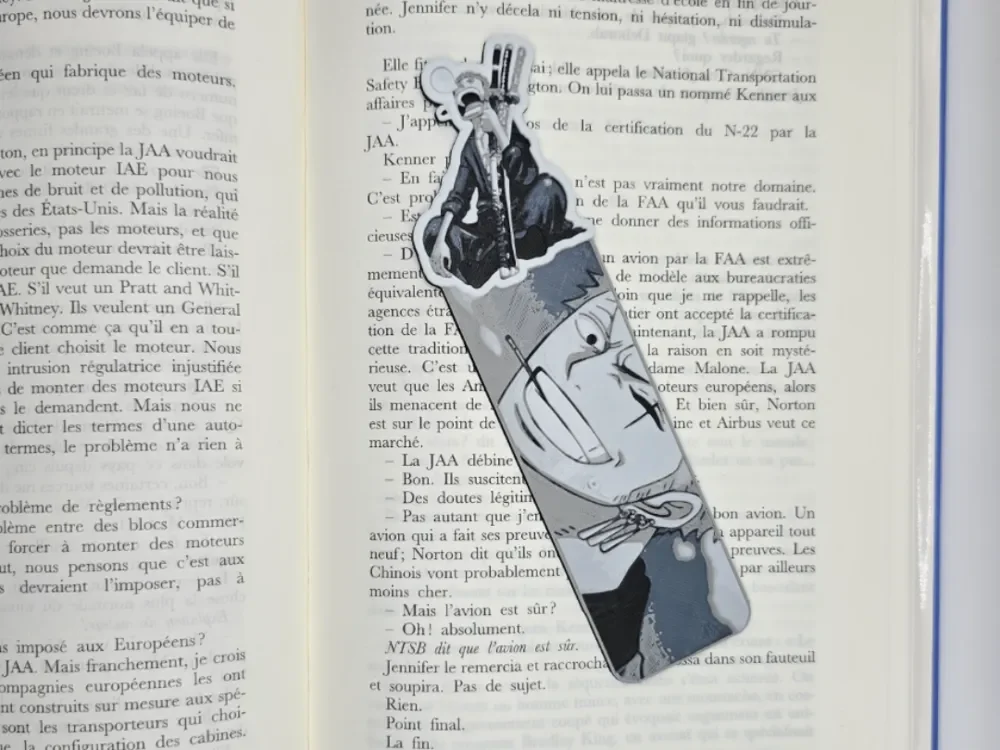
Bookmark Roronoa Zorro One piece
by Kactus Fpv
The legendary three-sword swordsman emerges from the pages in striking monochromatic tones, his distinctive green hair and serious expression captured with remarkable detail. Roronoa Zoro's iconic katana are positioned across his frame, while subtle shading creates depth and dimension throughout the composition. The grayscale palette emphasizes the character's stoic determination, making this a perfect tribute to One Piece's beloved pirate hunter turned Straw Hat crew member.
View on MakerWorldRequired Filaments4
Bambu Lab Basic Blue Gray
Bambu Lab Basic Jade White
Bambu Lab Basic Gray
Generic Black
Why filament details may vary
Filament details (brand, color, and TD value) may not exactly match the designer's original specification. In some cases, the designer didn't specify exact filaments and we've matched the closest options we could find. Always check the original listing for full details.
Some filament links are affiliate links — we may earn a small commission at no extra cost to you. Learn more
Sign up to track your filament inventory and check your matches.
Create accountYou Might Also Like
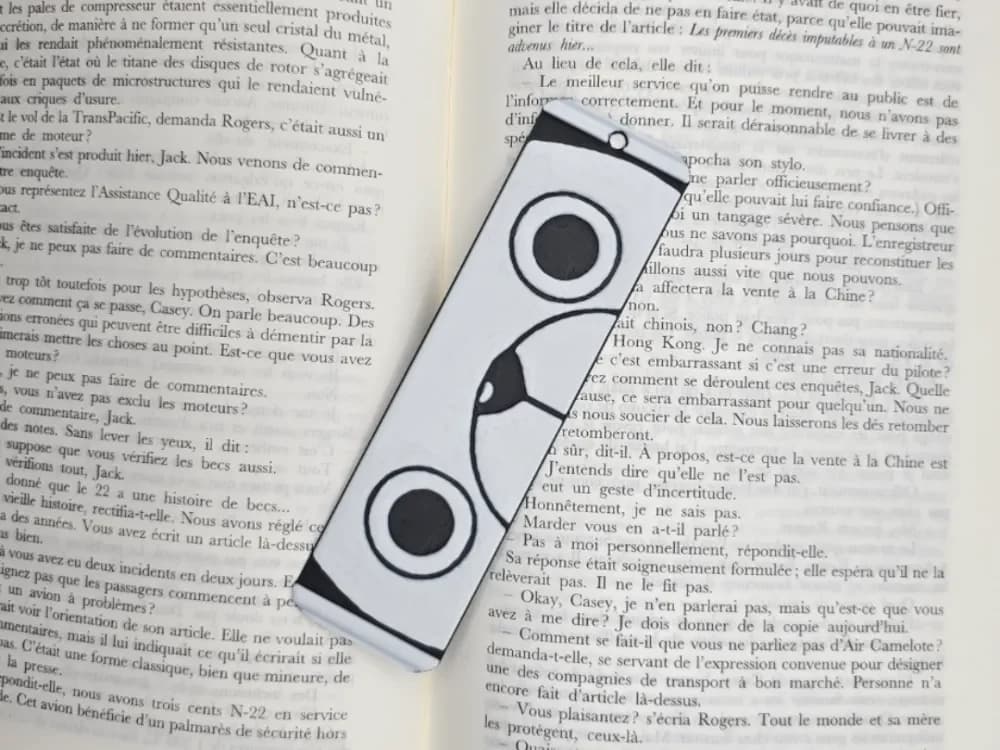
Bookmark Sunny One Piece
by Kactus Fpv
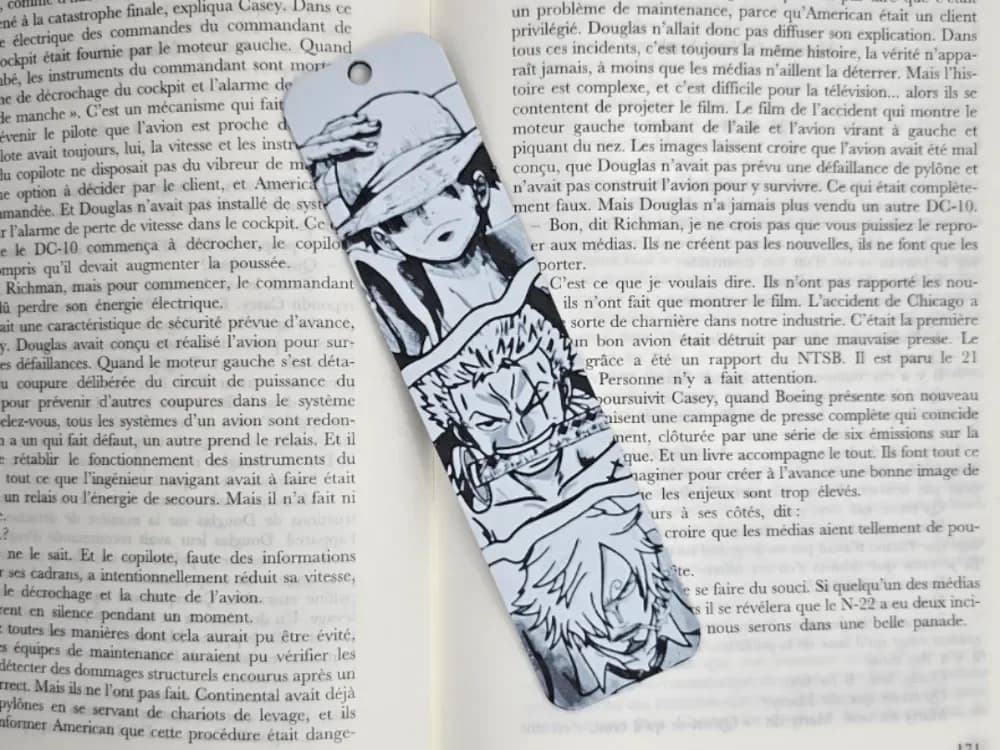
Bookmark One Piece
by Kactus Fpv
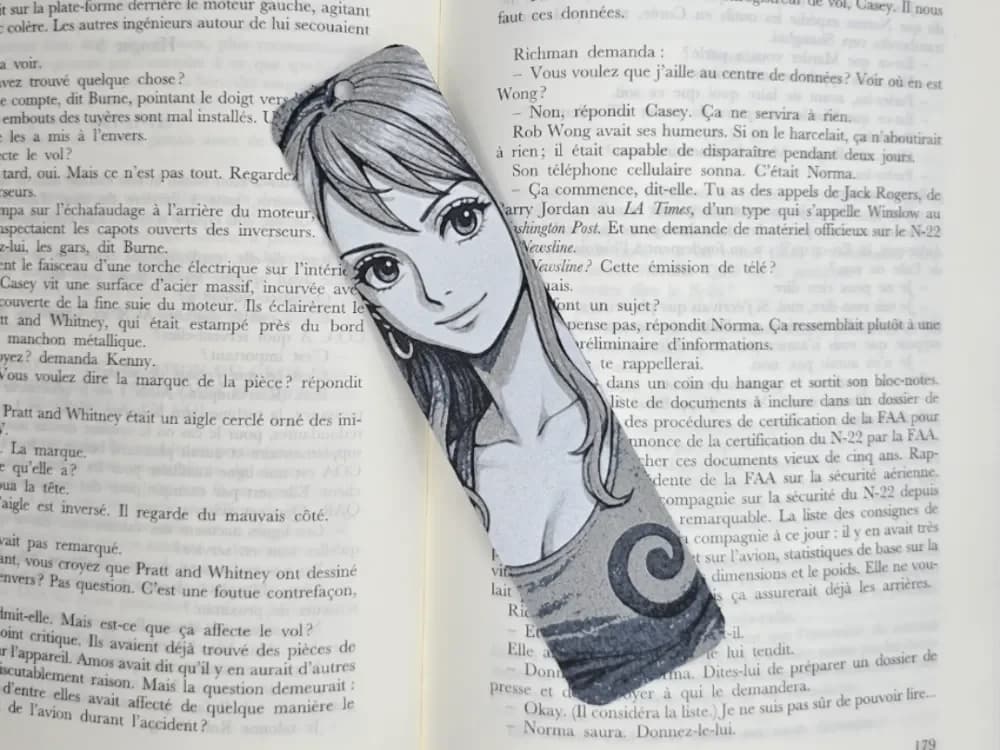
Bookmark Portait Nami One piece
by Kactus Fpv
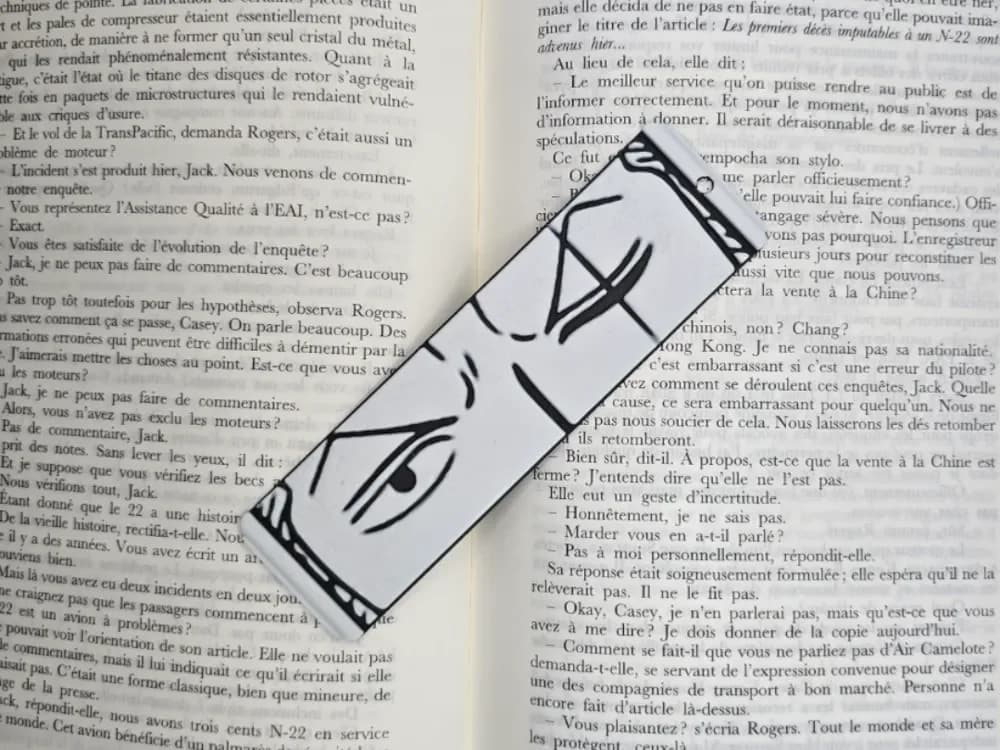
Bookmark Roronoa zorro One Piece
by Kactus Fpv
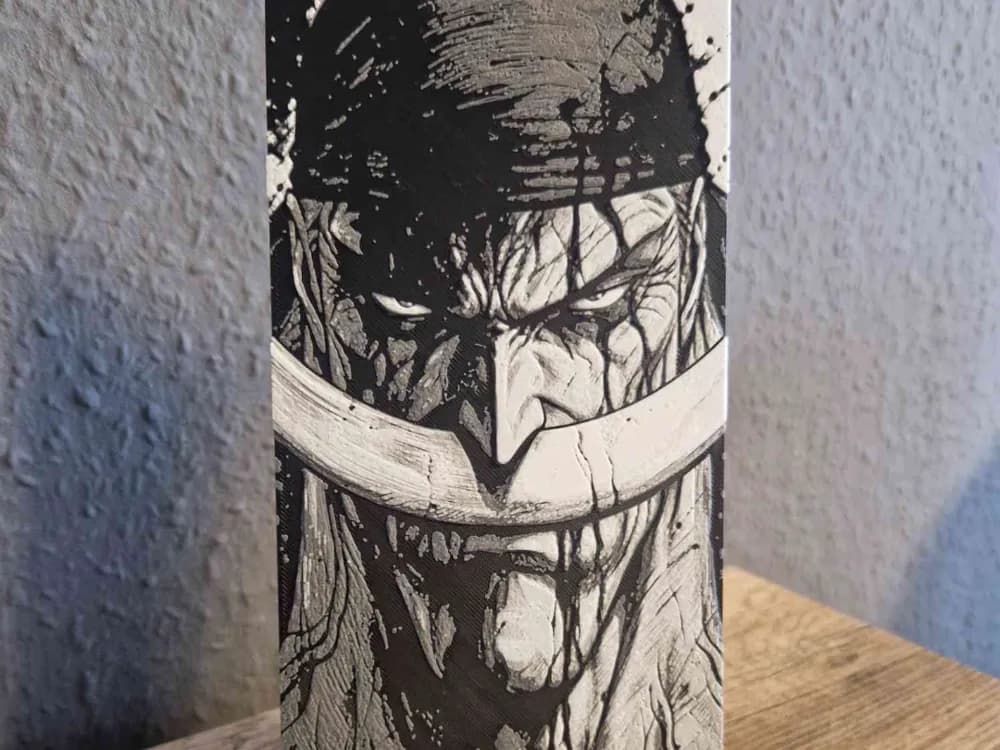
Whitebeard Black Collection One Piece
by Schuettdesign
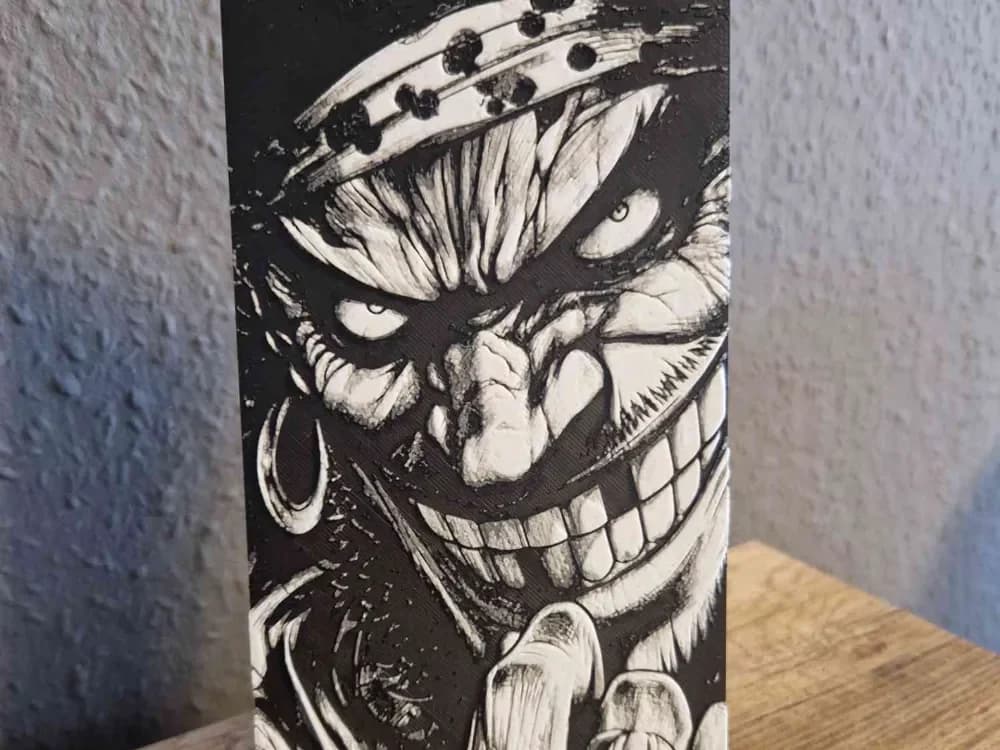
Blackbeard Black Kollektion One Piece
by Schuettdesign
Recent Articles
View all
Best Halloween & Horror 3D Prints for HueForge: Slashers, Skulls & Spooky Wall Art
The Halloween 3D prints worth making as HueForge filament paintings — horror movie posters, Ghostface and Pennywise, skulls, pumpkins, spooky Pokemon, and bookmarks, grouped by theme.

Best Classic Saturday Morning Cartoon STL Files for HueForge
The best classic Saturday morning cartoon STL files for HueForge — Scooby-Doo, Looney Tunes, Transformers, He-Man, TMNT and more, as bold filament wall art.

3D Printing Business Name Ideas (and How to Pick One That Lasts)
3D printing business name ideas grouped by style — descriptive, filament-themed, clever, and premium — plus naming principles and how to check a name is free to use.