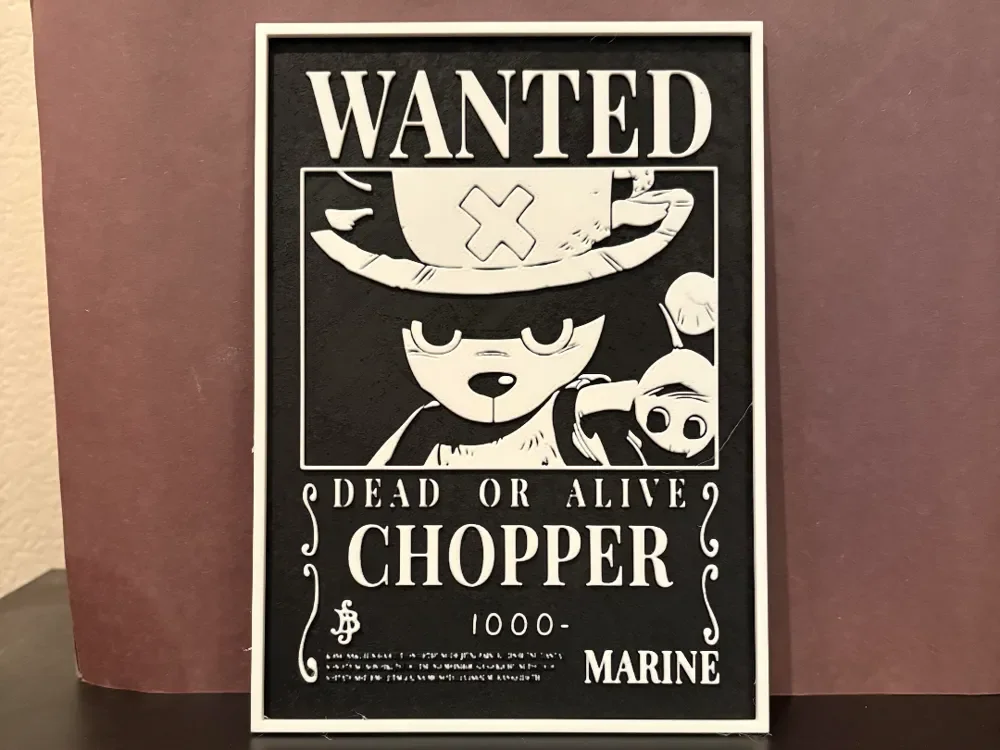
Chopper Wanted Poster - One Piece Hueforge
by Estiv
Tony Tony Chopper's adorable reindeer features peer out from this classic wanted poster design, complete with his signature pink hat marked with an X. The monochromatic palette emphasizes the authentic bounty notice aesthetic, while Chopper's innocent expression creates delightful contrast with the "Dead or Alive" proclamation. Fine details capture his fluffy fur texture and determined eyes, transforming the beloved One Piece doctor's criminally low 1000 Berry bounty into striking wall art.
View on MakerWorldRequired Filaments2
Bambu Lab Matte Charcoal
Bambu Lab Matte Ivory White
Why filament details may vary
Filament details (brand, color, and TD value) may not exactly match the designer's original specification. In some cases, the designer didn't specify exact filaments and we've matched the closest options we could find. Always check the original listing for full details.
Some filament links are affiliate links — we may earn a small commission at no extra cost to you. Learn more
Sign up to track your filament inventory and check your matches.
Create accountYou Might Also Like
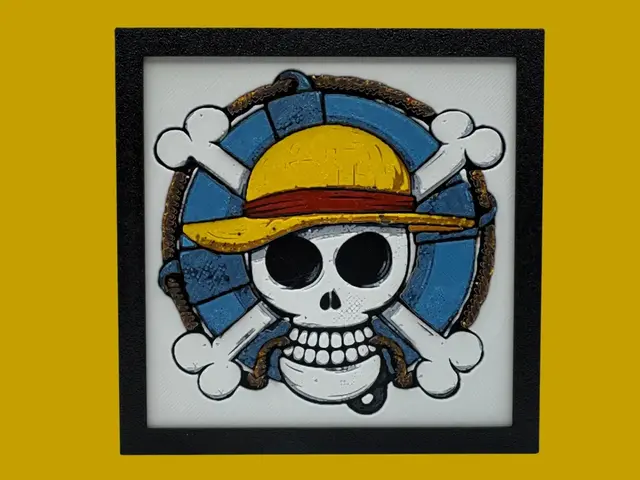
Straw Hat Pirates - One Piece Logo
by Canadian Gamer
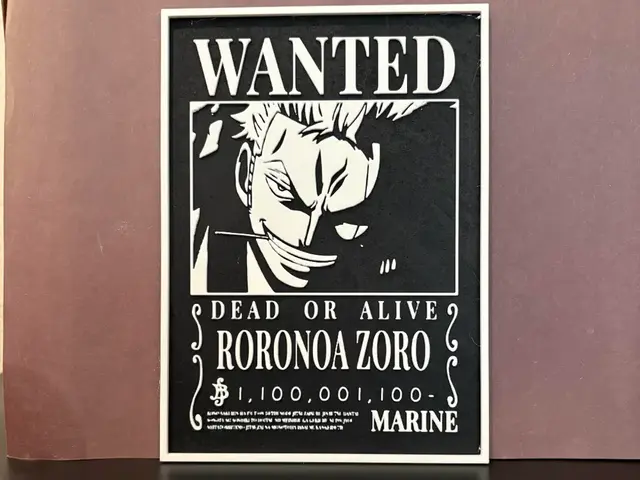
Roronoa Zoro Wanted Poster - One Piece Hueforge
by Estiv
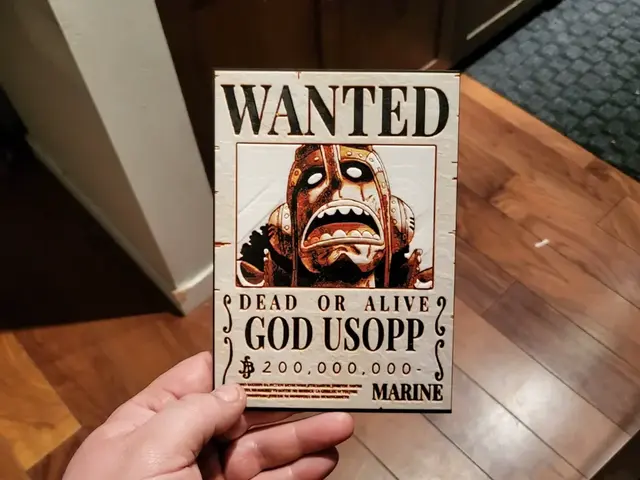
Wanted Poster God Usopp Hueforge
by 3Ree Printing
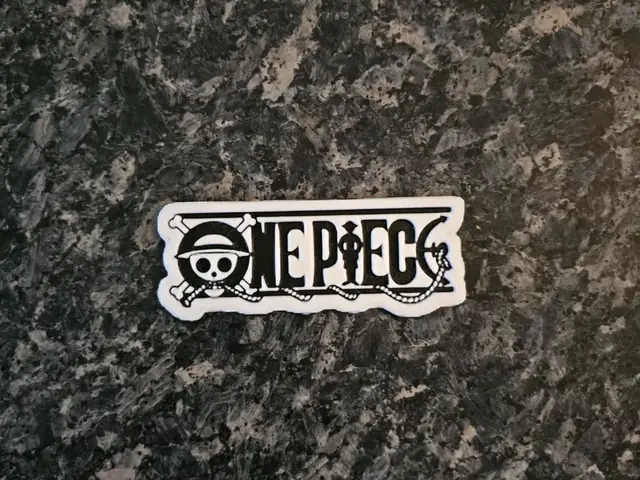
Sticker Logo One piece
by Kactus Fpv
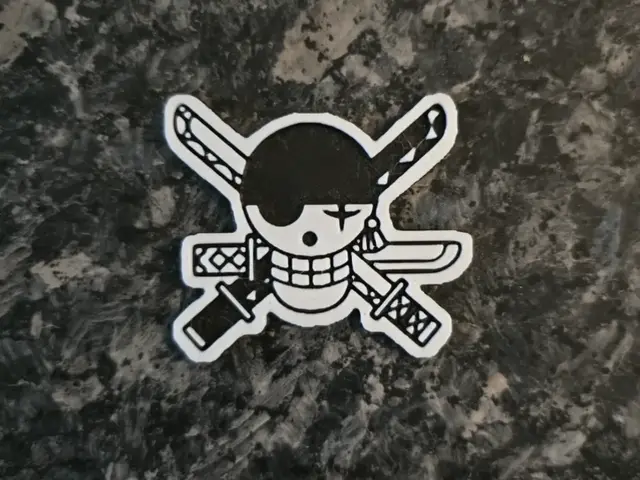
Sticker Logo Roronoa Zorro One piece
by Kactus Fpv
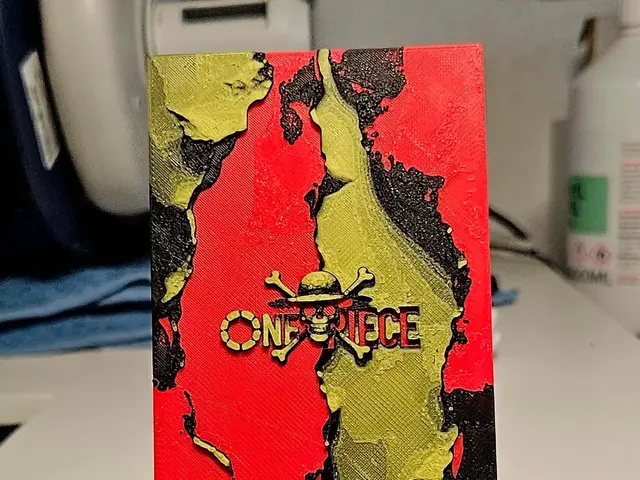
One Piece logo
by Mano's 3d_Art
Recent Articles
View all
Best 3D Printed Gifts for Everyone on Your List — Made with HueForge
The best 3D printed gifts for everyone on your list, made with HueForge — custom pet and portrait art, ornaments and gift tags, bookmarks, and fandom prints matched to the recipient, plus how to turn gift requests into income.
Best Christmas 3D Prints for HueForge: Ornaments, Santa & Holiday Movie Posters
The Christmas 3D prints worth making as HueForge filament paintings — tree ornaments, Santa and snowmen, holiday movie posters, festive fandom crossovers, and gift tags, grouped by theme.
Best Anime 3D Prints for HueForge: From Shōnen Classics to the Modern Wave
The best anime 3D prints to make as HueForge filament paintings — One Piece, Naruto, Dragon Ball, Demon Slayer, Jujutsu Kaisen, Frieren, Gundam, and anime bookmarks, each linked in the HuePick catalog.