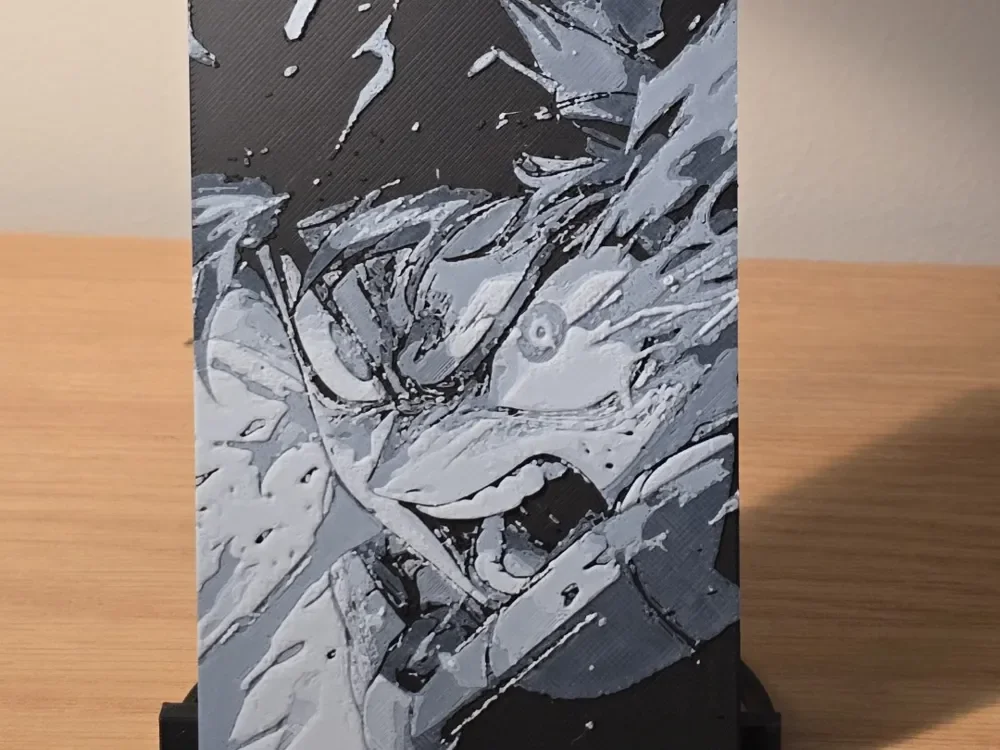
Hueforge - My Hero Academia - Izuku Midoriya 1
Young hero Izuku Midoriya emerges from swirling chaos in this dynamic manga-inspired composition. Dramatic grayscale tones create striking contrast between light and shadow, with flowing linework that captures the kinetic energy of My Hero Academia's distinctive art style. The piece showcases intricate detail work, from wind-swept hair to determined facial features, all rendered in monochromatic layers that emphasize the character's heroic resolve.
View on MakerWorldRequired Filaments2
Bambu Lab Basic Black
Bambu Lab Basic Jade White
Why filament details may vary
Filament details (brand, color, and TD value) may not exactly match the designer's original specification. In some cases, the designer didn't specify exact filaments and we've matched the closest options we could find. Always check the original listing for full details.
Some filament links are affiliate links — we may earn a small commission at no extra cost to you. Learn more
Sign up to track your filament inventory and check your matches.
Create accountYou Might Also Like
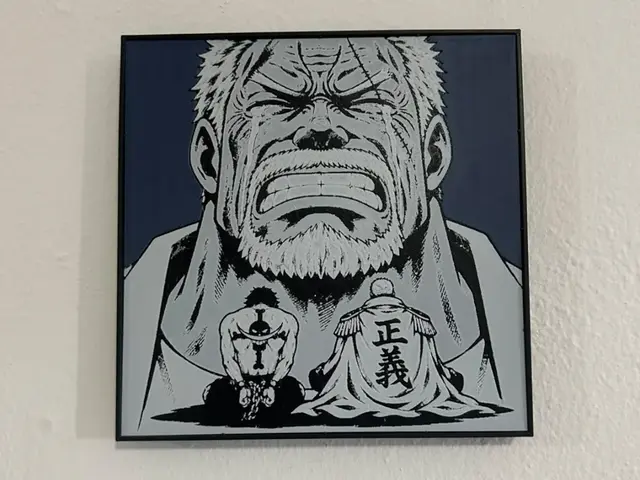
Garp And Ace Hueforge
by TowerLayers
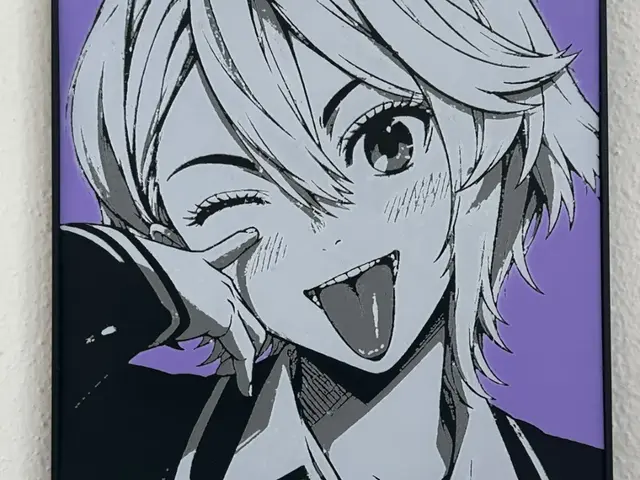
Aira Dandadan collection
by TowerLayers
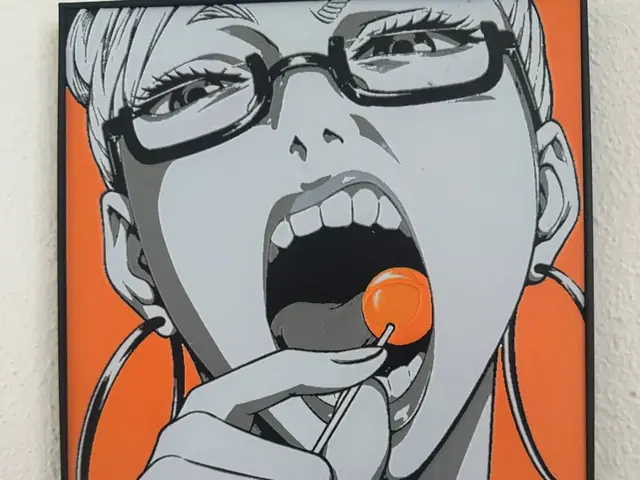
Seiko Dandadan Collection
by TowerLayers
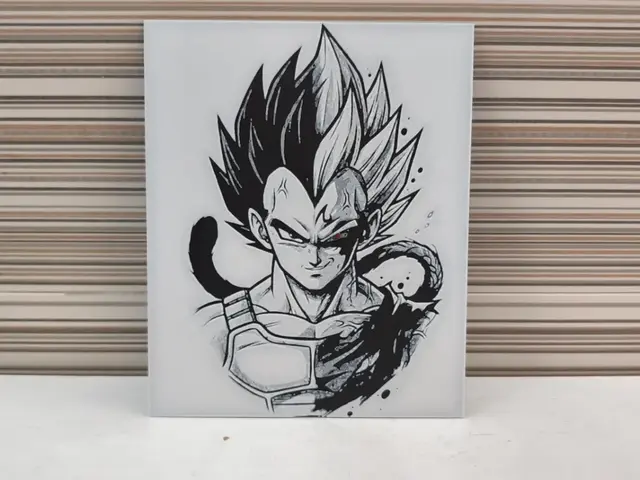
Vegeta Split HueForge – Prince of All Saiyans
by Litolunar
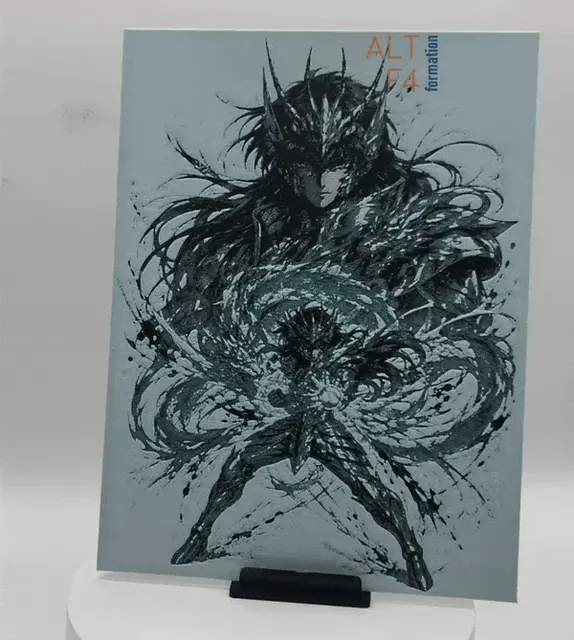
Shiryû - Saint Seiya
by Altf4-Formation
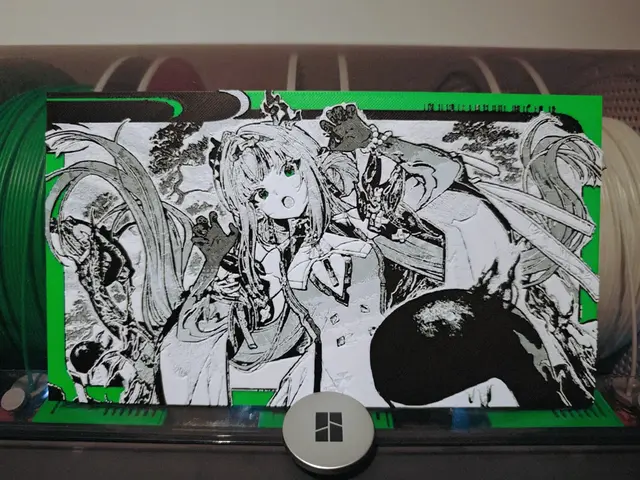
Si (祀) - Arknights Endfield
by Razel
Recent Articles
View all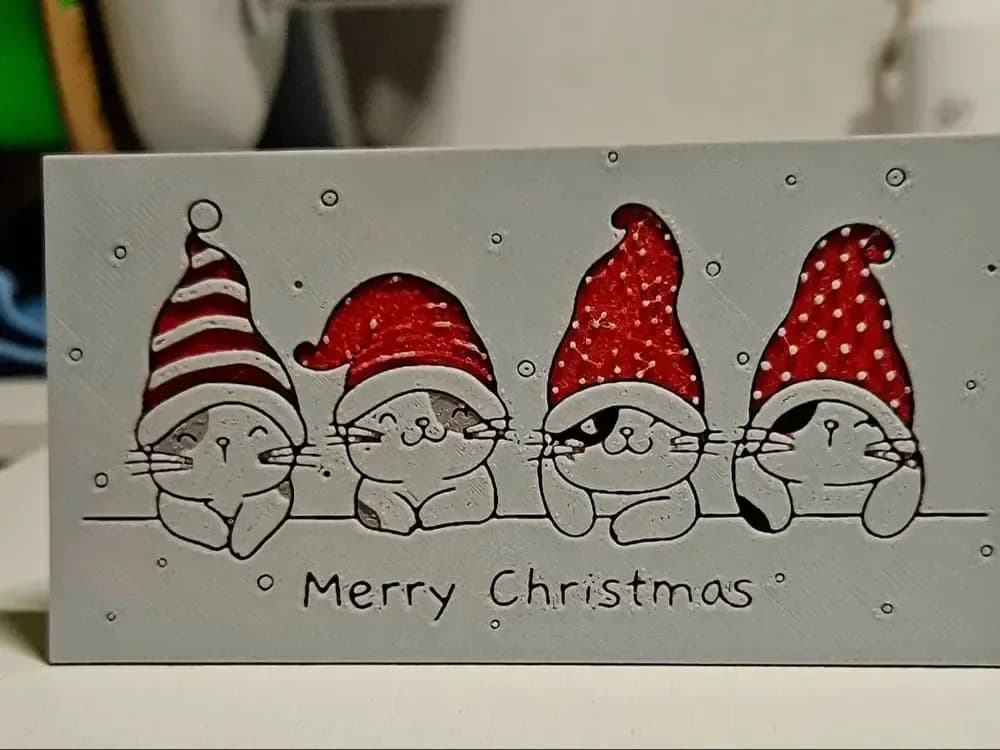
Best Christmas 3D Prints for HueForge: Ornaments, Santa & Holiday Movie Posters
The Christmas 3D prints worth making as HueForge filament paintings — tree ornaments, Santa and snowmen, holiday movie posters, festive fandom crossovers, and gift tags, grouped by theme.
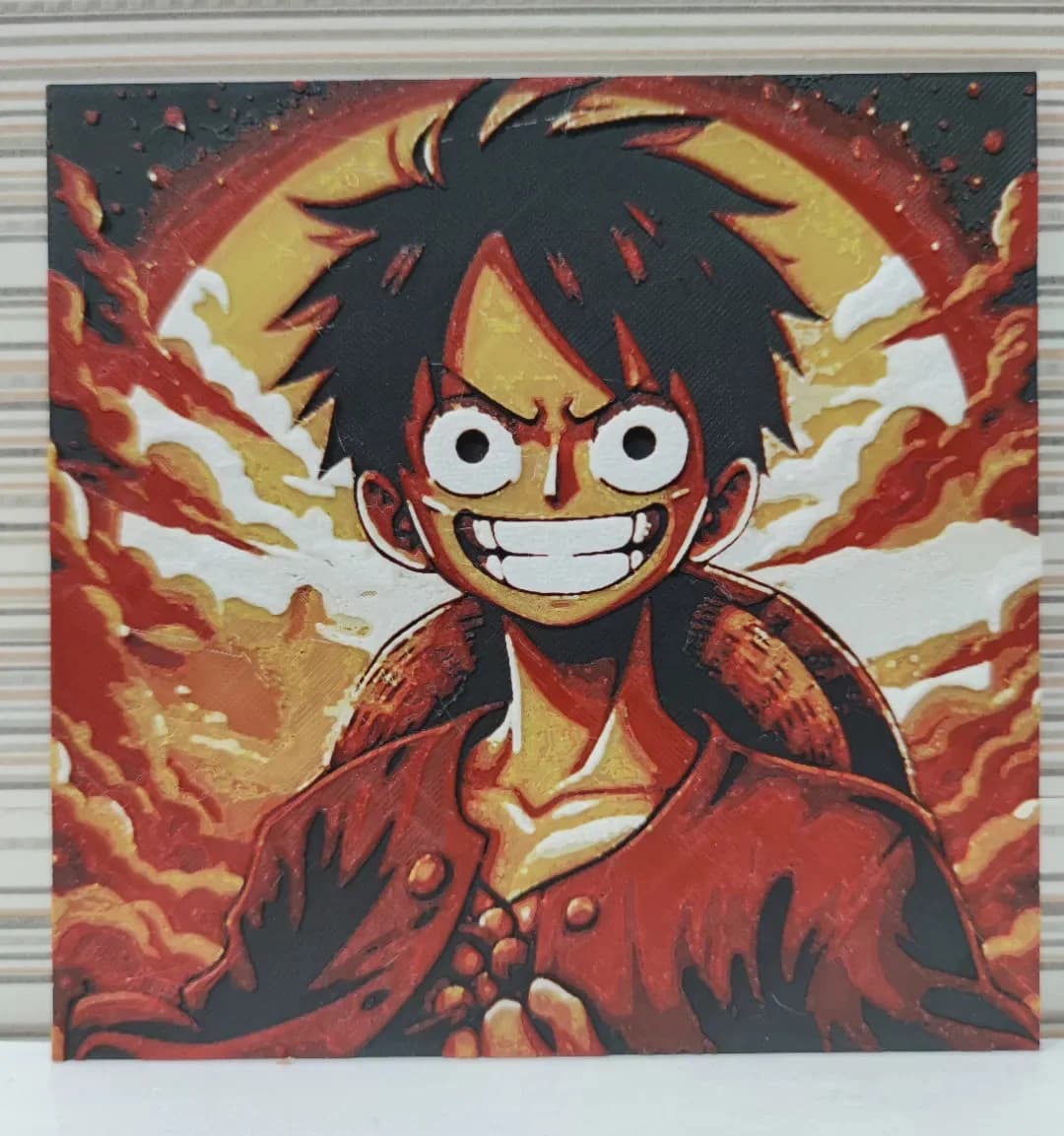
Best Anime 3D Prints for HueForge: From Shōnen Classics to the Modern Wave
The best anime 3D prints to make as HueForge filament paintings — One Piece, Naruto, Dragon Ball, Demon Slayer, Jujutsu Kaisen, Frieren, Gundam, and anime bookmarks, each linked in the HuePick catalog.
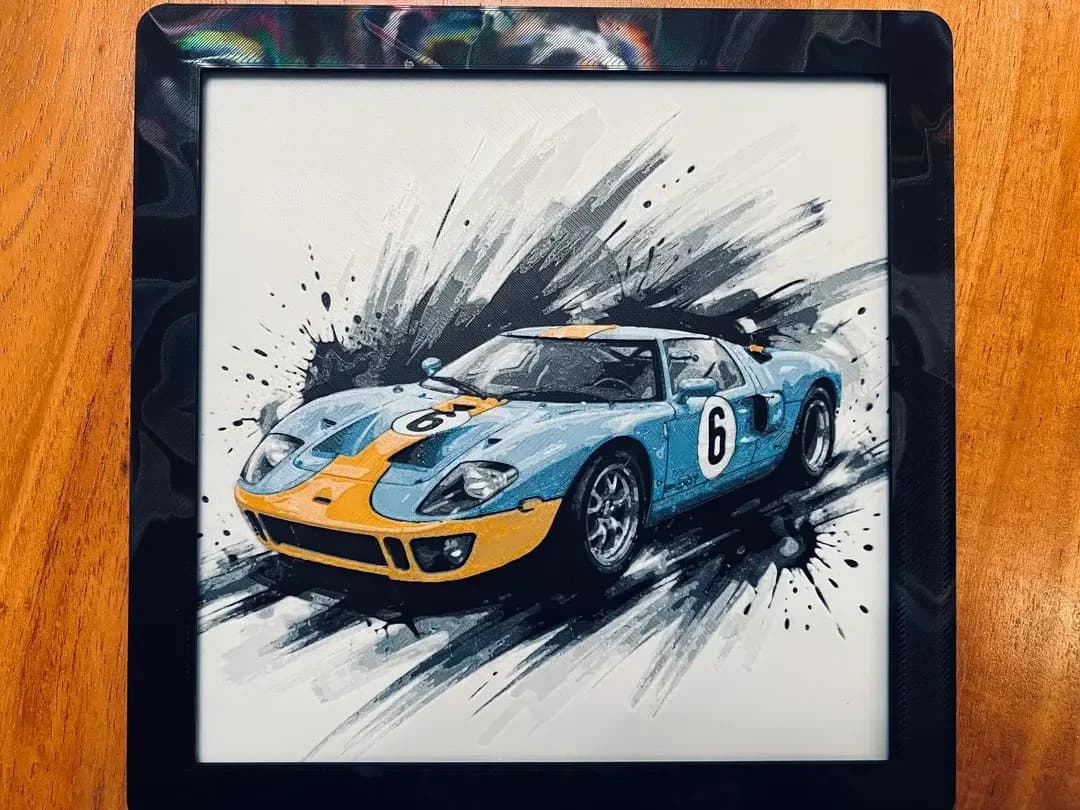
Best Car 3D Prints for HueForge: From Japanese Icons to Movie Cars
The best car 3D prints to make as HueForge filament paintings — JDM legends, supercars, American muscle, F1 and rally posters, and movie icons like the DeLorean, each linked in the HuePick catalog.