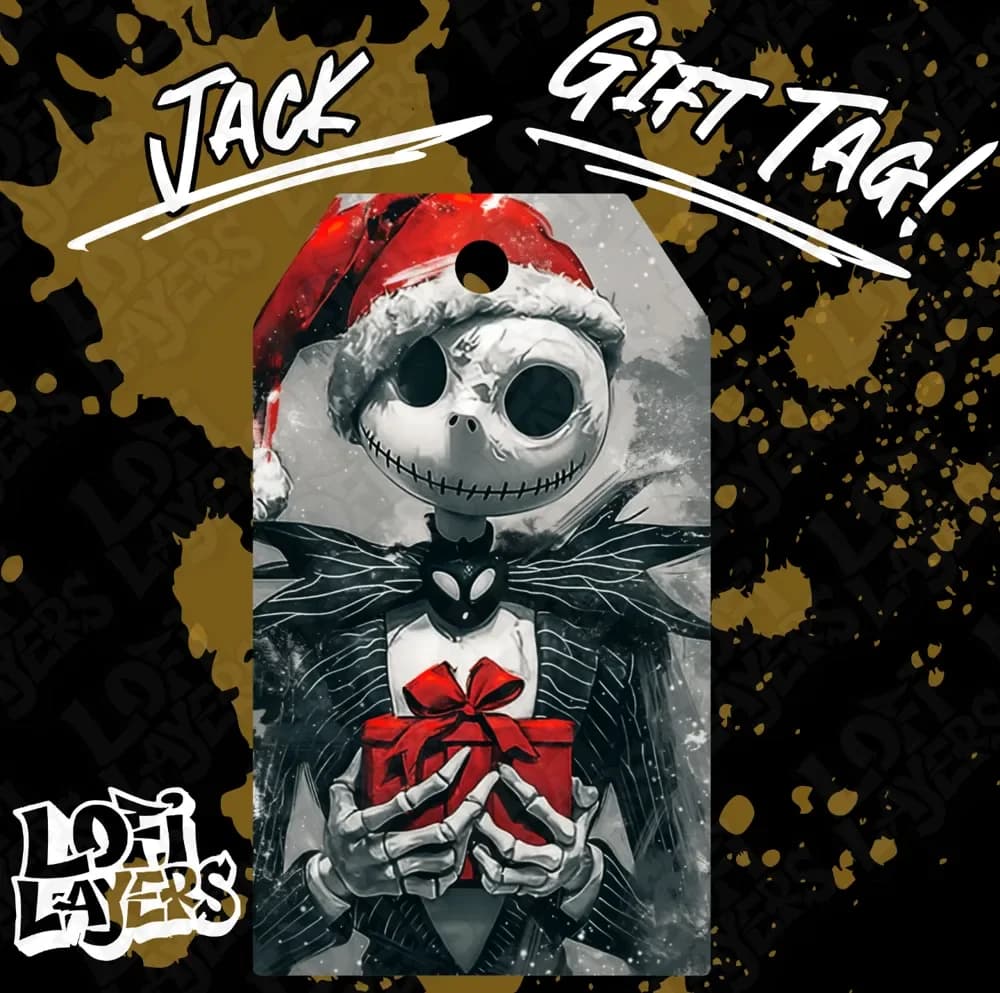
Jack Gift Tag Hueforge
by LoFi Layers
Jack Skellington embraces the Christmas spirit in this charming gift tag design, wearing his iconic Santa hat while tenderly cradling a bright red present. The Pumpkin King's skeletal grin and hollow eye sockets create striking contrast against the snowy backdrop, rendered in dramatic black and white tones. His signature bow tie and elongated limbs maintain the beloved character's gothic elegance, while festive snowflakes drift around him, perfectly capturing the whimsical collision of Halloween and Christmas magic.
View on MakerWorldRequired Filaments4
Why filament details may vary
Filament details (brand, color, and TD value) may not exactly match the designer's original specification. In some cases, the designer didn't specify exact filaments and we've matched the closest options we could find. Always check the original listing for full details.
Some filament links are affiliate links — we may earn a small commission at no extra cost to you. Learn more
Sign up to track your filament inventory and check your matches.
Create accountYou Might Also Like
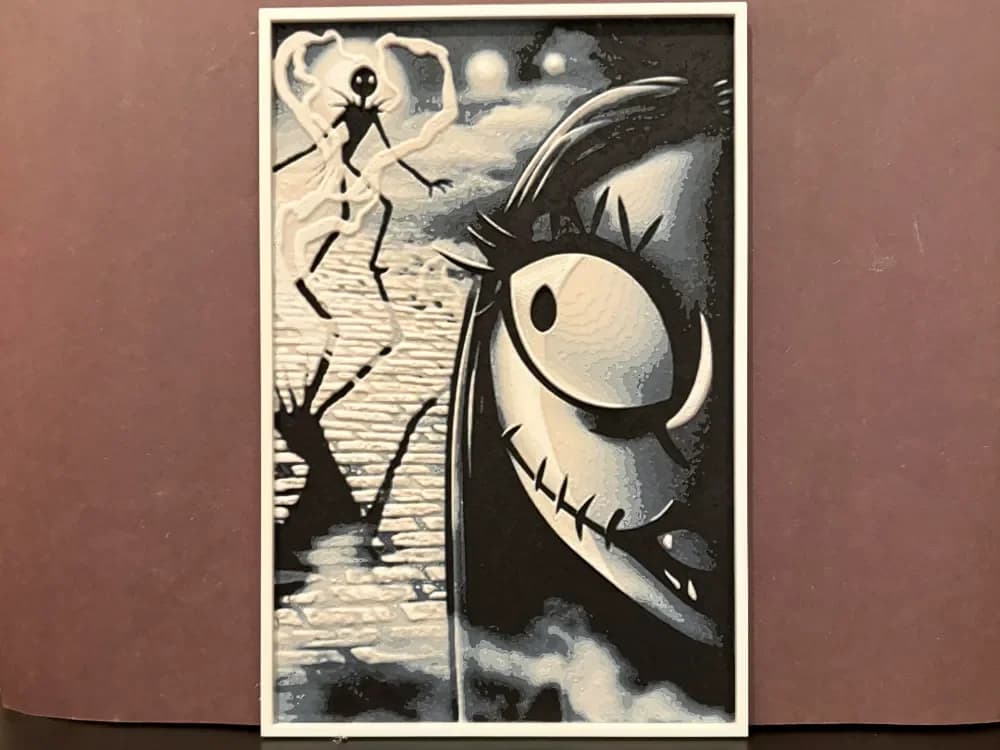
Sally - The Nightmare Before Christmas Hueforge
by Estiv
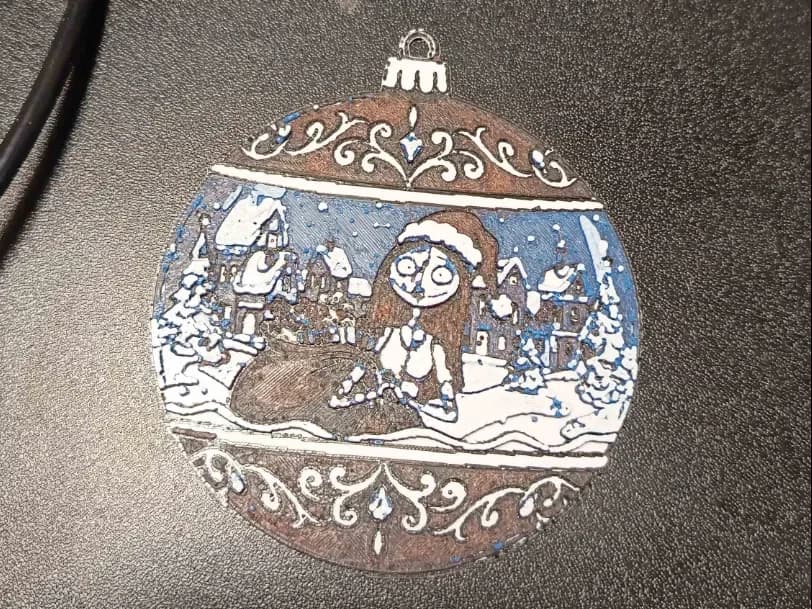
Sally jack skellington Christmas ornament hueforge
by 3DNesy
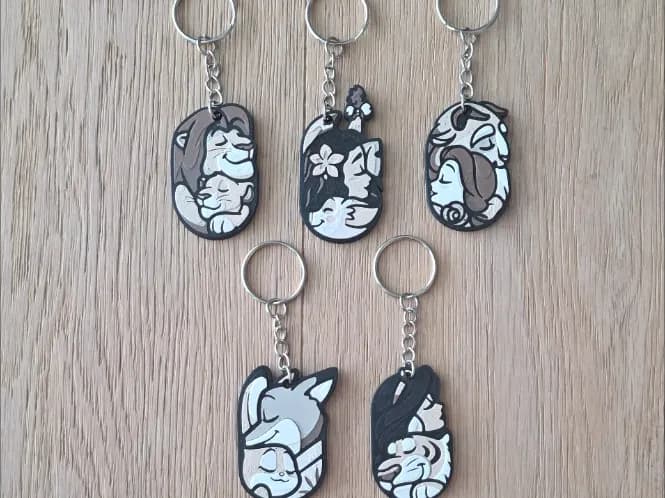
Disney Keychain
by RIVY3Dprint
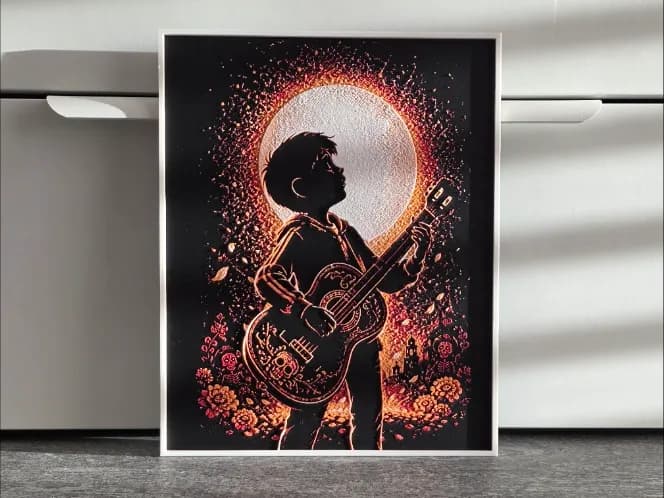
Disney Coco Hueforge
by RIVY3Dprint

Fanart Set of Bookmarks - The Evil Queen from Snow White and the seven Dwarves
by BooneCo3d
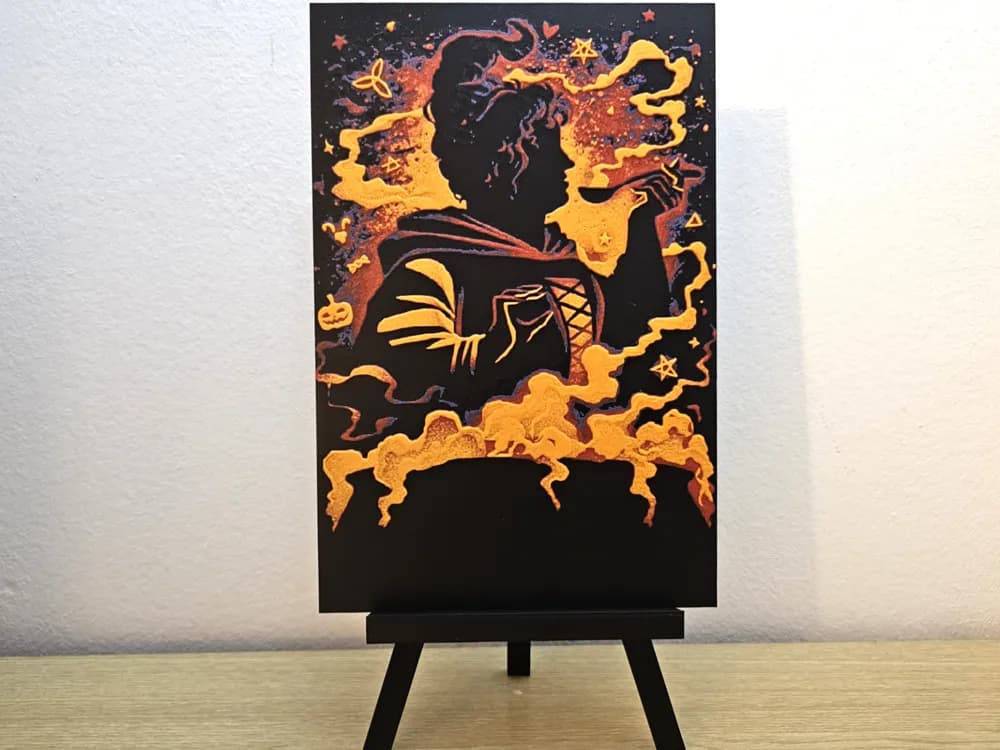
Hocus Pocus Halloween Hueforge
by Opao
Recent Articles
View all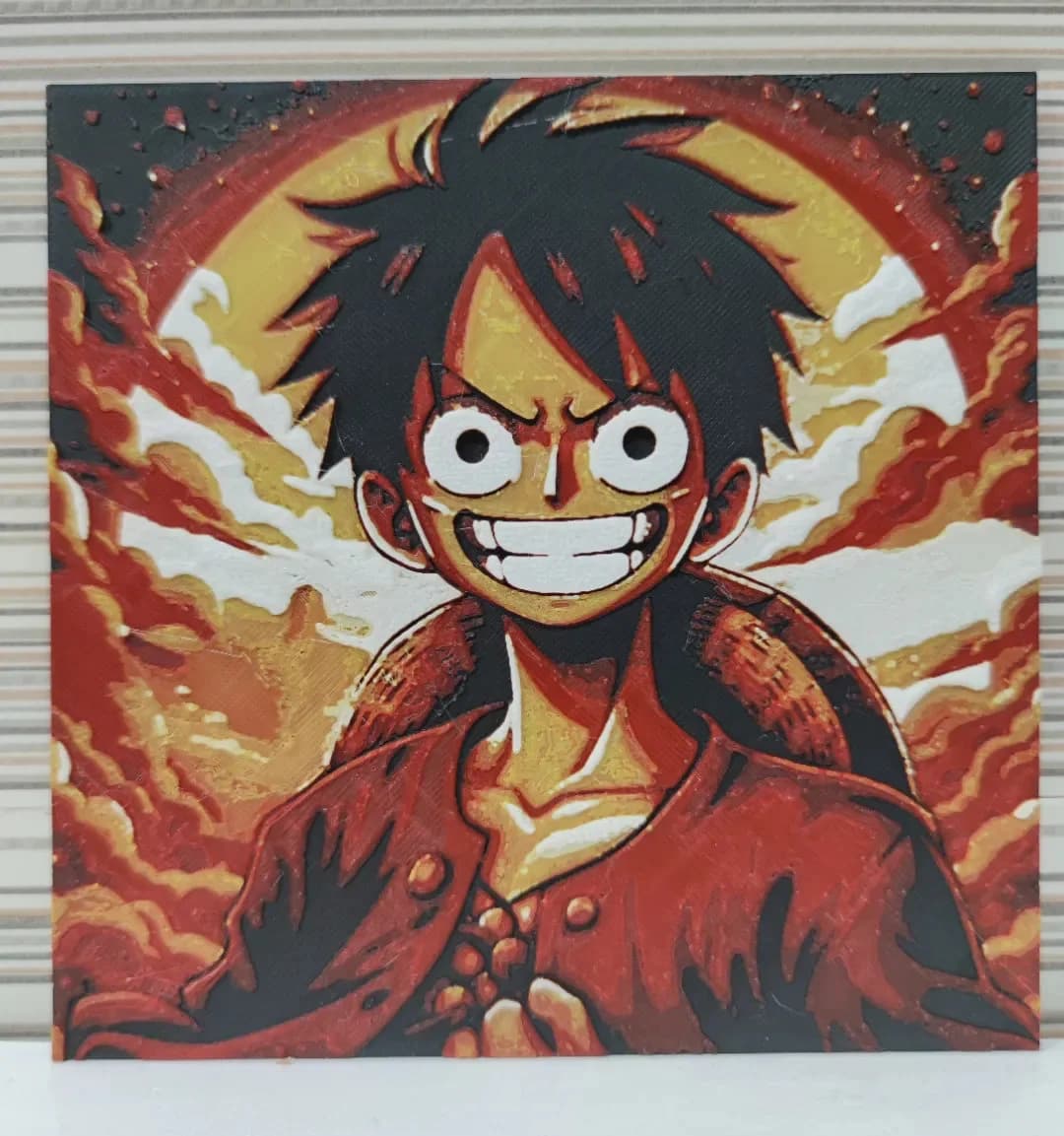
Best Anime 3D Prints for HueForge: From Shōnen Classics to the Modern Wave
The best anime 3D prints to make as HueForge filament paintings — One Piece, Naruto, Dragon Ball, Demon Slayer, Jujutsu Kaisen, Frieren, Gundam, and anime bookmarks, each linked in the HuePick catalog.
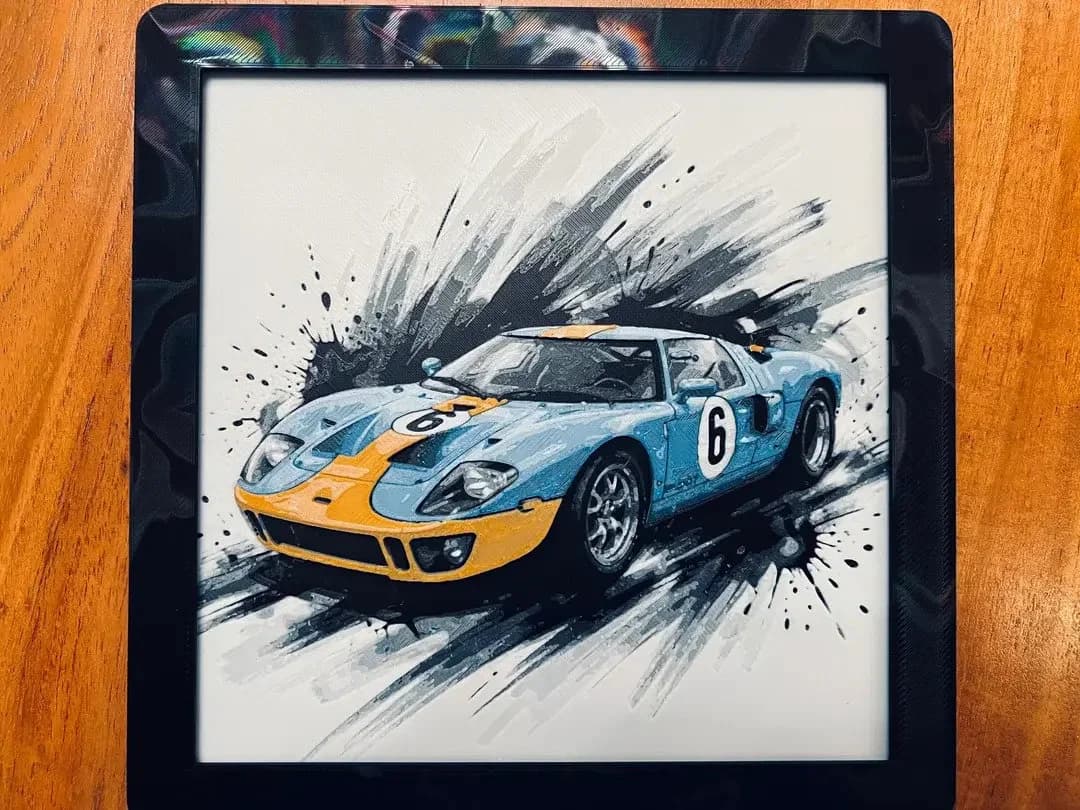
Best Car 3D Prints for HueForge: From Japanese Icons to Movie Cars
The best car 3D prints to make as HueForge filament paintings — JDM legends, supercars, American muscle, F1 and rally posters, and movie icons like the DeLorean, each linked in the HuePick catalog.
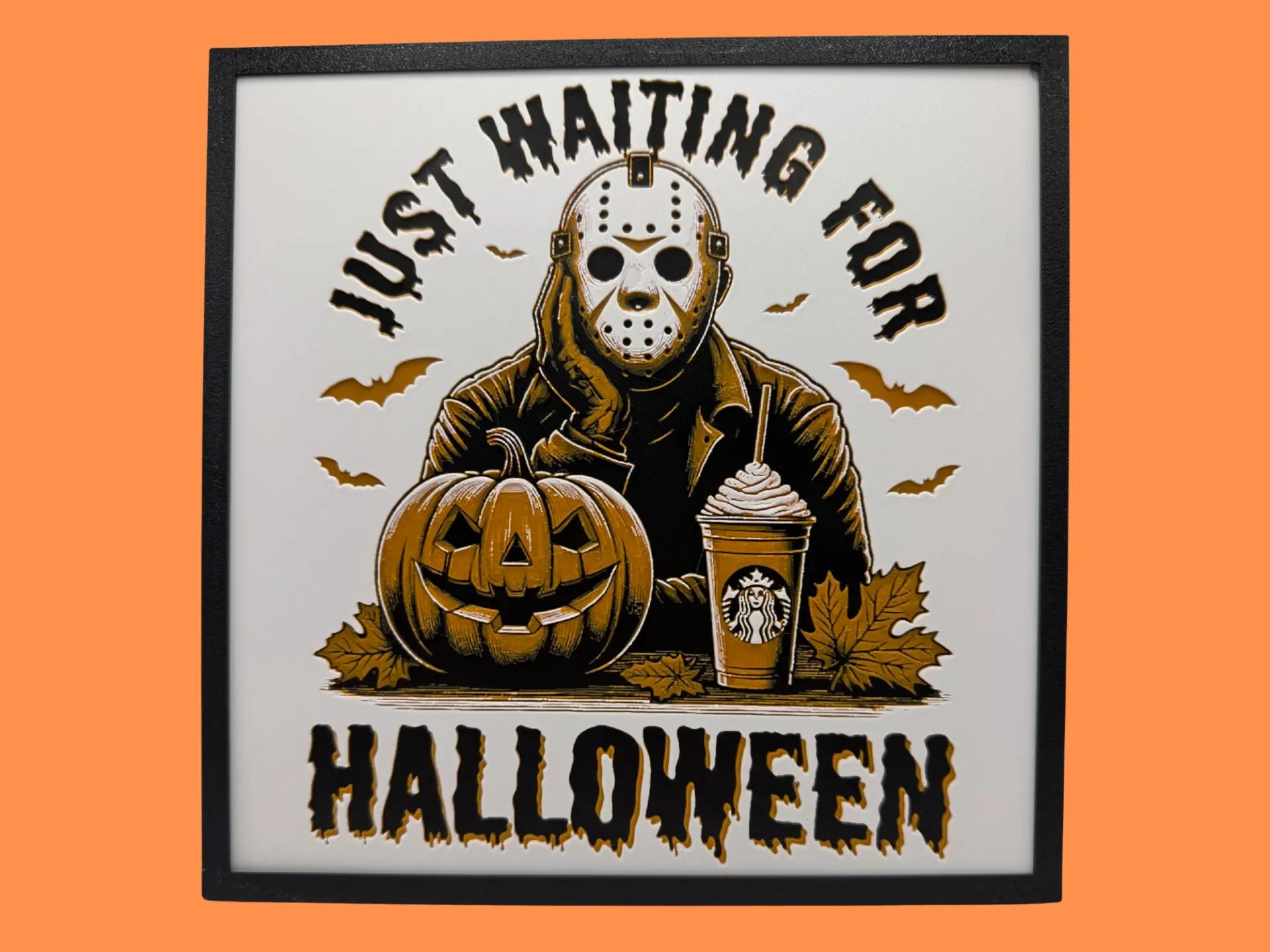
Best Halloween & Horror 3D Prints for HueForge: Slashers, Skulls & Spooky Wall Art
The Halloween 3D prints worth making as HueForge filament paintings — horror movie posters, Ghostface and Pennywise, skulls, pumpkins, spooky Pokemon, and bookmarks, grouped by theme.