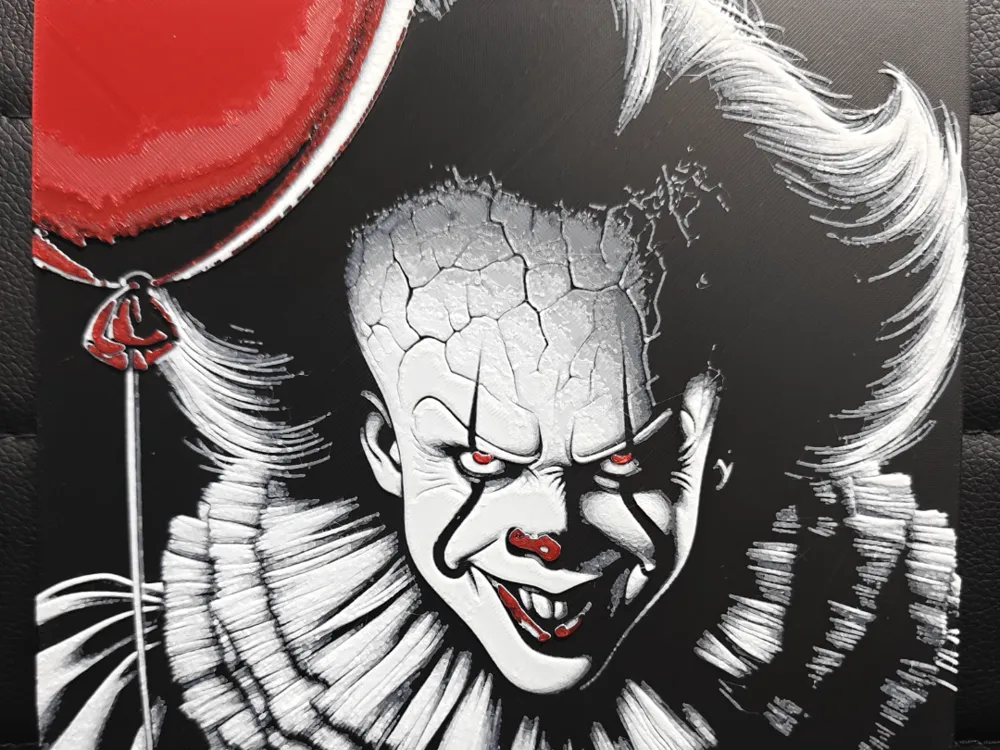
Pennywise
Malevolent red eyes pierce through cracked, pale flesh as Pennywise emerges from shadow with his signature sinister grin. TheHueforgeLady masterfully captures the dancing clown's terrifying visage in stark contrasts—ghostly white face paint against deep black hair and ruffled collar, punctuated by vivid crimson accents on his nose and balloon. This haunting art piece transforms the iconic horror character into a striking display of calculated menace and theatrical evil.
View on MakerWorldRequired Filaments4
Bambu Lab Basic Black
Bambu Lab Tough Gray
Bambu Lab Basic Jade White
Bambu Lab Basic Red
Why filament details may vary
Filament details (brand, color, and TD value) may not exactly match the designer's original specification. In some cases, the designer didn't specify exact filaments and we've matched the closest options we could find. Always check the original listing for full details.
Some filament links are affiliate links — we may earn a small commission at no extra cost to you. Learn more
Sign up to track your filament inventory and check your matches.
Create accountYou Might Also Like
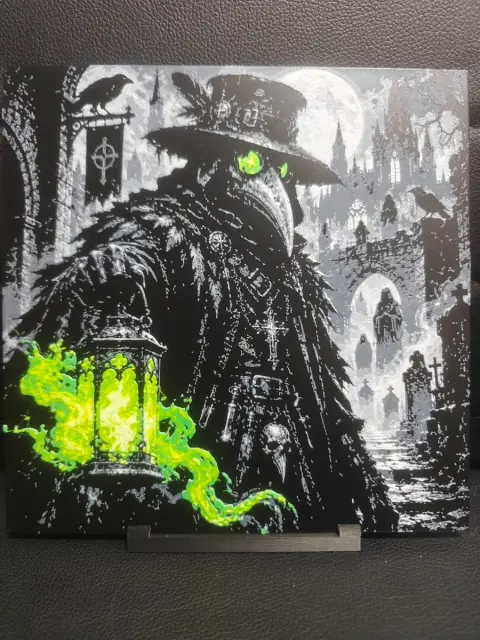
Plague Doctor / Dark Legends Collection
by TheHueforgeLady
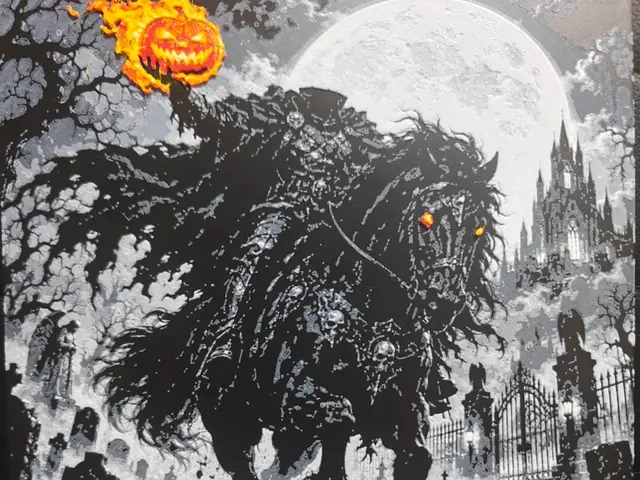
Headless Horseman / Dark Legends Collection
by TheHueforgeLady
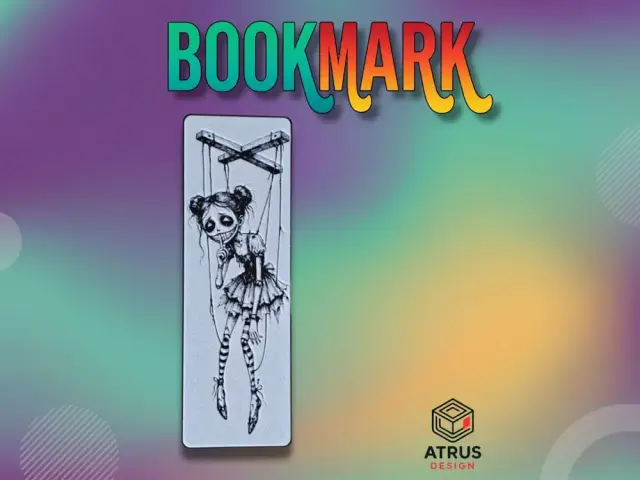
Puppets Bookmark
by Atrus Design
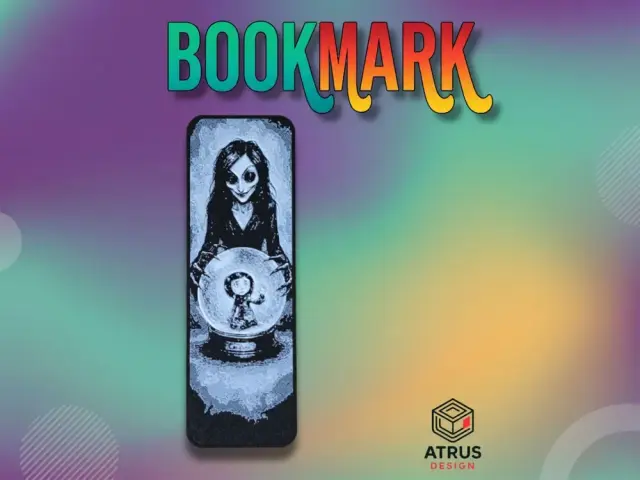
Caroline 3 Bookmark
by Atrus Design
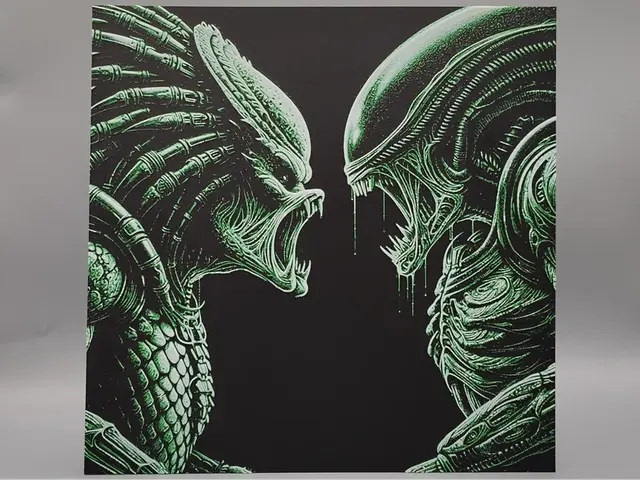
Alien vs. Predator
by Sarge
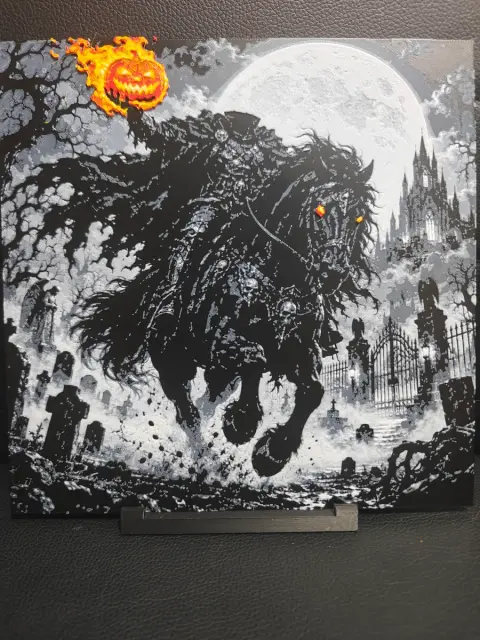
Headless Horseman / Dark Legends Collection
by TheHueforgeLady
Recent Articles
View all
Best 3D Printed Gifts for Everyone on Your List — Made with HueForge
The best 3D printed gifts for everyone on your list, made with HueForge — custom pet and portrait art, ornaments and gift tags, bookmarks, and fandom prints matched to the recipient, plus how to turn gift requests into income.
Best Christmas 3D Prints for HueForge: Ornaments, Santa & Holiday Movie Posters
The Christmas 3D prints worth making as HueForge filament paintings — tree ornaments, Santa and snowmen, holiday movie posters, festive fandom crossovers, and gift tags, grouped by theme.
Best Anime 3D Prints for HueForge: From Shōnen Classics to the Modern Wave
The best anime 3D prints to make as HueForge filament paintings — One Piece, Naruto, Dragon Ball, Demon Slayer, Jujutsu Kaisen, Frieren, Gundam, and anime bookmarks, each linked in the HuePick catalog.