
Pikachu Dracula Scary version
A beloved Pokémon transforms into a creature of the night in this delightfully sinister reimagining. Pikachu's iconic yellow form takes on vampiric qualities, complete with gleaming fangs and bat-like wings spread menacingly behind its small frame. The electric mouse's usual cheerful expression becomes eerily unsettling, while splashes of crimson red accent the cheeks and scattered droplets below. Against a stark black background, this design creates a perfect Halloween twist on the classic character.
View on MakerWorldRequired Filaments4
Why filament details may vary
Filament details (brand, color, and TD value) may not exactly match the designer's original specification. In some cases, the designer didn't specify exact filaments and we've matched the closest options we could find. Always check the original listing for full details.
Some filament links are affiliate links — we may earn a small commission at no extra cost to you. Learn more
Sign up to track your filament inventory and check your matches.
Create accountYou Might Also Like
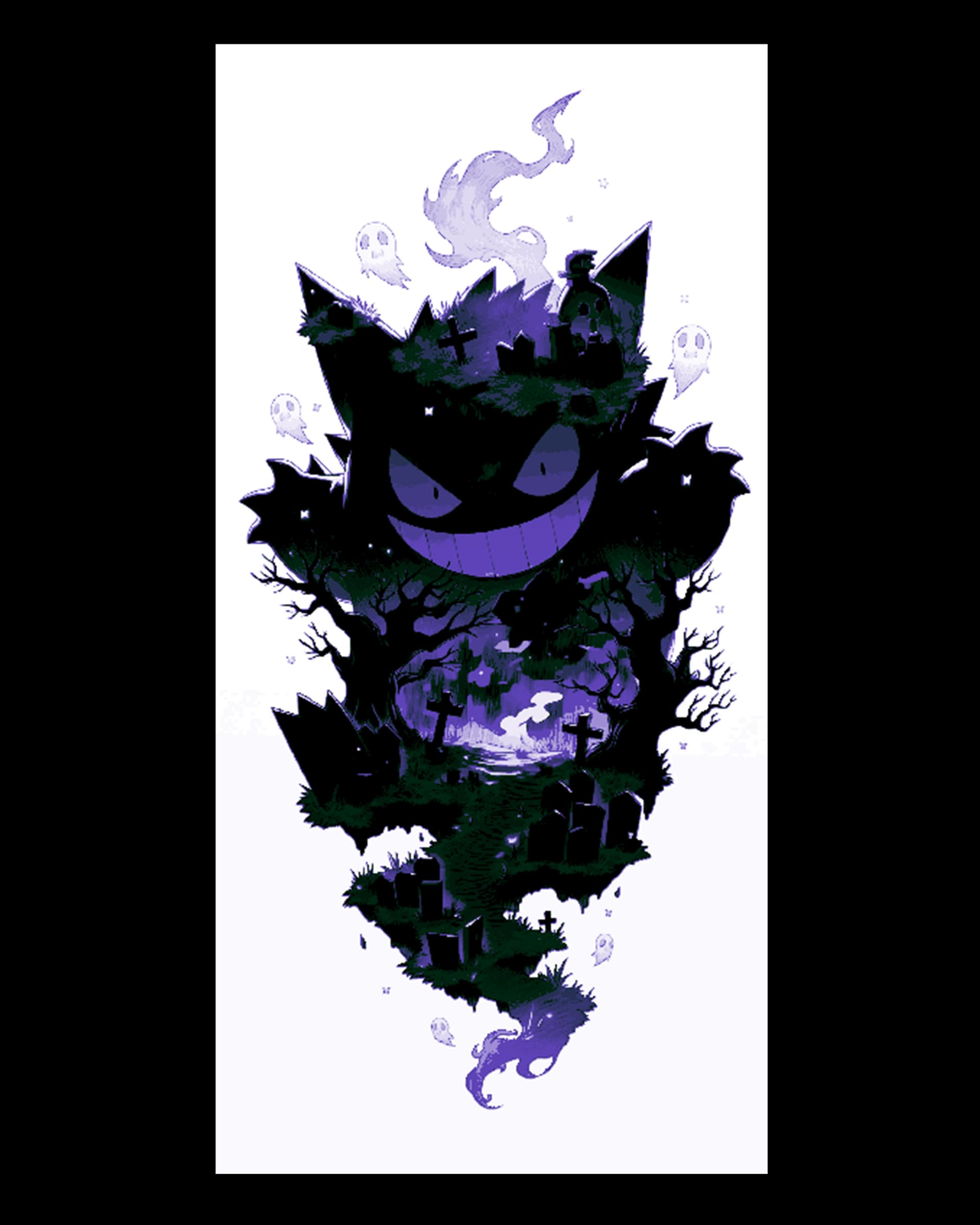
Fan Art of the Spooky Pokemon Gengar - Hueforge design
by BooneCo3d
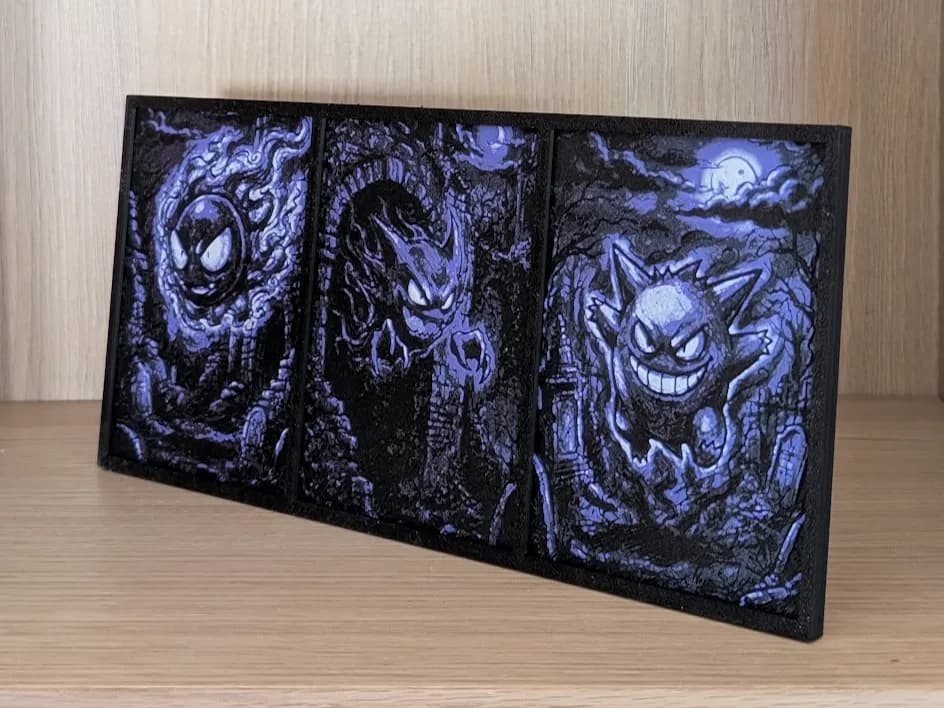
Gastly, Haunter & Gengar Pokemon Hueforge & Frame
by Nextopia
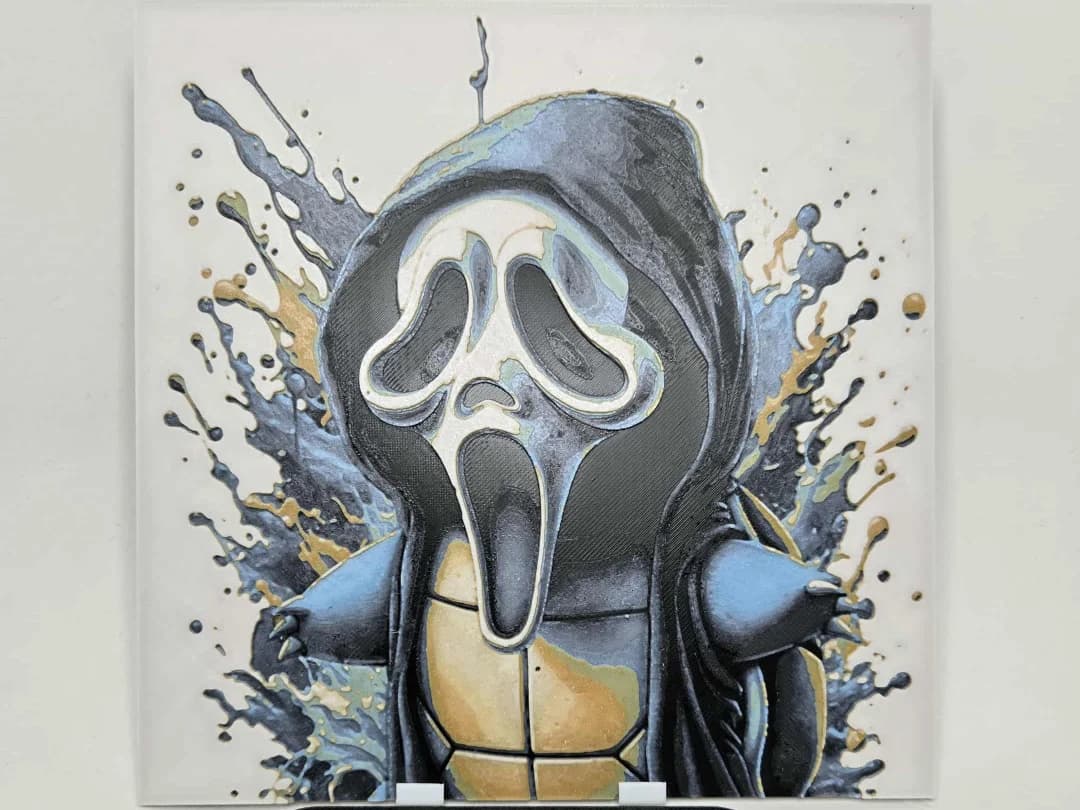
Graffiti Halloween Squirtle Hueforge
by 3Ree Printing
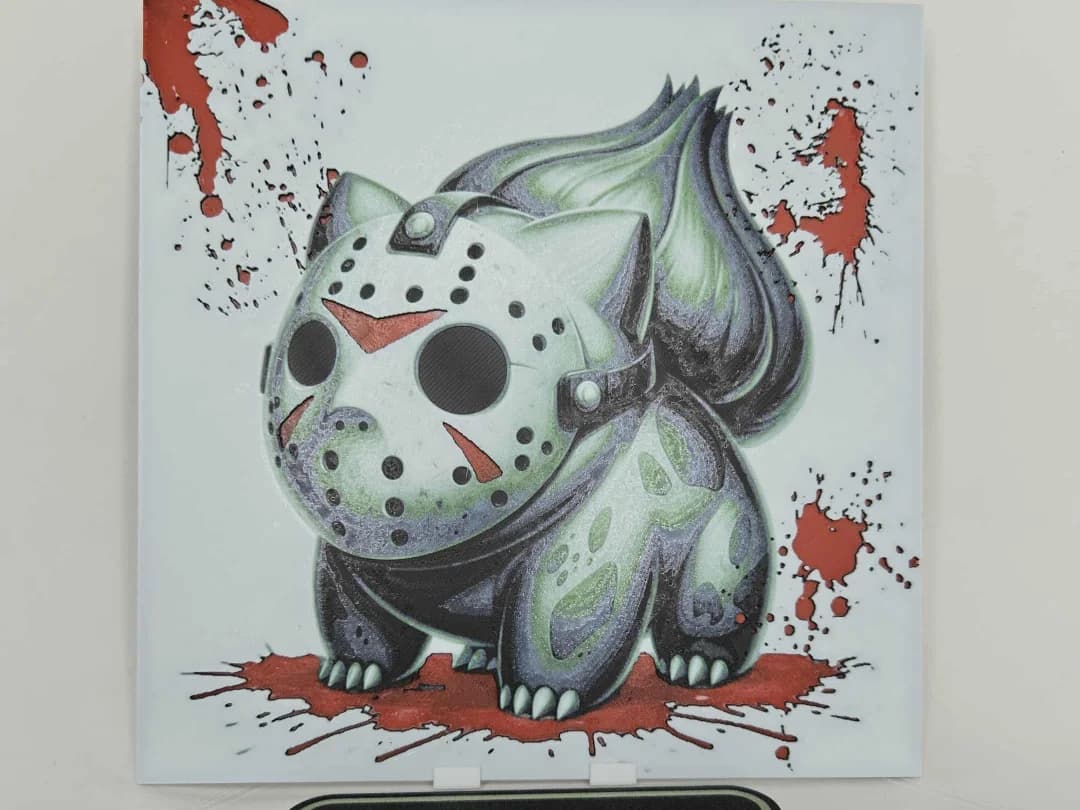
Graffiti Halloween Bulbasaur Hueforge
by 3Ree Printing
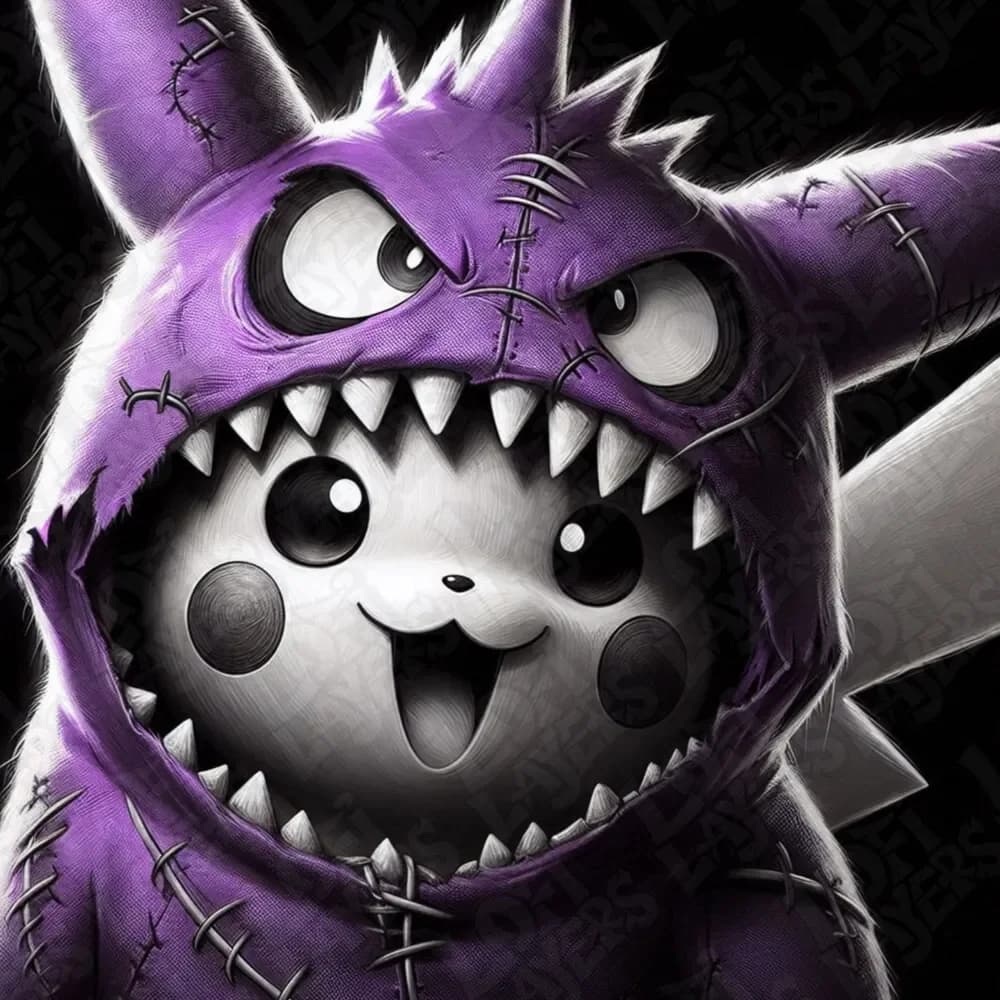
Halloween Pikachu Hueforge
by LoFi Layers
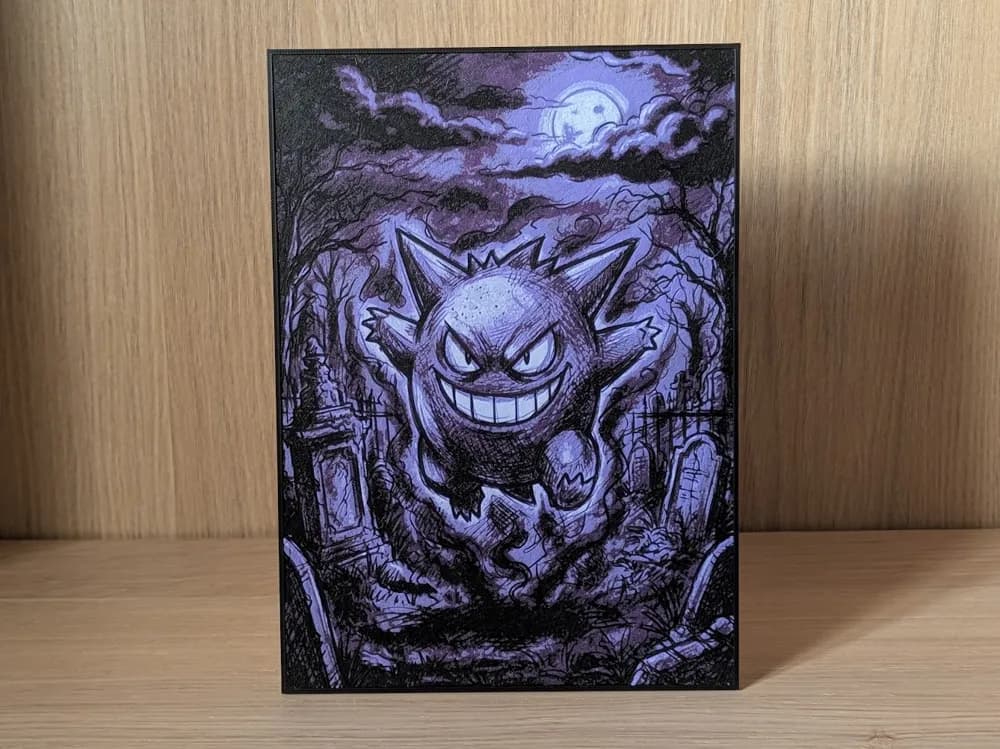
Gengar Hueforge & Frame
by Nextopia
Recent Articles
View all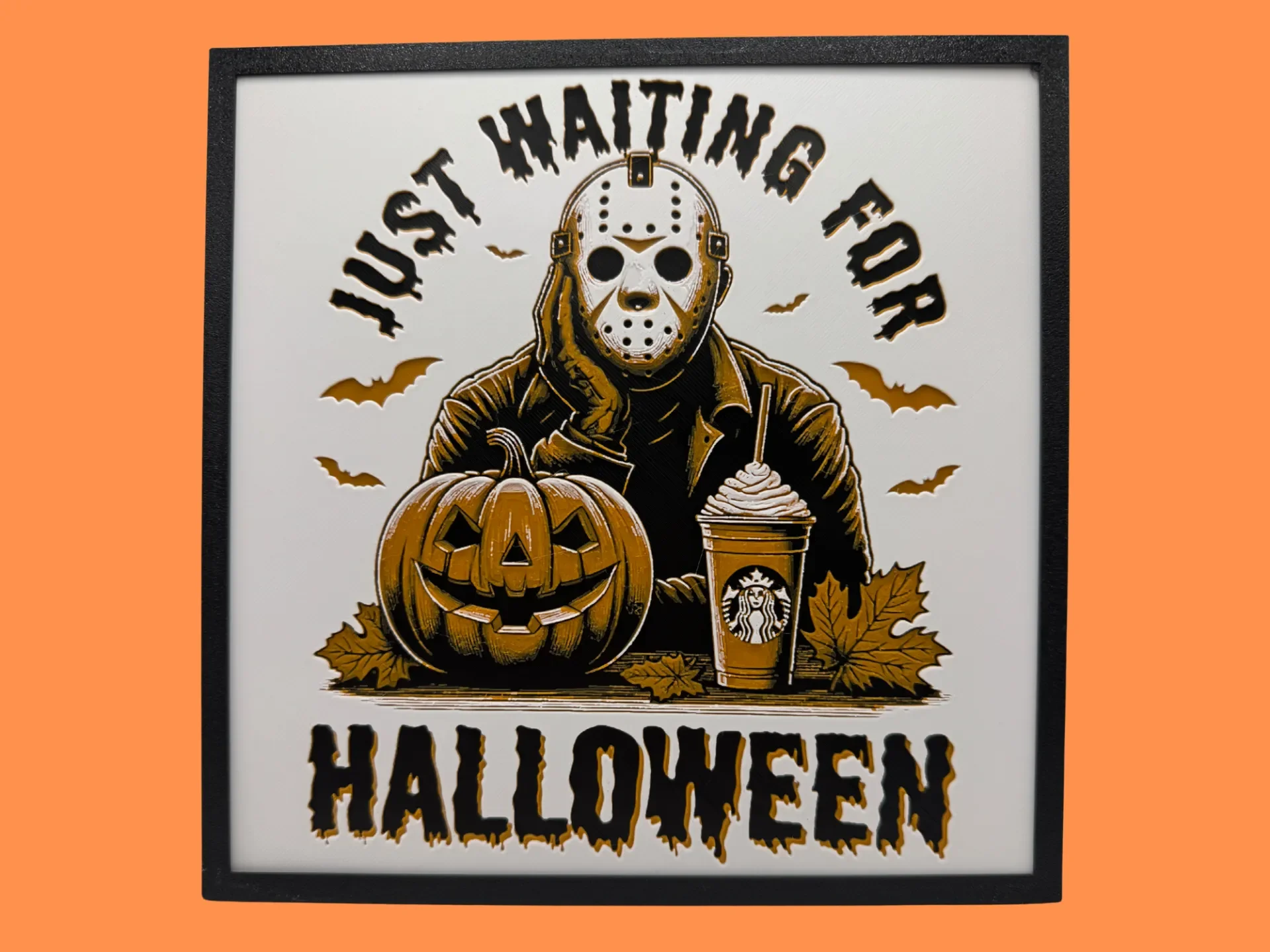
Best Halloween & Horror 3D Prints for HueForge: Slashers, Skulls & Spooky Wall Art
The Halloween 3D prints worth making as HueForge filament paintings — horror movie posters, Ghostface and Pennywise, skulls, pumpkins, spooky Pokemon, and bookmarks, grouped by theme.

Best Classic Saturday Morning Cartoon STL Files for HueForge
The best classic Saturday morning cartoon STL files for HueForge — Scooby-Doo, Looney Tunes, Transformers, He-Man, TMNT and more, as bold filament wall art.
3D Printing Business Name Ideas (and How to Pick One That Lasts)
3D printing business name ideas grouped by style — descriptive, filament-themed, clever, and premium — plus naming principles and how to check a name is free to use.