
Pittsburgh Penguins Skyline NHL Hueforge
Pittsburgh's iconic skyline stretches across the three rivers in stunning monochromatic tones, while the beloved Penguins logo soars majestically overhead. The composition masterfully blends urban architecture with team pride, rendered in elegant grayscale layers that capture both the city's industrial heritage and the excitement of hockey season. Bold lettering proclaims team loyalty against the atmospheric cityscape backdrop.
View on MakerWorldRequired Filaments4
Why filament details may vary
Filament details (brand, color, and TD value) may not exactly match the designer's original specification. In some cases, the designer didn't specify exact filaments and we've matched the closest options we could find. Always check the original listing for full details.
Some filament links are affiliate links — we may earn a small commission at no extra cost to you. Learn more
Sign up to track your filament inventory and check your matches.
Create accountYou Might Also Like
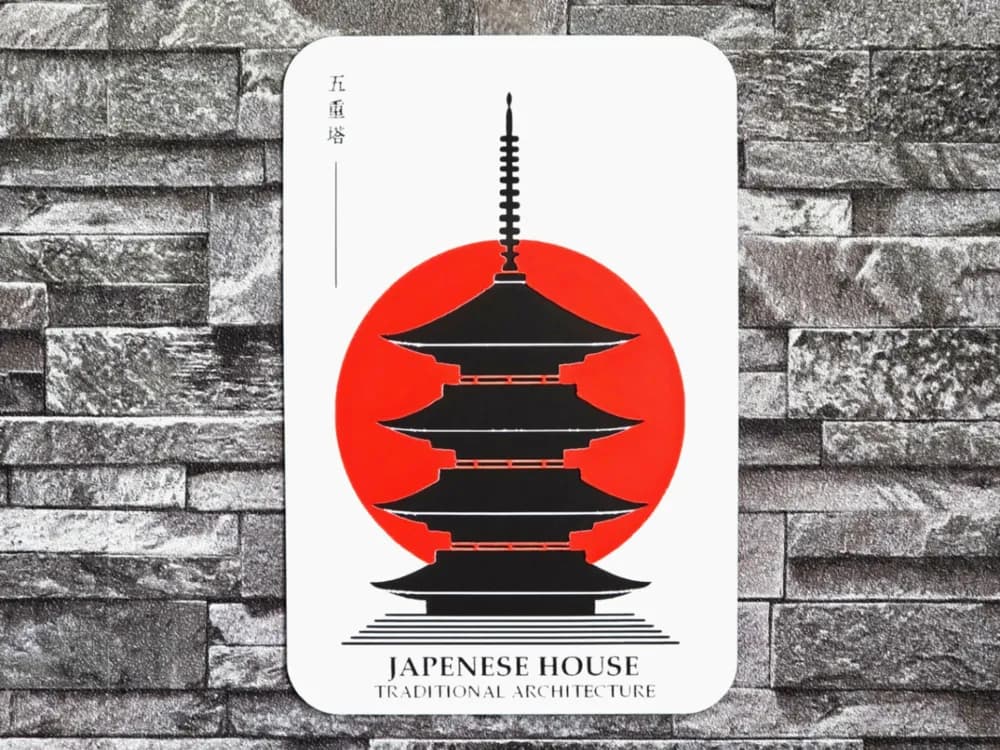
Hueforge Japenese House Architecture
by StefBull85

Hueforge Batman city night
by Cré'Art 3D
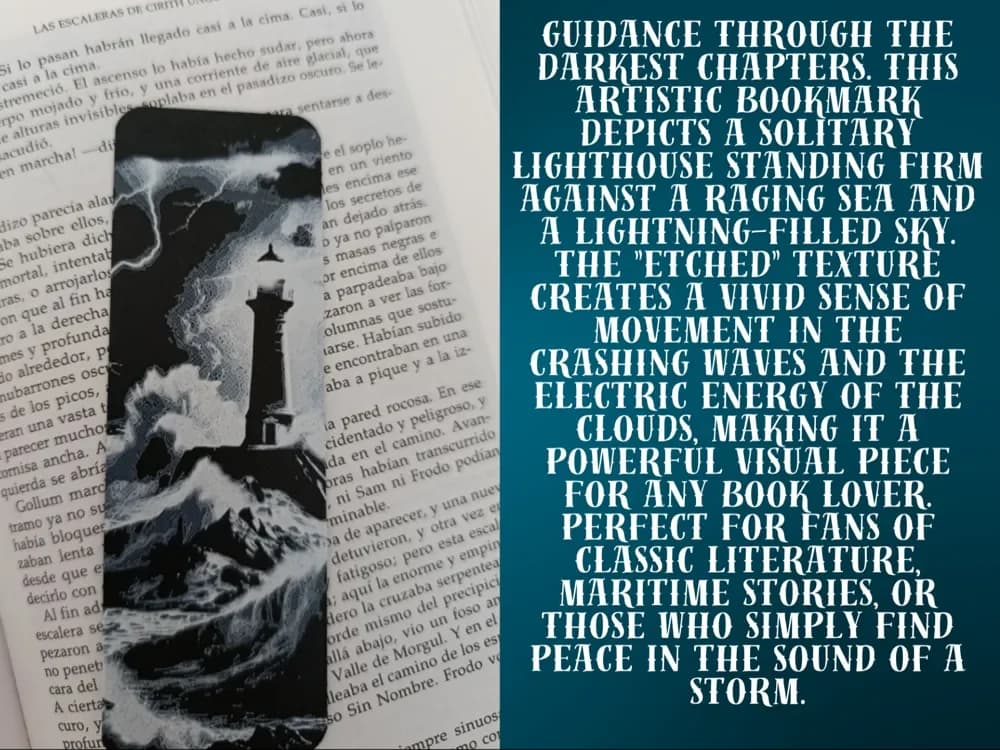
The Storm Sentinel Bookmark
by FYTY112
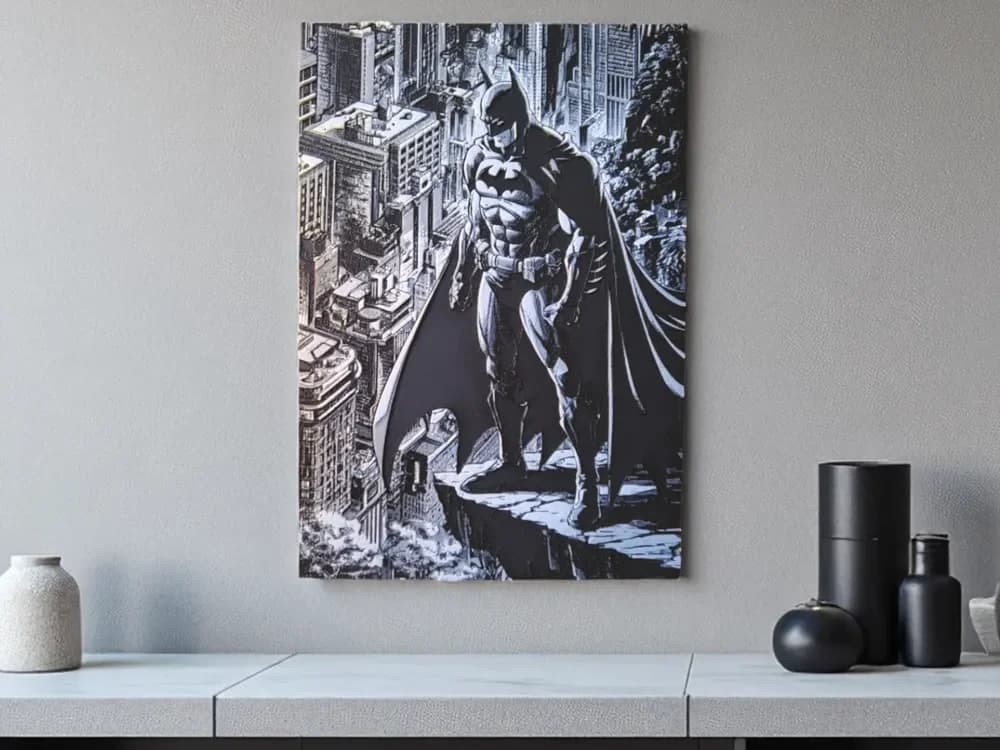
Hueforge Batman in Gotham City
by Luckyfer
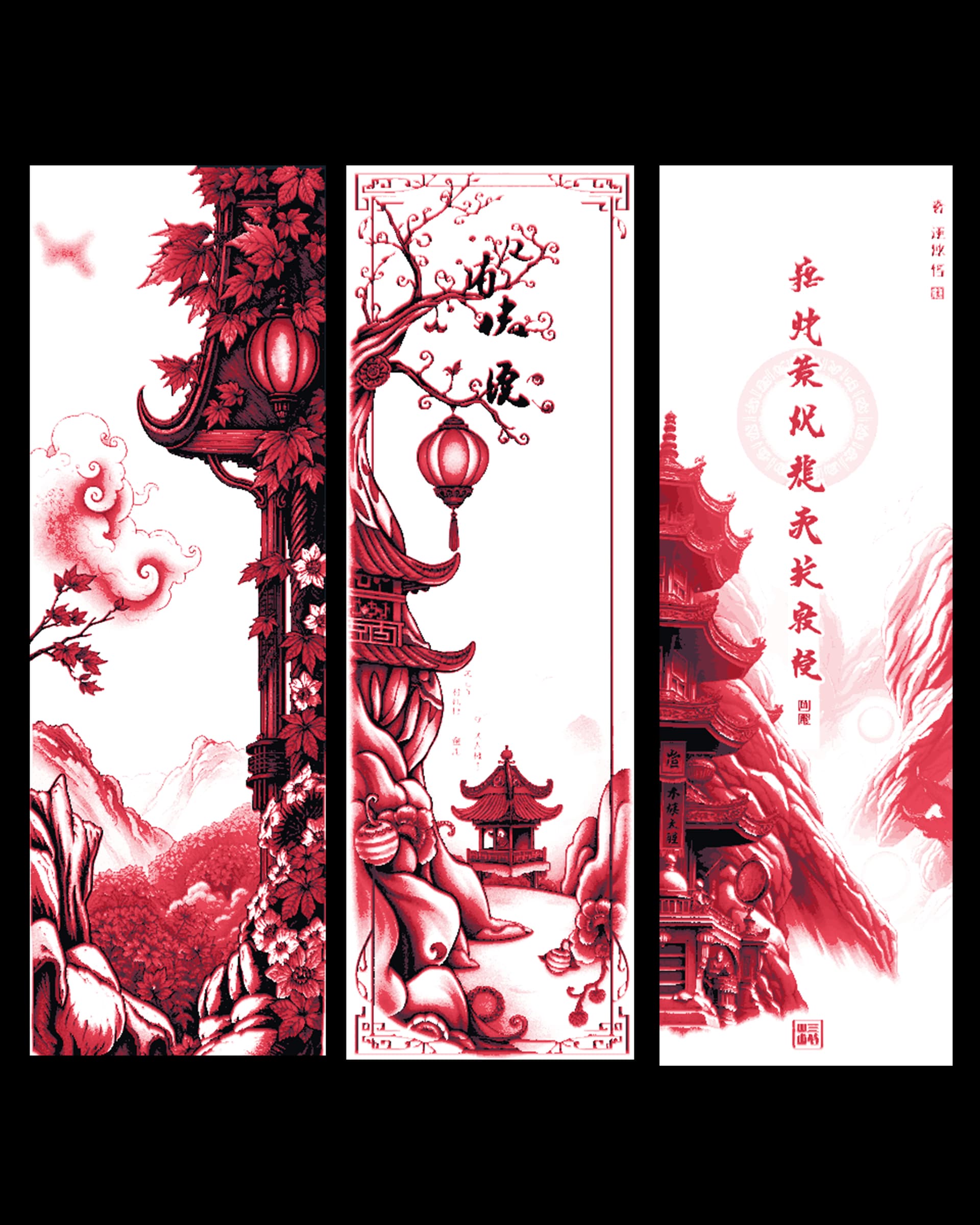
New depictions of Temples in the Orient - Bookmark set
by BooneCo3d

Haunted Castle Halloween Bookmark
by 2D Wall Art
Recent Articles
View all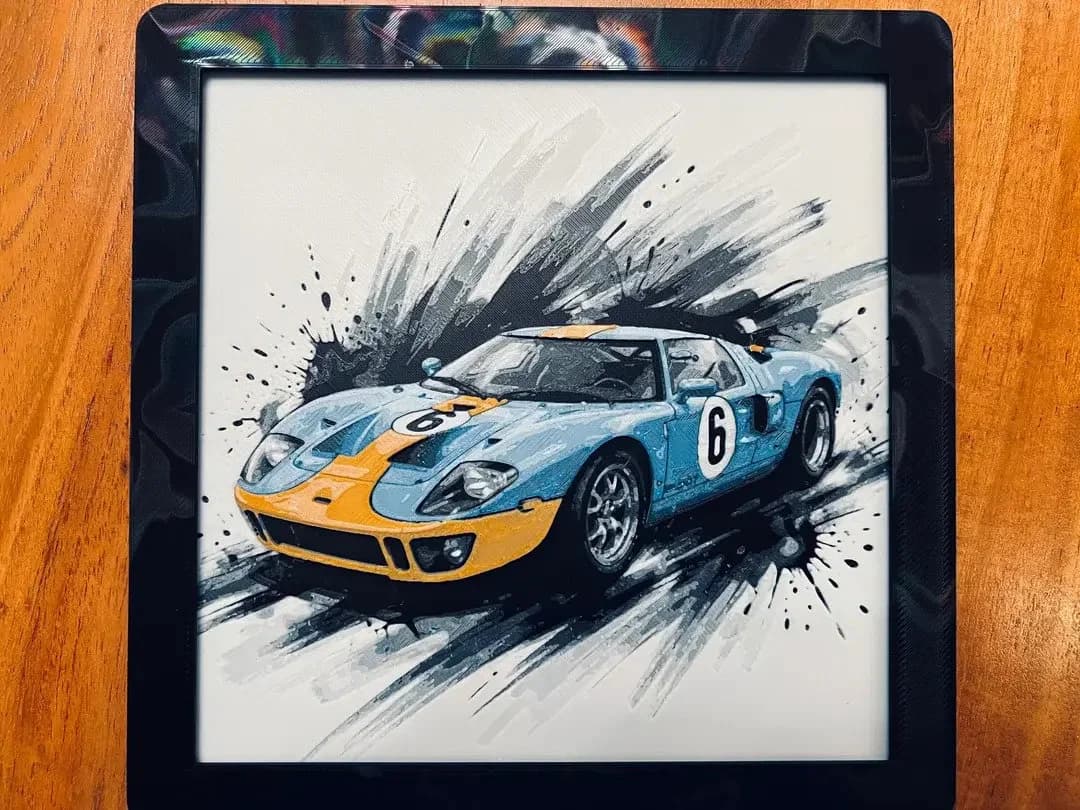
Best Car 3D Prints for HueForge: From Japanese Icons to Movie Cars
The best car 3D prints to make as HueForge filament paintings — JDM legends, supercars, American muscle, F1 and rally posters, and movie icons like the DeLorean, each linked in the HuePick catalog.
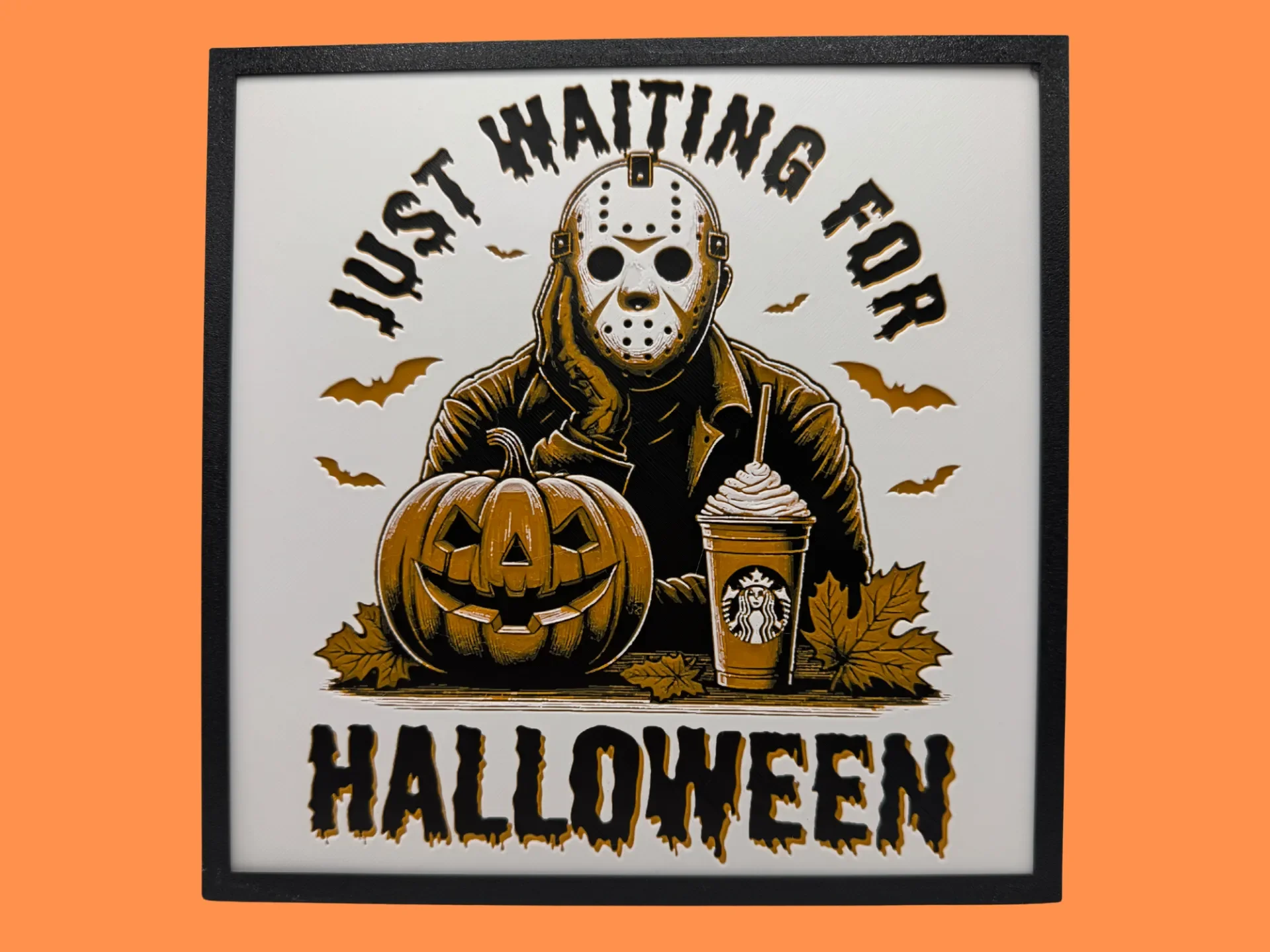
Best Halloween & Horror 3D Prints for HueForge: Slashers, Skulls & Spooky Wall Art
The Halloween 3D prints worth making as HueForge filament paintings — horror movie posters, Ghostface and Pennywise, skulls, pumpkins, spooky Pokemon, and bookmarks, grouped by theme.
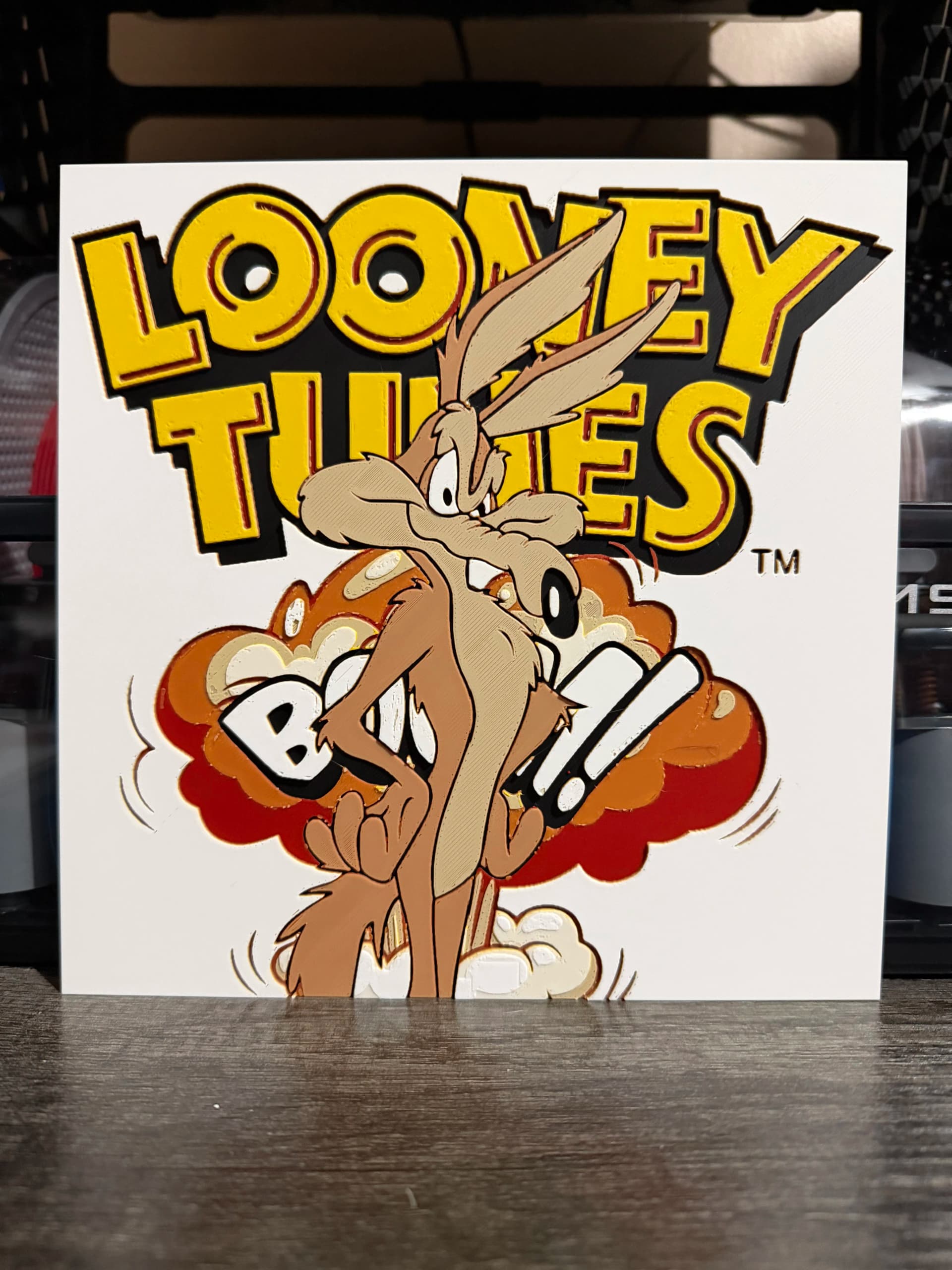
Best Classic Saturday Morning Cartoon STL Files for HueForge
The best classic Saturday morning cartoon STL files for HueForge — Scooby-Doo, Looney Tunes, Transformers, He-Man, TMNT and more, as bold filament wall art.