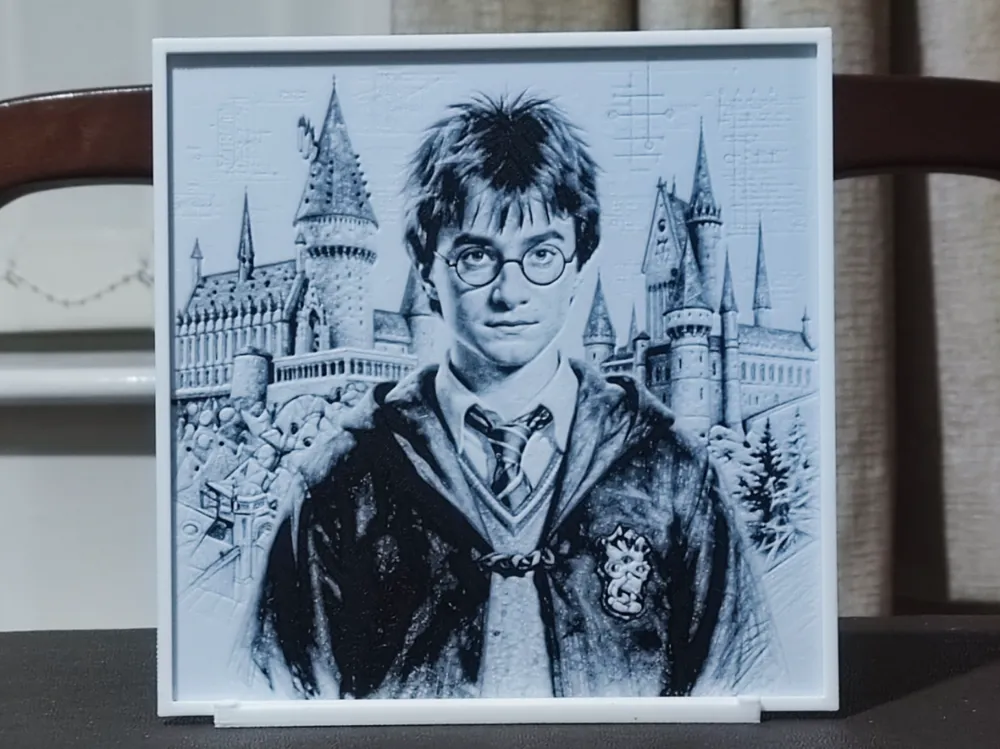
Harry at Hogwarts - HueForge 2 Color
by BoDad
Piercing round spectacles and a tousled shock of dark hair immediately identify the wizarding world's most beloved hero in this striking HueForge portrait of Harry at Hogwarts. Designer BoDad has rendered the young wizard in a moody blue-grey palette, his Gryffindor robes and house crest rendered with impressive tonal depth against the iconic spires and turrets of Hogwarts castle rising behind him. The composition balances a detailed, almost photorealistic foreground portrait with a sketchier, architectural quality in the castle backdrop, giving the whole piece the feeling of a treasured illustration pulled from the pages of a collector's edition. The two-color HueForge technique is particularly effective here, with subtle layering creating genuine dimensionality — the robes read as darker and textured while the castle fades into lighter mid-tones with a delicate, almost etched quality. The white frame border adds a clean, finished presentation straight off the print bed. Displayed on a shelf or propped on a desk, this piece catches ambient light beautifully, allowing the fine tonal gradations across Harry's face and the castle stonework to reveal themselves depending on the viewing angle.
View on MakerWorldRequired Filaments2
Bambu Lab Basic Black
Bambu Lab Basic Jade White
Why filament details may vary
Filament details (brand, color, and TD value) may not exactly match the designer's original specification. In some cases, the designer didn't specify exact filaments and we've matched the closest options we could find. Always check the original listing for full details.
Some filament links are affiliate links — we may earn a small commission at no extra cost to you. Learn more
Sign up to track your filament inventory and check your matches.
Create accountYou Might Also Like
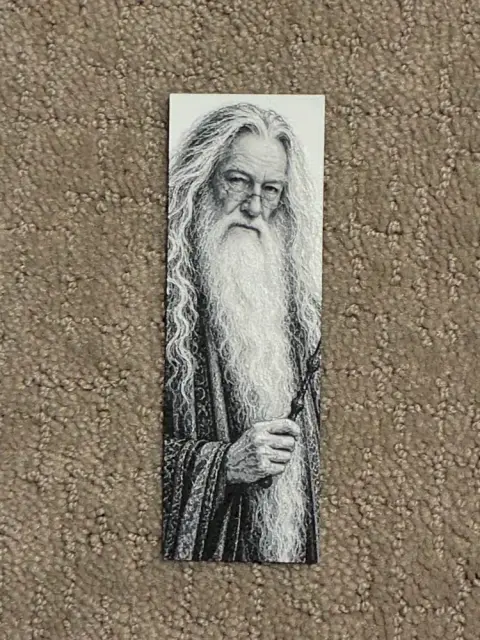
Dumbledore Bookmark | Wizarding World Collection
by The SkyLab 3D
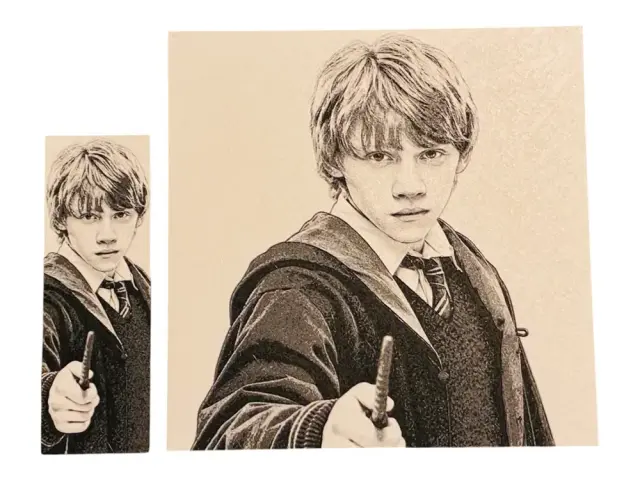
Ron Weasley Bookmark – Wizarding World Collection
by The SkyLab 3D
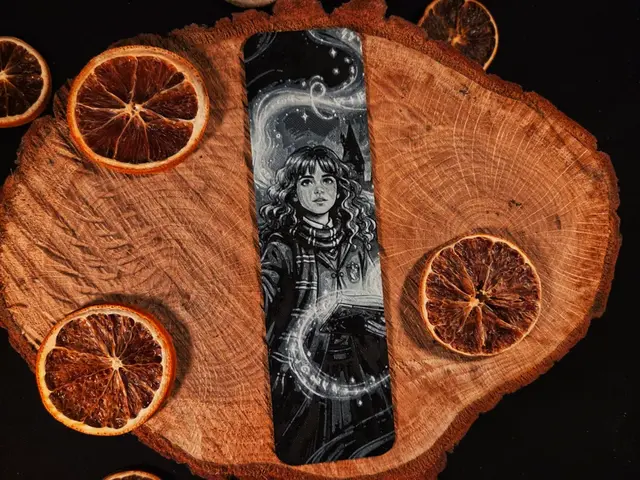
Hermione Granger, Harry Potter inspired bookmark
by EternalDesigns3D
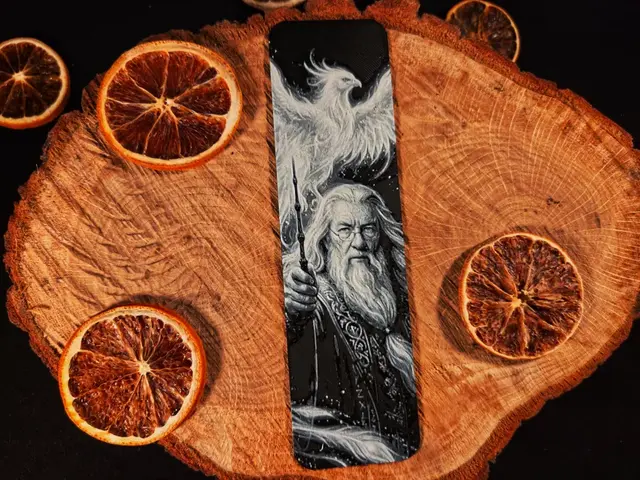
Albus Dumbledore, Harry Potter inspired bookmark
by EternalDesigns3D
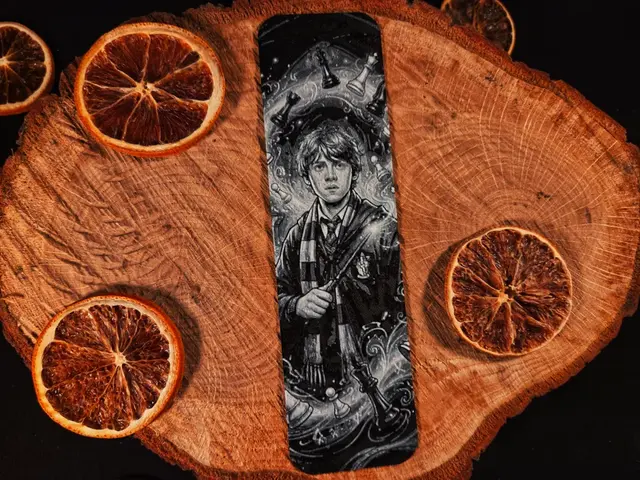
Ron Weasley, Harry Potter Inspired bookmark
by EternalDesigns3D
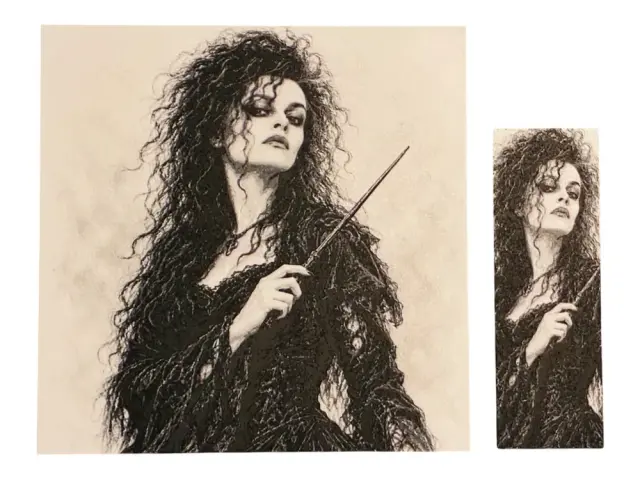
Bellatrix Bookmark – Wizarding World Collection
by The SkyLab 3D
Recent Articles
View all
Best 3D Printed Gifts for Everyone on Your List — Made with HueForge
The best 3D printed gifts for everyone on your list, made with HueForge — custom pet and portrait art, ornaments and gift tags, bookmarks, and fandom prints matched to the recipient, plus how to turn gift requests into income.
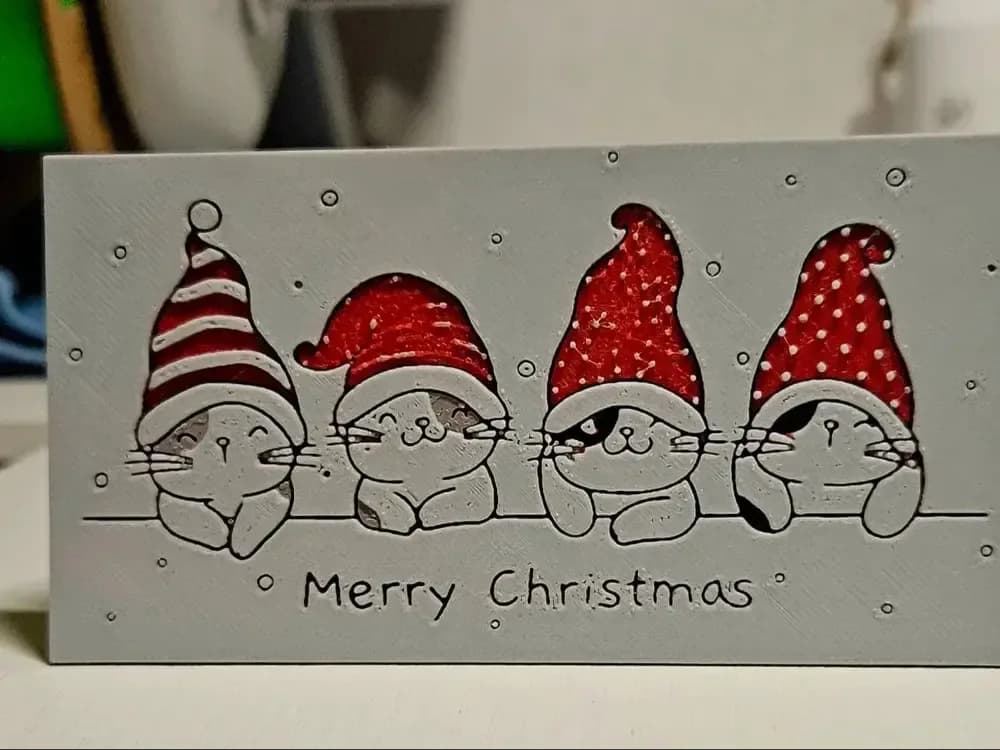
Best Christmas 3D Prints for HueForge: Ornaments, Santa & Holiday Movie Posters
The Christmas 3D prints worth making as HueForge filament paintings — tree ornaments, Santa and snowmen, holiday movie posters, festive fandom crossovers, and gift tags, grouped by theme.
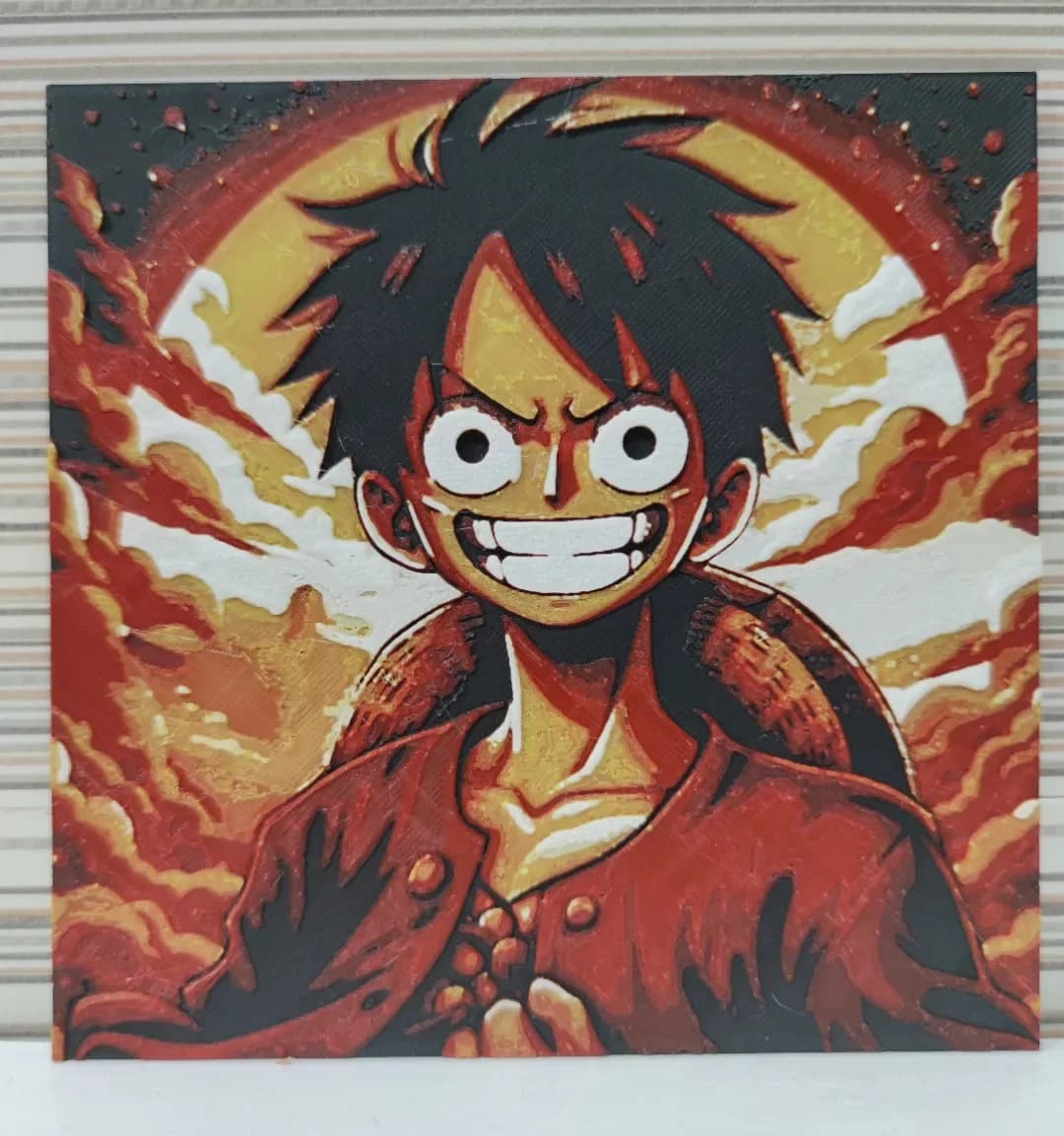
Best Anime 3D Prints for HueForge: From Shōnen Classics to the Modern Wave
The best anime 3D prints to make as HueForge filament paintings — One Piece, Naruto, Dragon Ball, Demon Slayer, Jujutsu Kaisen, Frieren, Gundam, and anime bookmarks, each linked in the HuePick catalog.